


HoloKilo 3D Photo Gallery v1.3 – 3D Image Converter App for Android
The original, official, and complete version of the app presented to you
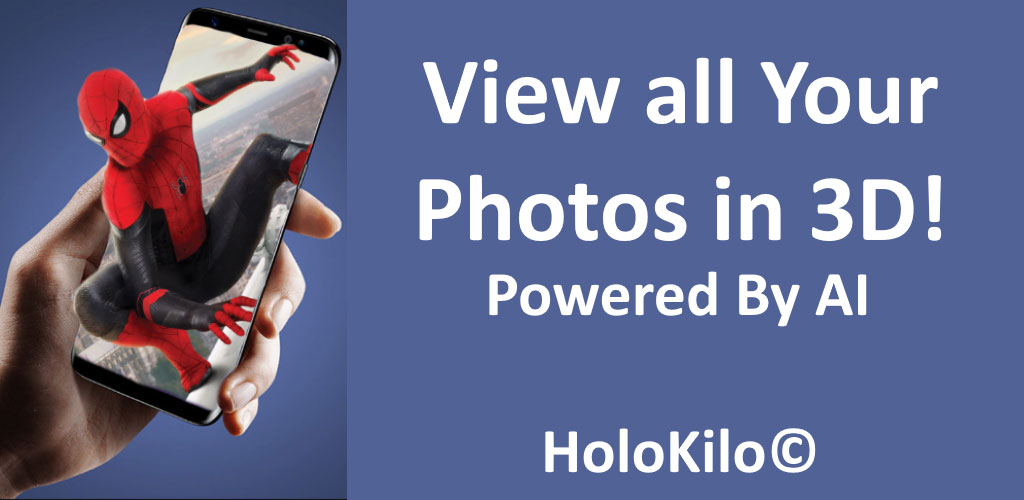
Images are captured in both 2D and 3D modes. Typically, creating 3D photos requires various tools, each operating in a unique way and capturing images from a specific angle. But never underestimate the power of software! HoloKilo 3D Photo Gallery is an image converter app developed by Kaj Toet for Android and released on Google Play. This software uses special coding to help convert ordinary images into 3D without the need for any hardware tools, allowing you to fully enjoy them. Simply select images from the gallery or capture them directly, and let the built-in artificial intelligence handle the rest. The image conversion speed is very fast, enabling you to receive the new version in the shortest possible time. Additionally, an excellent feature allows you to use the resulting 3D images as wallpaper. The app’s interface is very simple, making it accessible for everyone to use its features.
Some features and capabilities of HoloKilo 3D Photo Gallery for Android:
- View your images in 3D mode on your Android smartphone
- Select images from the gallery or capture them directly with the camera
- Convert images into 3D Wigglegram GIFs
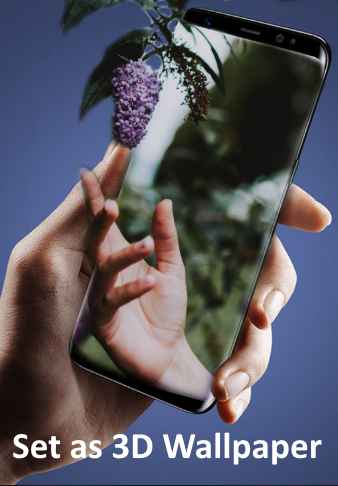
- Set the converted 3D images as wallpaper
- Very simple and easy-to-use interface
The HoloKilo 3D Photo Gallery app, with its diverse features and capabilities, has received a 4.2 out of 5.0 rating from hundreds of downloads on Google Play. You can now download the latest original and complete version from the popular website DroidCove. This app is offered completely free and does not require any hacking.
Version v1.3 changes:
* Bug fixes
Installation and Running Instructions:
– First, download and install the APK file.
– Download the data file and extract it. Copy the folder net.kajos.holokilo to the Android/obb directory on your device’s internal storage.
– Launch the app.






![KineMaster 8.1.13 – Powerful Video Editor for Android [Update]](https://droidcove.com/wp-content/uploads/2026/06/KineMaster-Logo-1-100x100.webp "KineMaster 8.1.13 - Powerful Video Editor for Android [Update] 5")

