

Windows App v11.0.0.101 – Remote Windows Management App for Android
Official and Original Microsoft Windows App
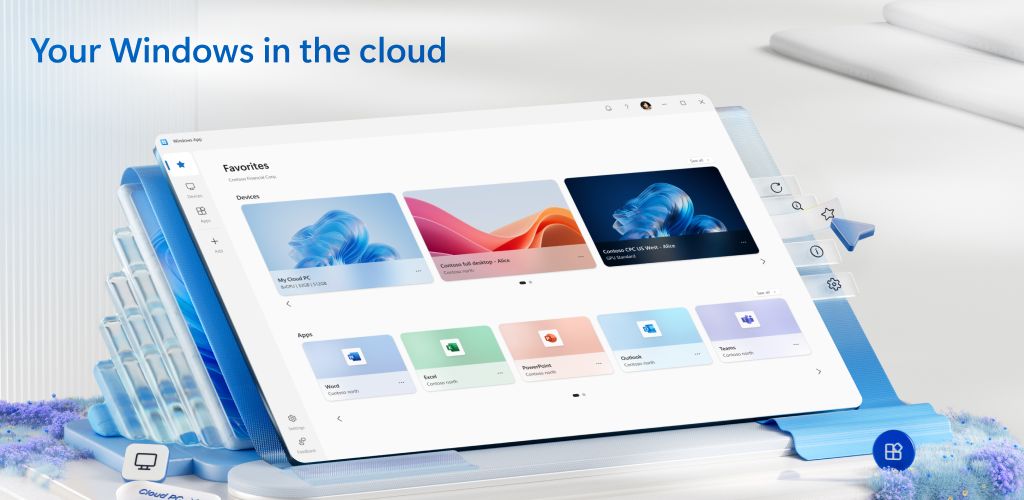
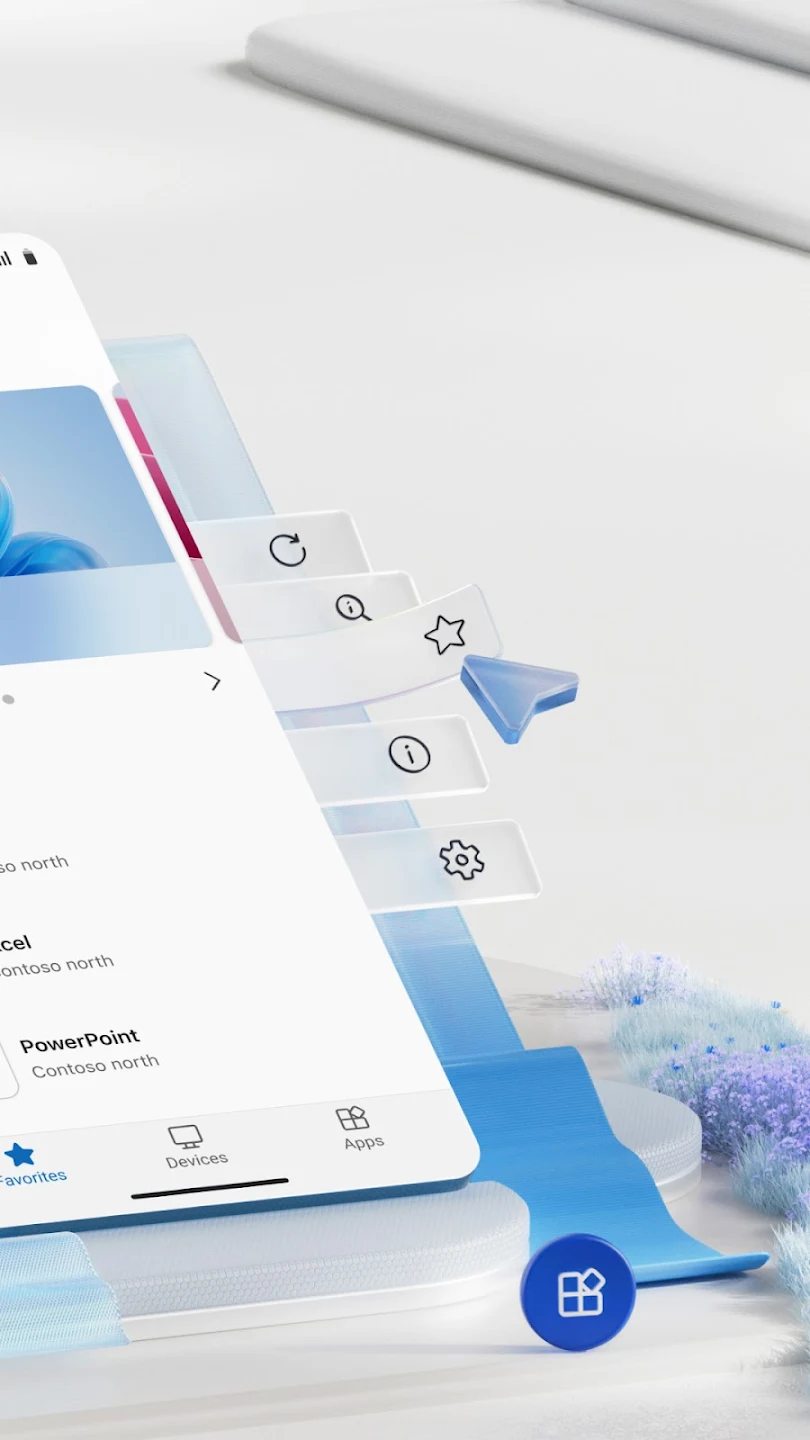
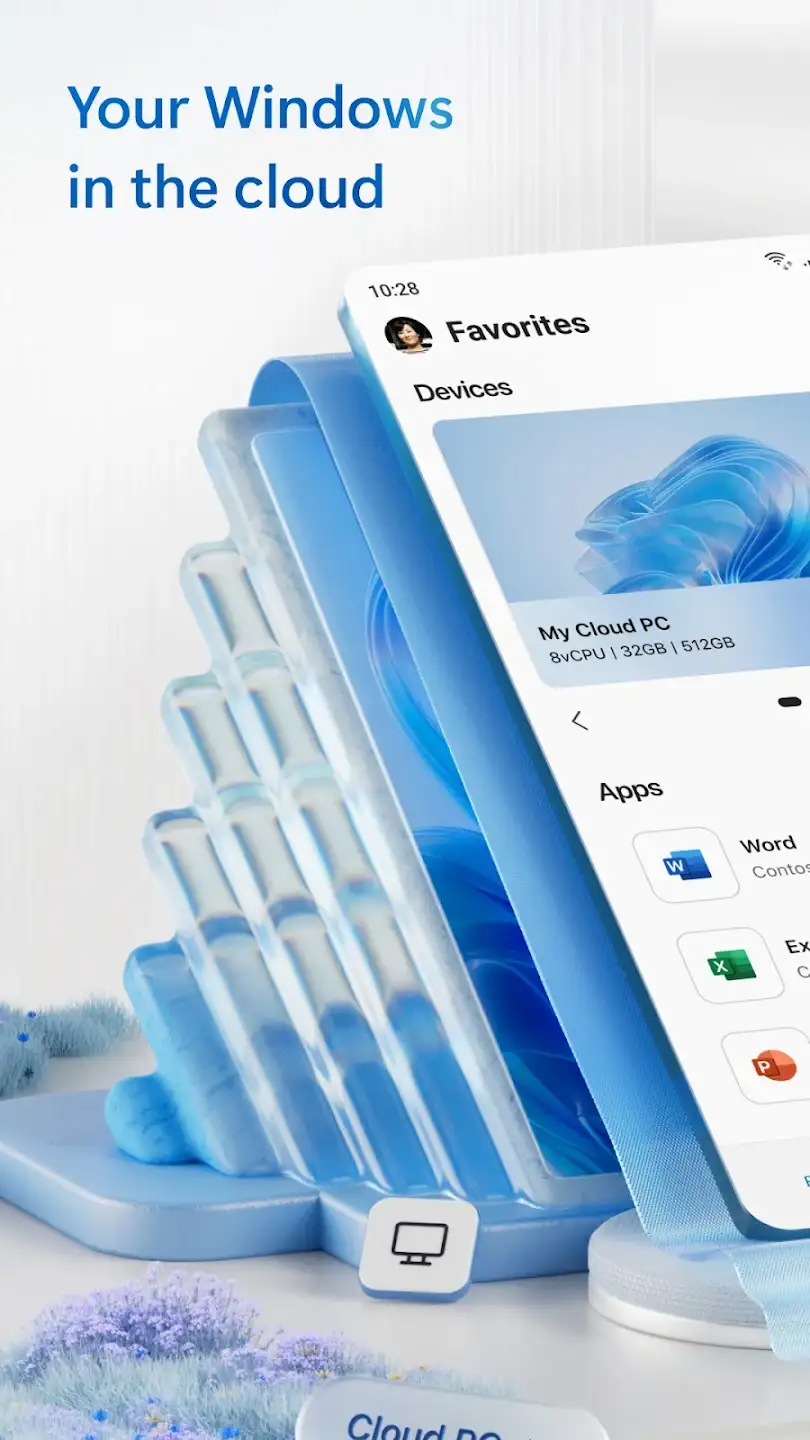
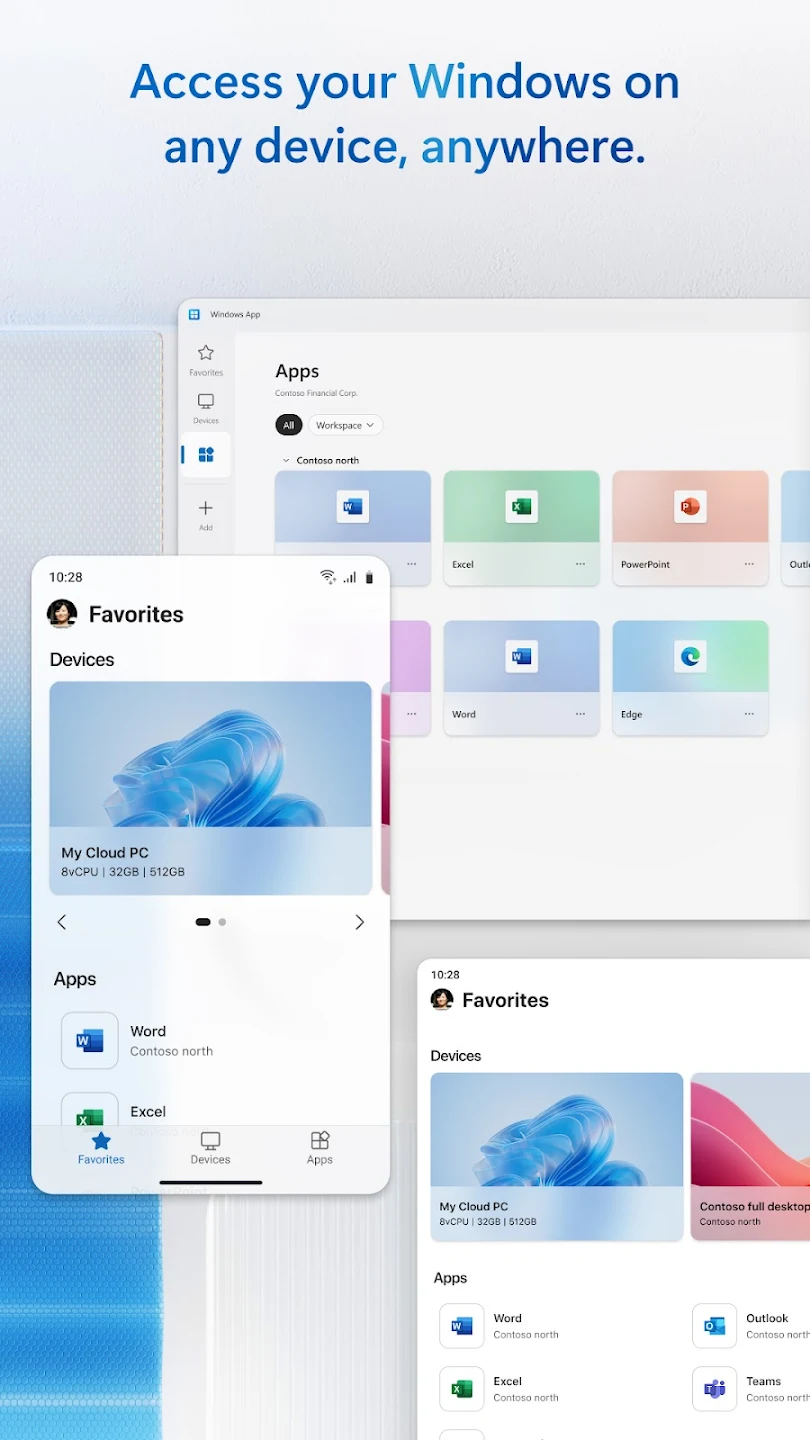
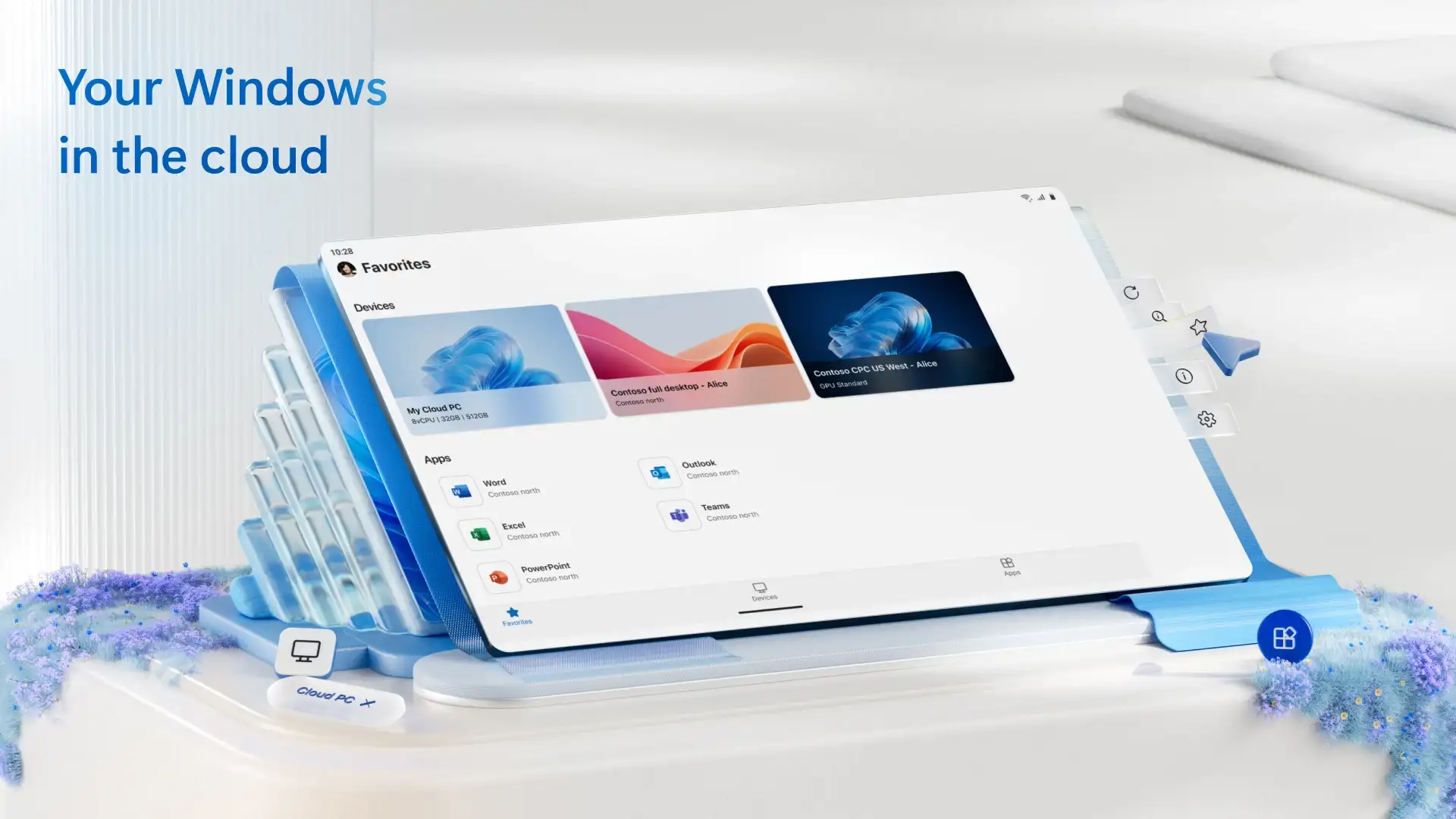
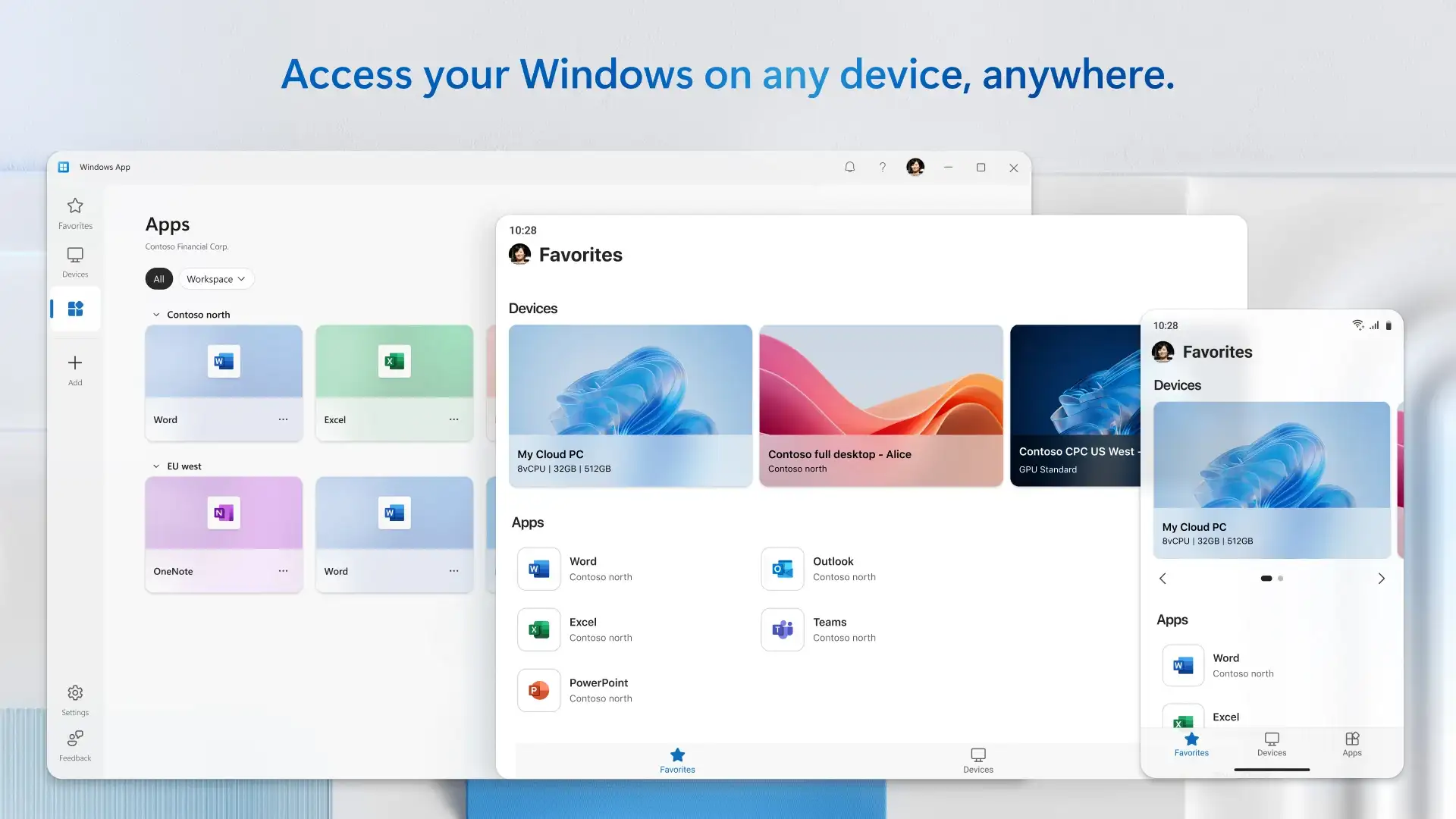
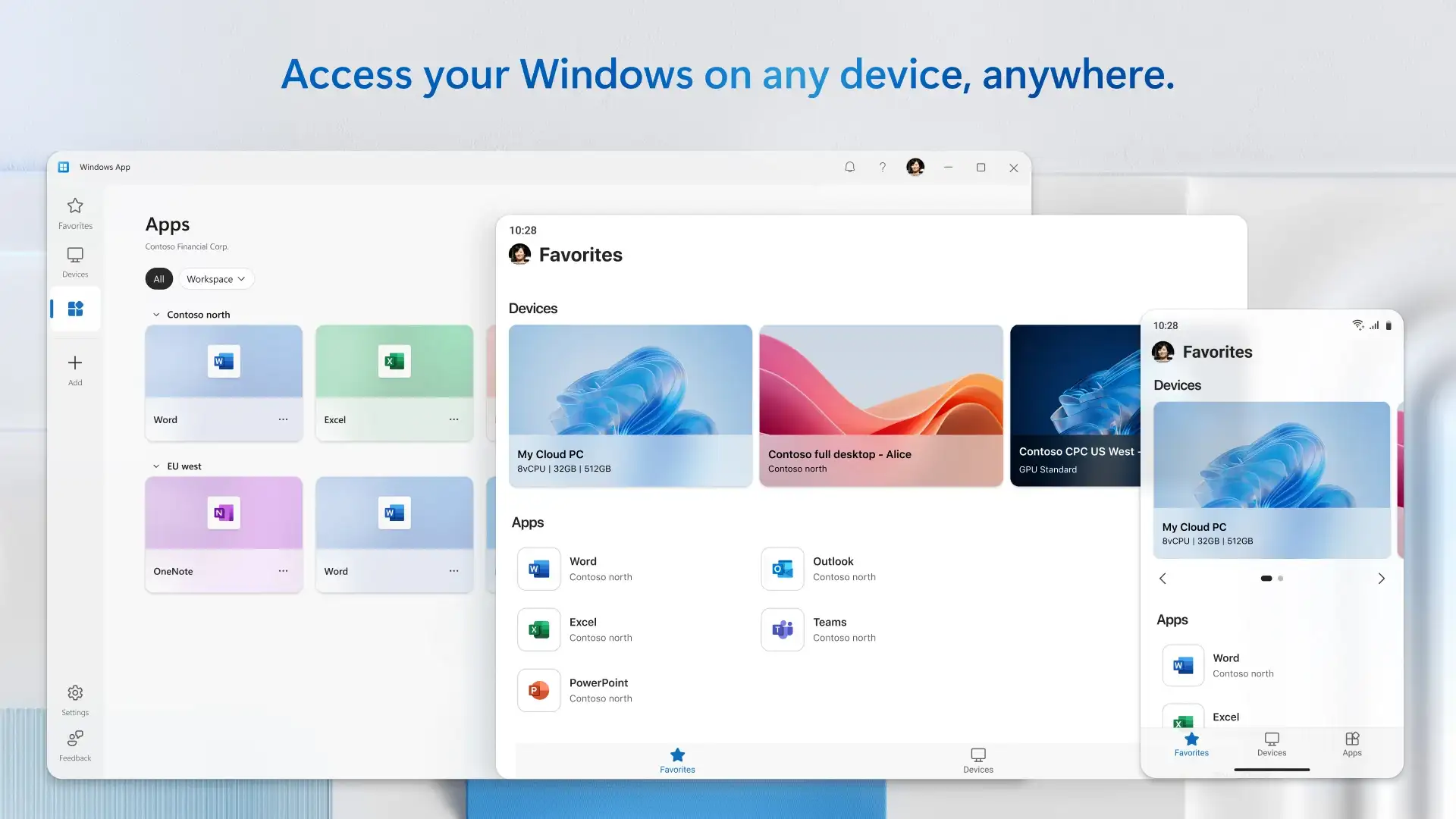
One of the unique features of Windows is having a tool called Remote Desktop for managing virtual servers remotely. Using this tool, users can manage multiple computers and perform various processes. However, you might wonder if it is possible to manage virtual servers or personal desktops through smartphones! It should be said that there are no limitations on Android! Windows App is a smart and practical application for managing Windows and virtual servers remotely via mobile, developed by Microsoft Corporation for Android. In a way, this startup app can be considered a bridge between Windows and Android, providing special access for users. With this app, users will be able to remotely access a Windows desktop using only their Android phone or tablet. This access can connect to a personal computer, a Windows cloud environment like Windows 365, or virtual desktops such as Azure Virtual Desktop. Overall, the Windows App Android program can be considered a modern remote desktop client that offers special access to its users. Unlike many remote desktop tools on Windows, this advanced tool can establish access to multiple Windows sources for its users. What attracted our attention most about Windows App is its very high security. The security is not only based on a secure protocol but also blocks any intrusion using two-factor authentication options. In this app, we see support for virtual keyboard, mouse, and various management commands that provide a smooth and simple experience in Windows management for Android users. Additionally, users can log in with their personal or organizational Microsoft account and access organizational or personal resources. Finally, the connection process to servers and resources is very simple, allowing even the most novice Android users to benefit from this app.
Some features and capabilities of the Windows App for Android:
- A suitable option for remote connection to Windows and any Windows virtual server
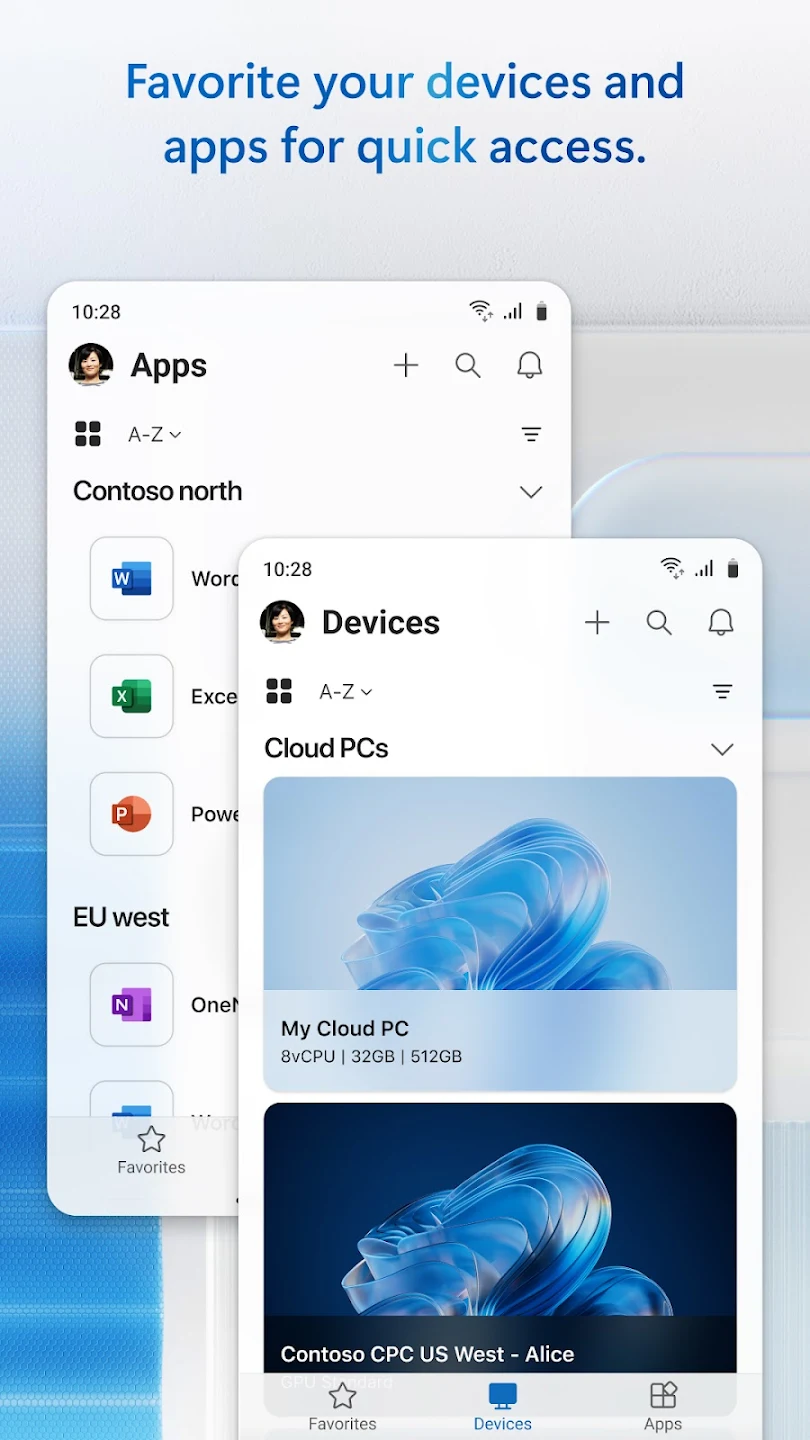
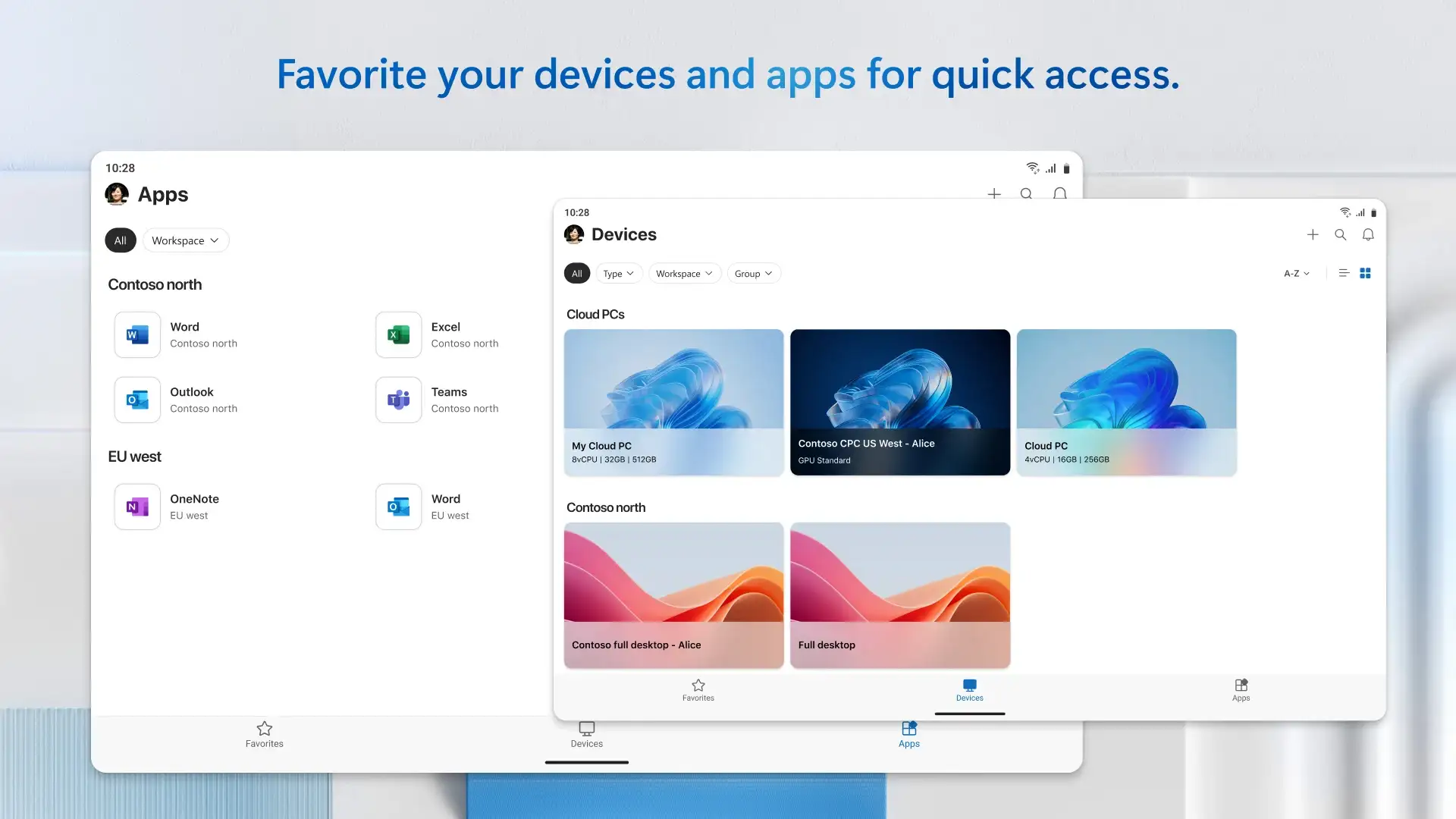
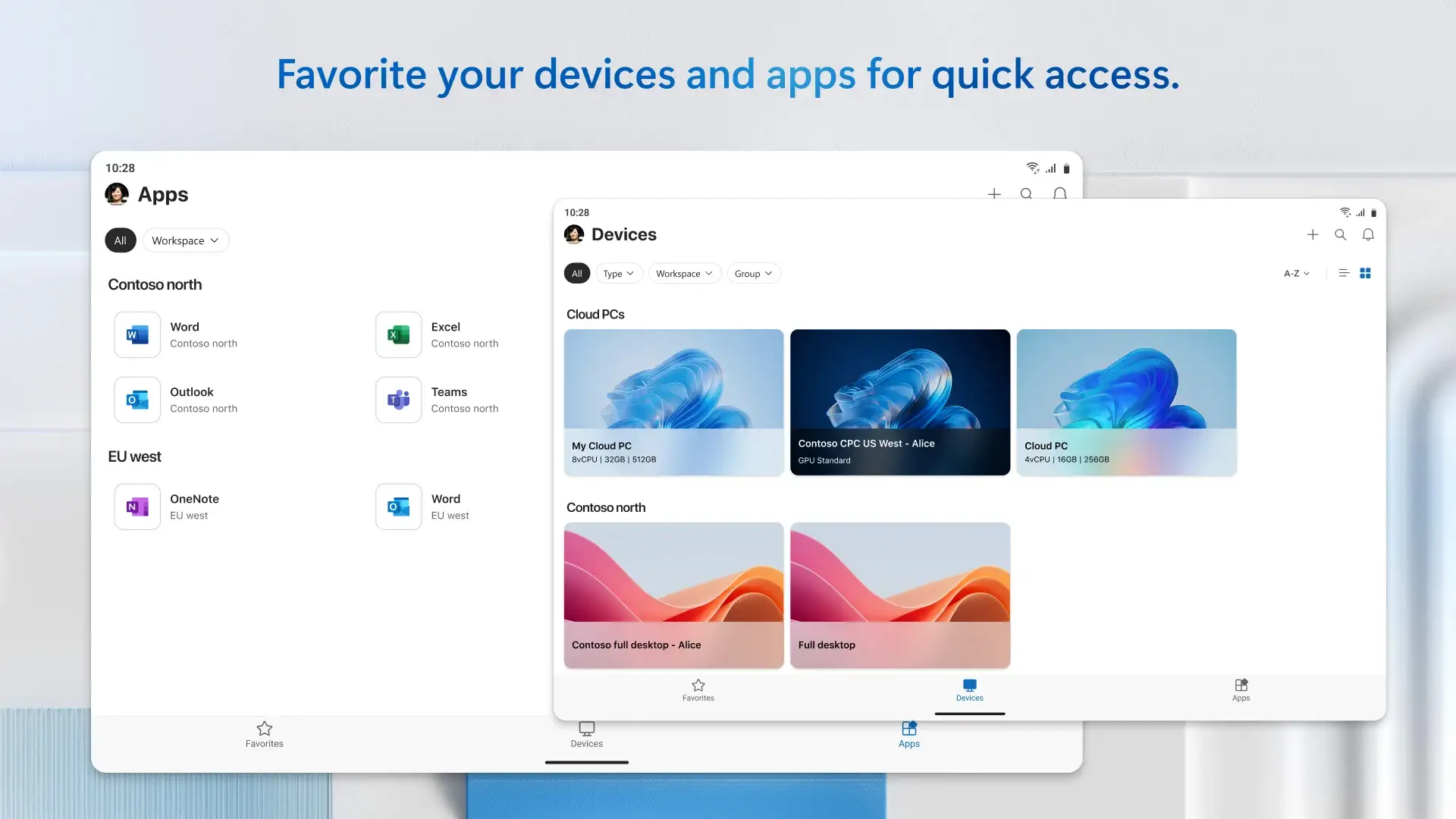
- Smart management of Windows applications via Android phone
- Ability to connect to multiple Windows sources such as Windows 365 cloud servers, Azure Virtual, and RDS
- Fast and extremely secure connection compared to similar startup apps
- Smart support for touch, mouse, and Android virtual keyboards
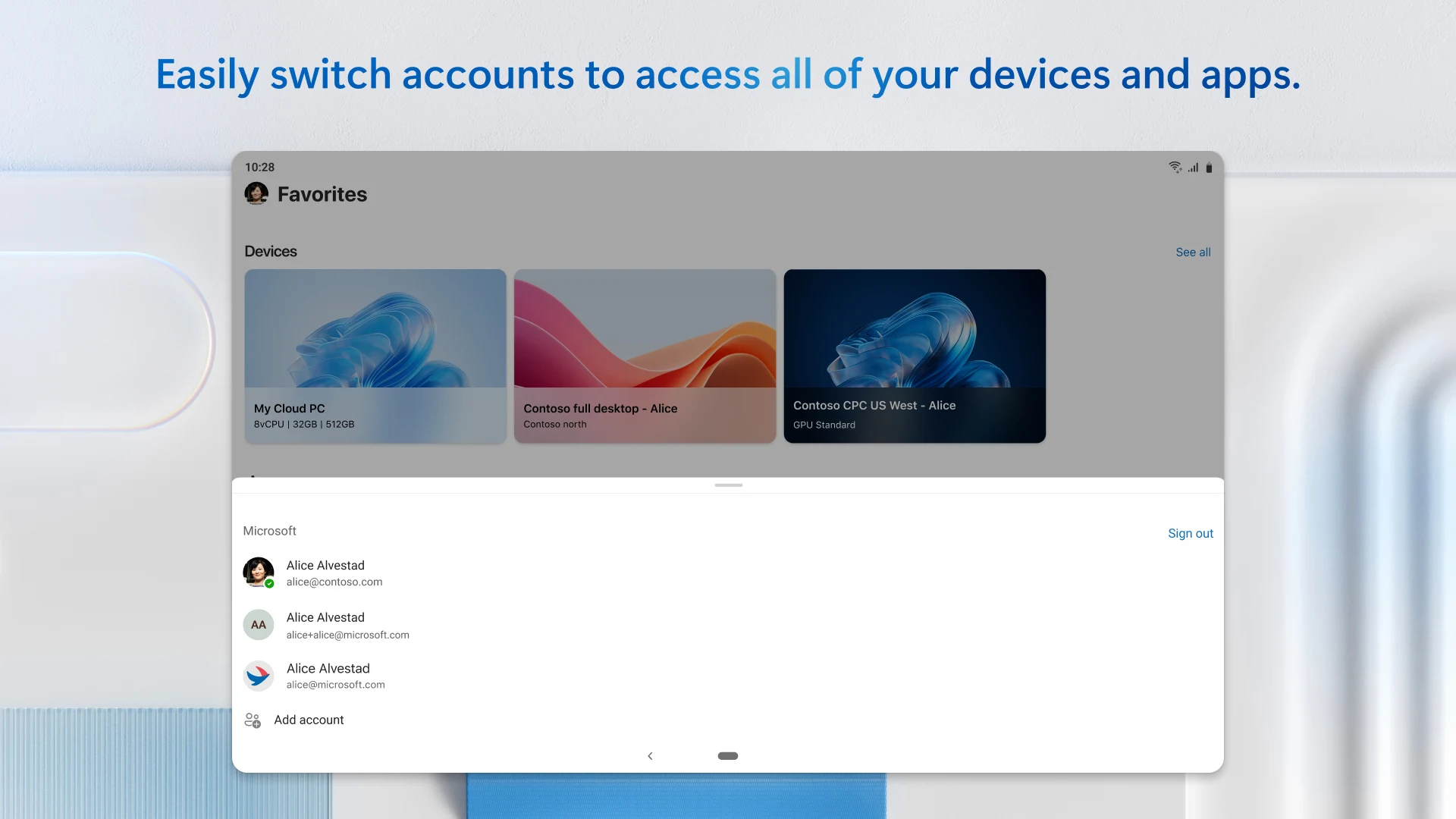
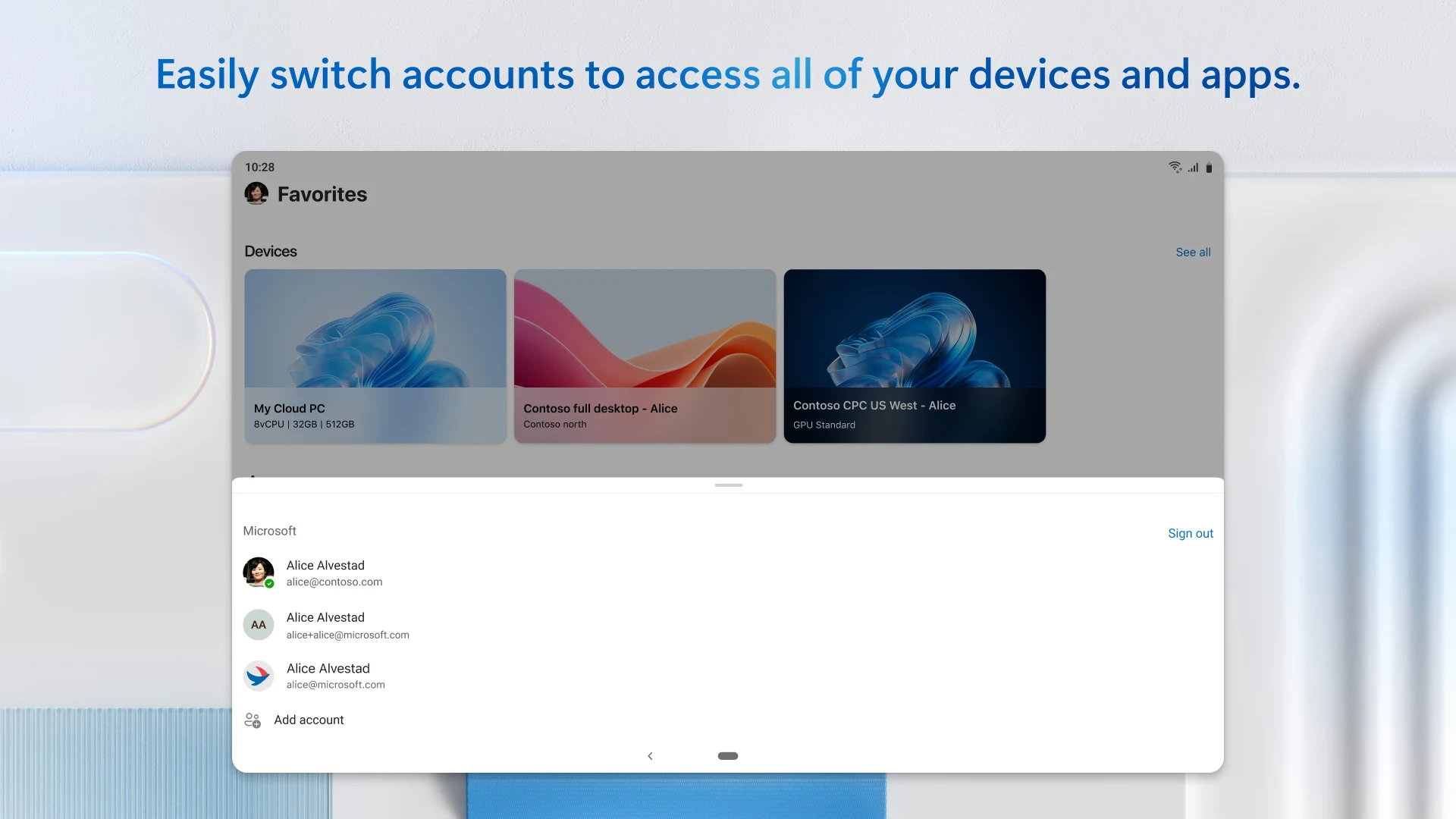
- High compatibility with Microsoft and Azure AD user accounts
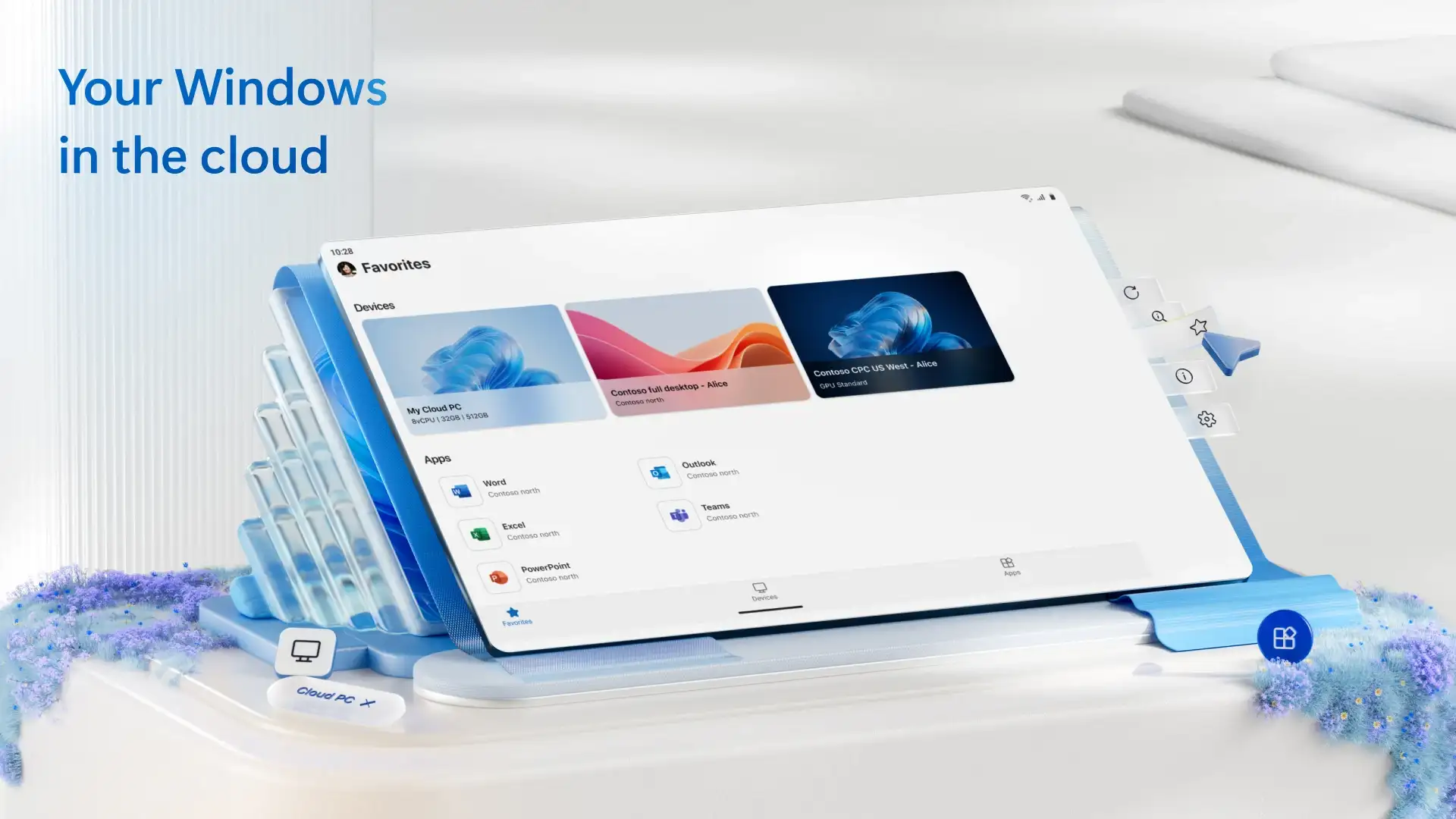
- New graphic design aligned with Fluent Design
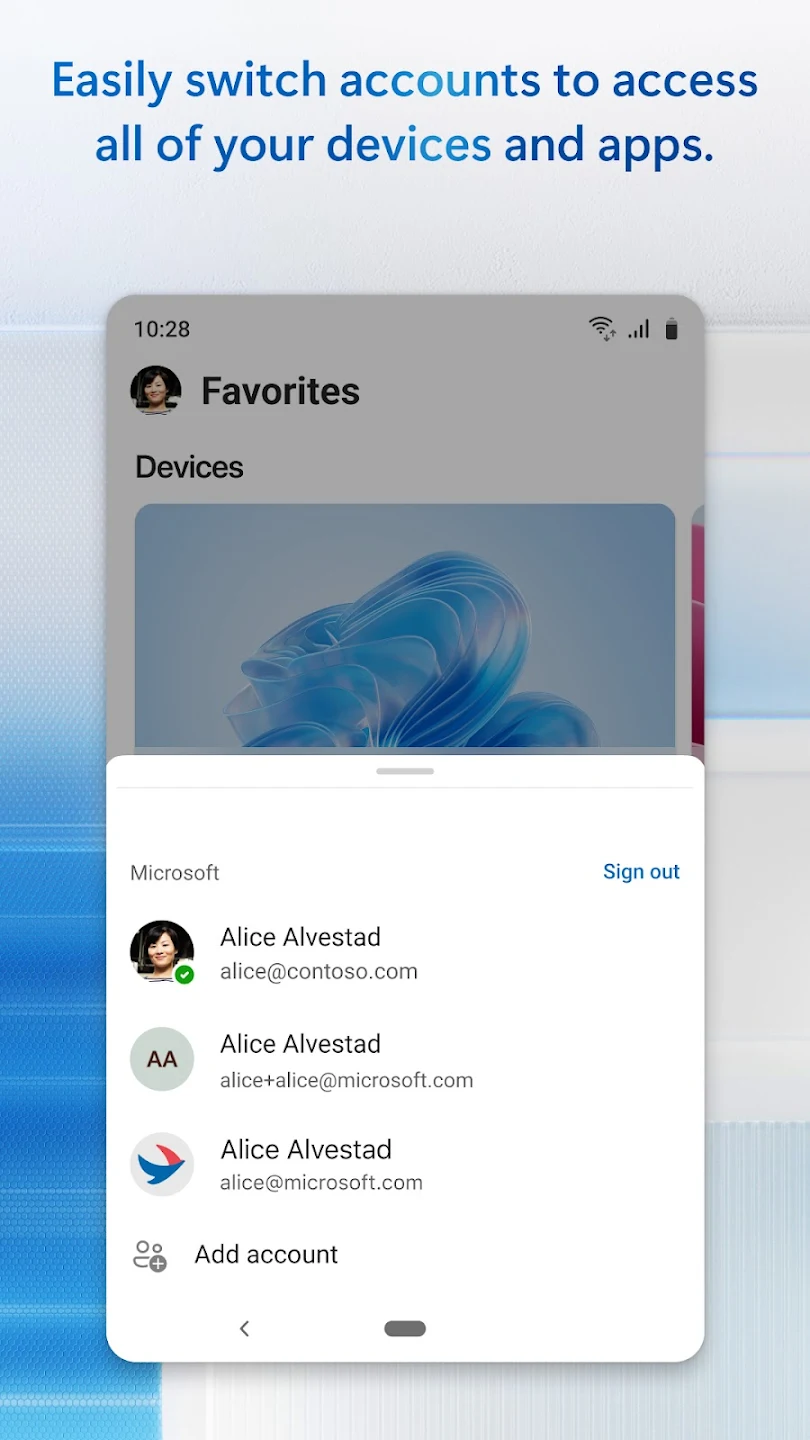
- Ability to switch between other Windows user accounts
Windows App has been released completely free by its developer, offering a variety of features and capabilities in remote desktop and Windows server management, and has received a 4.0 out of 5.0 rating from Google Play users. If you also intend to manage your Windows servers via smartphones, you can download the official and original version of this startup app from DroidCove.



![KineMaster 8.1.13 – Powerful Video Editor for Android [Update]](https://droidcove.com/wp-content/uploads/2026/06/KineMaster-Logo-1-100x100.webp "KineMaster 8.1.13 - Powerful Video Editor for Android [Update] 5")

