


C4droid – C/C++ compiler & IDE v7.00 – Android Programming Application + Tutorial on Adding C++ Compiler to the App
Rating 4.7 out of 5.0 and price $2.99 on the Android Market – Purchased and full version presented to you
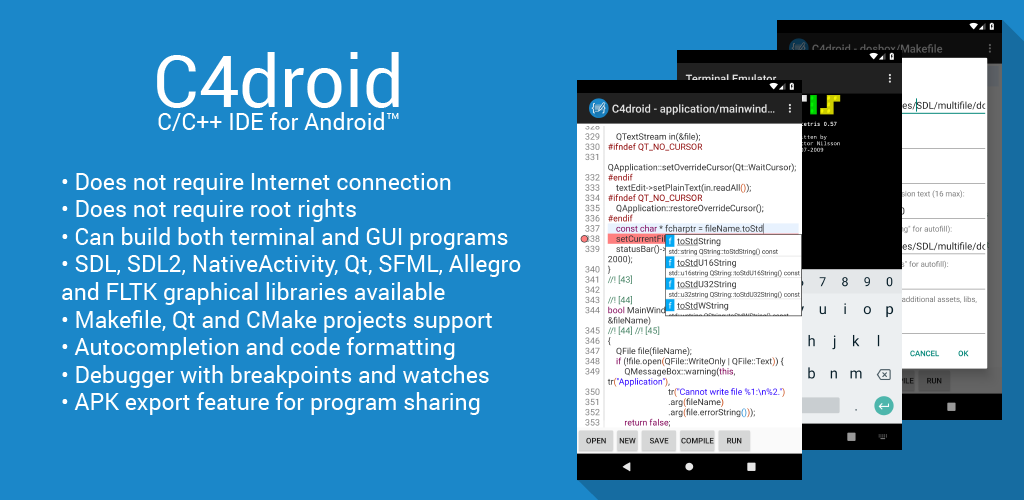
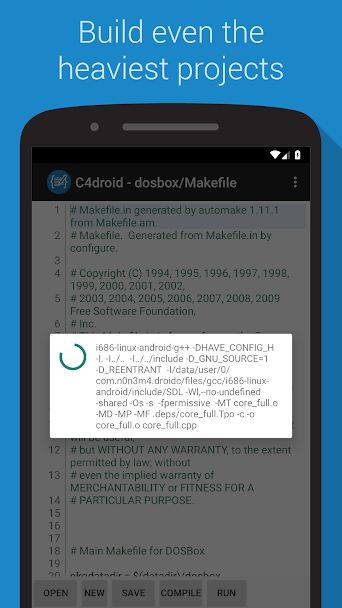
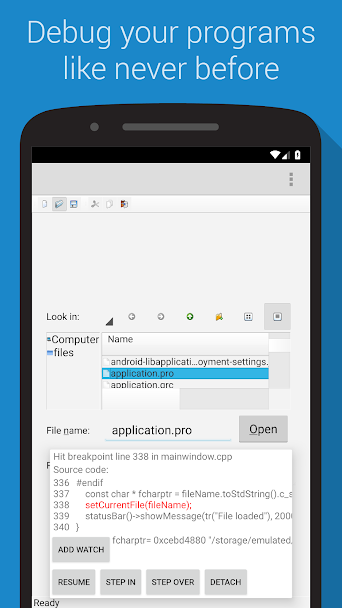
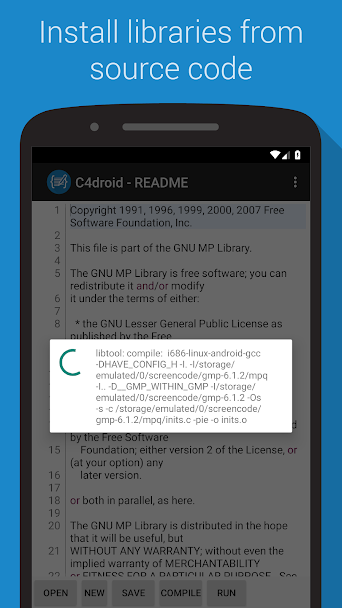
C4droid – C/C++ compiler & IDE is one of the best, most powerful, and most complete programming software from the n0n3m4 programming group designed for the Android operating system. With it, you can program in C and C++ languages on your Android mobile device and ultimately run your programs! This software, designed in the C programming language, offers a practical environment and a truly user-friendly and beautiful interface, providing a different experience from other programming apps on your Android phone. If you are a user who likes to program on your Android mobile or your work requires having a programming app on your phone, we recommend the excellent C4droid – C/C++ compiler & IDE app. Everything you expect from a programming software is included in this app, allowing you to program in a simple and excellent environment with access to a wide range of features and enjoy having one of the best programming apps.
Some features and capabilities of C4droid – C/C++ compiler & IDE for Android:
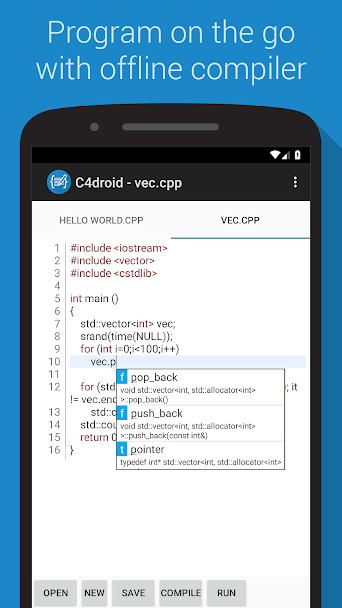
- Programming in C language and running programs even without internet access
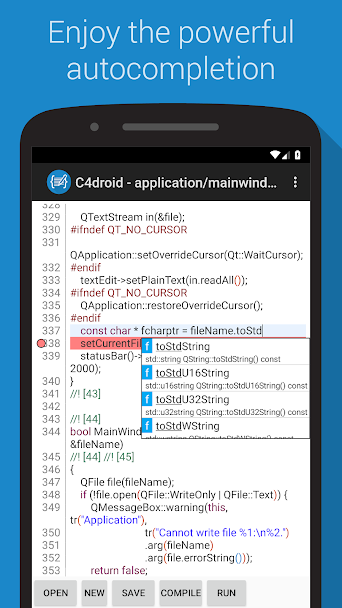
- Providing a professional text editor with formatting, code completion, and more
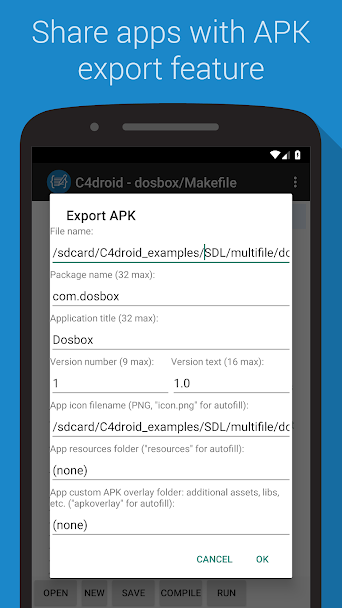
- Ability to share your executable files as APK with friends and users
- No need for root access – runs smoothly on all Android devices
- Very beautiful user interface with all app features easily accessible
The C4droid – C/C++ compiler & IDE app is currently sold on the Android Market for $2.99 and has a rating of 4.7 out of 5.0. Today, on DroidCove, we provide you with the latest version. In our version, all features are available for free without any time limitations, and you can download it with one click from the site’s high-speed servers.
Note that:
1 C4droid – C/C++ compiler & IDE is a programming software for the C language, but by installing a plugin, you can add a C++ compiler. You can add this compiler by following our tutorial in the continuation of this article.
2 The version presented here of C4droid – C/C++ compiler & IDE 4 is the latest released version from 2019, exclusively available for download here.
Tutorial on Adding C++ Compiler to the Software:
Step One: Download the compressed file containing the C4droid – C/C++ compiler & IDE software and two other prerequisite programs from the bottom of this page and extract it.
Step Two: First, install the C4droid – C/C++ compiler & IDE software.
Step Three: Install the GCC software, then open it from the menu and app list. By selecting Install to internal memory or Install to external memory, save the plugin files.
Step Four: Run the C4droid – C/C++ compiler & IDE software, press the menu button, go to Preferences, select the Select compiler option, and choose G++.



![KineMaster 8.1.13 – Powerful Video Editor for Android [Update]](https://droidcove.com/wp-content/uploads/2026/06/KineMaster-Logo-1-100x100.webp "KineMaster 8.1.13 - Powerful Video Editor for Android [Update] 5")

