Sword Man: Monster Hunter v2.0.0 + Mod – Action Dungeon Hunter Game for Android
Regular version + Mod version (Unlimited Money) available separately
Tested with offline play
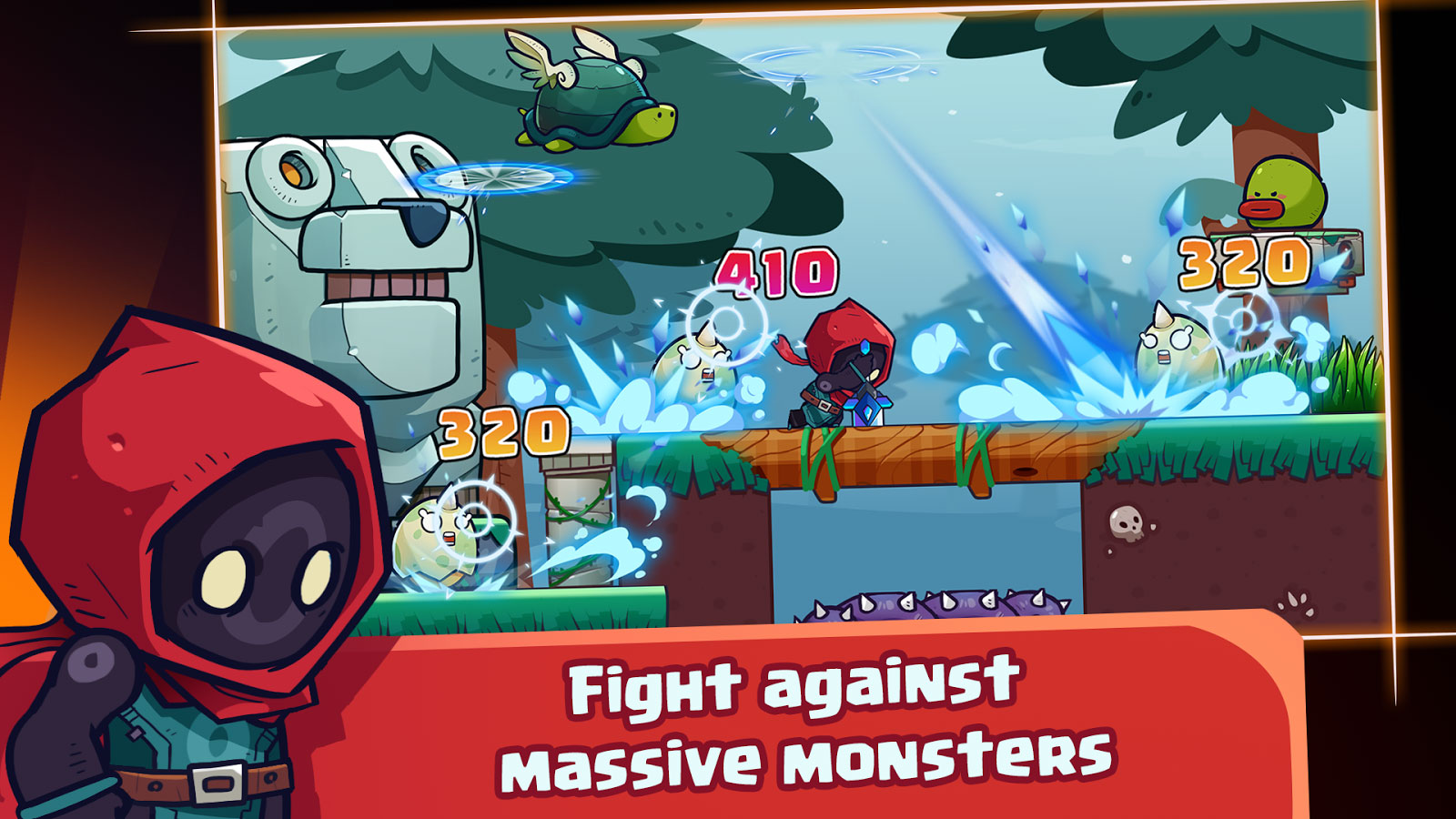
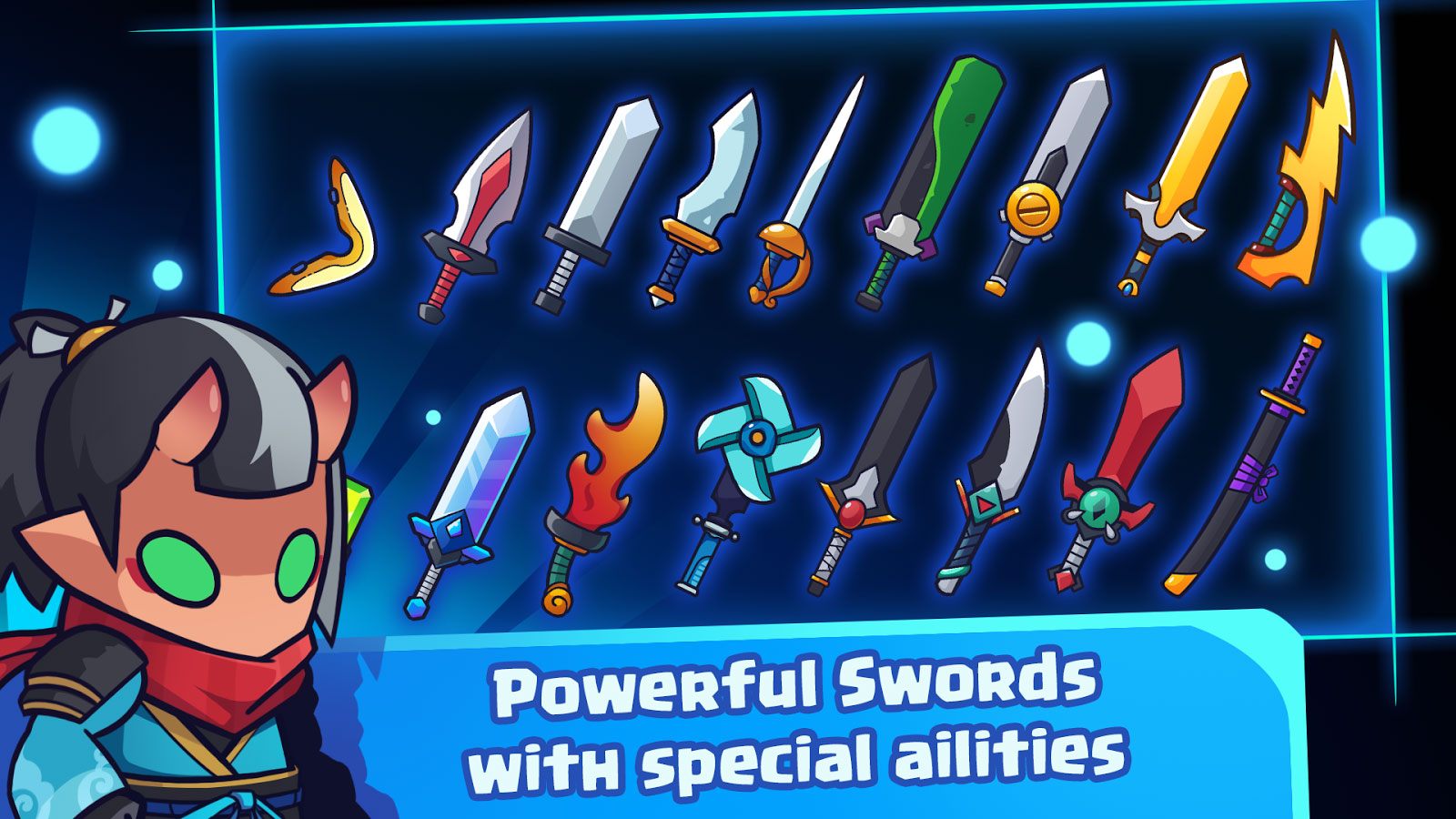
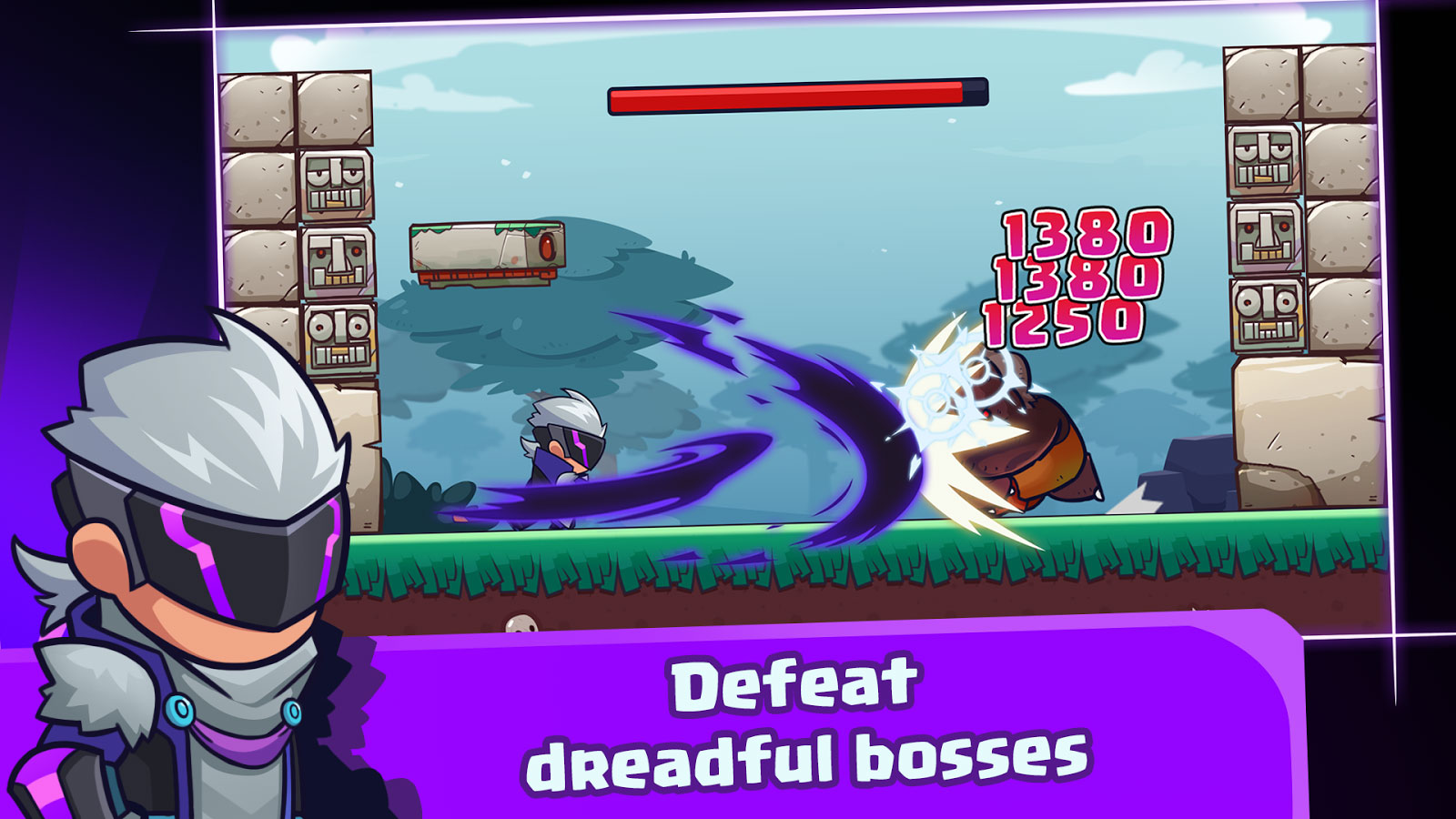
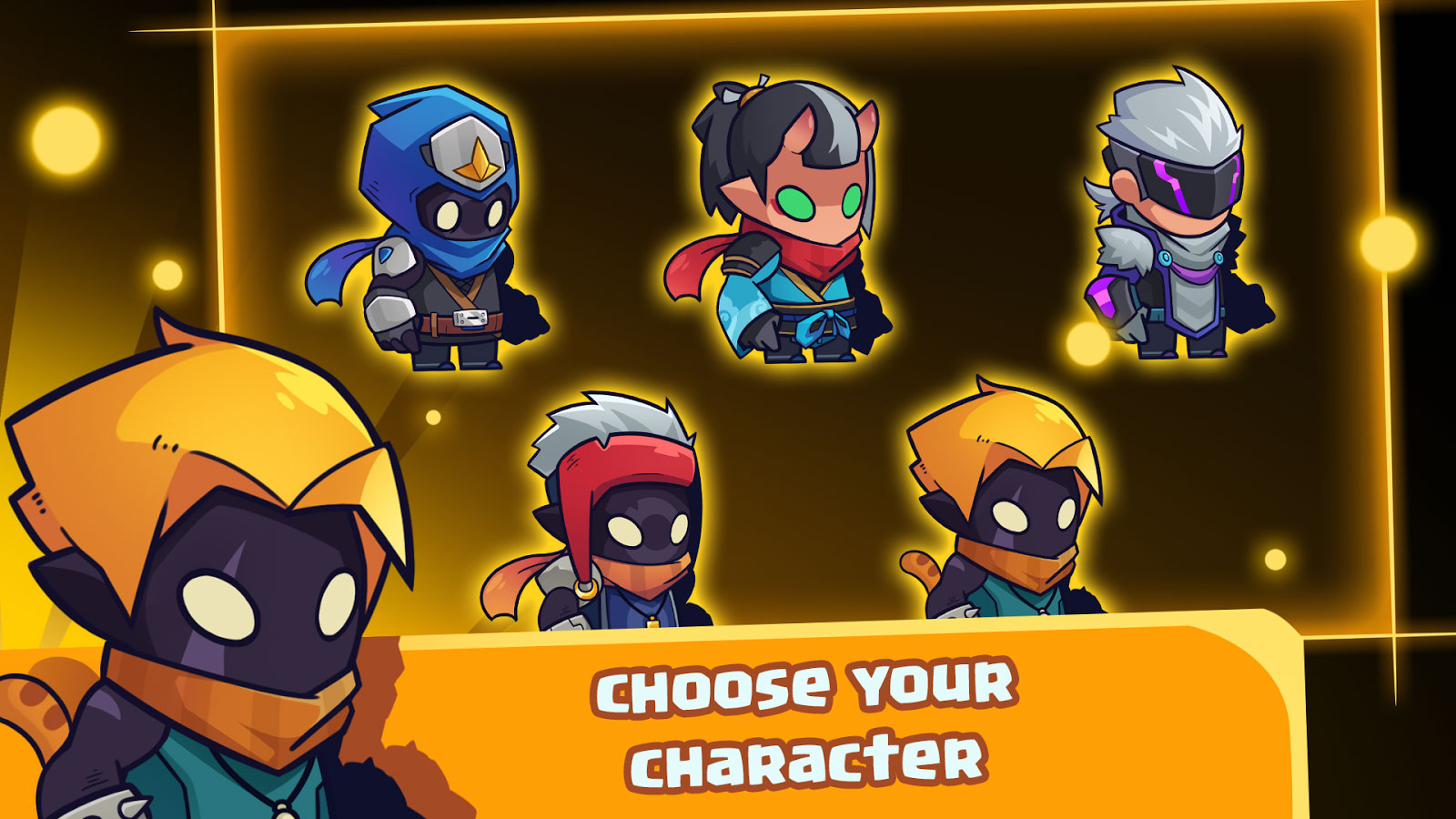
Sword Man – Monster Hunter: a new, interesting, and entertaining action game from GMS Adventure studio for Android, available for free on Google Play. The latest version along with the unlimited money mod is now available for download! In Sword Man – Monster Hunter, you play as a swordsman, a powerful man who must defeat a wide range of monsters with his sword, and you need to accompany him on this journey. Start your adventure in this 2D game, overcome various obstacles and traps, and move from mission to mission by defeating enemies. Increase your money by defeating monsters and collecting items in front of you, so you can purchase special items and customize your character. Your battles take place in various locations and dungeons, and to defeat enemies with special powers, you must upgrade your sword. Dozens of different swords are available for purchase and use in missions. If you are a fan of action-platformer Android games, Sword Man – Monster Hunter will surely catch your attention in every aspect.
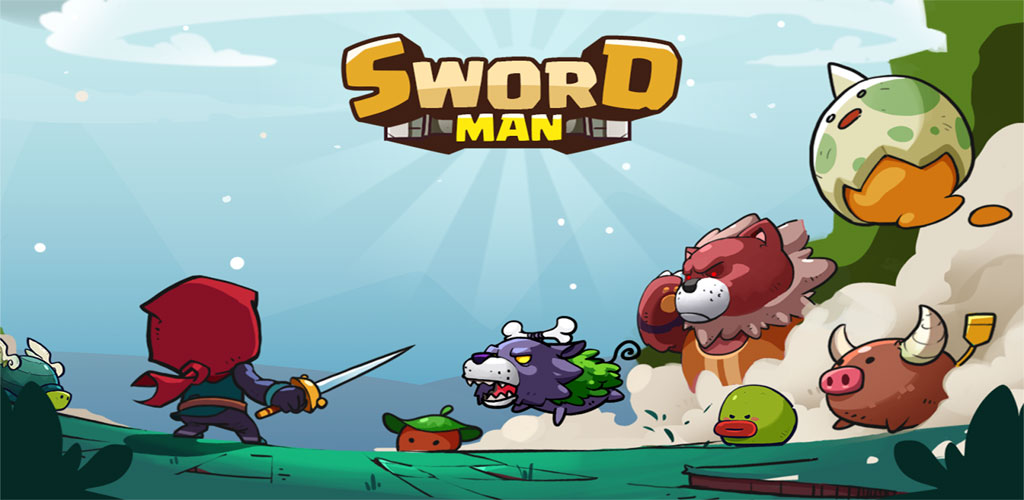
Today, we have provided the game Sword Man – Monster Hunter along with the mod for download, where you can first view gameplay screenshots and then, if you wish, download it with one click from the high-speed servers of DroidCove. Both the original and mod versions have been tested by us and run without any issues.
Version v2.0.0 Changes:
* Major update with dozens of new features!
Detailed Installation and Gameplay Guide:
Recently, some games are released on Google Play as split APKs and are not unified, so you need to follow our guide to install them properly [if installed without splitting, the game will not run and will stop] — there is no alternative to this method, and even if files are offered by other markets or websites without splitting, you will definitely face issues running the game – so you need to learn this process once!
1 Extract the downloaded compressed file from DroidCove.
2 Install and run the SAI app (included in the download package).
3 Inside the SAI app, click on Install Apks and in the opened window, locate the extracted folder.
4 At this stage, select the main game files and split APKs – check every file inside the extracted folder and finally click SELECT to start the installation process.
After installation and running the game on your device, you will have the official, global, and original version of the game without any modifications, and actions like “connecting the game to your Google account” and “updating the game via Google Play” will work without any errors. We regret this inconvenience, but this is the only way to offer the files, and hopefully, you will not encounter any problems running the game.