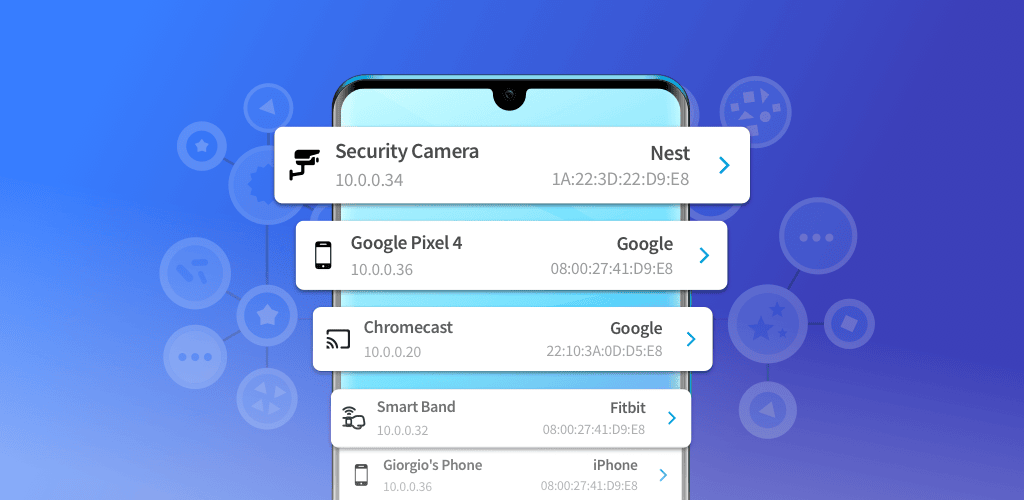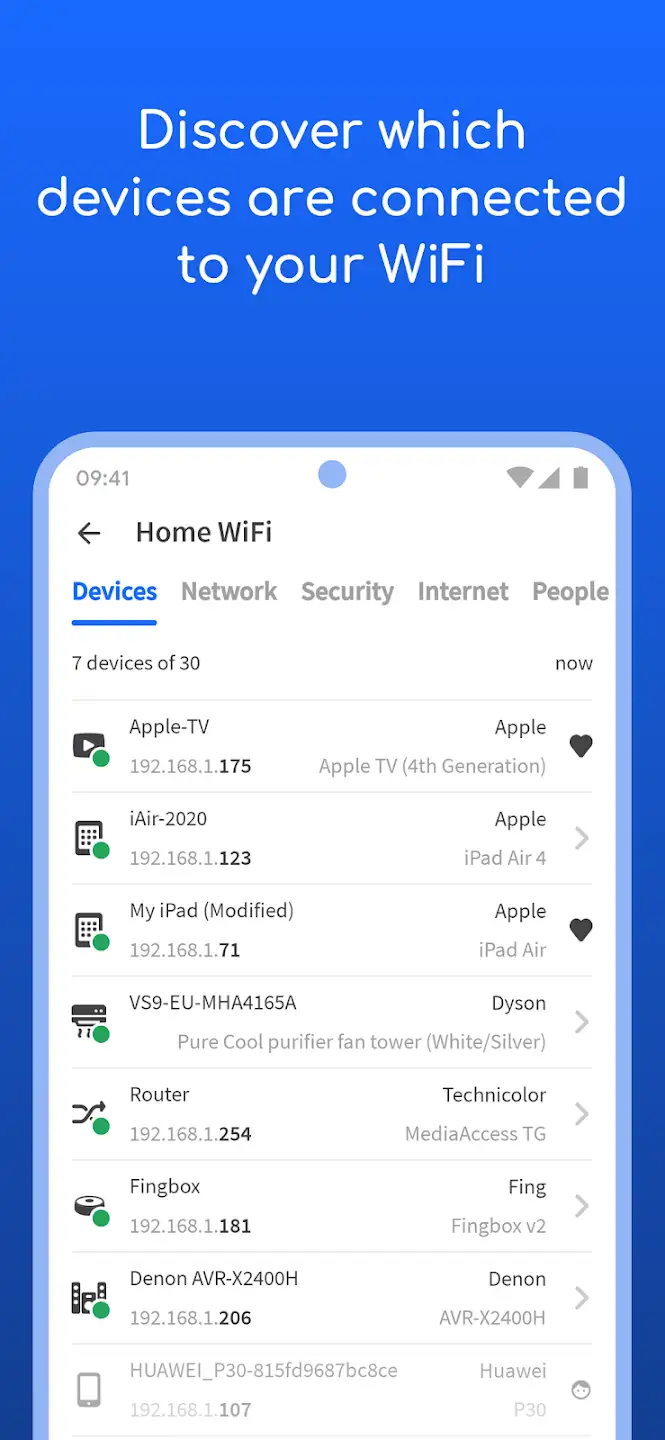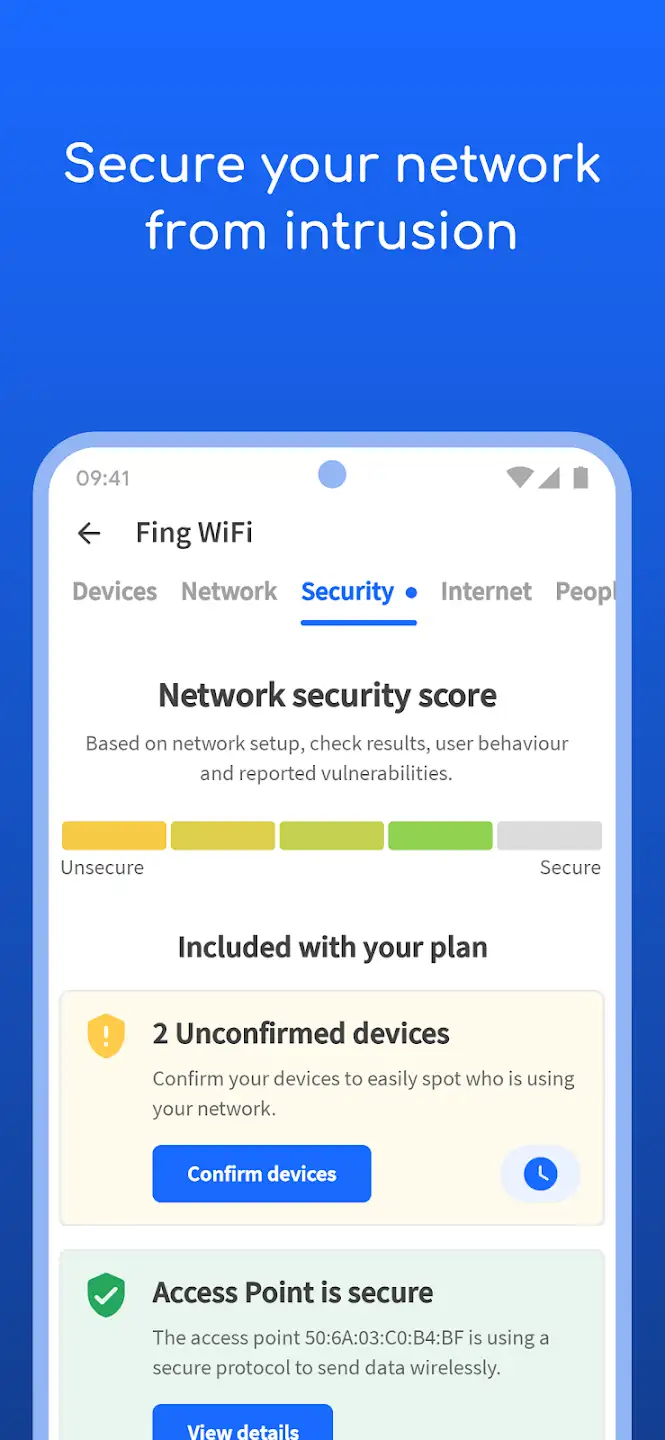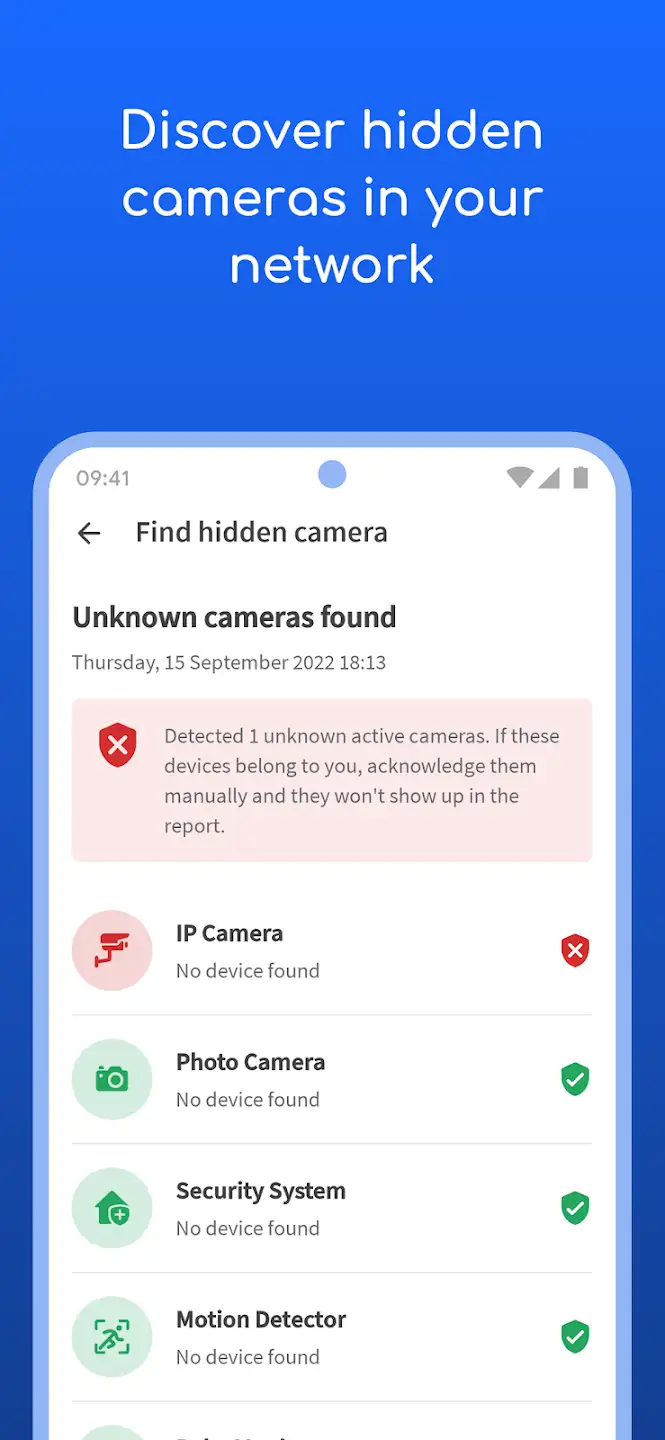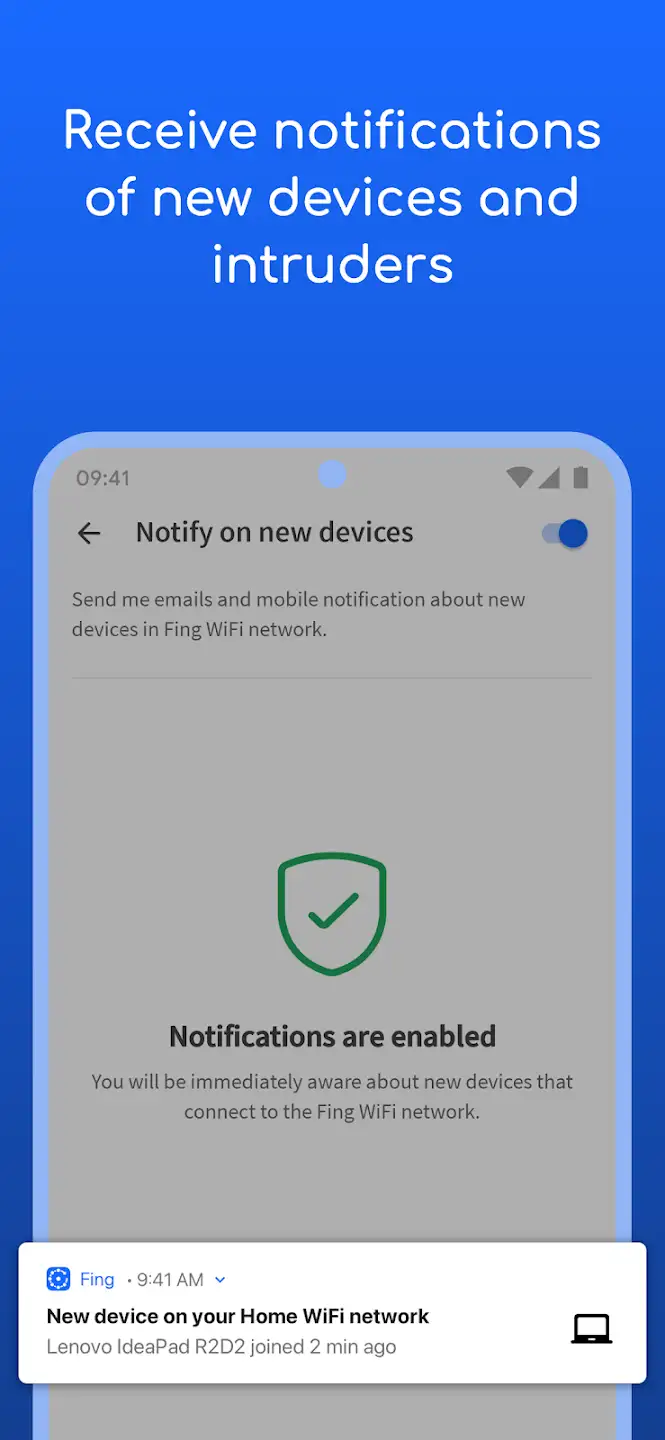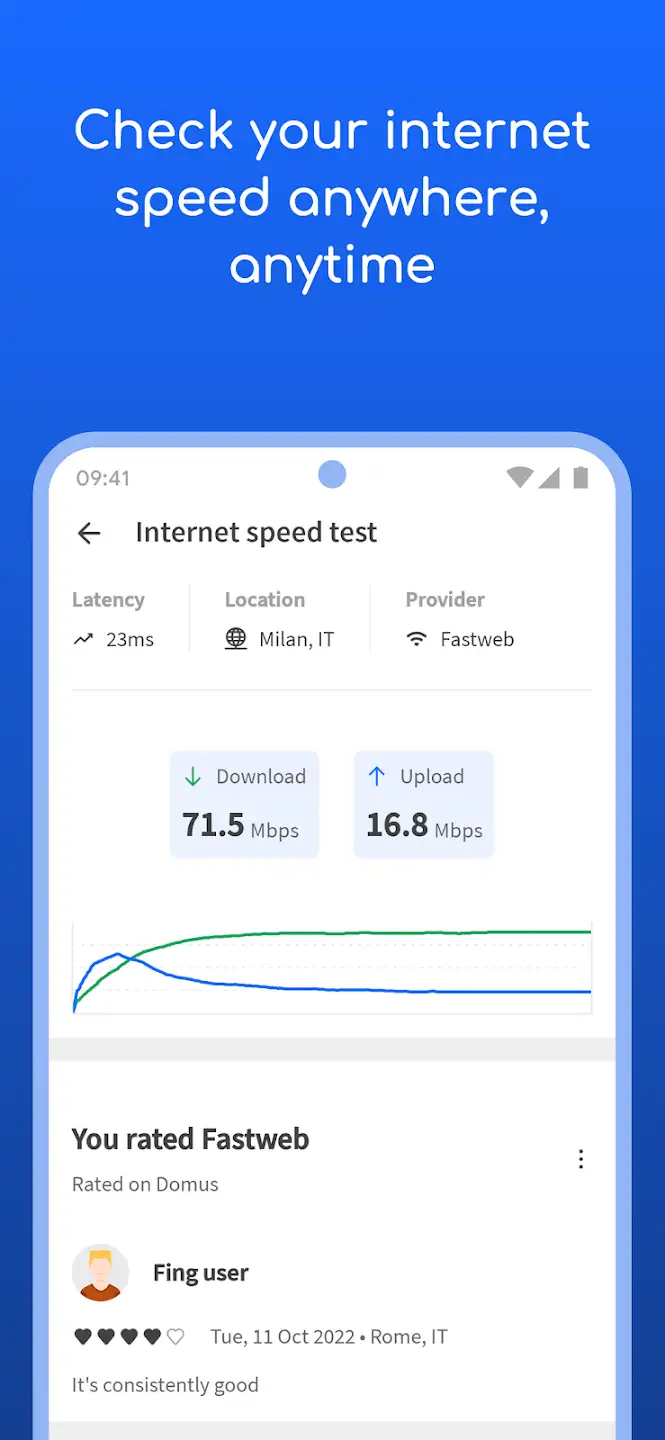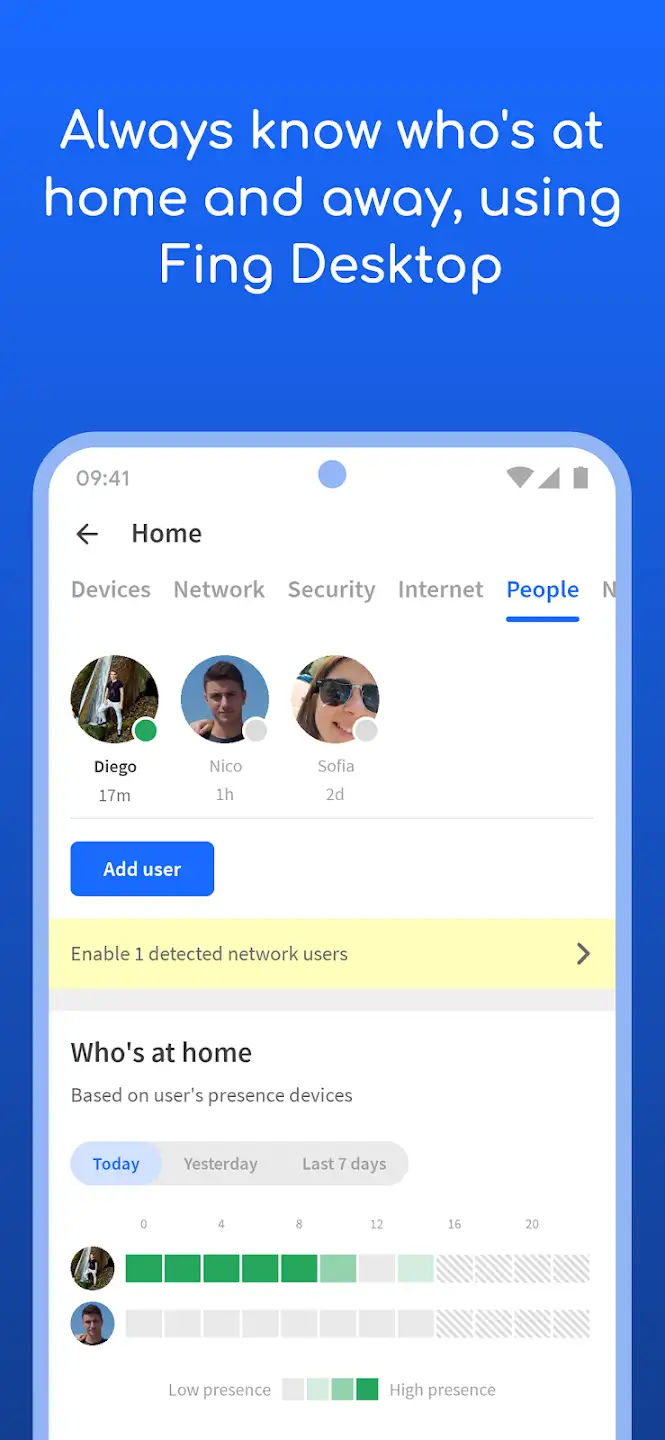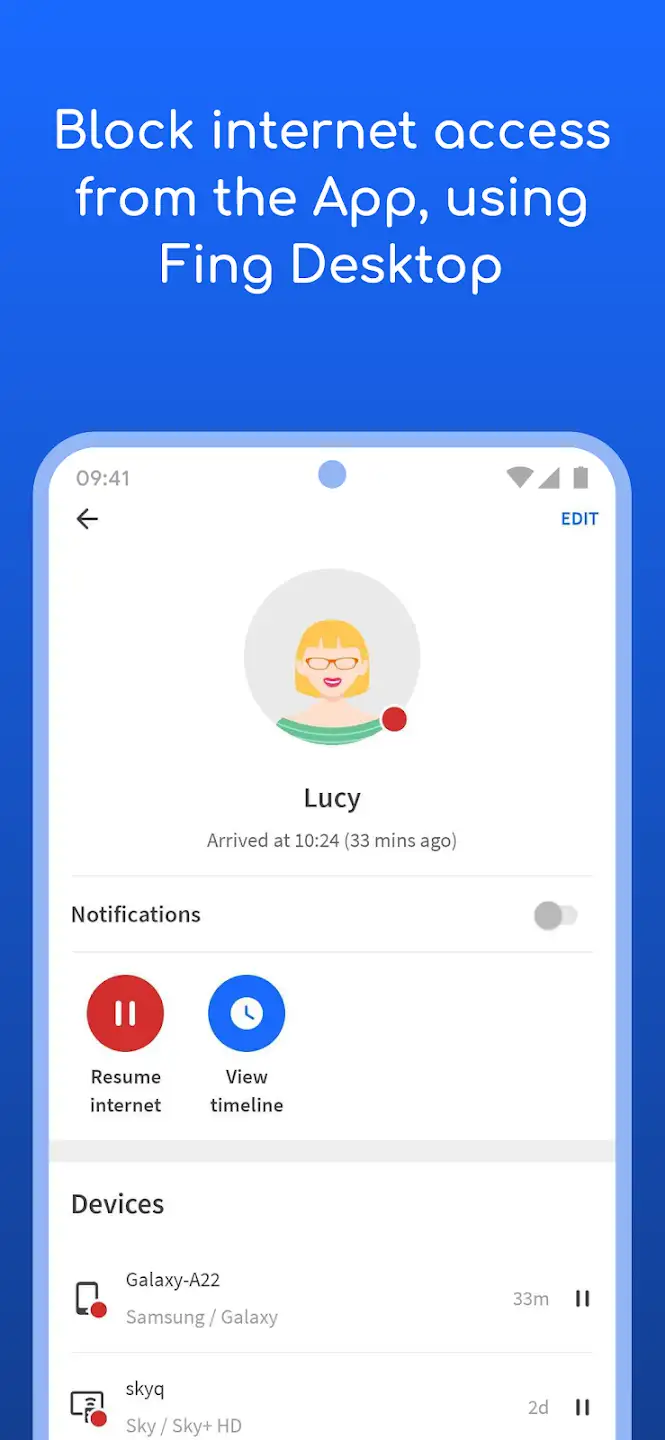
Fing – Network Tools is one of the most powerful, best, and popular network status and information display applications for the Android operating system. It is offered completely free by Fing Limited studio and, with over 10 million downloads on Google Play, ranks among the top network management apps! With this software, you can easily receive and view network information, TCP port status, ping, DNS, LAN, physical address, IP address, and more, or test ports! This app undoubtedly provides the best network status tools to users; for example, you can quickly see all devices connected to your Wi-Fi network within seconds and manage them! The program easily evaluates security levels, identifies intruders, and resolves network issues, offering a very simple and user-friendly interface that brings the best and most practical network analysis experience to your Android smartphone or tablet!
Some features and capabilities of Fing – Network Tools for Android:
- Find all devices connected to the user’s Wi-Fi network
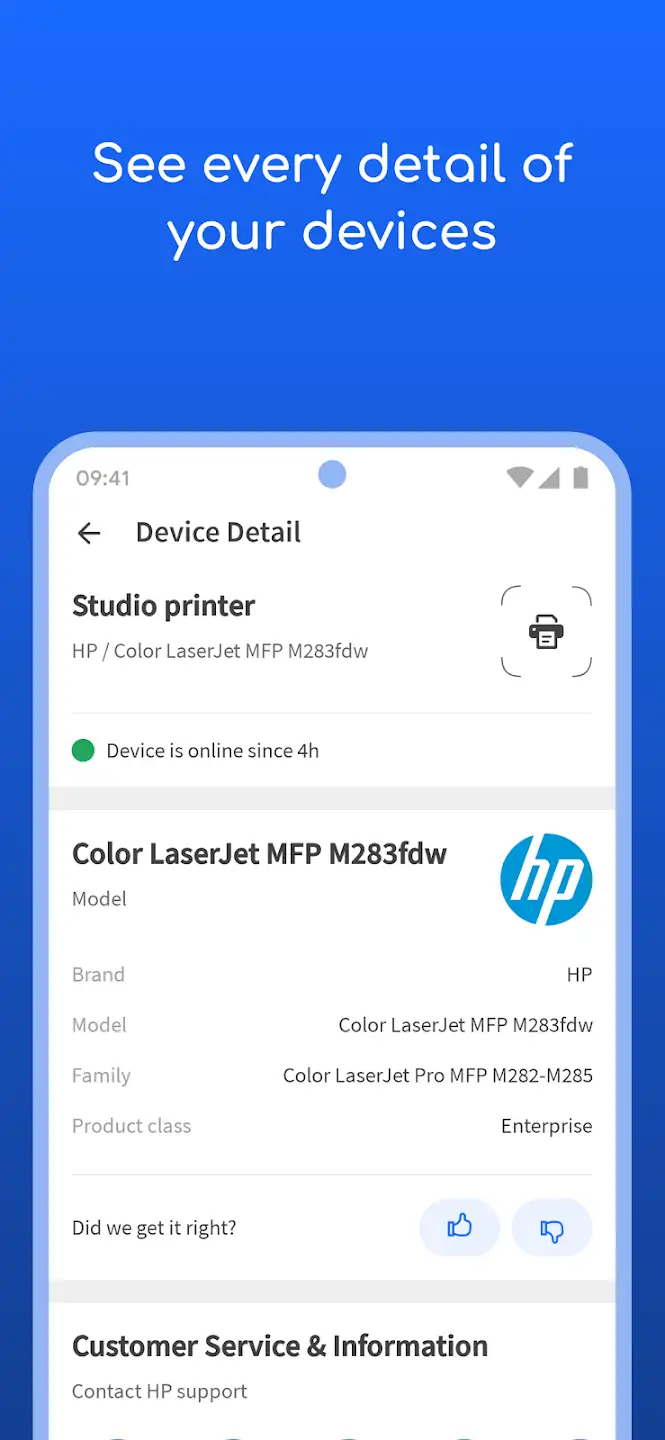
- Ability to enter various user information including name, icon, notes, and location
- Display MAC address and device manufacturer brand
- Search by IP, MAC, name, vendor, or notes
- Show a complete history of all networks discovered by the software
- Powerful Service Scan function to find hundreds of open ports in seconds
- Share information via Twitter, Facebook, messaging, and email
- Other powerful functions such as displaying NetBIOS names, launching specific ports, alerts for online and offline status, and more
The Fing – Network Tools app currently has a rating of 4.2 out of 5.0 on the Play Store. We provide the latest version here for free with a direct link and hope it will be useful! This app is offered 100% free with all features available and contains no advertisements – so there is no need for a hacked version.