

AOD Flow: Always On Display v1.3.0 – Stylish and Graphic Always On Display App for Android
Professional and Full Version of the App
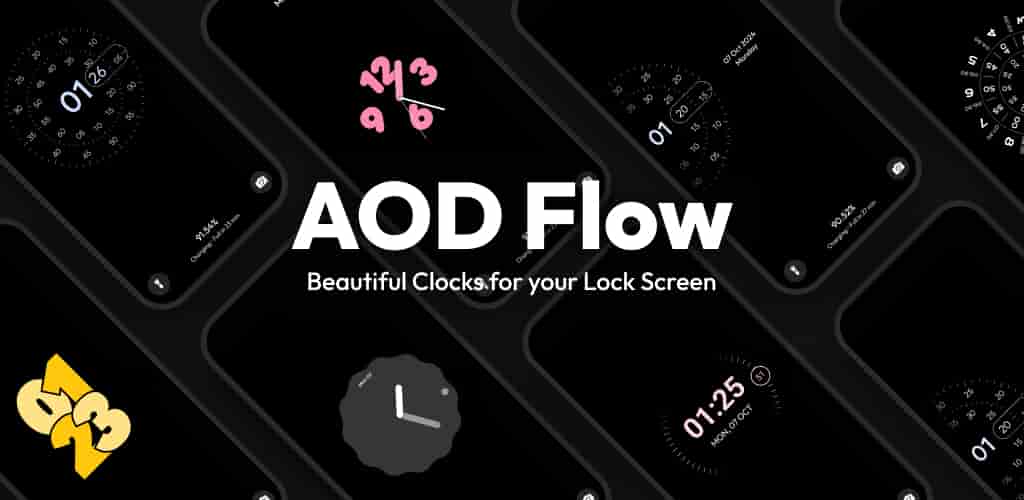
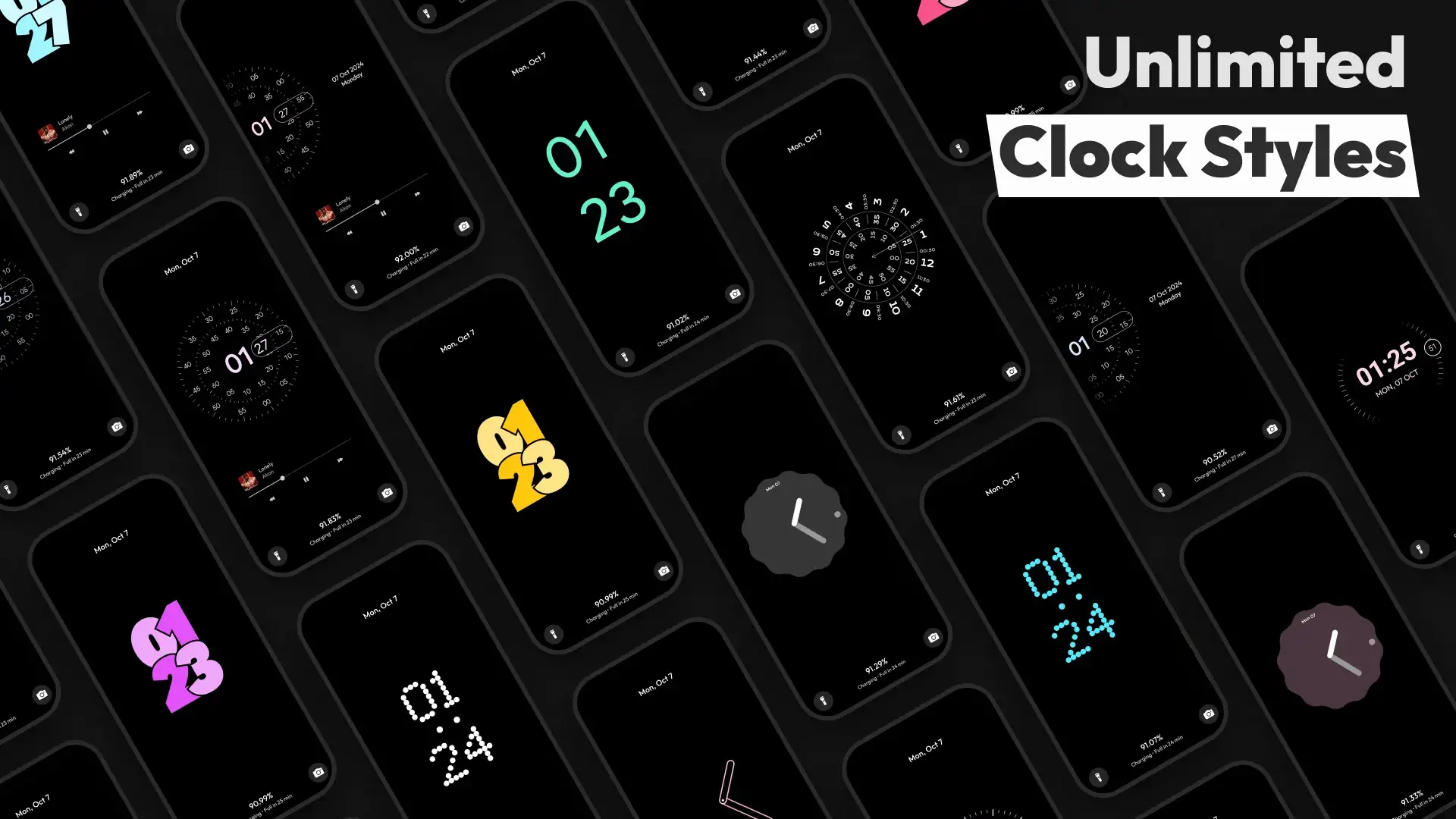
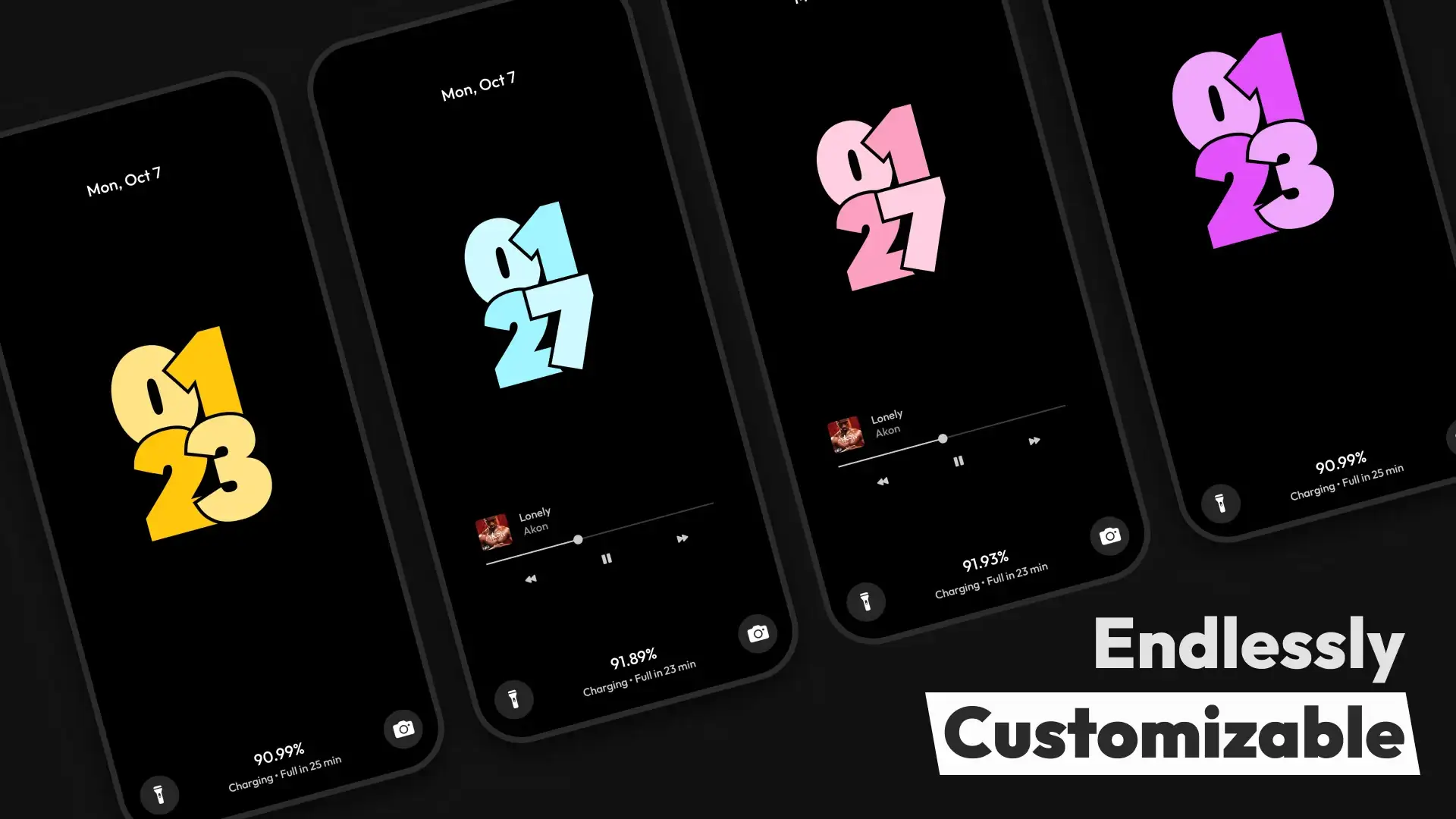
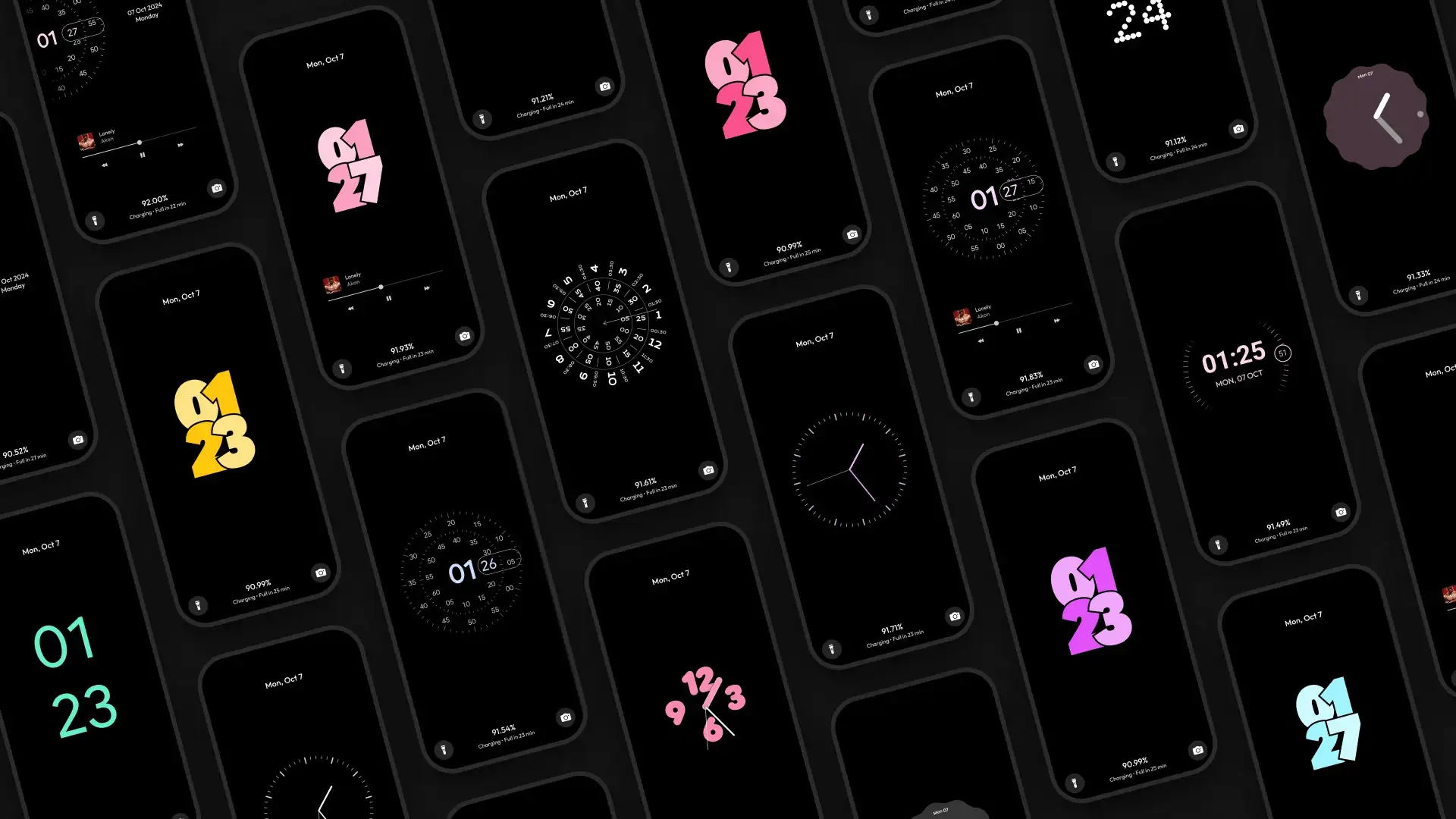
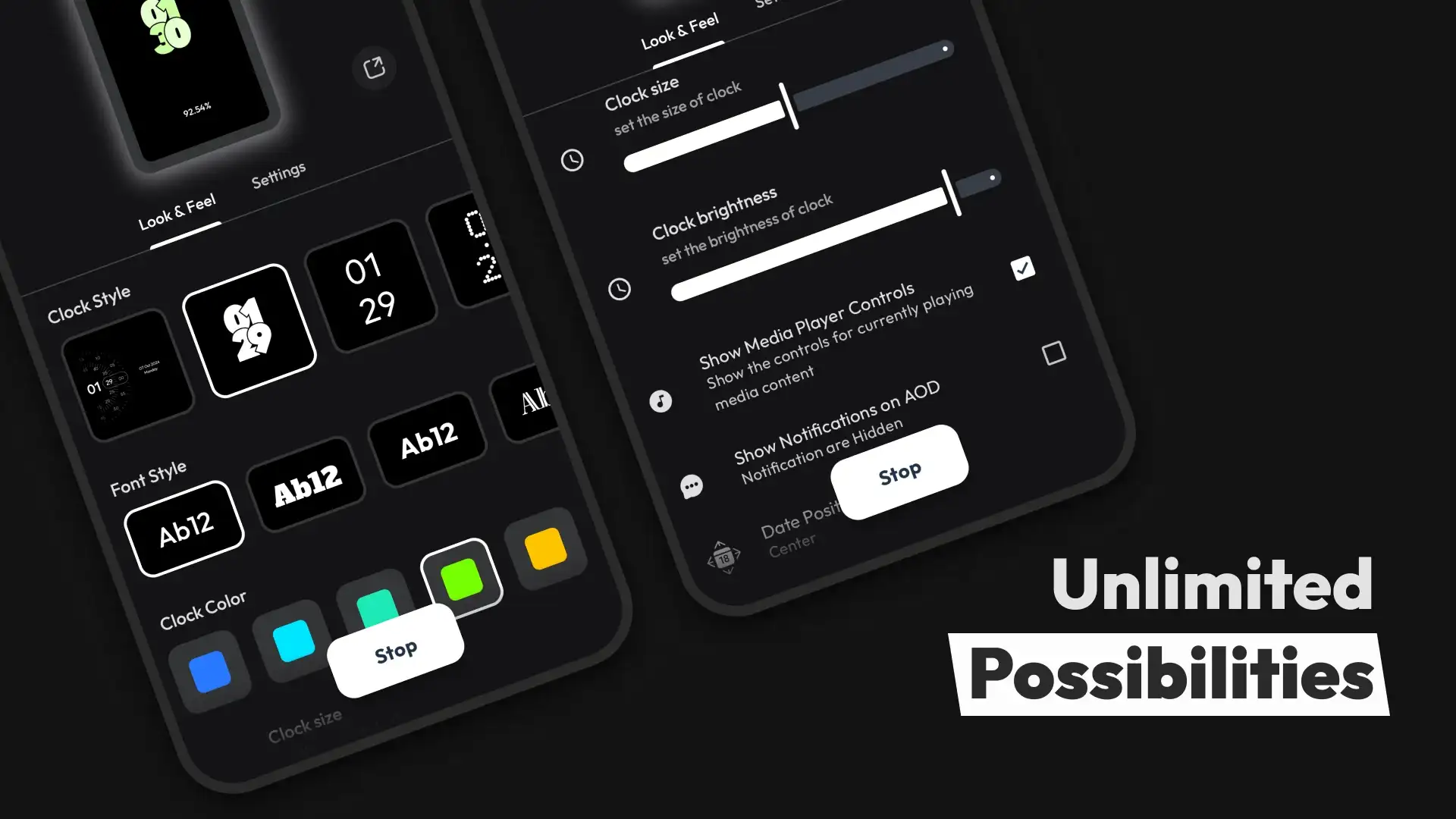
Checking the time and being notified of incoming notifications are among the main reasons for turning on the display on Android smartphones. Frequently turning the screen on and off can cause long-term issues such as hardware button failure, screen pixel burn, and battery degradation. Therefore, various solutions have been developed to address these needs, and for phones with AMOLED displays, one of the best options is using an always-on display tool. AOD Flow: Always On Display is a stylish and graphic always-on display app from Androxus for Android mobile devices. With this startup app, you can view the time and date or check the content of received notifications at any time without needing to turn on your phone’s screen. If you look at the Android Market, you will find many AOD apps available, but the unique features of AOD Flow: Always On Display have earned it a special place among users. These features include a wide range of endless clock styles; hundreds of different clock modes are included in this app, which you can easily select or even customize the various elements. Along with clocks, other options are provided, such as music control widgets and notification viewing in different modes. The technology used in the app protects your AMOLED display, and with the pocket mode enabled, the always-on display activates only when you take the phone out of your pocket. Contrary to what you might expect, this app is designed to use minimal battery power and maintain your smartphone’s health at the highest possible level.
Some features and capabilities of AOD Flow: Always On Display for Android:
- Transforms your Android smartphone lock screen into an attractive always-on display
- A collection of beautiful and minimal clock styles for display customization
- Powerful protection system for AMOLED displays
- Customization of selected clocks in various modes
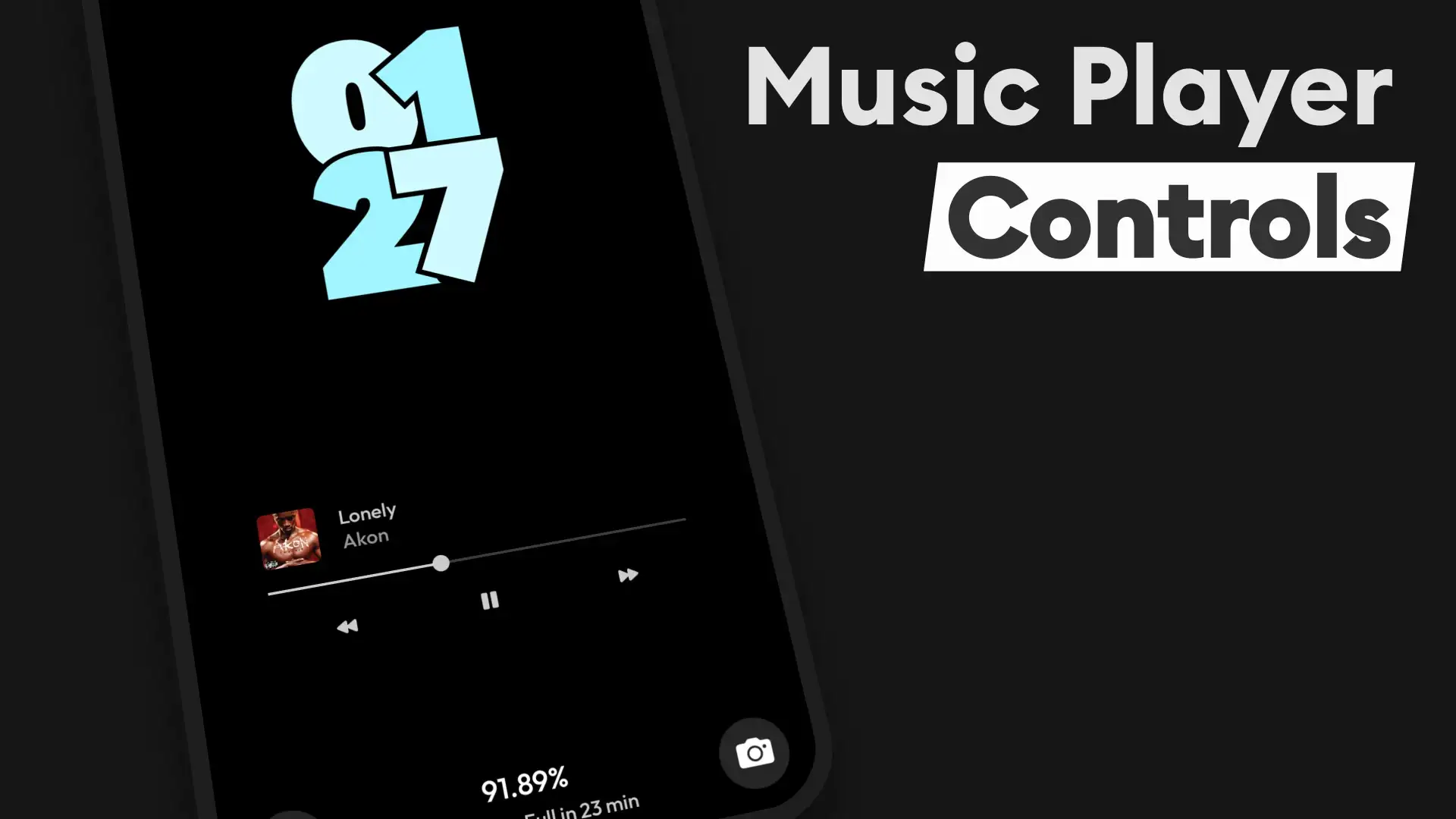
- Advanced music and notification controls in different modes
- Unique standby mode to use your phone as a clock next to your bed
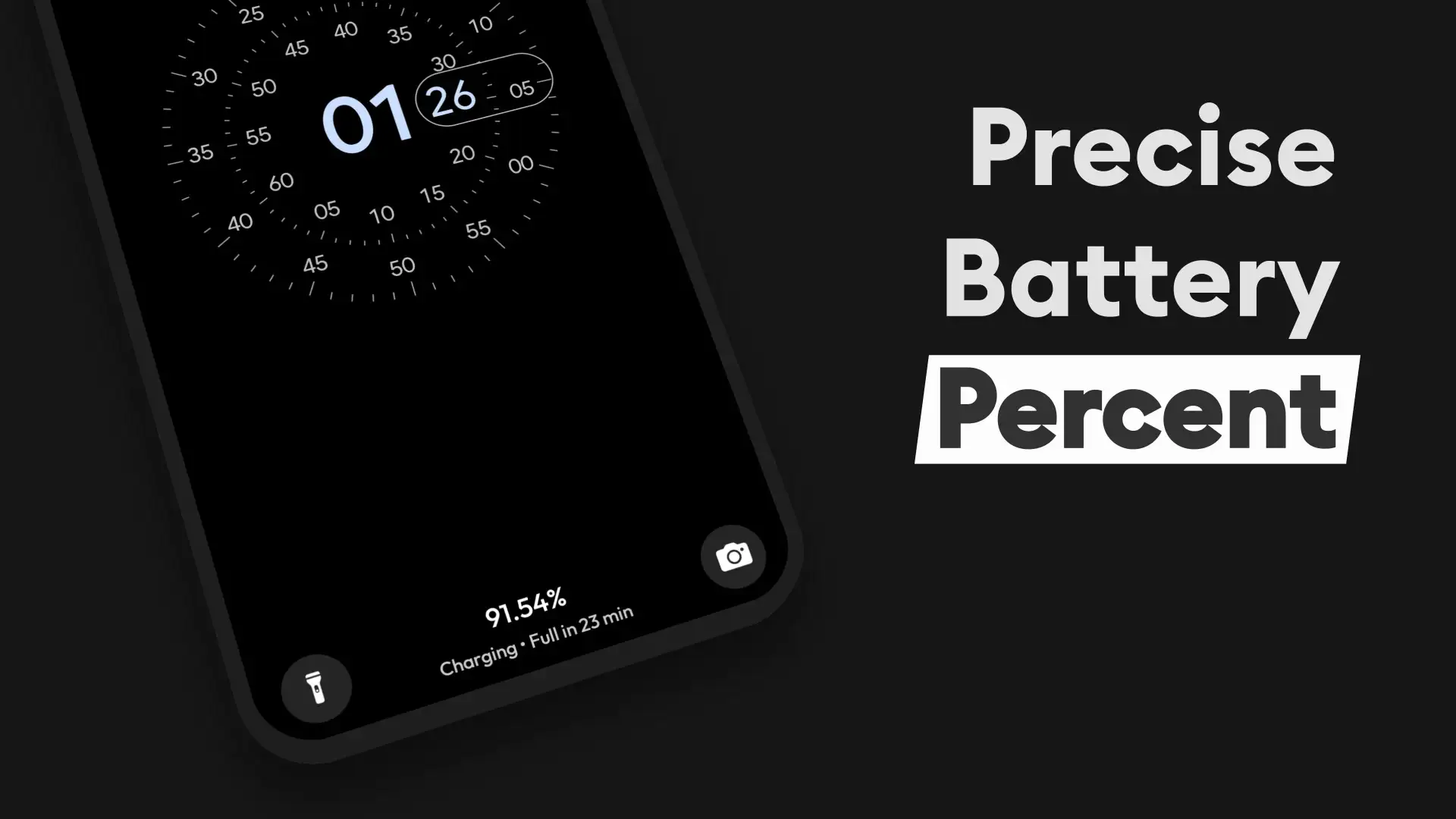
- Fast charging indicator when the phone is connected to a charger
- Disabling clock and widget animations to save energy
- Scheduling options for activating the always-on display
AOD Flow: Always On Display offers a set of special features to turn your Android smartphone’s display into an always-on screen with unique capabilities. Released by its developer as a free app with in-app purchases, it has earned a 4.3 out of 5.0 rating from users. You can now download the latest professional version of this app for free from DroidCove.



![KineMaster 8.1.13 – Powerful Video Editor for Android [Update]](https://droidcove.com/wp-content/uploads/2026/06/KineMaster-Logo-1-100x100.webp "KineMaster 8.1.13 - Powerful Video Editor for Android [Update] 5")

