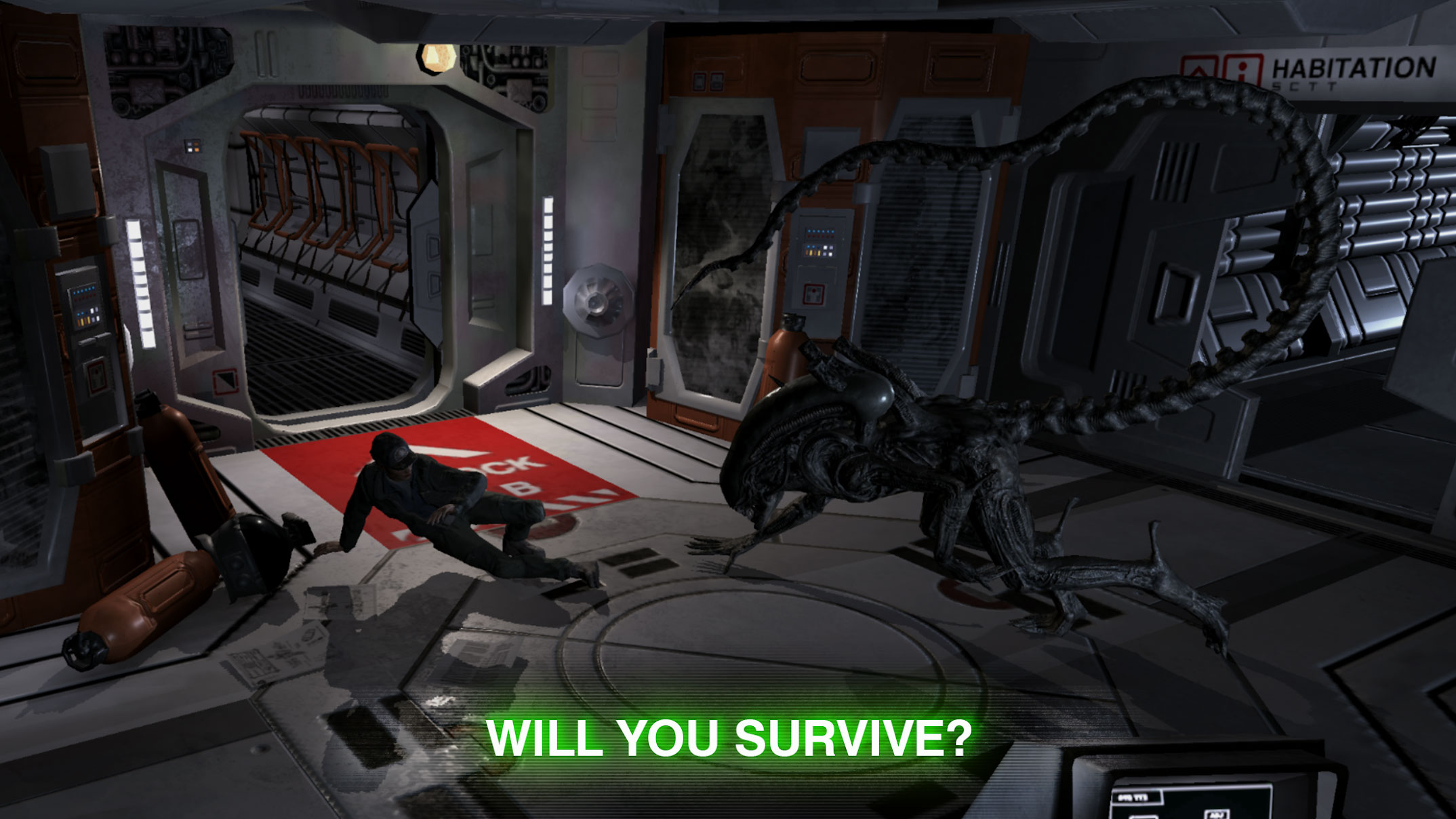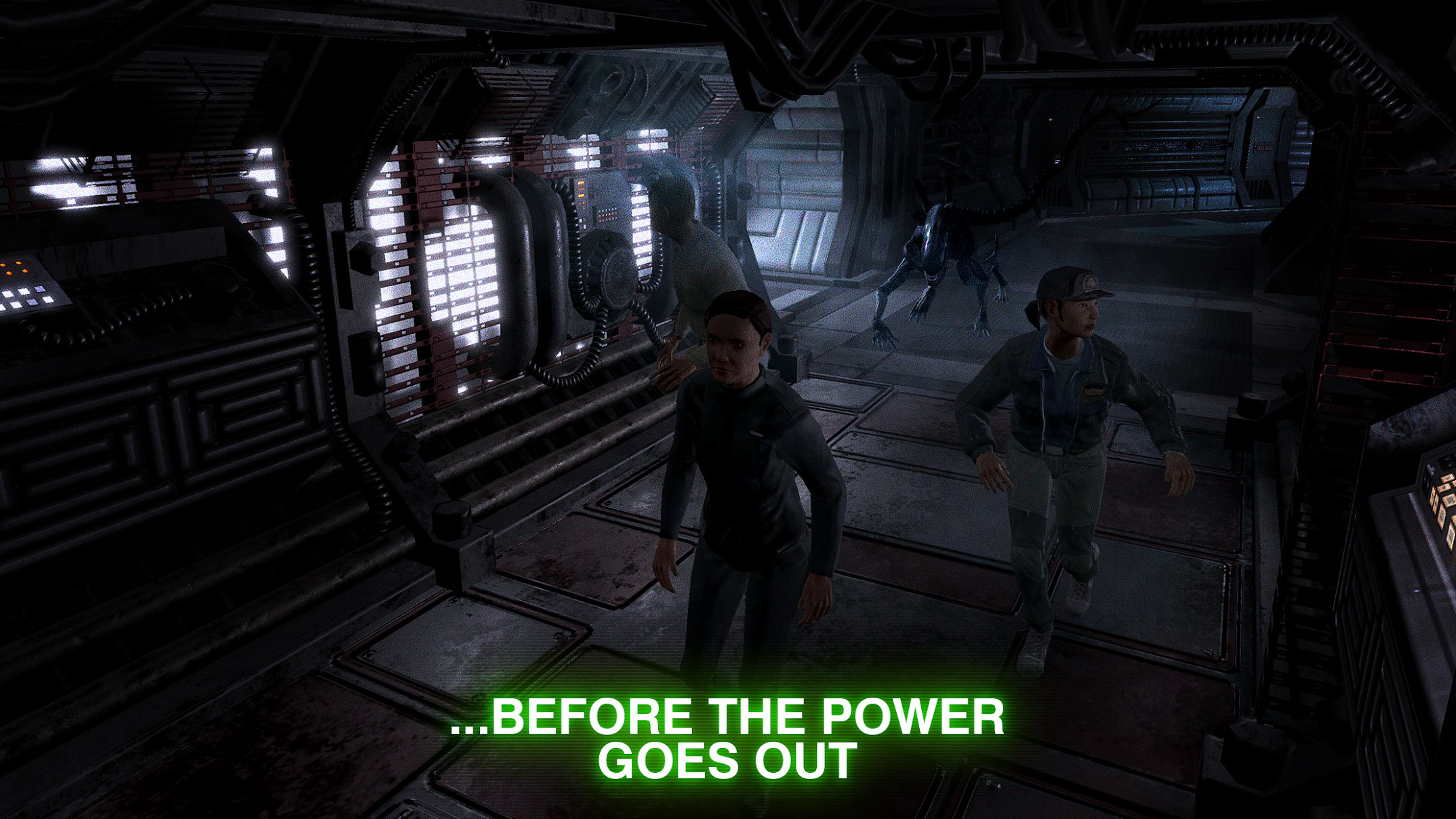
Alien: Blackout is a new, beautifully crafted and unique adventure game from the renowned game studio D3 Go! for Android devices. We have just witnessed its release on Google Play and, as always, decided to introduce it simultaneously to adventure game enthusiasts worldwide! The story of Alien: Blackout is as follows: research at the Mendel space station is not going as planned, and with the escape of a Xenomorph (the famous creatures from the Alien series), a large-scale massacre begins; amid this chaos, only Amanda Ripley can survive by accessing the air vents! The game Alien: Blackout starts exactly when two groups of researchers arrive at the space station; Amanda communicates with them by hacking the station’s electronic systems, and now they must help each other to avoid becoming Xenomorph prey! Amanda can check various cameras with her tablet, open and close station doors, and explain the environment’s status! The researchers can also obtain the necessary tools to escape the station; there are two challenges: one is that interaction with doors is limited and you cannot open or close them whenever you want; the other is that sometimes Amanda herself is attacked by the alien, and if you don’t close the vent quickly, you have to restart the level from the beginning! Alien: Blackout combines adventure and strategy gameplay to provide a unique experience. Try it and after playing, decide if it’s worth downloading or not!

The game Alien: Blackout is sold on Google Play for $4.99 and has been purchased over 10,000 times by Android users worldwide, earning a 4.1 out of 5.0 rating. If you are a fan of adventure and horror games, this game will definitely catch your attention; you can first view screenshots and gameplay videos, and if you wish, download the full purchased version with one click from the high-speed servers of DroidCove.
Version v2.0 Changes:
* Added new features + various optimizations
Installation and Gameplay Instructions:
– First, download and install the APK file.
– Download the data file and extract it. Copy the folder com.D3Go.mendel to the Android/obb directory of your device’s internal storage.
– Launch the game.