


Open Link With… v2.6 – Android App to Open Links with Your Preferred App
Official version of the app as requested
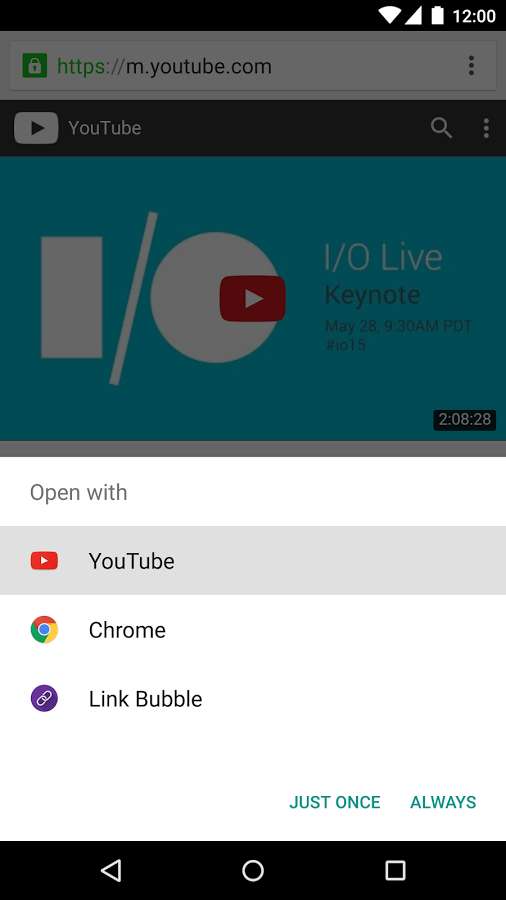
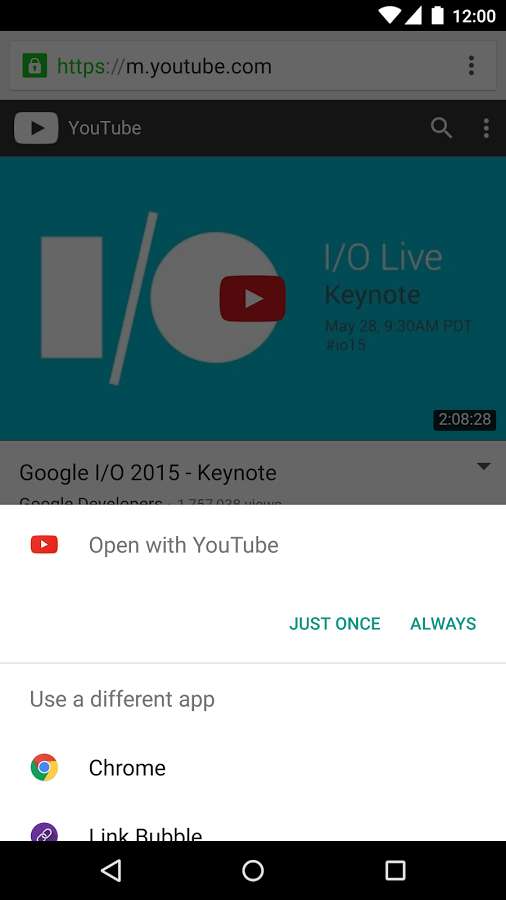
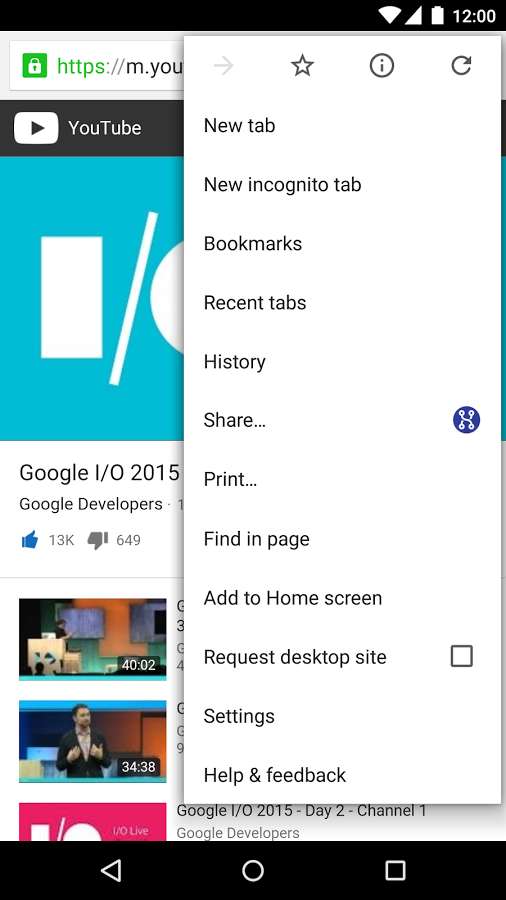
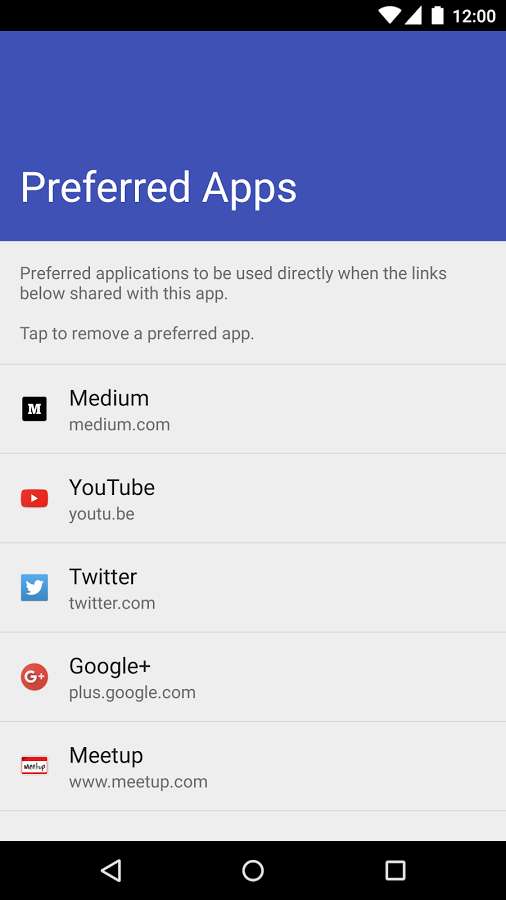
You may have experienced that after selecting a link from your browser, your Android smart device automatically opens the related app without asking you, even though you prefer to view the website in the browser and use its features. In such cases, one way to fix the issue is to clear the browser data and remove the launched app from the default apps list, which can be difficult and time-consuming for regular and beginner Android users. Although this problem might not seem significant, it can be annoying in many cases and may cause the launched app to crash. In this post, we intend to introduce one of the simplest ways to solve this problem while using the browser. Open Link With… is an app developed and published by Said Tahsin Dane for Android that allows you to open your desired link and transfer it to your preferred app. You just need to install Open Link With and leave everything to it; by tapping your desired link, a list of apps will appear, allowing you to easily select the app you want. Also, after installation, a sharing option will be added to Google Chrome’s menu, enabling you to share your link with other apps from there as well.

The Open Link With… app, as a simple yet practical tool, has achieved over 50,000 active downloads and a 4.1 out of 5.0 rating from users on the Google Play Store. You can now download the latest ad-free version for free from the extensive database of the DroidCove website.
Version v2.6 changes:
* Updated translations + various optimizations.



![KineMaster 8.1.13 – Powerful Video Editor for Android [Update]](https://droidcove.com/wp-content/uploads/2026/06/KineMaster-Logo-1-100x100.webp "KineMaster 8.1.13 - Powerful Video Editor for Android [Update] 5")

