

Hacker’s Keyboard v1.41.1 – Computer-style Keyboard App for Android
Official and complete version of the app presented to you
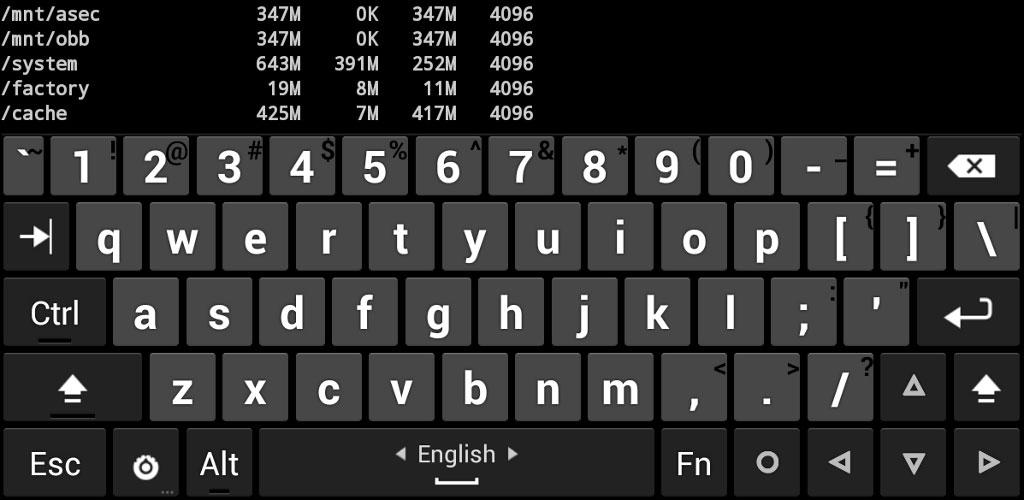
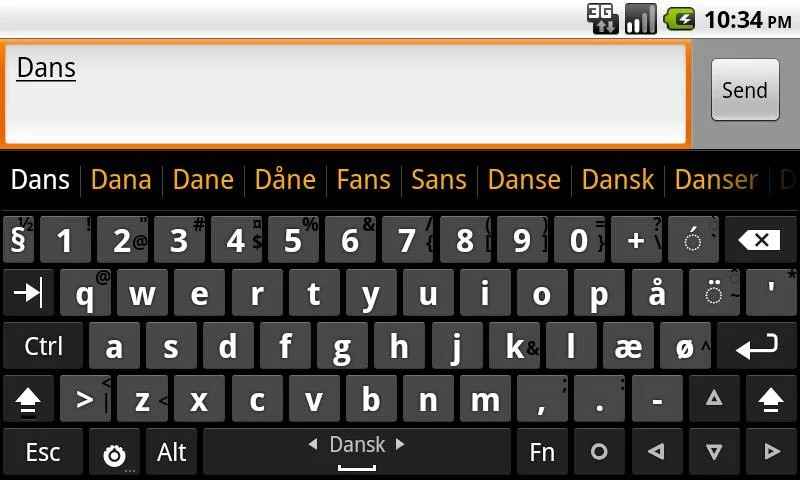
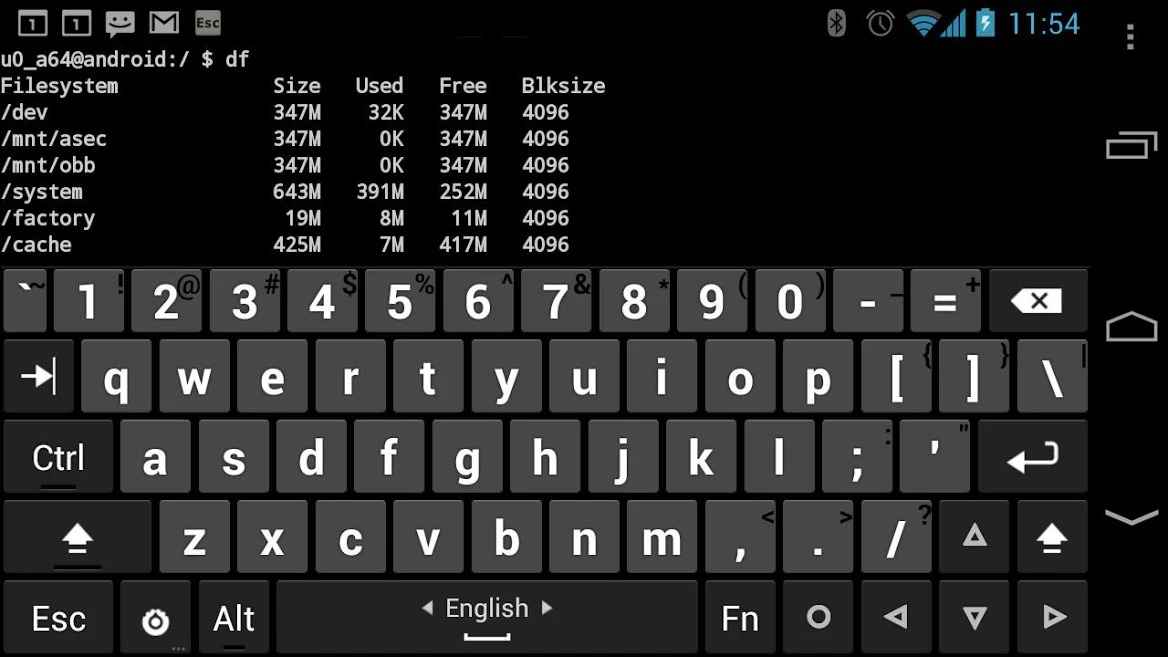
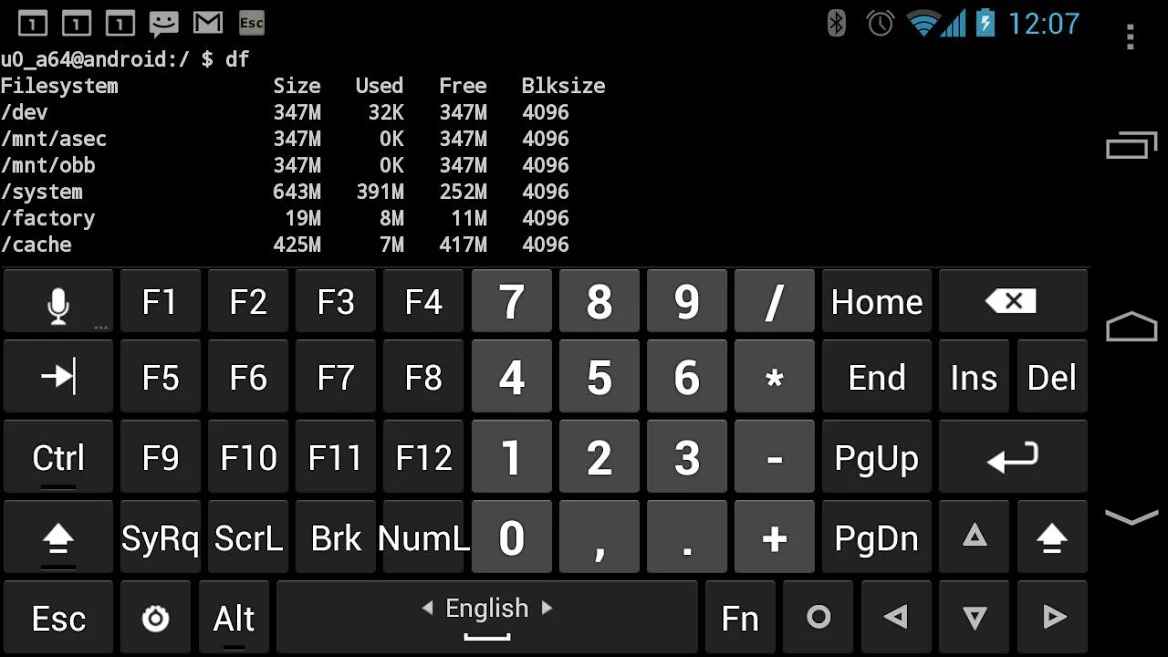
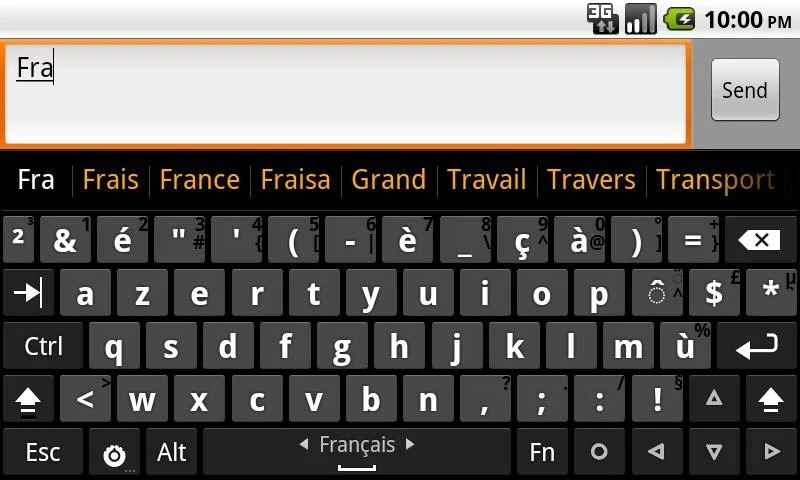
Many users of smart devices used personal computers to communicate with their friends before purchasing their devices. This frequent use has enabled them to achieve exceptional typing speed on keyboards. Considering this, we intend to introduce you to a keyboard similar to personal computer keyboards in this post. Hacker’s Keyboard is a computer keyboard emulator developed by Klaus Weidner for Android and released on Google Play. After installation, this software provides you with a keyboard exactly like a personal computer’s, allowing you to type texts at very high speed as before. One of the most prominent features of this app is the simulation of keys found on computer keyboards, helping you utilize your maximum typing capabilities. Use the arrow keys to navigate through different parts of the typed text or easily type your programming codes. The F, Tab, Ctrl, and Esc keys are accurately simulated and function just like on Windows. Finally, it should be noted that this software fully supports the Persian language.
Some features and capabilities of Hacker’s Keyboard for Android:
- Complete and flawless simulation of Windows keyboard
- Very low battery consumption
- Smart placement of keys in their exact positions
- Access to keys such as F, Tab, Ctrl, Esc
- Multi-touch mode for high-speed typing
- Suitable for use with ConnectBot for SSH access
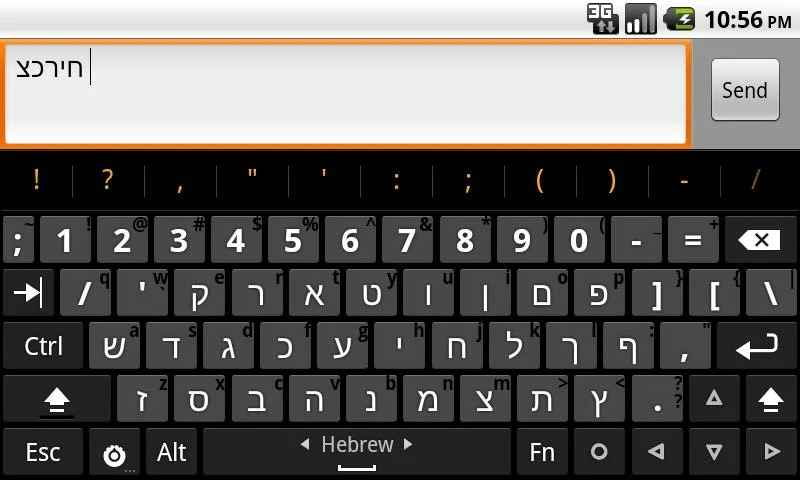
- Right-to-left typing mode
- Support for the Persian language
The Hacker’s Keyboard app, with its diverse features and capabilities, has achieved over one million downloads and received a 4.4 out of 5.0 rating from Google Play users. You can now download the latest official version from the popular website DroidCove. This app has been introduced upon your requests.
Version v1.41.1 changes:
* Performance improvements and bug fixes



![KineMaster 8.1.13 – Powerful Video Editor for Android [Update]](https://droidcove.com/wp-content/uploads/2026/06/KineMaster-Logo-1-100x100.webp "KineMaster 8.1.13 - Powerful Video Editor for Android [Update] 5")

