Age of Empires: Castle Siege v1.26.235 – Online Strategy Battle Commanders Game for Android with Data
Rating 4.1 out of 5.0 and over 5 million downloads from Google Play
This game is online and internet-based
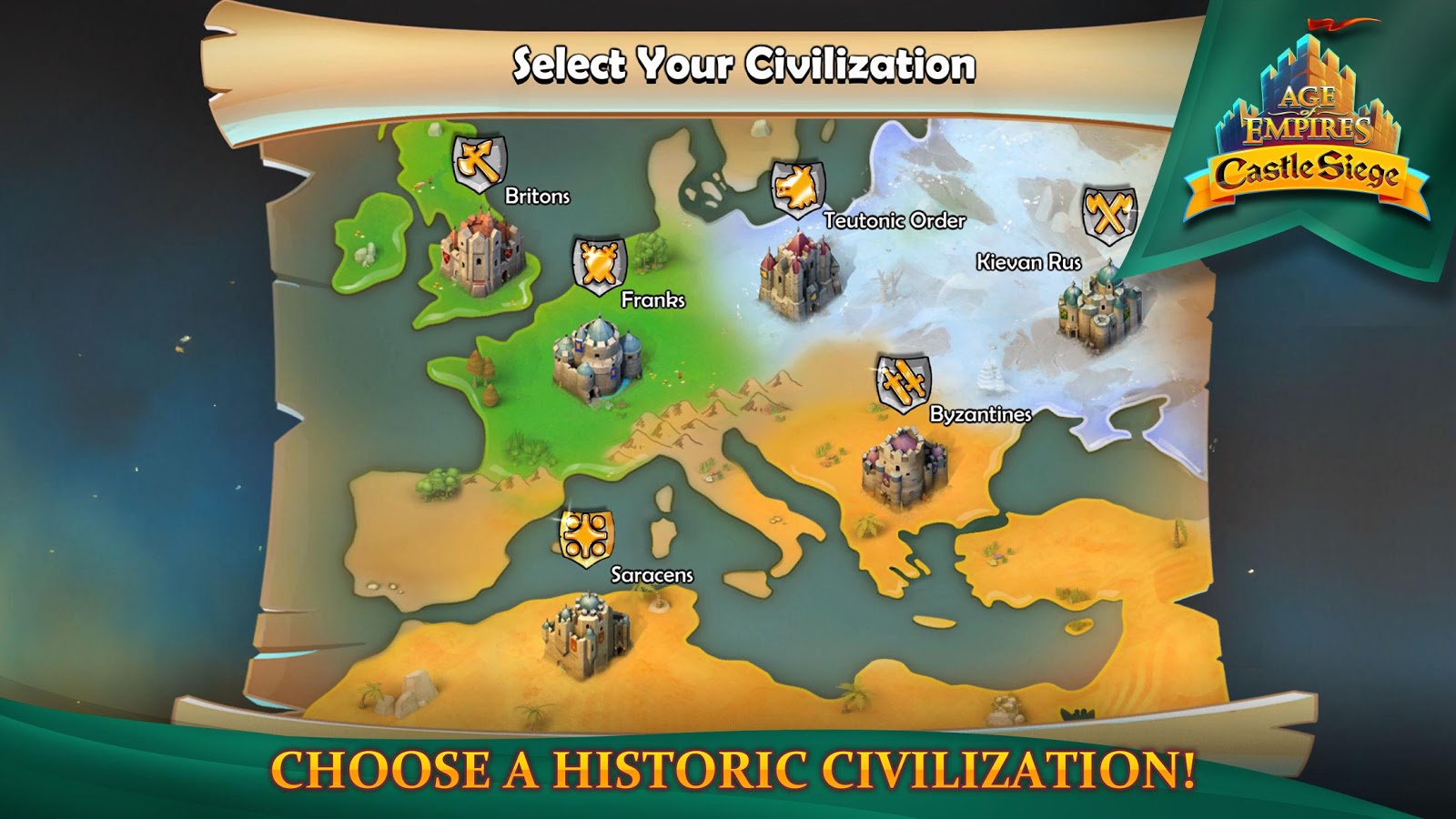
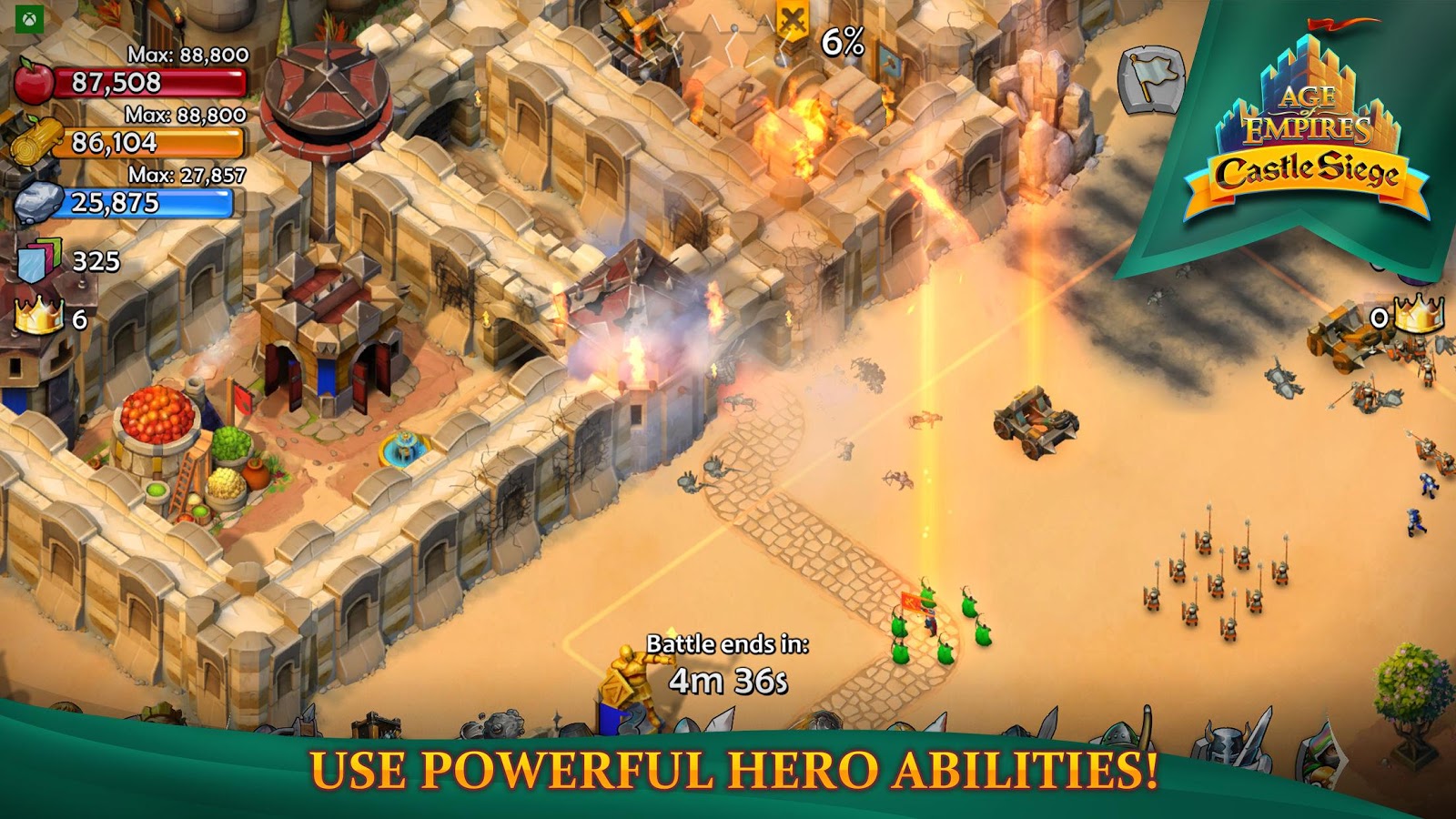
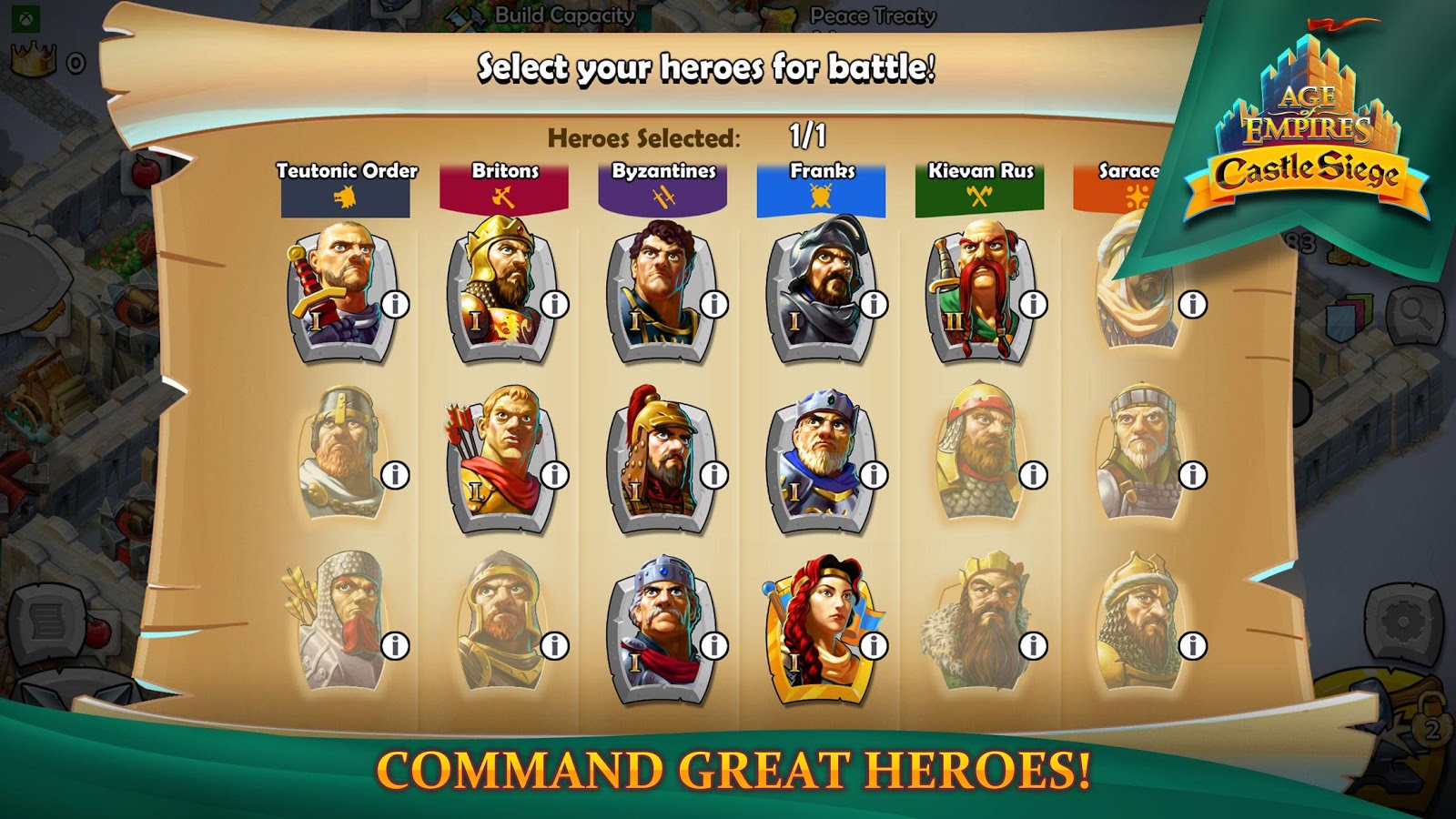
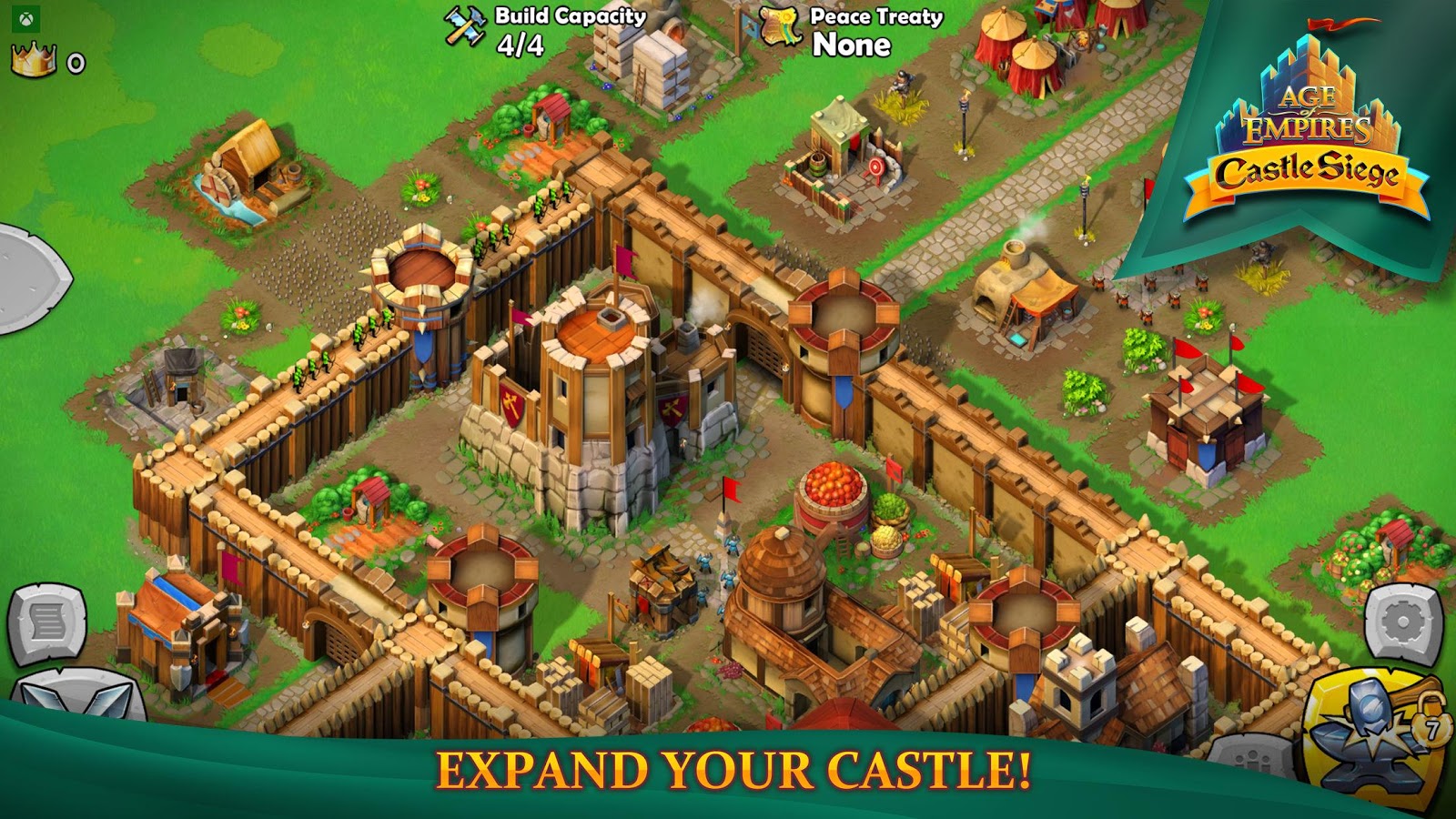
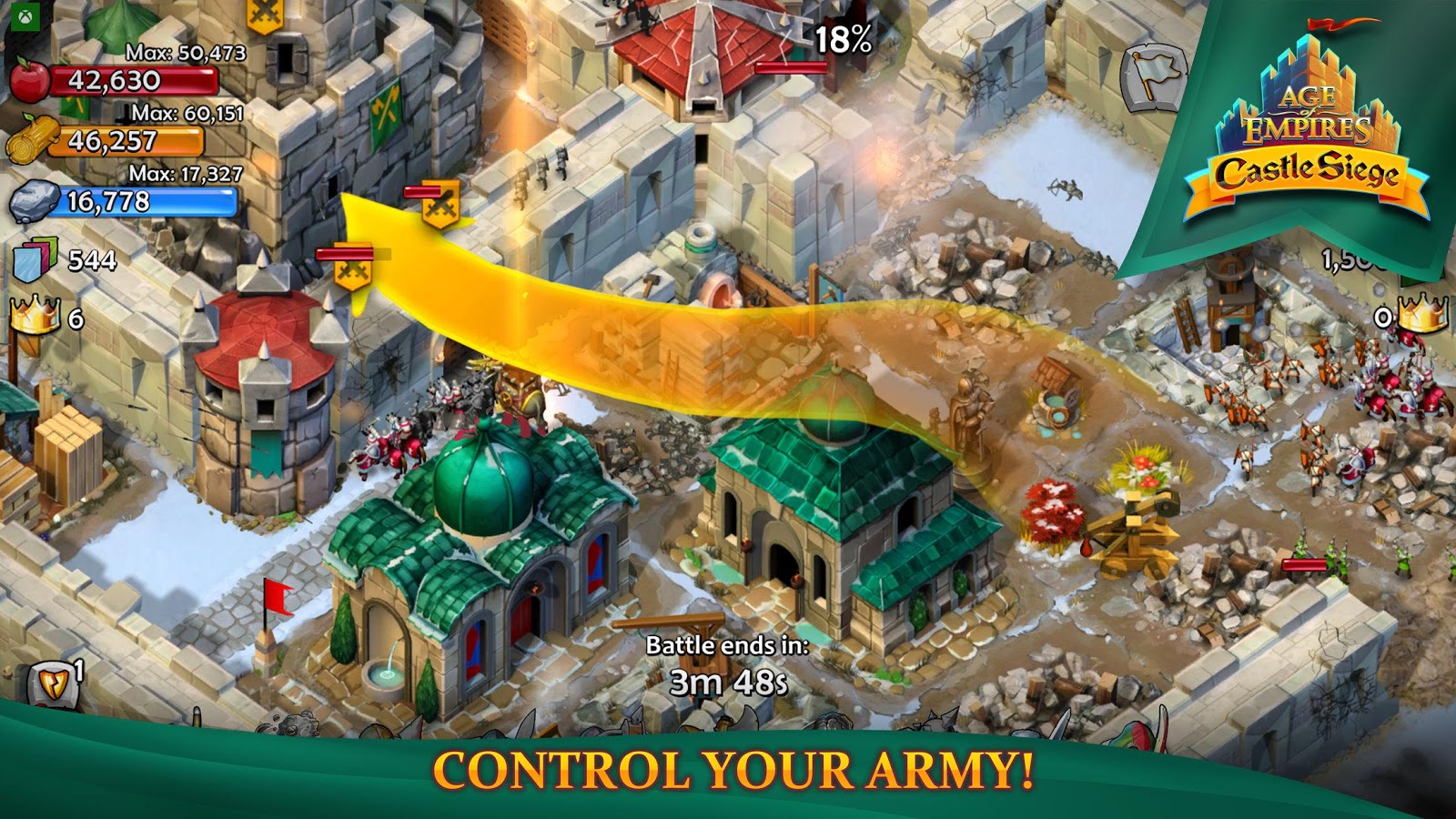
Age of Empires: Castle Siege is an amazing new strategy game from the popular Microsoft Corporation for Android. The latest update was released for free on the major Google Play market just minutes ago. In this game, you can choose one of the empires of Britain, Byzantium (Eastern Roman Empire), France, Russia, Arabia, or Teutonic Germany and start building your own land. Then, by training brave soldiers, you engage in battles with online players worldwide and enjoy hours of gameplay! The style of the game is similar to the popular Clash Of Clans, where you must create and build a powerful empire to prevent enemy invasions and, on the other hand, train strong troops to battle online players globally, stealing resources to increase your power! Age of Empires: Castle Siege features stunning HD graphics, excellent sound effects, great controls, unique construction, and addictive gameplay, making it highly recommended for all strategy game enthusiasts!
Age of Empires: Castle Siege has been downloaded over 5,000 times worldwide from Google Play in just a few hours and has earned a good rating of 4.1 out of 5.0! Key features include the ability to create a private clan and gather friends, upgrade walls and military equipment, recruit various powerful and brave troops for battles, stunning HD graphics with excellent design and beautiful animations, and outstanding sound effects! You can first view gameplay screenshots and then, if you wish, download the official first version of the game along with data from the high-speed servers of DroidCove for your tablet or Android phone.
Note: The game only installs and runs on devices with OPEN-GL 3.0 support.
Version v1.26.235 Changes:
* Various optimizations and bug fixes.
Installation and Running Instructions:
– First, download and install the game APK file.
– Download the data file and extract it. Copy the folder com.microsoft.ageofempirescastlesiege to the Android/Obb directory of your device’s internal storage.
– Run the game and enjoy.