War Clash v1.0.0.10 Full – Popular War and Conflict Strategy Game for Android
An interesting strategy game similar to classic medieval wars
Online game + cannot be hacked (no mods)
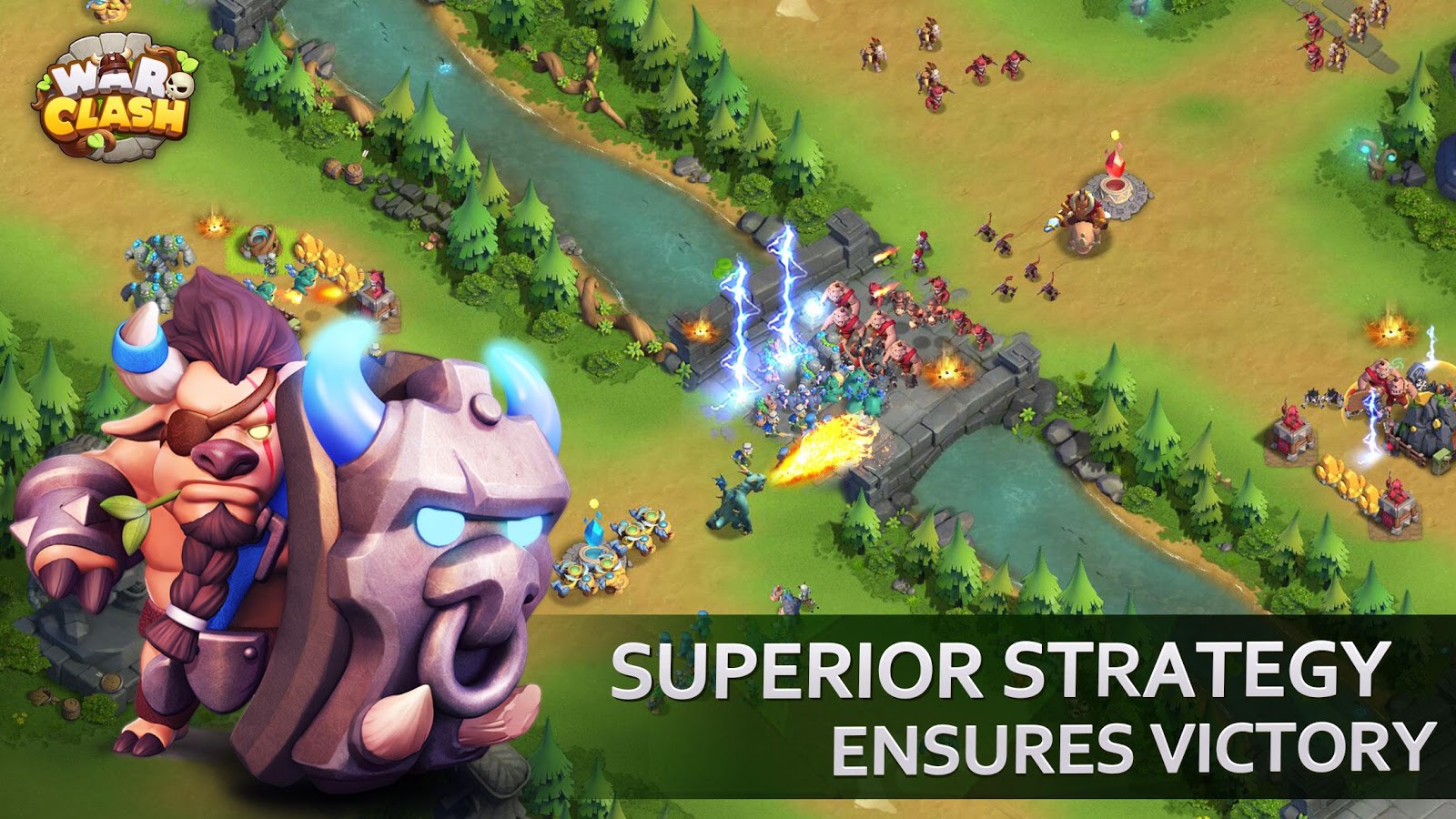
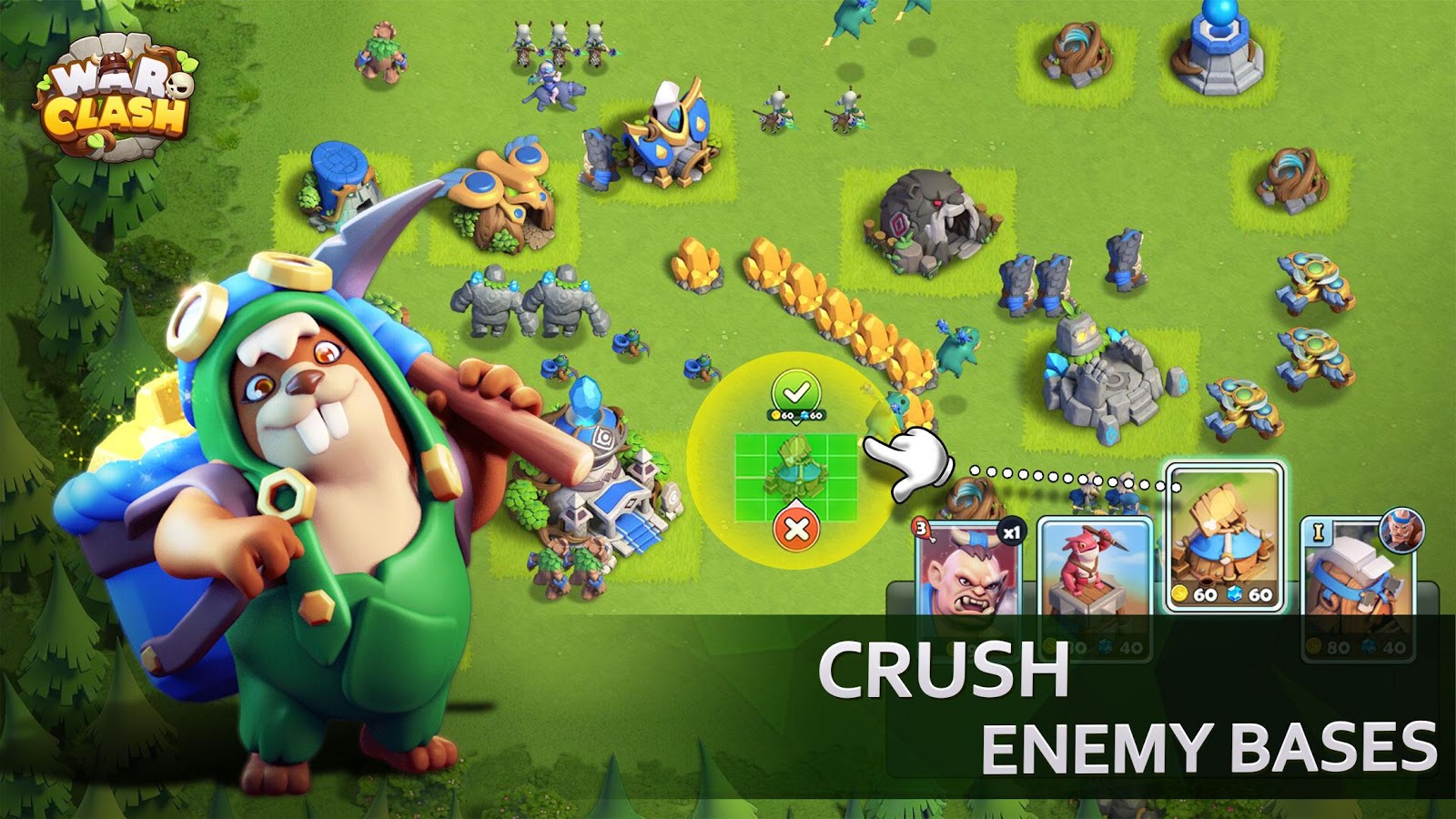
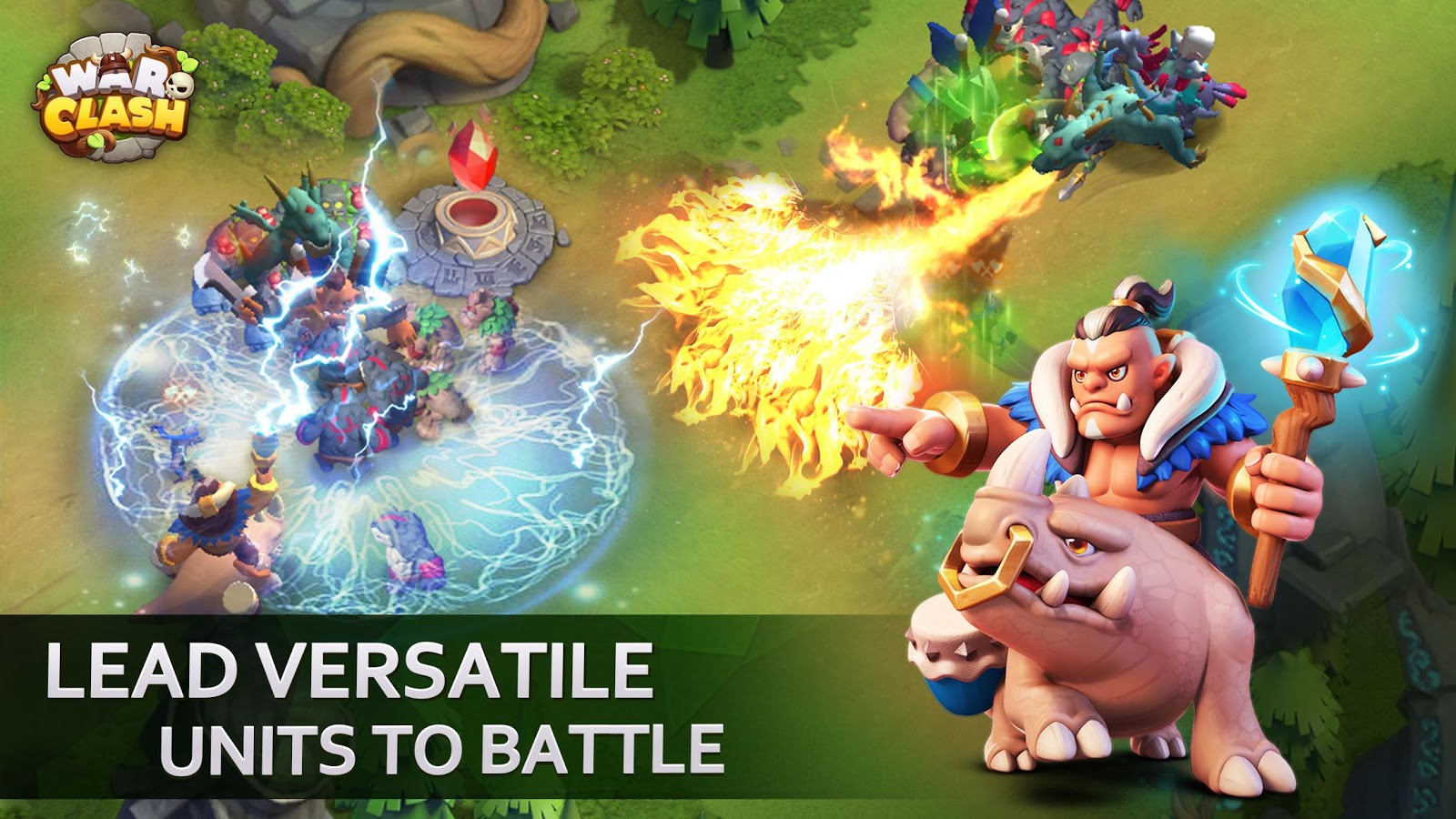
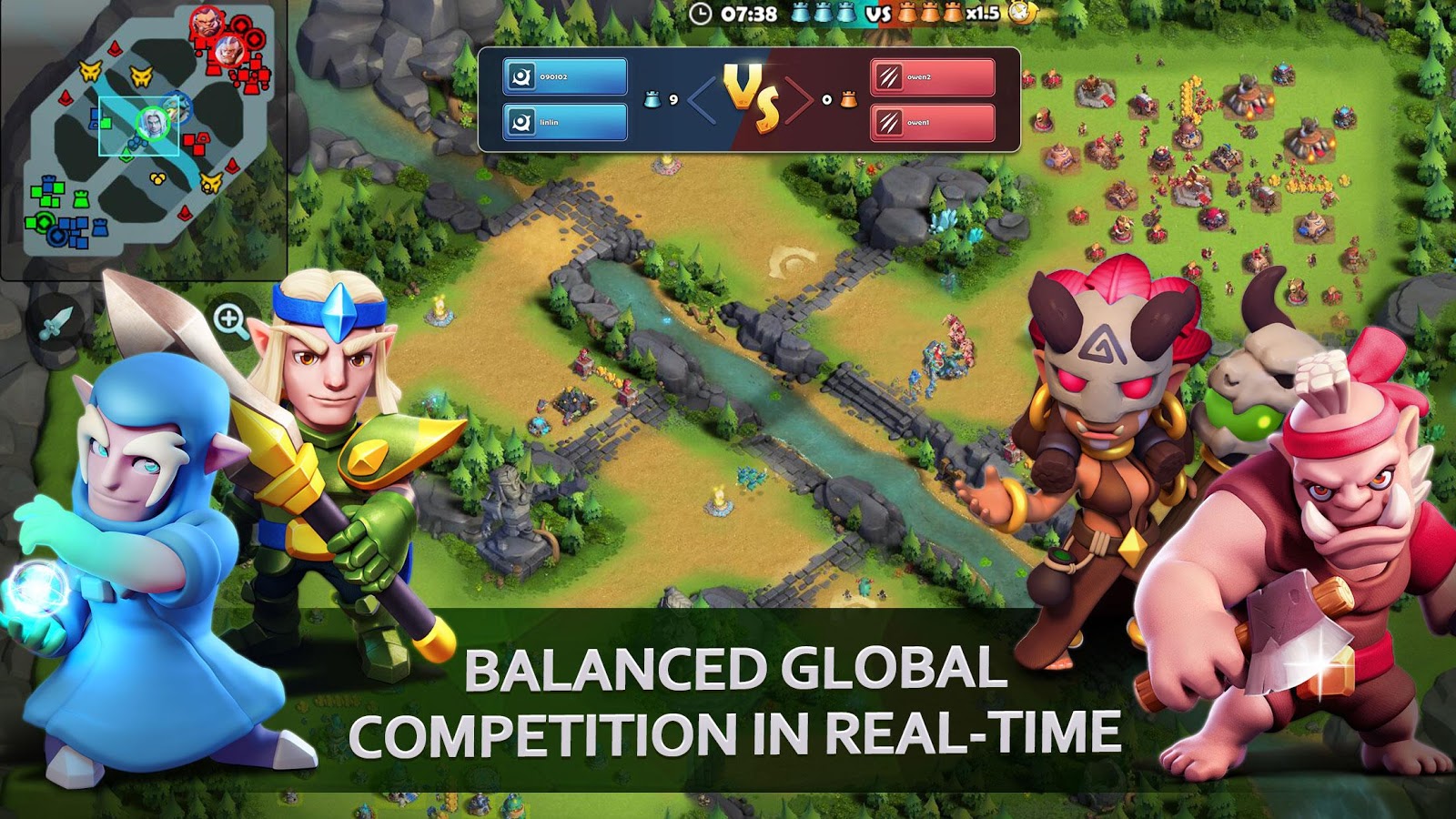
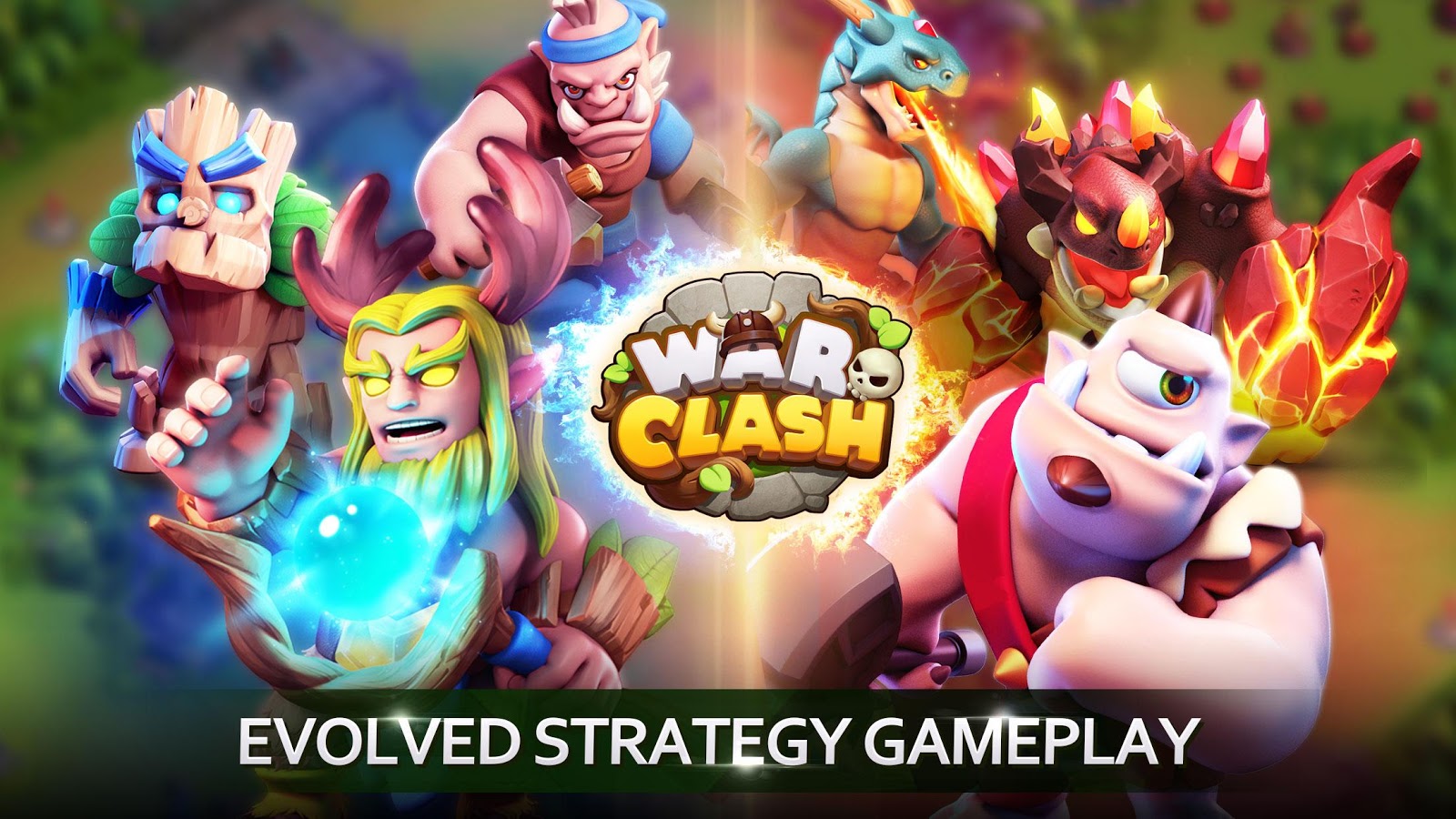
War Clash – War and Conflict is a popular, entertaining, and beautifully designed strategy game from Mechanist Games studio for Android. The latest update is now available for download simultaneously with its release! War Clash is here to bring you the best and most unique strategy game experience on your Android device! Like other games in this genre, War Clash offers a wide range of heroes with special powers to help you attack online players worldwide and loot their resources to strengthen your base! All battles are conducted online and in real-time with players from around the globe, and victory must always be your top priority! Take command of your troops and lead them to set the enemy’s land ablaze! If you enjoy strategy games with stunning HD graphics, beautiful animations, addictive gameplay, exciting sound effects, and overall excellent production quality, War Clash will surely impress you! Install War Clash on your device now and join hundreds of thousands of players!
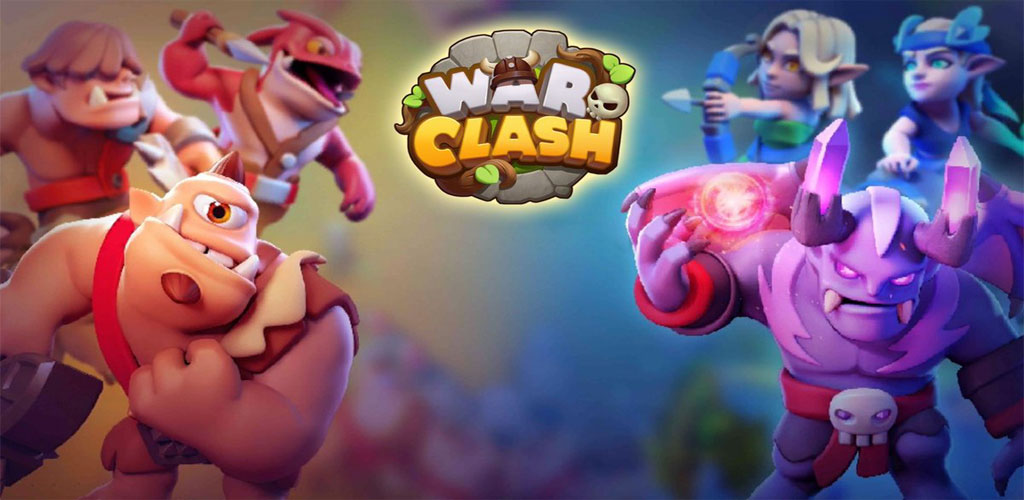
War Clash has been downloaded thousands of times by Android users worldwide and has earned a good rating of 4.3 out of 5.0. Here at DroidCove, we offer the latest version along with data files for download. You can first view screenshots and gameplay trailers, and if you wish, download the game with one click from our high-speed servers! Finally, like other games on the site, War Clash has been tested by us and runs without any issues. Please note that after installing the game and placing the data in its folder, the initial extraction of data files may take some time, but this process does not consume your internet data, and after that, you can enter the game! In our test, the game servers were not blocked, but some internet providers may have connectivity issues, which are unrelated to the game servers!
Version v1.0.0.10 Changes:
* Various optimizations and bug fixes.
Installation and Gameplay Instructions:
– First, download and install the game APK file.
– Download the data file and extract it. Copy the folder com.mechanist.wcg.aos to Android/Obb in the device’s internal storage.
– Launch the game.