


Audio Editor Cut, Merge, Mix Extract Convert Audio v1.6 [Pro] – Advanced and Professional Audio Editor App for Android
Professional and complete version of the app valued at $0.99
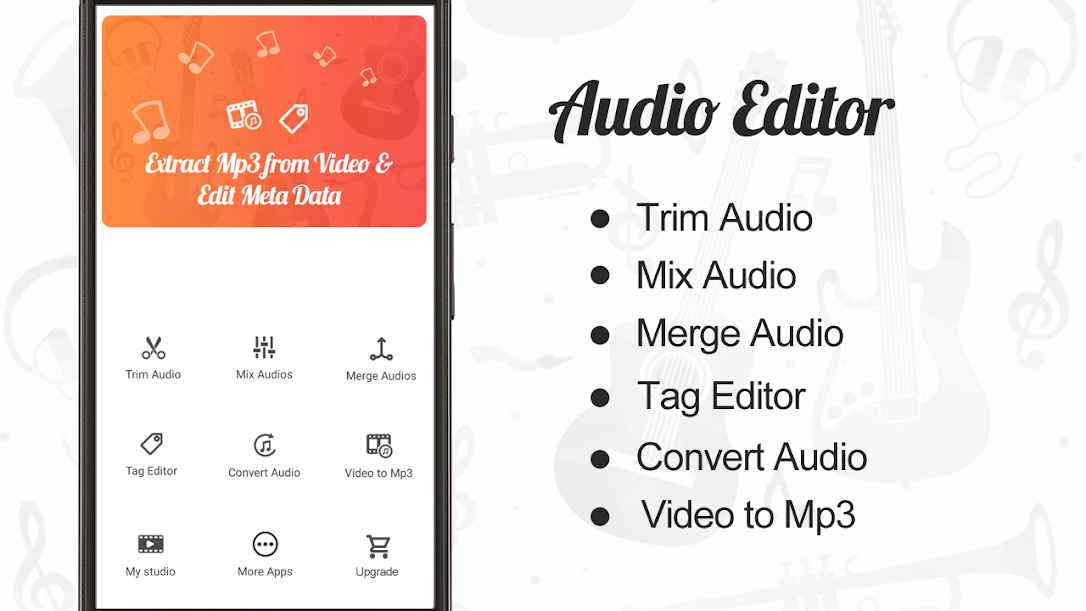
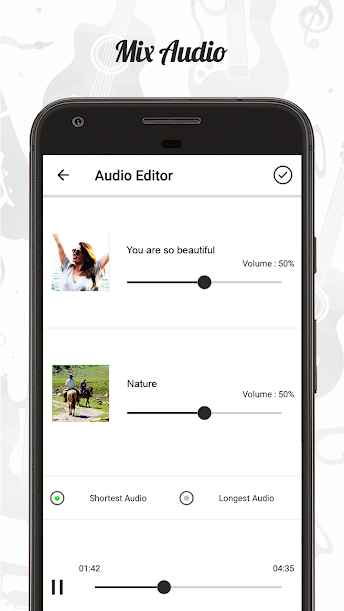
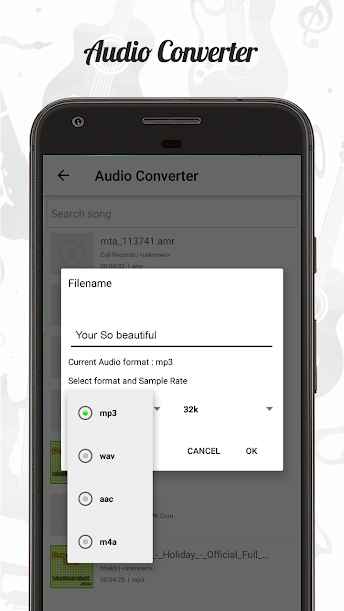
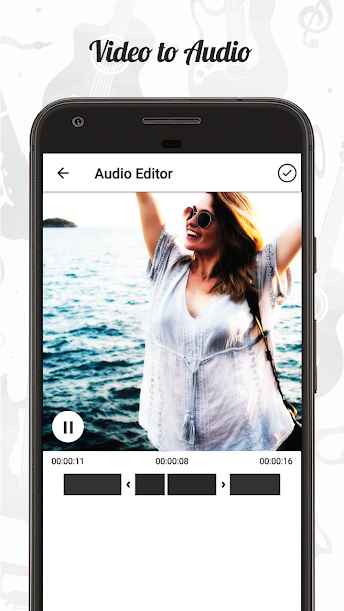
All the files we use on our Android devices are editable to some extent, and we can make changes to them if desired. Audio files are no exception, and in various situations, you can use different tools to make specific modifications to them. Audio Editor Cut, Merge, Mix Extract Convert Audio Pro is a powerful and feature-rich application for editing audio files on Android, developed by AndroTechMania and released on the major Google Play market. This app supports multiple diverse tools in a single environment, allowing users to edit any sound on their smartphone easily and without complexity. Cut different parts of your desired audio file and save them as separate new files. One of the most important features of this app is the ability to mix multiple different files, which is unique in its kind. Additionally, there is no need for separate format conversion apps, as video-to-audio conversion is also available.
Some features and capabilities of Audio Editor Cut, Merge, Mix Extract Convert Audio for Android:
- Professional audio file editing without any complexity
- Access to a collection of advanced and professional tools
- Ability to cut desired parts from audio files
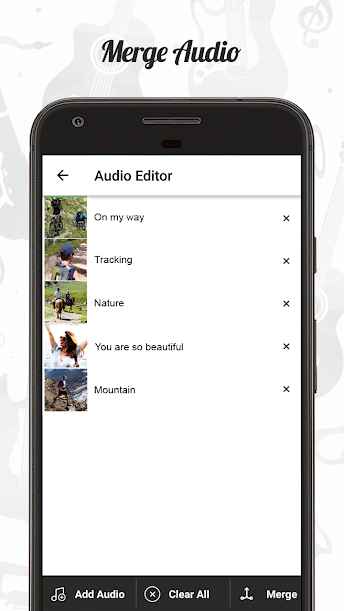
- Option to merge two or more files together
- Support for various audio formats
- Built-in format conversion system including video to audio conversion
- Mixing sounds in different formats together
- Saving output files as completely separate audio tracks
- Waveform display for increased editing accuracy and visual appeal
- Setting audio quality levels during saving
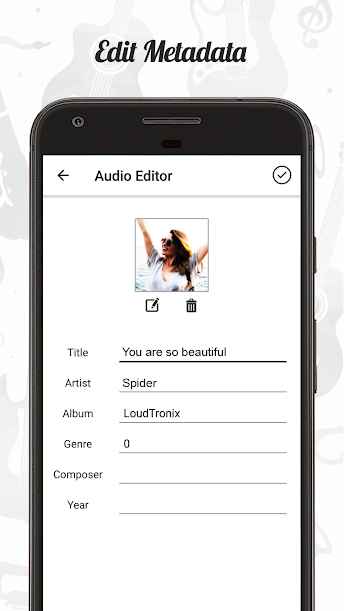
- Tag editor without the need for additional tools
The Audio Editor Cut, Merge, Mix Extract Convert Audio app, with its diverse features and capabilities, has achieved a 4.6 out of 5.0 rating from Google Play users through thousands of downloads and its $0.99 in-app purchase. You can now download the latest professional and complete version from the popular website DroidCove.
Note: To complete the app setup, click on upgrade and then restart the app.
Version v1.6 changes:
* UI improvements and bug fixes + new features




![KineMaster 8.1.13 – Powerful Video Editor for Android [Update]](https://droidcove.com/wp-content/uploads/2026/06/KineMaster-Logo-1-100x100.webp "KineMaster 8.1.13 - Powerful Video Editor for Android [Update] 5")

