


Cold Launcher [ROOT] v10.1 Final – Ultra Lightweight and Stylish “Cold” Android Launcher
Your device must be rooted to freeze apps
Paid and full version worth $1.99 available for you
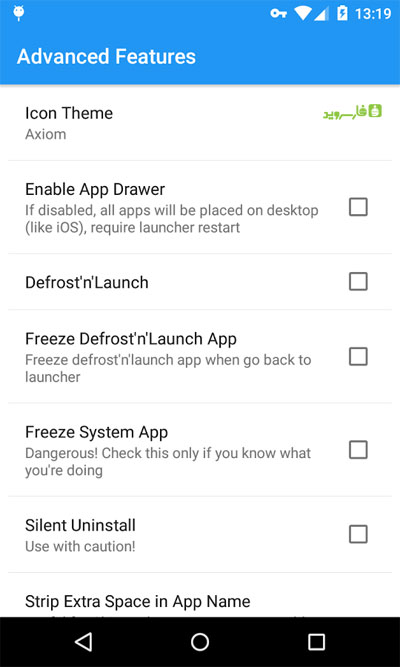
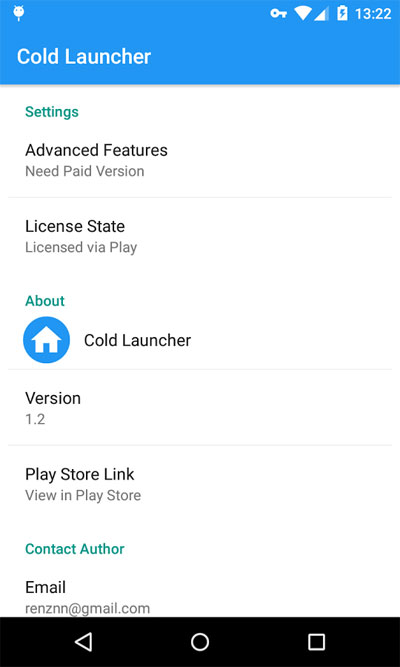
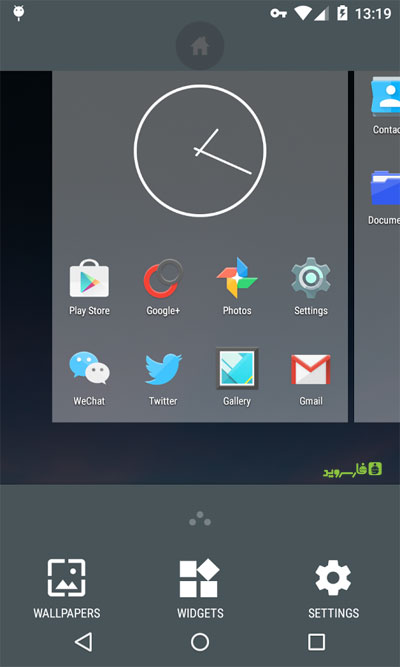
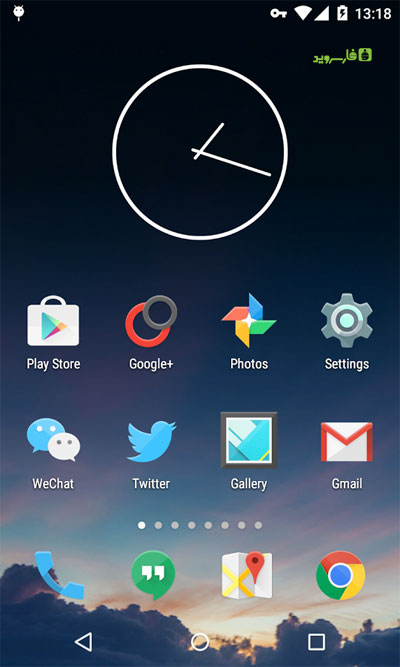
Cold Launcher is a fast, simple, lightweight, and excellent launcher with the ability to freeze apps for Android. It is offered by the renzhn studio in both free and paid versions on the Play Store, and we are now introducing the paid and full version, which is sold for $1.99 ! This launcher is one of the newest Android launchers that, with its ultra-light environment, is one of the best choices for phones with mid-range hardware, providing features comparable to the best existing launchers in a smooth and lag-free environment! High execution speed, small size relative to the app’s features, and the ability to resize icons are just some of the features of this launcher, which has become the first choice for many users these days! Half of Cold Launcher’s focus is on app management and freezing, which is especially a great advantage for phones with weaker processors! If you are looking for a simple, beautiful, and feature-rich launcher app for your Android phone or tablet, Cold Launcher will definitely catch your attention.
Some features of Cold Launcher Root Android launcher:
- Transform the device interface with a beautiful UI
- Freeze / unfreeze installed apps and games
- Easy icon hiding by the user
- Support for drawer for easy access to apps
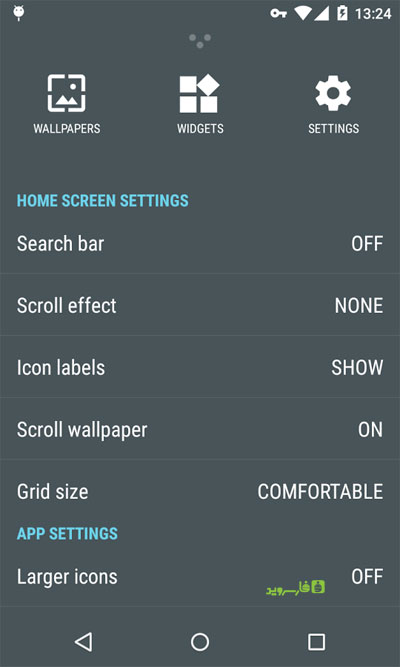
- Extensive settings for launcher customization
The Cold Launcher app currently has a 4.3 out of 5.0 rating on the Play Store. We at DroidCove provide the final paid version for free, which you can download with one click; this app, like other apps on the site, has been tested by us and runs without any issues. Please note that your device must be rooted to perform the freeze process.
Changes in version v10.1:
* Various optimizations and bug fixes.
Additional information about Cold Launcher and app freezing:
Many mid-range and lower-end phones experience slow speed and internal performance issues when Facebook and LINE apps are installed simultaneously, often forcing users to uninstall one of these heavy apps and reinstall it only when needed. However, with the freeze or disable feature, which is a useful Android function, apps enter a hibernation-like state and are effectively the same as being removed from the device. The app remains installed on your phone but has no impact on speed or performance because it is completely disabled and cannot be launched. The advantage of this over uninstalling is that the heavy apps remain on your device permanently without needing to reinstall or reconfigure (such as logging into Facebook). After freezing apps, with just one click and within a second, the desired app is ready to use again.



![KineMaster 8.1.13 – Powerful Video Editor for Android [Update]](https://droidcove.com/wp-content/uploads/2026/06/KineMaster-Logo-1-100x100.webp "KineMaster 8.1.13 - Powerful Video Editor for Android [Update] 5")

