


WiFi and Bluetooth Remote v7.0 – Application to Turn Android Device into Virtual Mouse and Keyboard for PC
Purchased version worth $1.99 presented to you
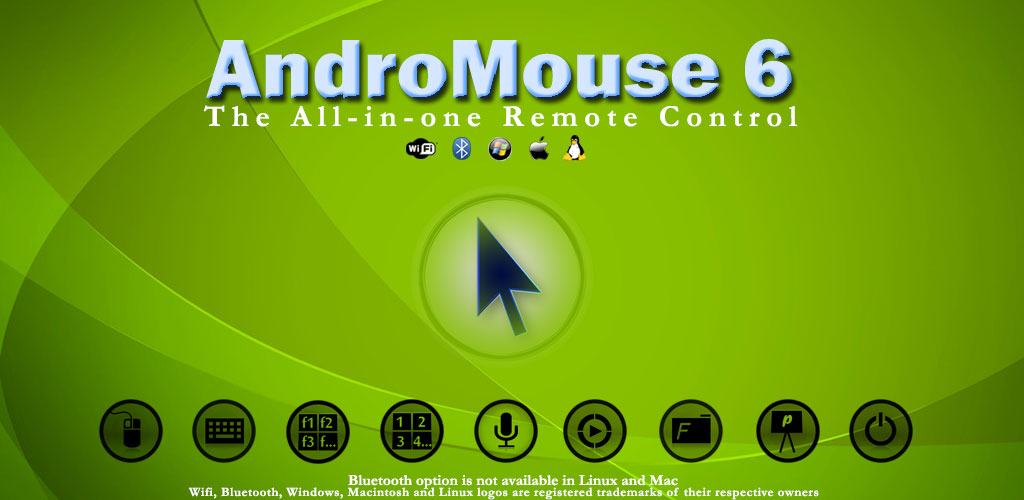
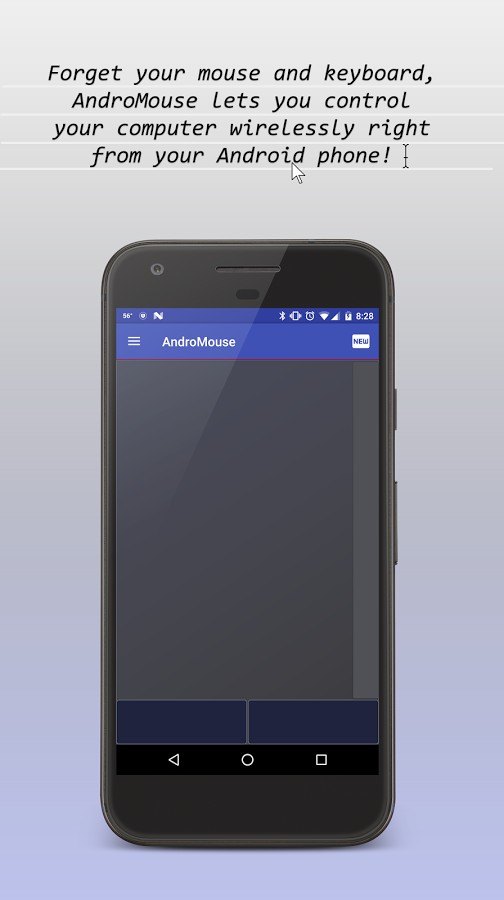
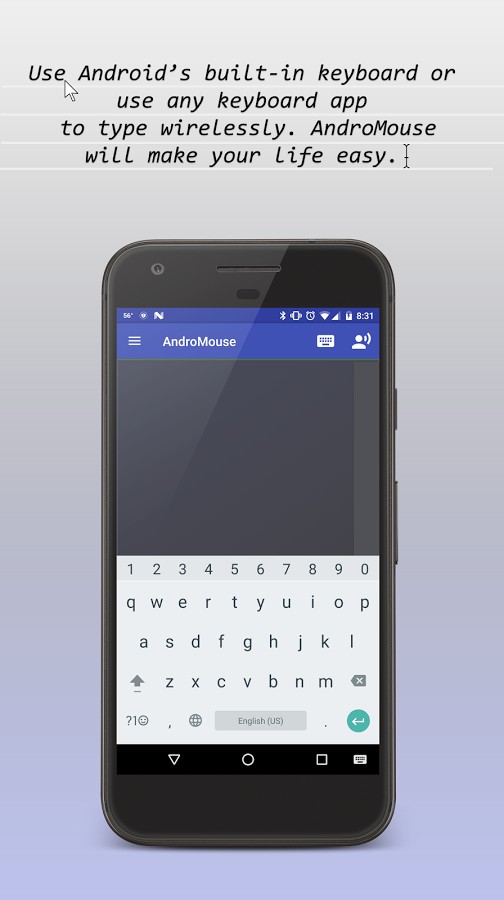
In many situations, users may not have access to a mouse and keyboard while using a personal computer. In such cases, the absence of a keyboard can be somewhat compensated by using the computer’s virtual keyboard, but access to a mouse is not possible. This time, creative Android developers have released an amazing app called WiFi and Bluetooth Remote, which allows you to turn your smart Android device into a mouse or keyboard via Bluetooth or Wi-Fi and easily use it on the Windows platform. Typically, personal computers run two operating systems: Windows and Linux. This app supports both, and also fully supports Apple computers running macOS. You can relax anywhere and easily browse the web! Because WiFi and Bluetooth Remote uses smart speech-to-text conversion, you can type your texts easily without using a physical keyboard. In addition to these features, this app has other capabilities which you can learn about by continuing with DroidCove.
Some features and capabilities of WiFi and Bluetooth Remote for Android:
- Supports all mouse actions such as scroll, double-click, drag and drop, and more
- Uses a standard and optimized keyboard
- Supports various functions and special keys
- Automatic server detection
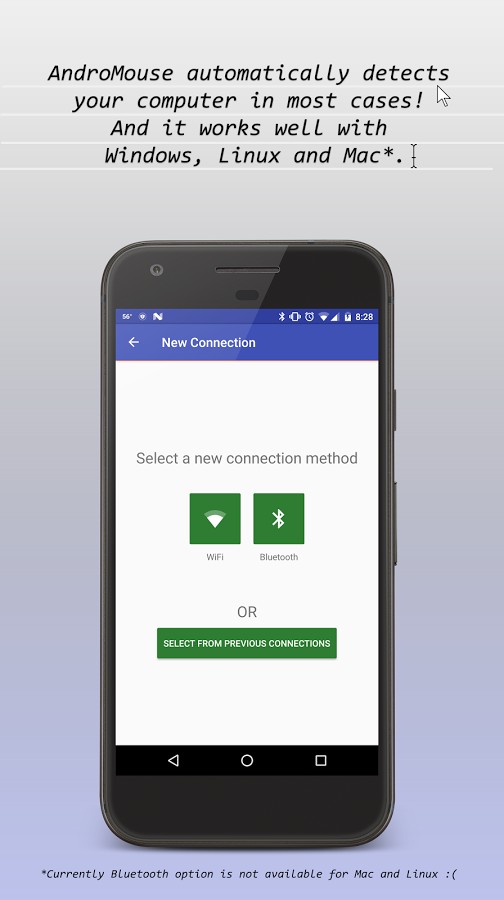
- Connection via Wi-Fi (Windows, Linux, macOS) and Bluetooth (Windows)
- Supports numpad keys
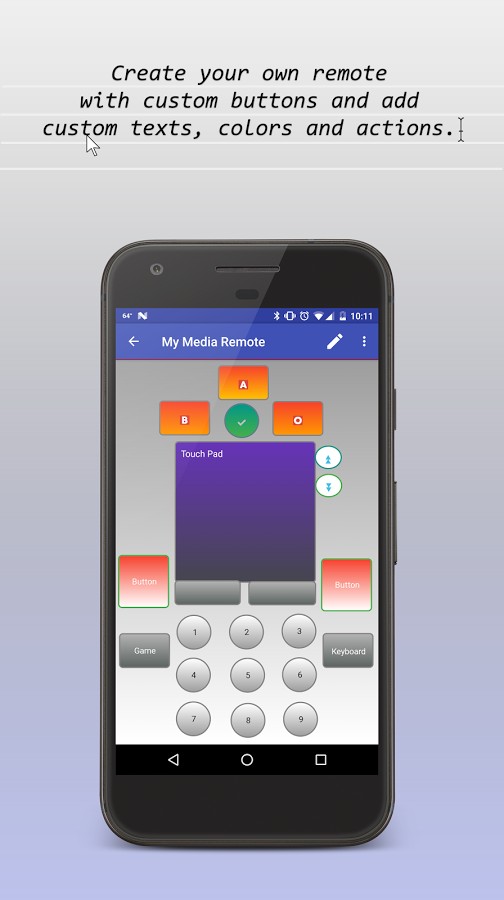
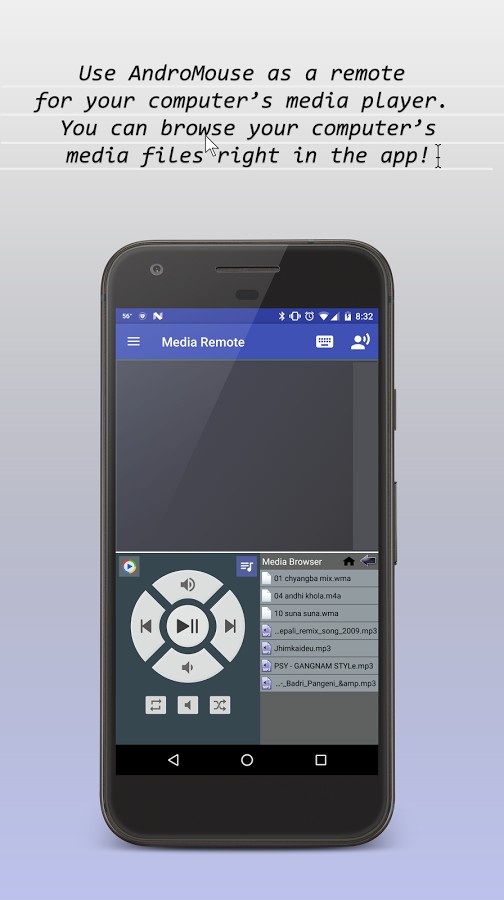
- Remote control of Windows Media Player and other players
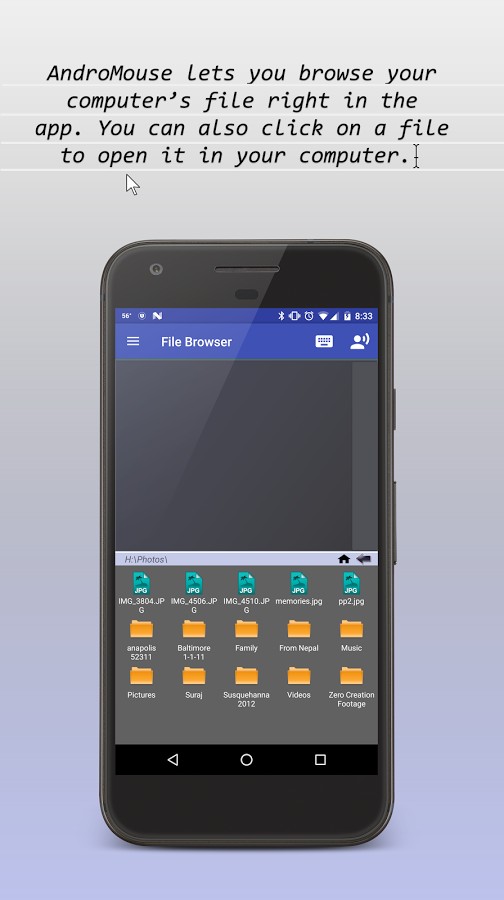
- Ability to browse and access computer media files
- Ability to shut down or restart the computer remotely
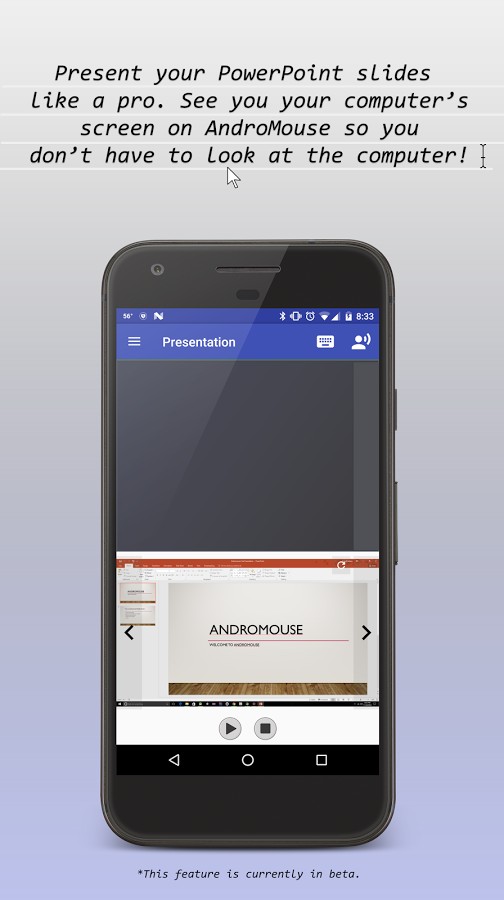
- Browse the web using the computer’s browser remotely
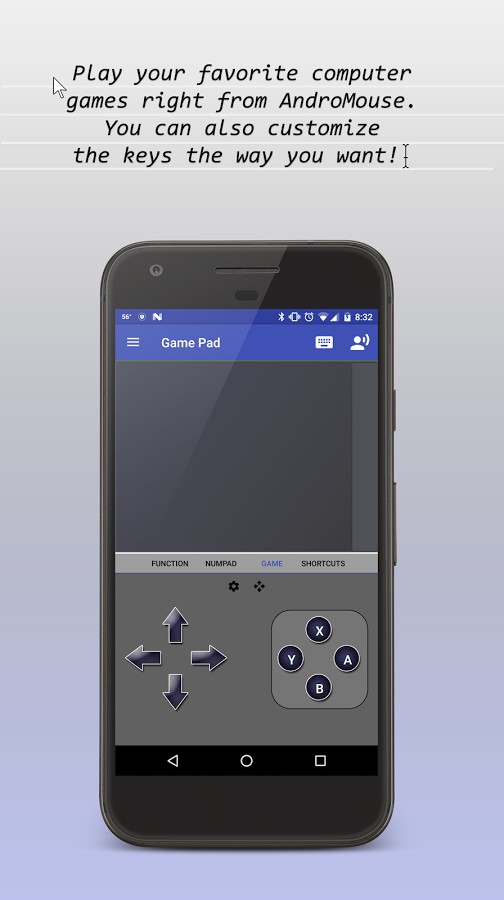
- Ability to control computer games via the app
The WiFi and Bluetooth Remote app, with its extensive features and a price of $1.99, has earned a rating of 4.1 out of 5.0. You can now download the latest purchased version from the extensive database of DroidCove.



![KineMaster 8.1.13 – Powerful Video Editor for Android [Update]](https://droidcove.com/wp-content/uploads/2026/06/KineMaster-Logo-1-100x100.webp "KineMaster 8.1.13 - Powerful Video Editor for Android [Update] 5")

