


Tap2wake Prime with Swipe Gestures v1.5 – Android Screen Gesture Shortcut Application
Purchased and full version for $0.99
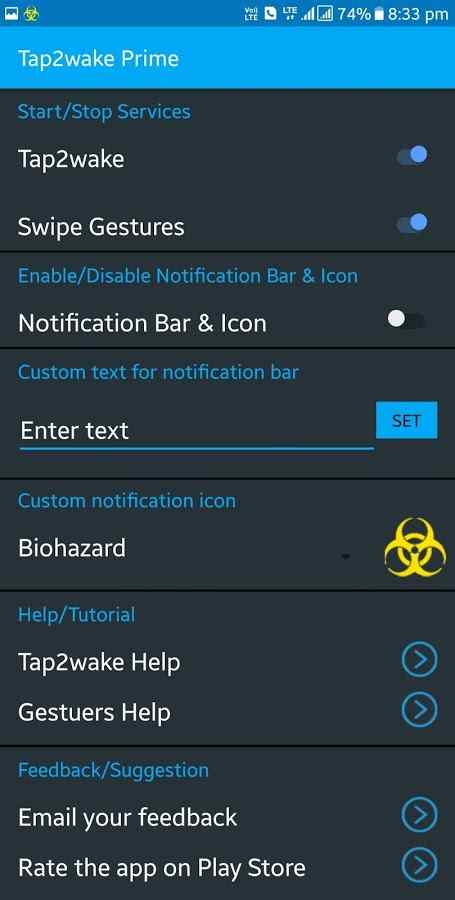
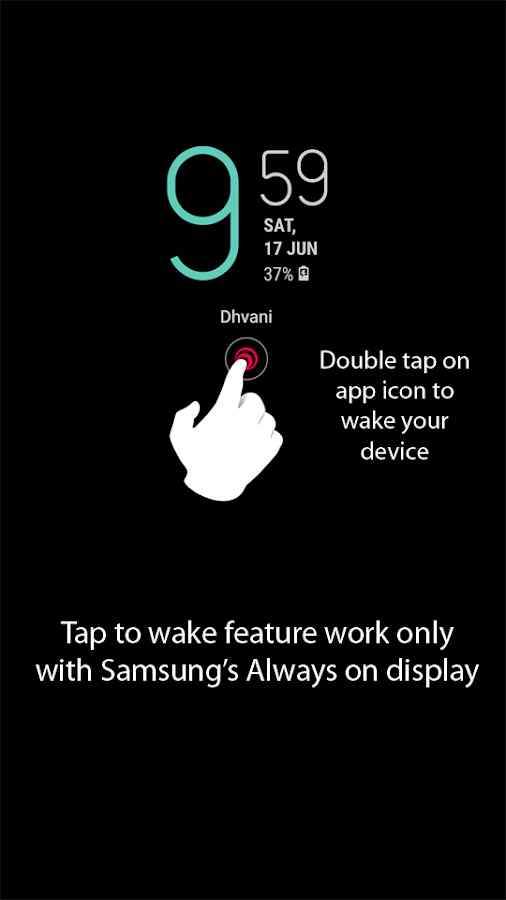
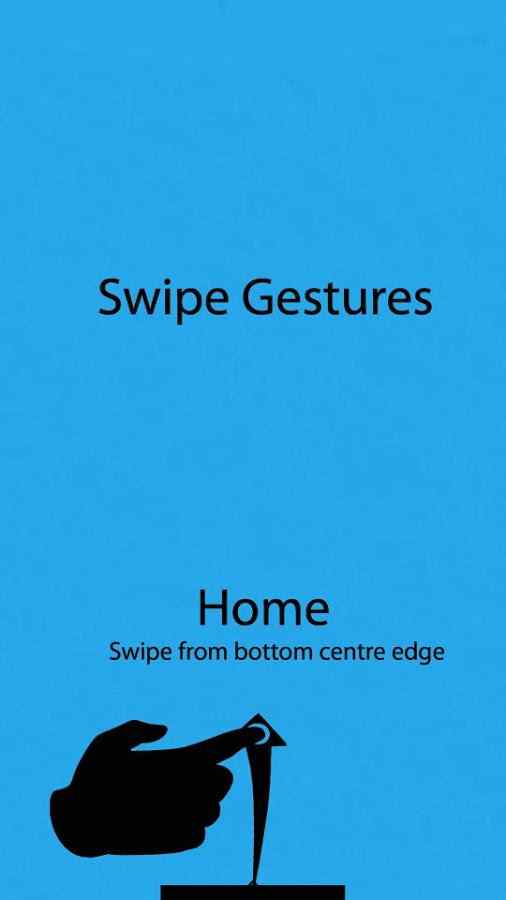
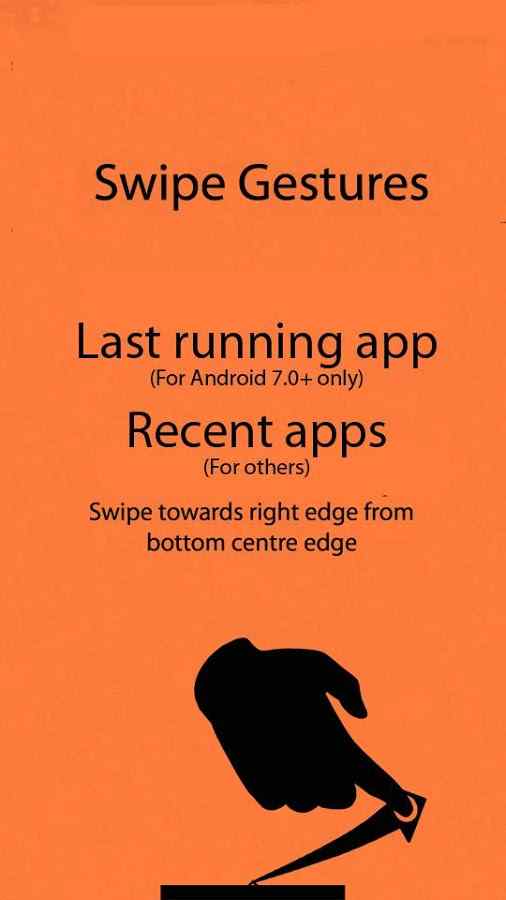
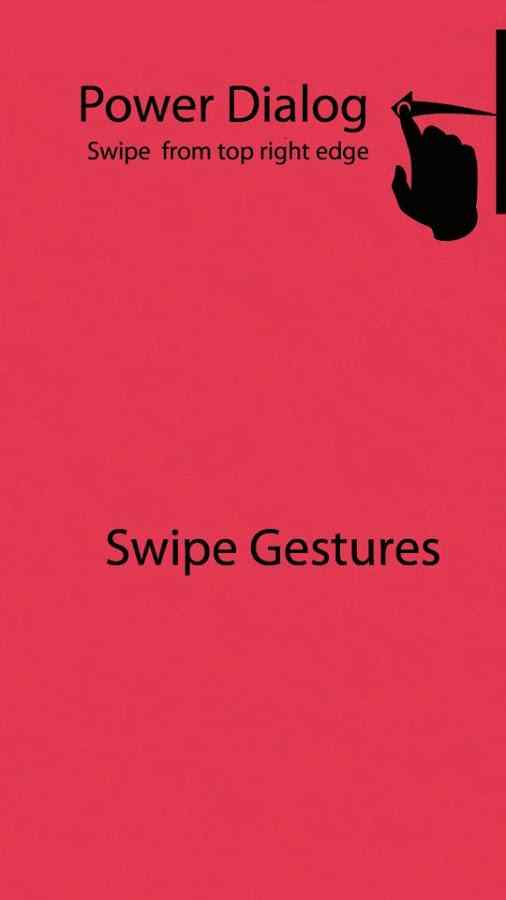
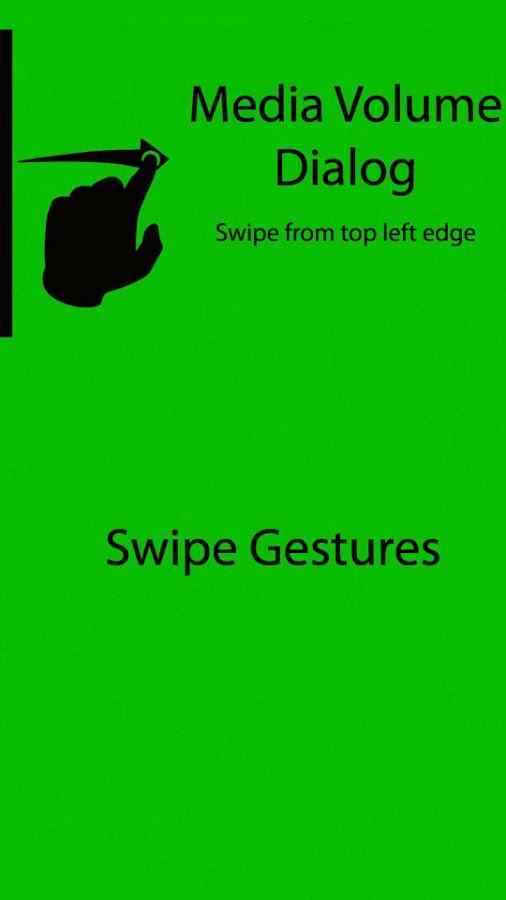
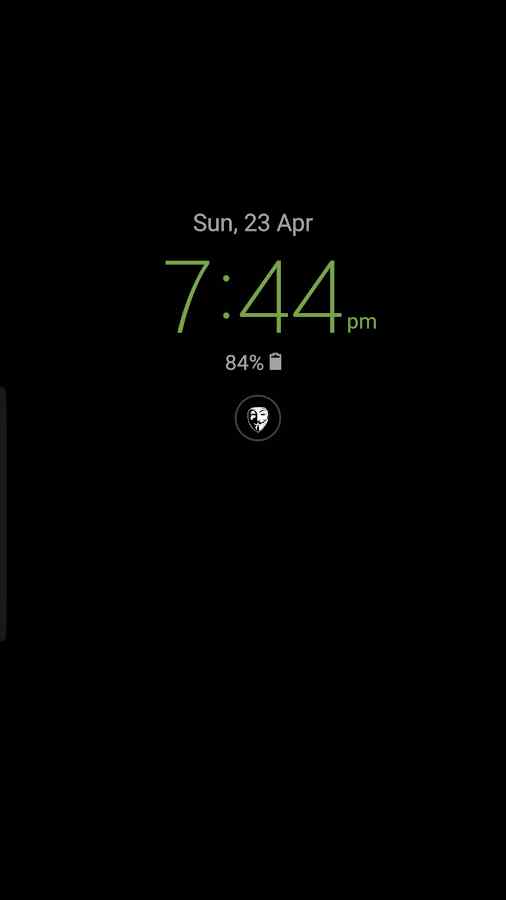
One of the most important features that many users of smart Android devices try to use is various and diverse shortcuts, which in many cases are useful and help reduce damage to the physical buttons of the smartphone. We all turn the screen on and off several times a day, which can cause hardware damage to our mobile phones in the short term and lead to other problems. For this purpose, various apps have been developed and released, and in this post, we want to introduce you to one of the best. Tap2wake Prime with Swipe Gestures is a highly useful application for creating gesture shortcuts of various kinds on Android device screens, developed by Dhwani developer and published on the large Google Play market. This amazing app helps you access two modes of turning the screen on and off and unlimited gesture shortcuts. Just double-tap your screen; then you will see your smartphone screen turn on without pressing physical buttons. Besides these gesture shortcuts, you can easily execute a set of commands with a specific movement or swipe in different directions on the screen. Setting up and using these shortcuts is in your hands, and you can even use the gesture shortcuts and double-tap screen wake separately or simultaneously.
The Tap2wake Prime with Swipe Gestures app, featuring two special and useful capabilities, has earned an excellent rating of 4.4 out of 5.0 from Google Play users with its $0.99 price. You can now download the latest purchased version from the direct links on the DroidCove website and execute many commands in no time.
Version v1.5 changes:
* Added 16 new icons
* Separate gesture selection



![KineMaster 8.1.13 – Powerful Video Editor for Android [Update]](https://droidcove.com/wp-content/uploads/2026/06/KineMaster-Logo-1-100x100.webp "KineMaster 8.1.13 - Powerful Video Editor for Android [Update] 5")

