


Proximity Lock/Unlock Pro v1.0462 – Automatic Screen On/Off Android Application
Purchased and full version of the app priced at $0.99
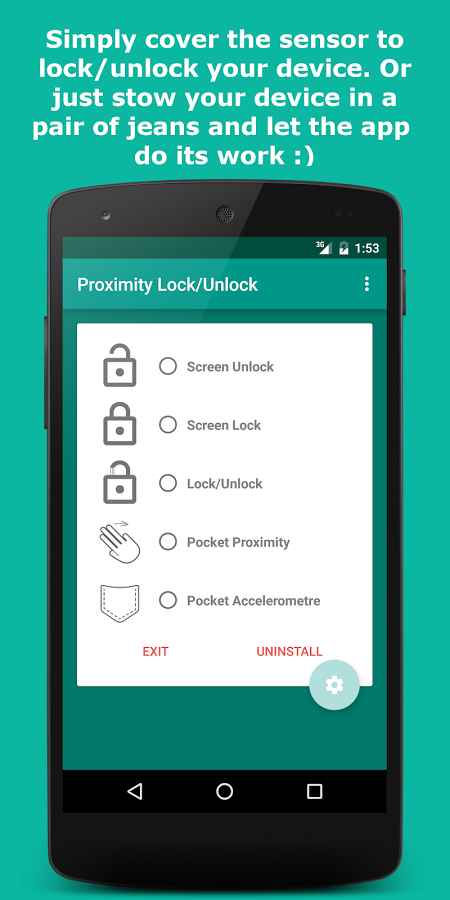
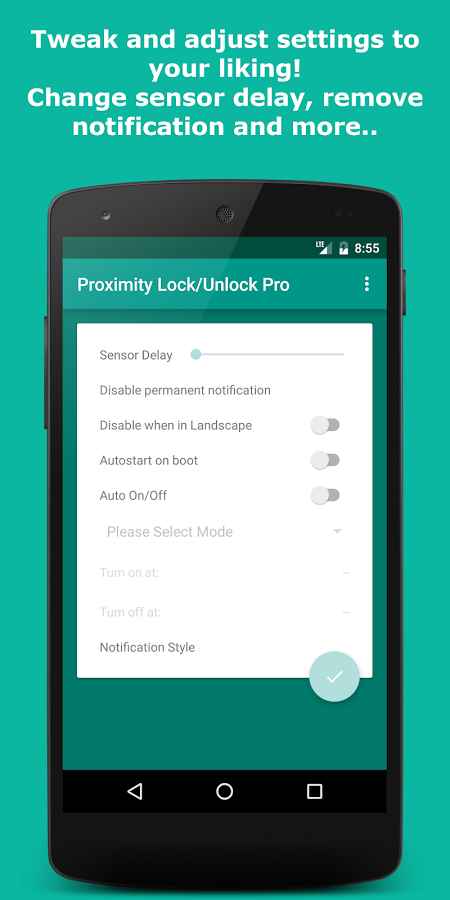
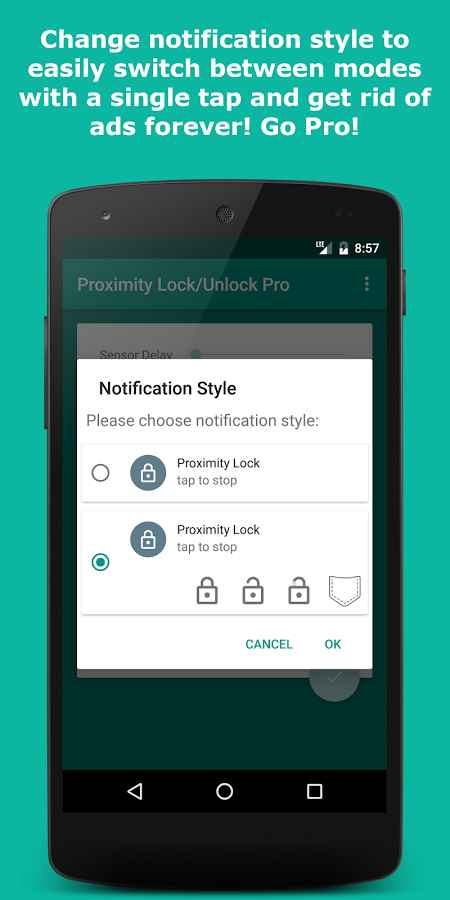
If you have noticed, more than 90% of Android smart device users use the power button to turn their device’s screen on and off; as explained in previous posts, this action reduces the lifespan of this button and causes it to malfunction in a short time. However, besides the power button, there are various ways to control the screen, and one of the best is probably the proximity sensor! Proximity Lock/Unlock Pro is a unique application for automatic screen on/off of Android devices using the proximity sensor, developed by Crimson Scythe and published on the major Google Play market. By using this special software, you will minimize the use of the power button and prevent its long-term damage. Several different modes for turning the screen on and off are available, including a pocket mode; in this mode, if your Android device is in your pocket, the screen will not turn on even if notifications are received, and to turn on the display, simply take the device out of your pocket, and the screen will turn on automatically. Besides the main feature of this amazing tool, there are various special settings that allow you to schedule the app to be active only during specific hours and inactive afterward. Finally, there is no need to run this app repeatedly, as it starts working automatically when the device boots up.
The Proximity Lock/Unlock Pro app, with its special feature for turning Android device screens on and off, has received a 4.0 out of 5.0 rating from Google Play users at the price of $0.99. You can now download the latest purchased version from the high-speed servers of DroidCove.
Version v1.0462 Changes:
* No changes have been mentioned for this version on Google Play.



![KineMaster 8.1.13 – Powerful Video Editor for Android [Update]](https://droidcove.com/wp-content/uploads/2026/06/KineMaster-Logo-1-100x100.webp "KineMaster 8.1.13 - Powerful Video Editor for Android [Update] 5")

