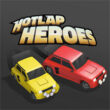
Hotlap Heroes v1.4 Full – HD Multiplayer Racing Game for Android with Data + Trailer
Price $3.99 and rating 4.6 out of 5.0 on the major Google Play Store
Tested and runs 100% without issues
Special Offer
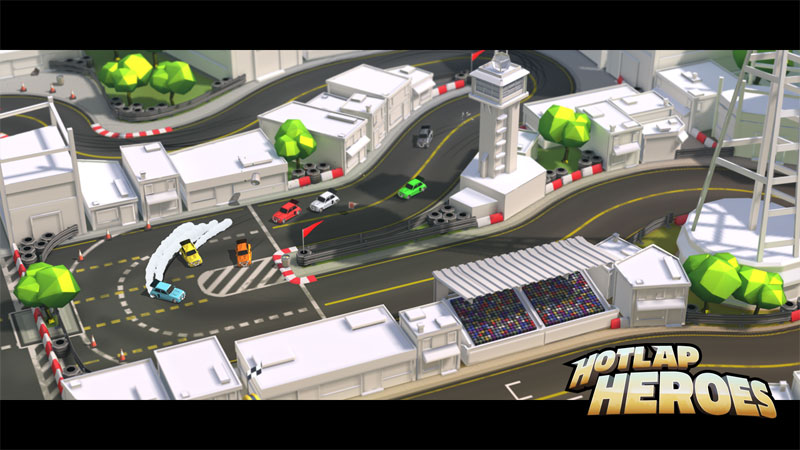
Hotlap Heroes is one of the most unique and distinctive car racing games for Android. Its latest version was released a few hours ago with a price of $3.99 on the major Google Play Store. After thorough testing and review, we decided to introduce it to racing game and multiplayer fans worldwide and provide the newest version along with data to bring you excitement once again! By installing this game on one device, you can challenge your group of friends and experience one of the most unique racing games! The game installs on a single device, and then by installing the controller app on other devices, you can control your own car and compete with up to 8 friends! If you are looking for a game that can make your friends’ gathering more fun and keep you glued to your phone for hours, Hotlap Heroes with its HD graphics and addictive gameplay is definitely a great choice for you!

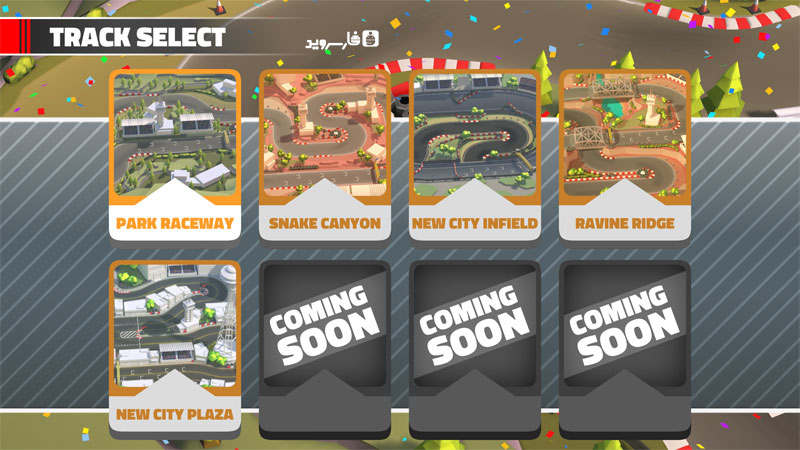
Features of Hotlap Heroes include multiplayer support for up to 8 players, competing with friends in practice mode or various race modes, multiple locations and tracks for racing, HD graphics, exciting sound effects, and addictive gameplay! We installed and ran the game on an LG G3 Android device, then installed the controller on Galaxy S4, Huawei 4X, Huawei J7, Nexus 7, and Xperia SP devices and played multiplayer without any issues. We are confident that this $3.99 game is fully functional and problem-free! So far, the game has sold less than 500 copies, and now we have made the paid and purchased version available for download along with data on DroidCove. You can download it with just one click.
Version v1.4 Changes:
* New features + various optimizations.
Hotlap Heroes Installation and Running Instructions:
– First, download and install the game APK file.
– Download the data file and extract it. Copy the folder com.pea.hotlapheroes to Android/Obb in the internal storage.
– Launch the game.
How to Install, Run, and Play Multiplayer with Friends:
Step One: Install the game on the device you want to use as the main display for all friends (we recommend the largest screen).
Step Two: Download and install the controller app on the other devices.
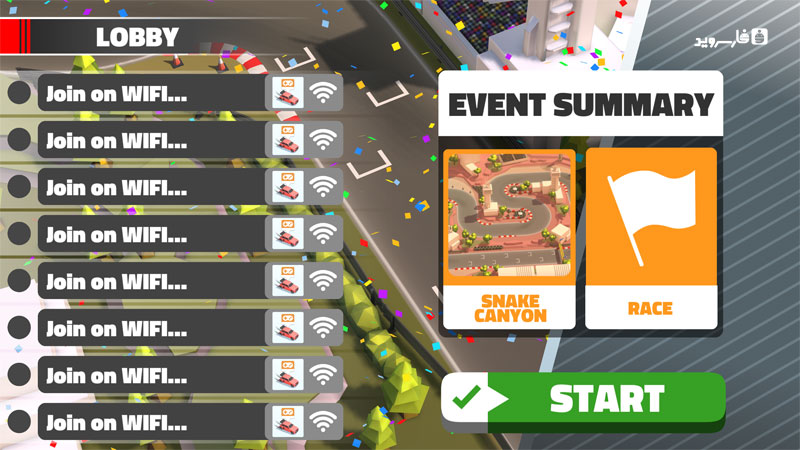
Step Three: Hold the device with the game installed and select the desired mode until you reach the last screen (the screen with the green START button at the bottom).
Step Four: Run the controller app on the other devices, choose a name for each device, and then press the find game button to have your name appear on the main device!
Step Five: Finally, all users will be added on the main device, and by pressing the Start button, the game will begin!