

AutoNotification v4.3.14 A plugin for accessing and controlling notifications in Tasker for Android
Unlocked version of the app with access to all features and capabilities
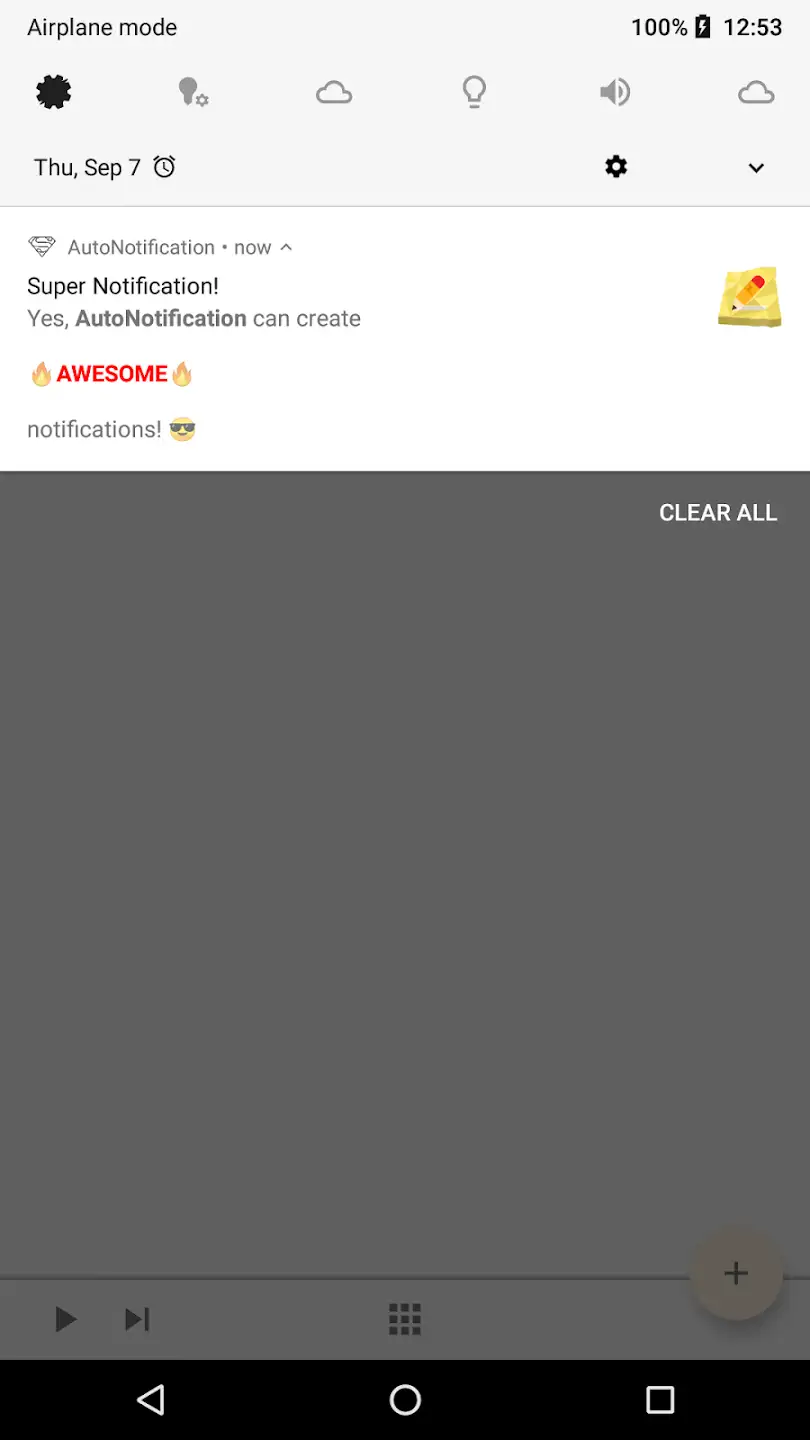
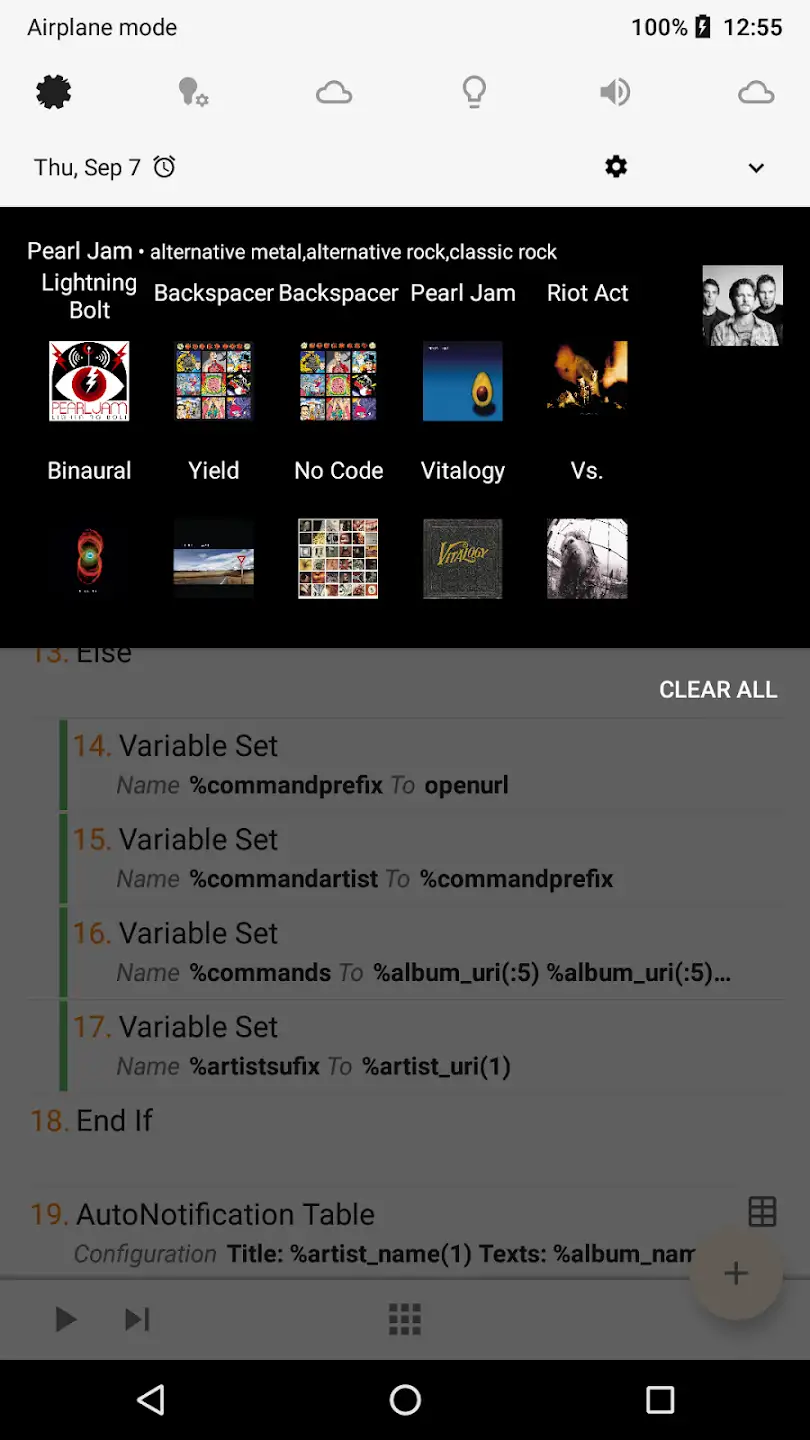
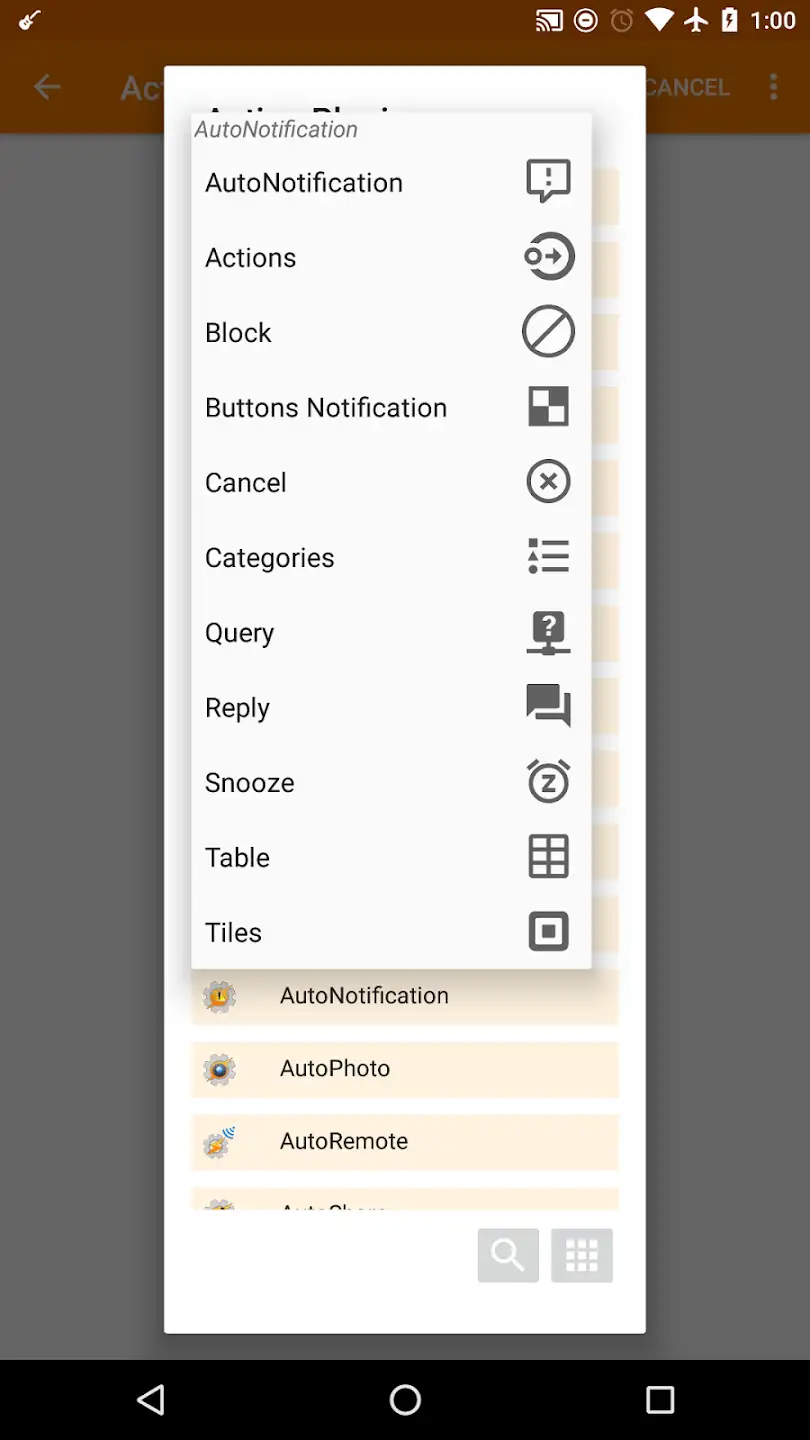
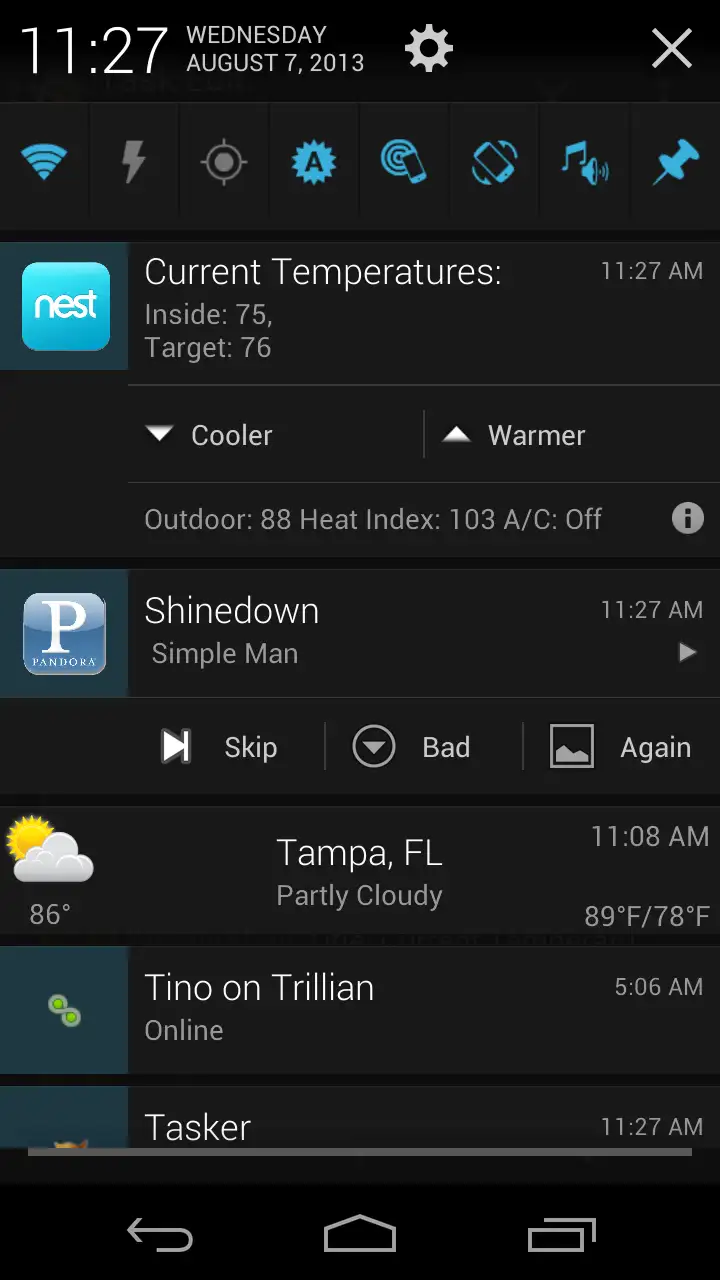
Notifications can be considered one of the most important features of smartphones. Notifications quickly inform us about events happening on the phone and display the latest calls and received messages. With the increase of messaging and social media apps, throughout the day we may receive various notifications from different apps, which is not easy to manage. Therefore, it is very useful if we can automatically manage the device’s notification section. As you probably know, the Tasker app is one of the best automation apps on Android that can perform almost any task automatically. Today, we present a plugin for this app that can manage device notifications in a very intelligent way. AutoNotification is an app for complete control of notifications specifically for the Android operating system, developed by the joaomgcd software group and released for free on Google Play. This plugin provides the contents of all notifications from all installed apps on the device to the Tasker app. For example, the text, title, image, and even action buttons of notifications can be transferred to Tasker with this plugin. With access to such features, Tasker can perform various automations. For example, you can set it so that when any notification is received, its title, image, and text are displayed in your browser. You can even send notification actions automatically to the browser. For instance, when your phone rings, you can click the answer option in your browser and answer the call on your phone. Or make a video call on Skype. There is no limit to what you can do with this app.
Some features and capabilities of the AutoNotification Android app:
- Access to text, title, and images of notifications from all apps, including system apps
- Access to notification actions
- Ability to send notifications to all devices capable of receiving information, such as smartwatches, smart TVs, computers, and more
- Hide notifications from selected apps
- Full customization of Gmail notification buttons
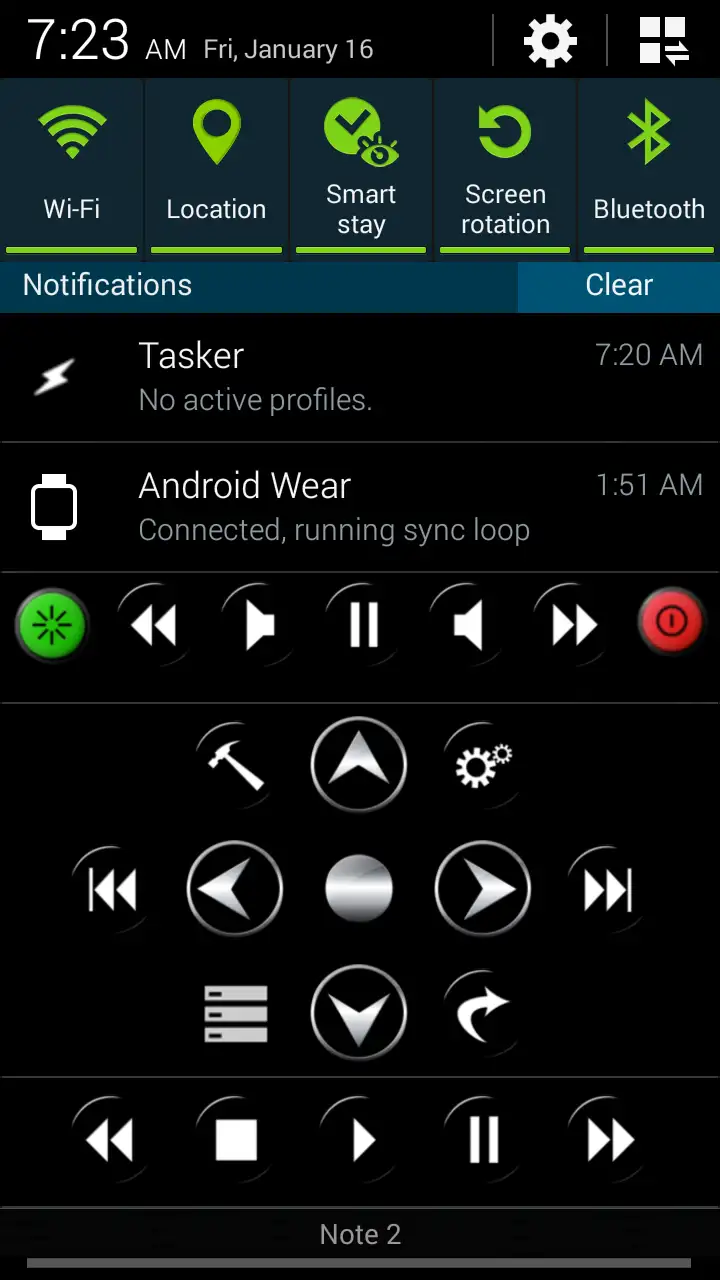
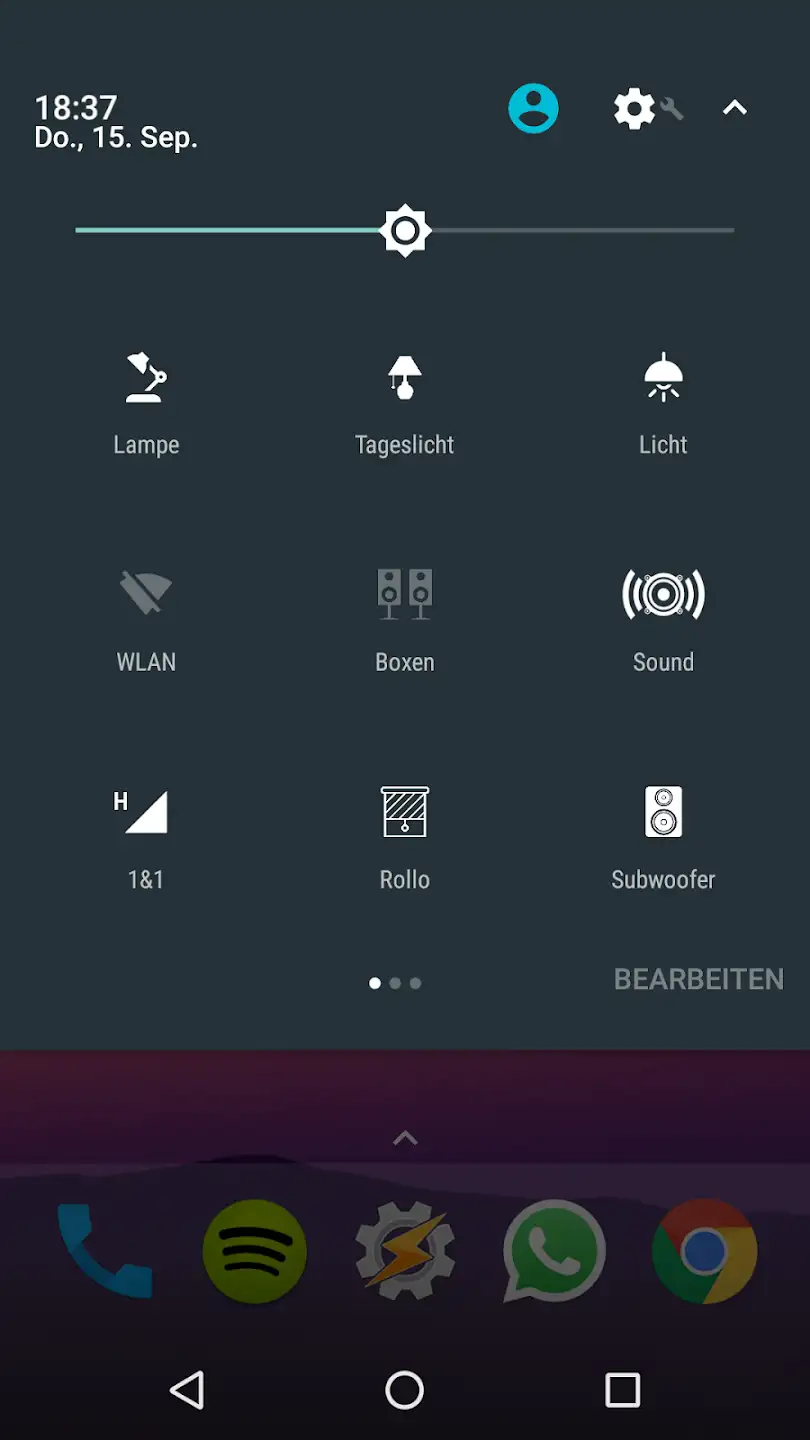
- Ability to create various Quick Settings in the device’s notification area
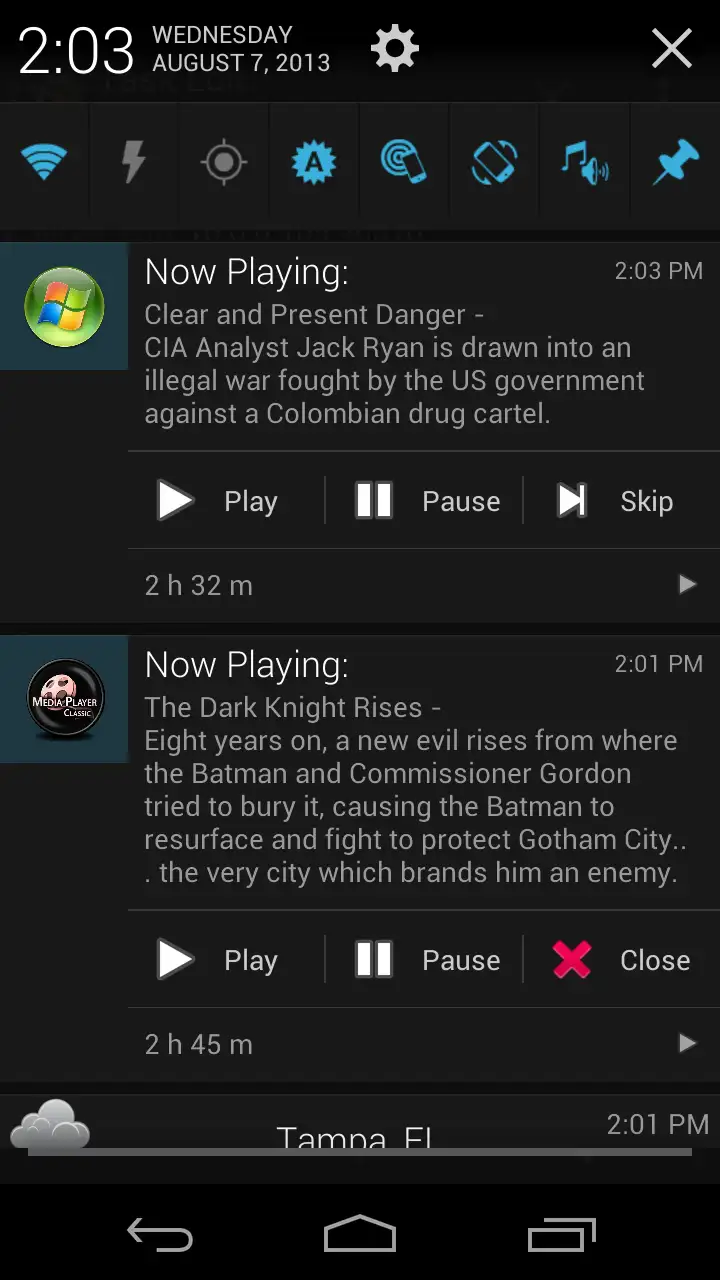
- Ability to customize notifications and set desired buttons with custom icons
- Create chatbots for automatic replies to notifications from popular messaging apps
The AutoNotification app can make your access to notifications much easier and, with intelligent management, save you from dealing with dozens of notifications you receive throughout the day. AutoNotification has received a 3.9 out of 5.0 rating from Google Play users. You can now download the full version of this app with all features completely free from DroidCove.



![KineMaster 8.1.13 – Powerful Video Editor for Android [Update]](https://droidcove.com/wp-content/uploads/2026/06/KineMaster-Logo-1-100x100.webp "KineMaster 8.1.13 - Powerful Video Editor for Android [Update] 5")

