

Text to Speech TTS_Text Reader v1.5.5 – Simple Text to Speech Converter App for Android
Professional and Complete Version of the App
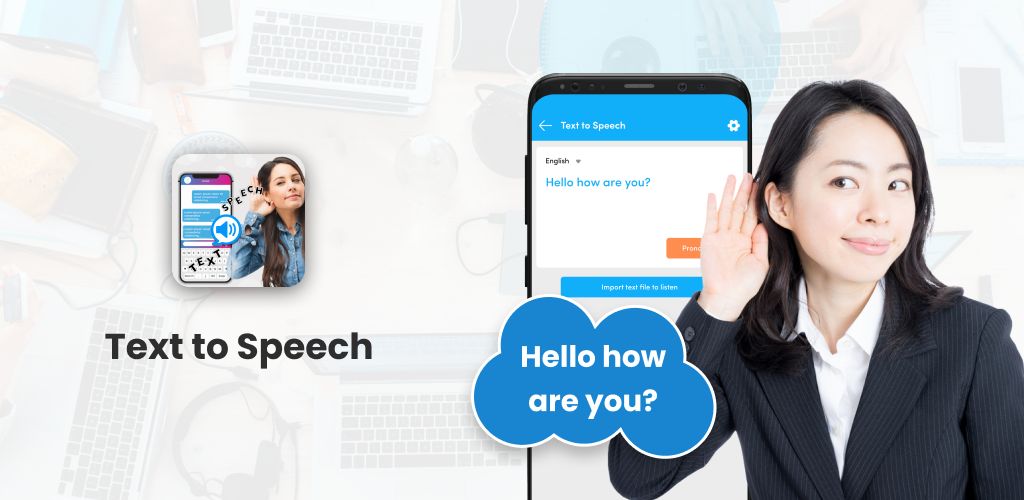
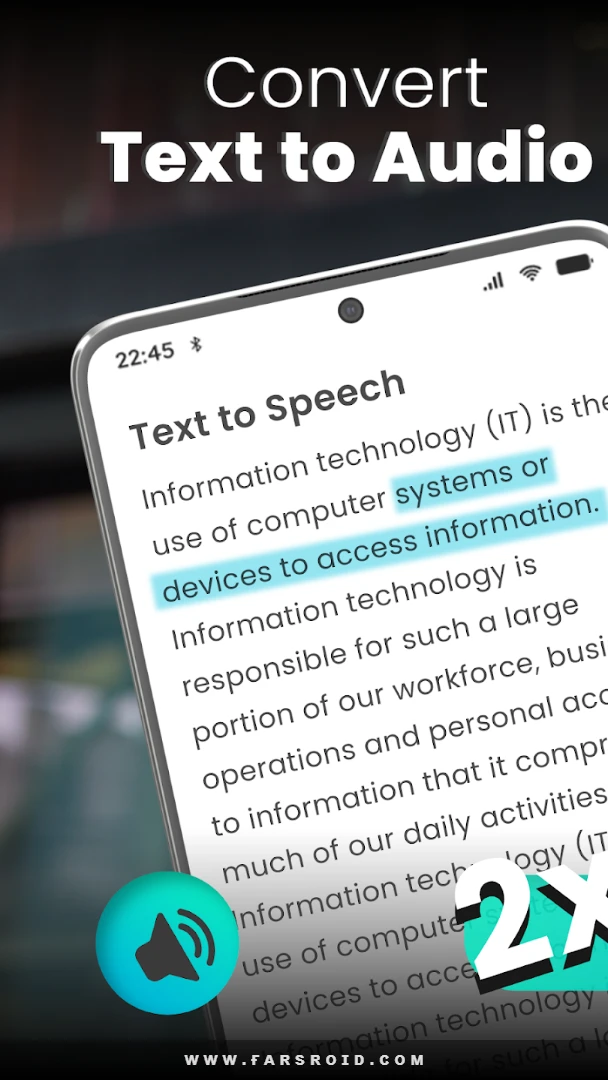
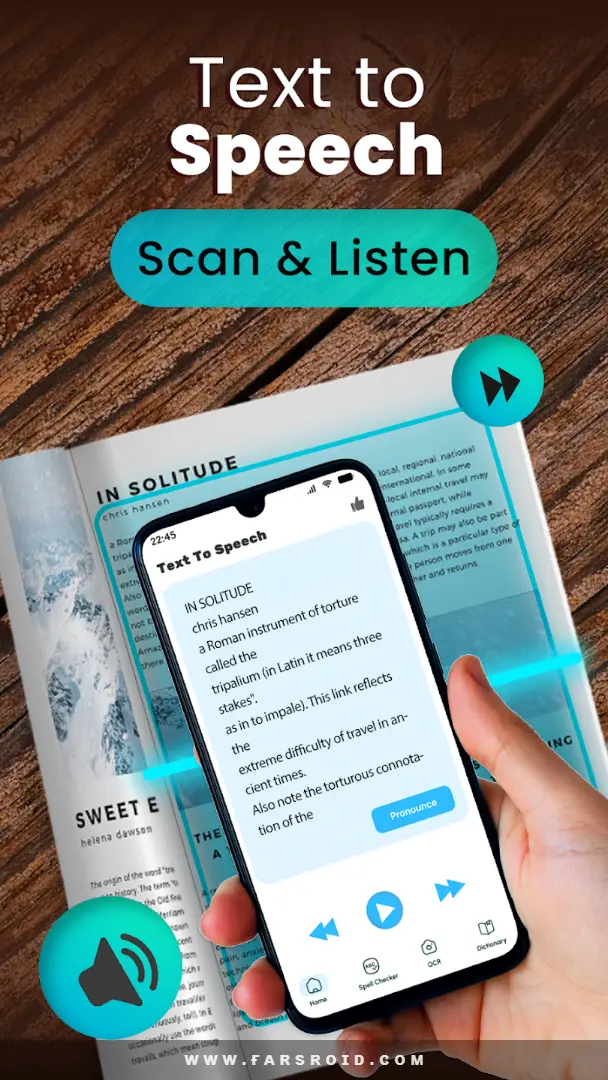
Text to Speech TTS_Text Reader is a simple yet practical text-to-speech converter app developed by Innovative World and published on Google Play. Android can be considered one of the most innovative operating systems in the world. Many features we use today were introduced alongside Android! Hundreds of special features have been integrated into this operating system, many of which have been developed by Google. Undoubtedly, one of the best features is the speech-to-text and text-to-speech engines! Sometimes users encounter an abbreviation like TTS while reading articles. TTS stands for Text to Speech, which is Google’s text-to-speech engine that you can use in many cases with excellent results. We can directly use Google’s official apps to benefit from this technology; however, some apps build on this Google feature and offer more diverse options. One of the best of these startup apps is Text to Speech TTS_Text Reader. This software, utilizing Google’s text-to-speech engines, provides you with extensive features and helps you quickly convert any text into audio!
Convert Text to Speech with Text to Speech TTS_Text Reader
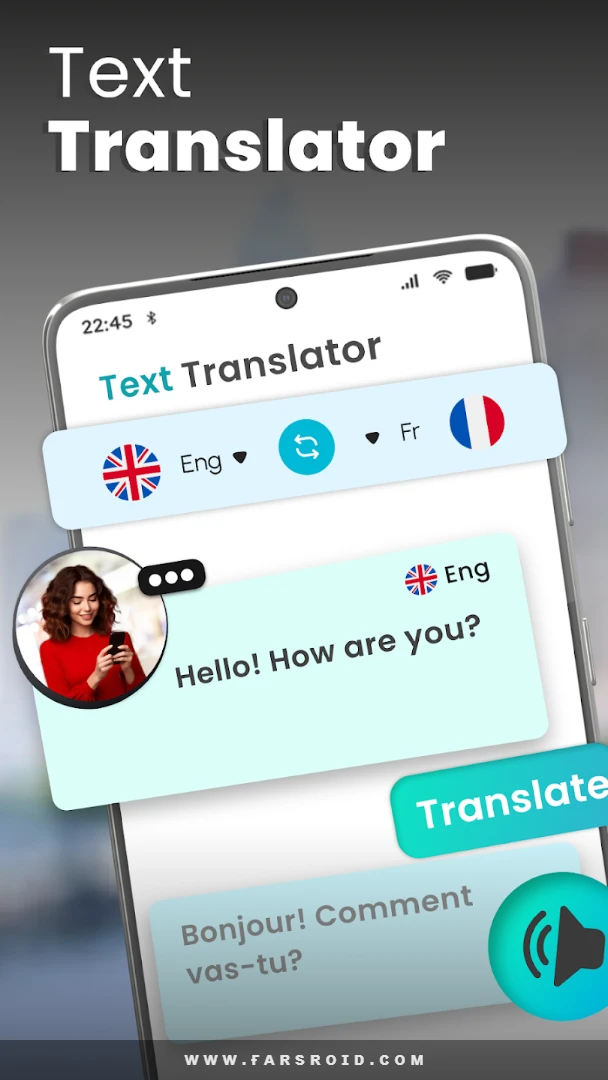
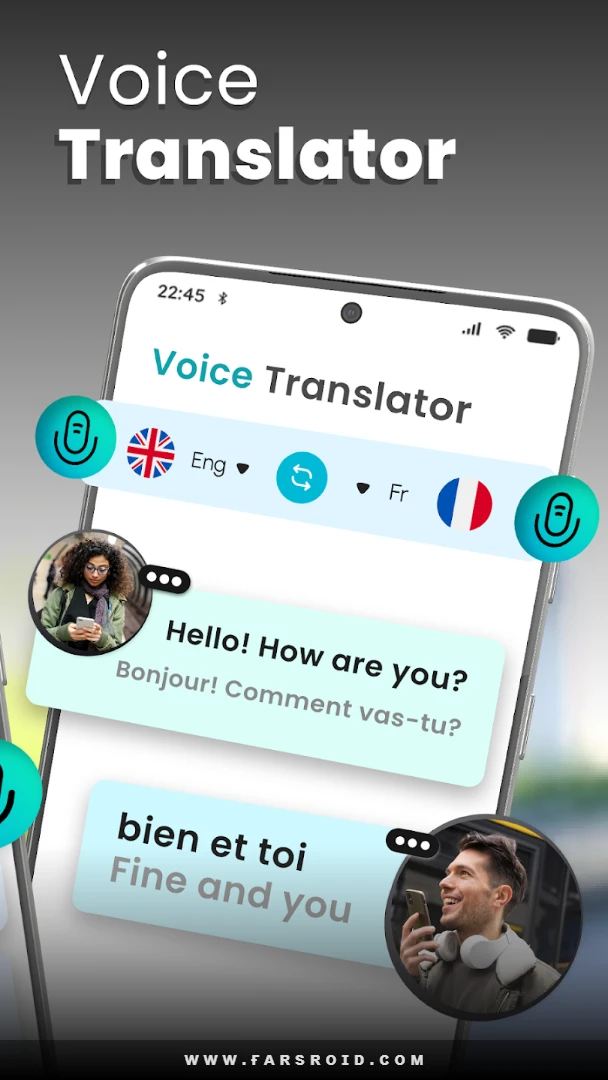
Undoubtedly, one of the best and simplest text-to-speech apps is Text to Speech TTS_Text Reader. This app allows you to easily write your texts and then receive them as audio. One of the most important features that make this app one of the most popular tools in this field is its support for eleven different languages. The app supports eleven diverse languages, enabling many users worldwide to easily meet their needs.
Save Generated Speech as Audio Files!
As mentioned above, you can use Google’s dedicated apps to access the text-to-speech engine! However, third-party apps usually offer more extensive features. One of the most important features you will have access to with Text to Speech TTS_Text Reader is saving the generated speech from texts as audio files. With this feature, you can save the speech as an audio file and then use it in your videos.
A Variety of Settings
Another feature provided by Text to Speech TTS_Text Reader is a set of settings. These settings allow you to make various adjustments to the audio file or the speech generated from texts. Changes such as volume control, pitch adjustment, speech speed, and several other useful options are available.
Some Features of Text to Speech TTS_Text Reader for Android:
- Accurate and intelligent text-to-speech converter
- Supports text-to-speech conversion in eleven different languages worldwide
- High accuracy with no pronunciation errors
- Ability to copy texts into the input box
- Save converted texts as audio files
- Adjust volume and playback speed
- Share output with friends via various messaging apps
- Very simple and easy user interface
The Text to Speech TTS_Text Reader app, with its features and diverse capabilities in text-to-speech conversion, has been released for free with in-app purchases by its developer and has received a 3.6 out of 5.0 rating from Google Play users. You can now download the latest professional version from the extensive database of the DroidCove website.



![KineMaster 8.1.13 – Powerful Video Editor for Android [Update]](https://droidcove.com/wp-content/uploads/2026/06/KineMaster-Logo-1-100x100.webp "KineMaster 8.1.13 - Powerful Video Editor for Android [Update] 5")

