


You may have experienced downloading a game or app for your Android phone and after using it, realize that you need to make a purchase to continue! For example, you download a free game that includes several levels and weapons, and as you progress, you find that you must pay to advance further. Or you install a photo editing app where some effects are locked and require payment to unlock. In such cases, the powerful and useful Freedom app helps you easily unlock games and apps without any cost, allowing you to fully enjoy all features and capabilities. This app, considered one of the best Android game and app hacking tools, supports most games and applications, is very easy to use, and has enabled purchases worth up to $200 in games like Asphalt 7, World at Arms, and more!

Today on DroidCove, we have provided the latest tested version of Freedom, which allows you to make in-app purchases worth thousands of dollars in apps and games. Additionally, you can learn how to use the app by continuing to read below.
Version v1.8.4 Changes:
* Improved app performance and minor updates
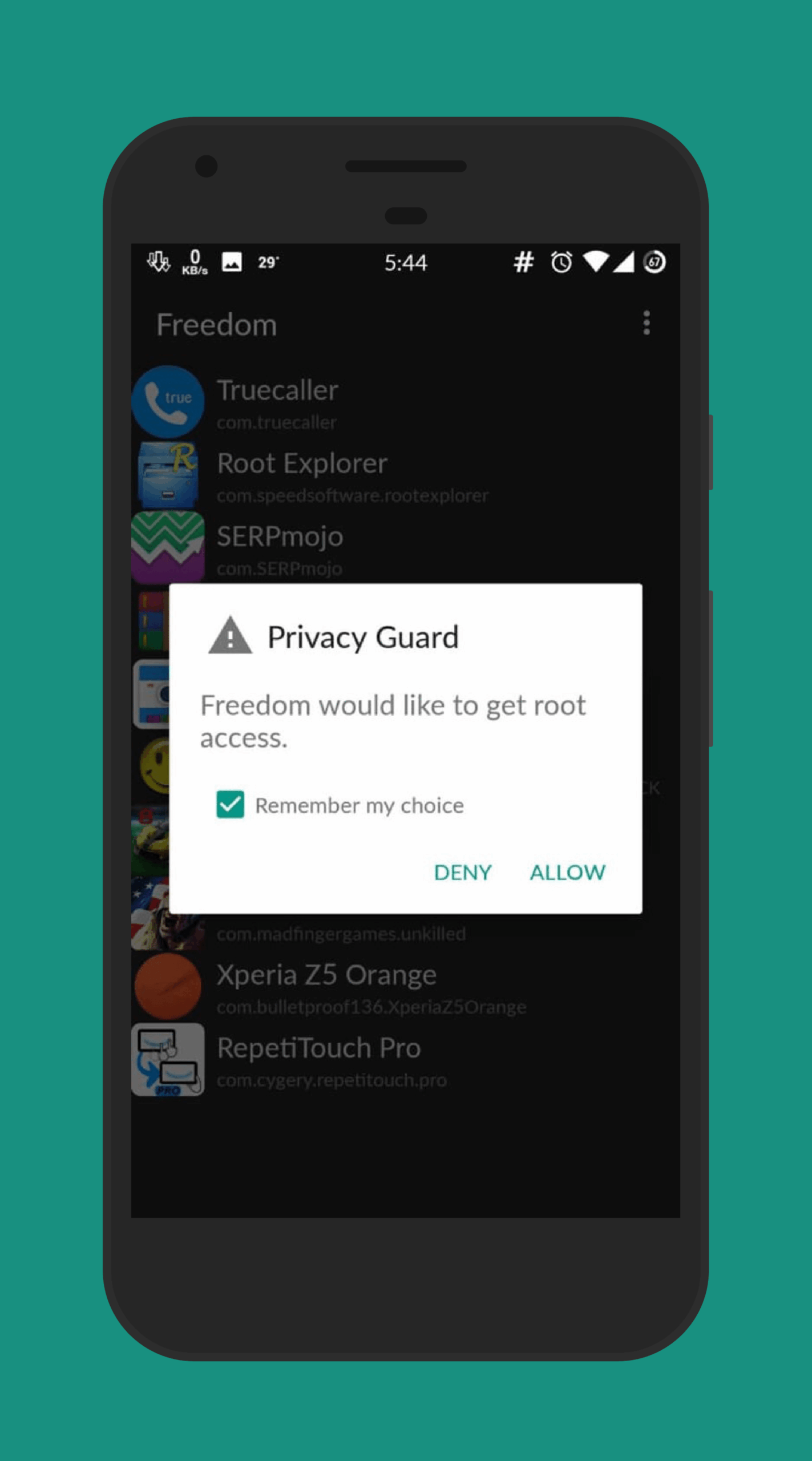
First of all, please note that this app requires your phone to be rooted.
Instructions for using the app and purchasing paid features:
In our tutorial, we demonstrate how to purchase features in xx, and the process is similar for other games and apps.
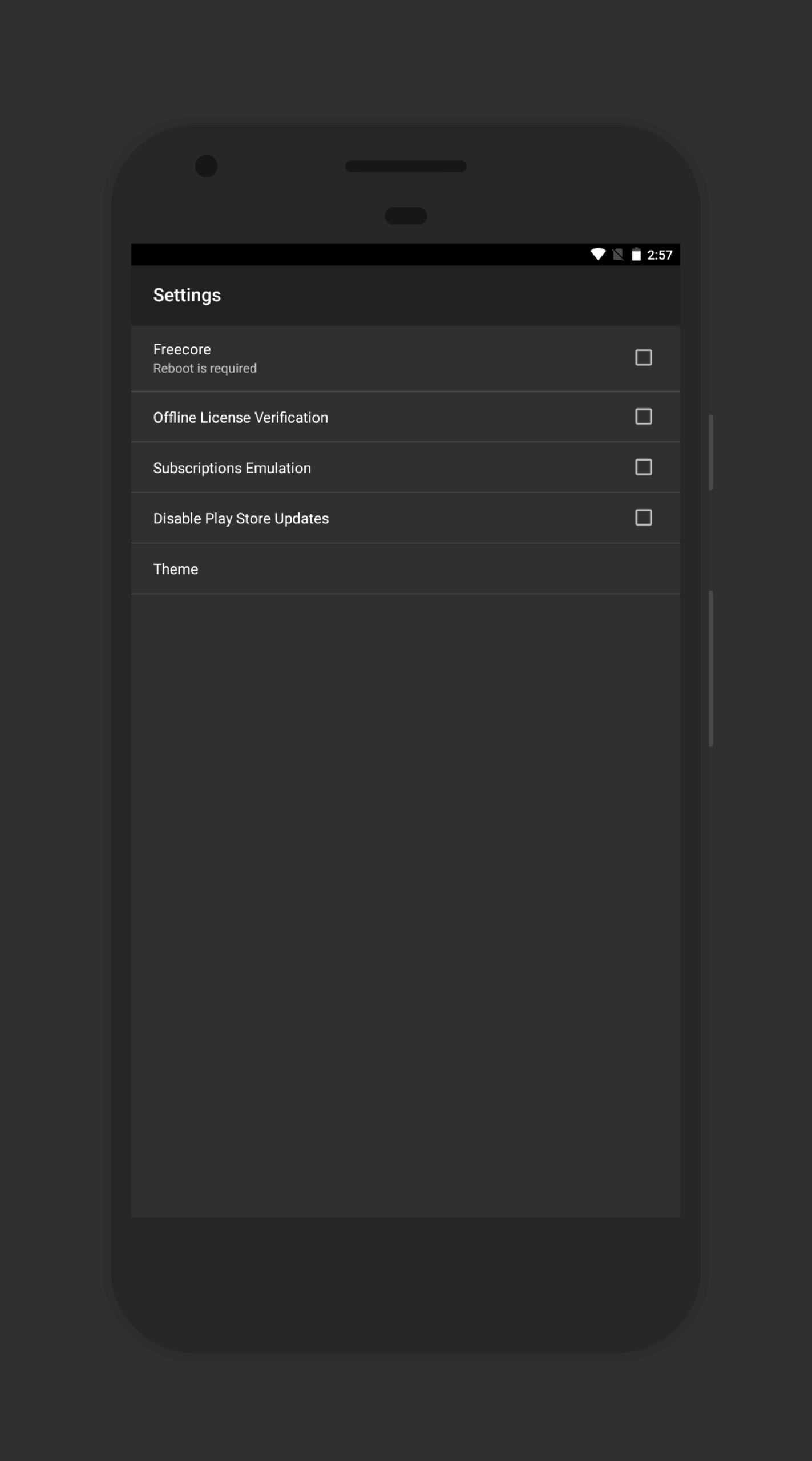
Step One: Download Freedom from below, install it on your smartphone, and then launch it.
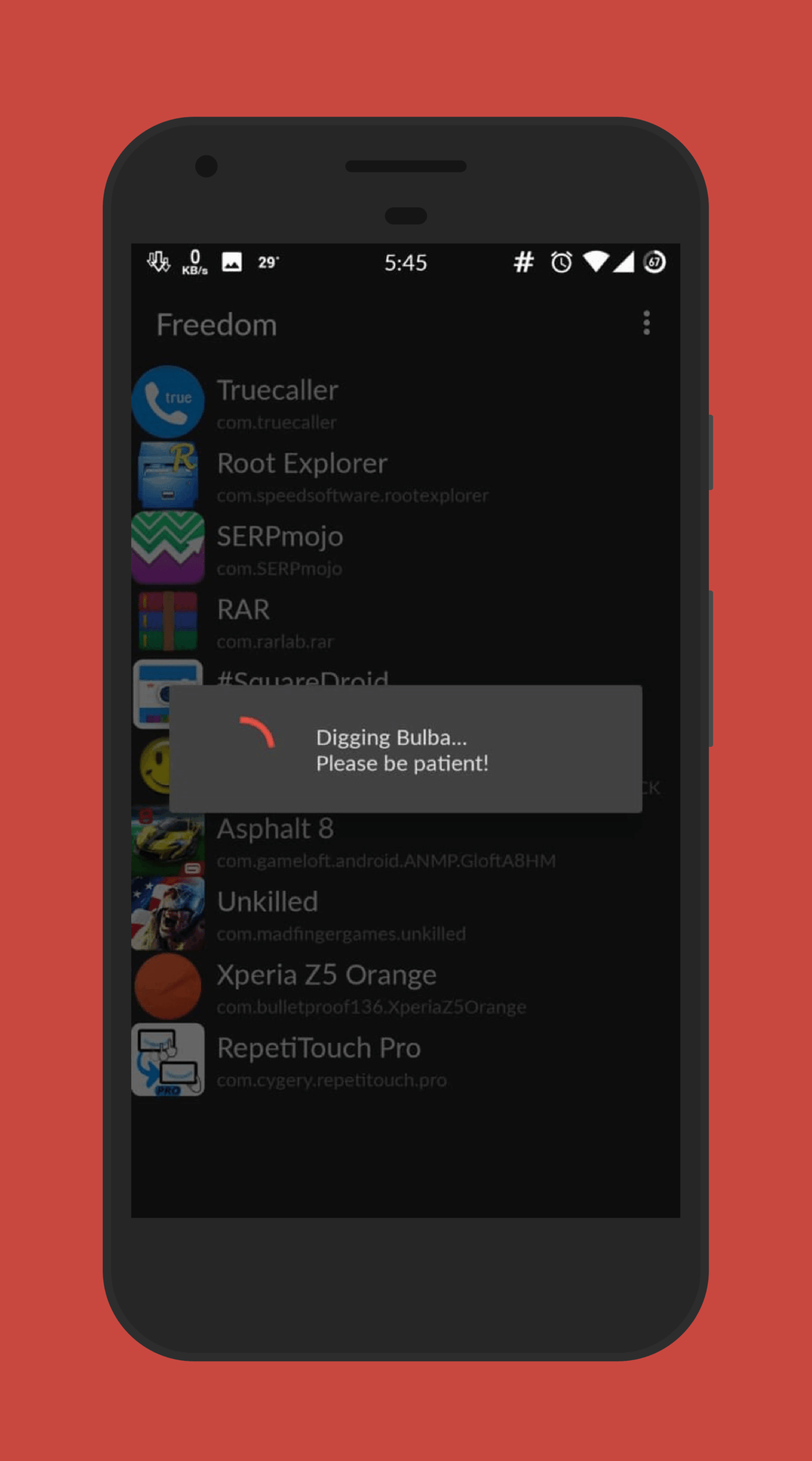
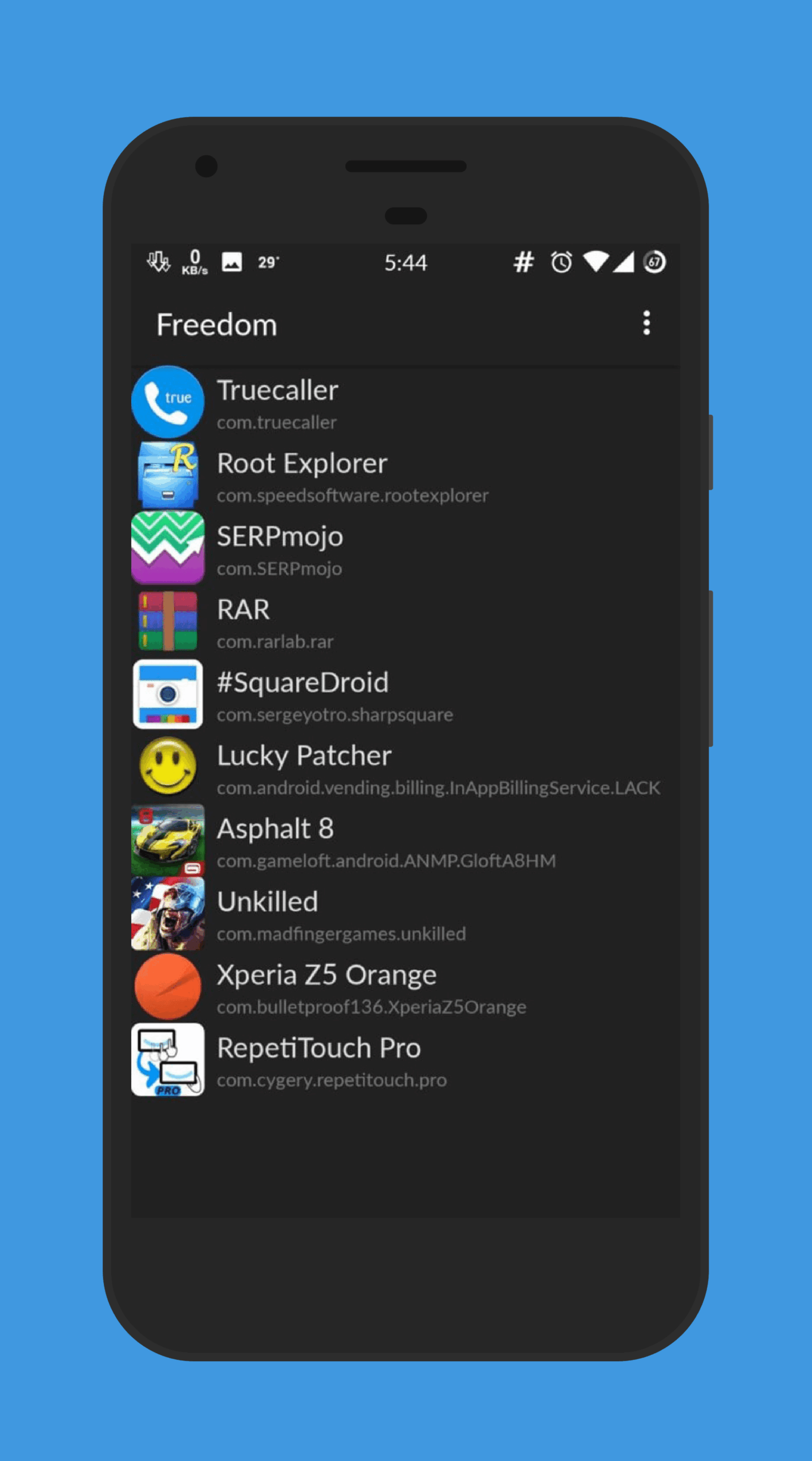
Step Two: When you open Freedom, it displays a list of apps and games from which you can select one. In this example, we choose the xx app. After selecting the app, a message appears, and you should wait for the selected app to launch automatically.
Step Three: At this stage, select the IN-APP purchase option.
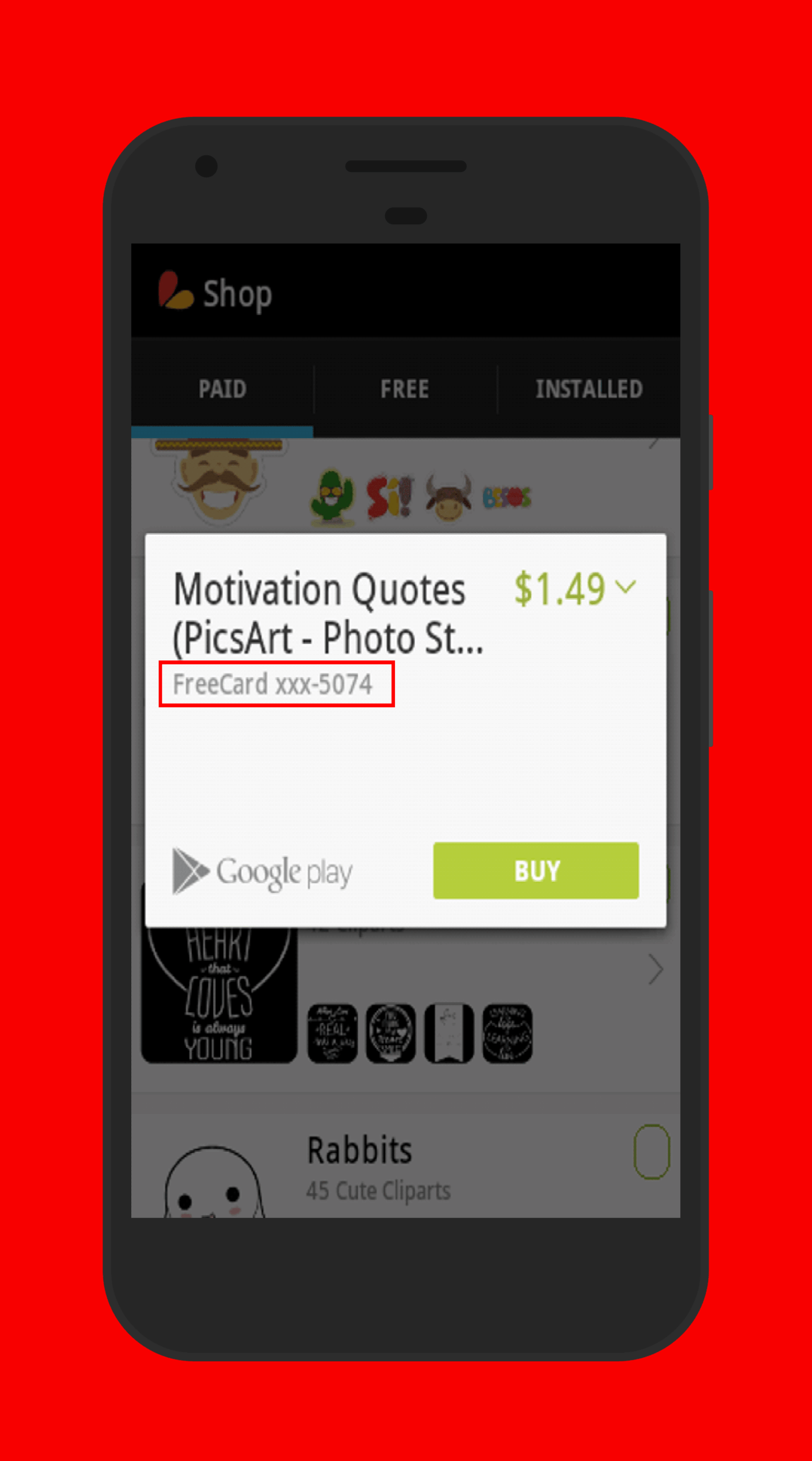
Step Four: After completing the previous steps, Google Play Store opens automatically and displays the payment section. Surprisingly, you will see that no card number or other details are required, as a card number is entered automatically! Click the Accept & Buy button and wait for the purchase process to complete.
Step Five: After these steps, if you launch the selected app, you will notice that all features are unlocked!
Freedom App Requirements:
1 – Google Play Installer app
2 – Google Play Store app (Download)
3 – VPN or proxy apps such as Psiphon and others
Please note that this method does not violate the developer’s rights, and the payment is credited to the app or game creator. However, Google incurs a loss 🙂 After some time, Google will likely detect this activity, and you will need to use a different account.
Be sure to use the app in airplane mode…



![KineMaster 8.1.13 – Powerful Video Editor for Android [Update]](https://droidcove.com/wp-content/uploads/2026/06/KineMaster-Logo-1-100x100.webp "KineMaster 8.1.13 - Powerful Video Editor for Android [Update] 6")

