


Winlator v11.0 – Winlator | Powerful Windows Apps and Games Emulator on Android
An open-source and professional tool for experiencing Windows software on Android phones and tablets
The Winlator app is a powerful emulator for Android that enables running Windows applications and games (x86 and x64) using Wine and Box86/Box64. Emulating and running Windows software on Android has always been a major challenge for users. Many people want to experience old Windows games or programs on their phones or tablets, but hardware and software limitations prevent this. The Winlator app was developed precisely for this purpose; an open-source and powerful tool that combines Wine and Box86/Box64 technologies to run Windows software on Android. This project was created by a developer named Bruno Dev and quickly attracted the attention of the Android user community. Winlator offers a simple design and advanced features, providing a unique Windows emulation experience on mobile devices.
Features and capabilities of Winlator app:
- Run Windows applications on Android: supports x86 and x64 software using Wine and Box86/Box64.
- Game support: ability to run many old games and even some newer titles with proper settings.
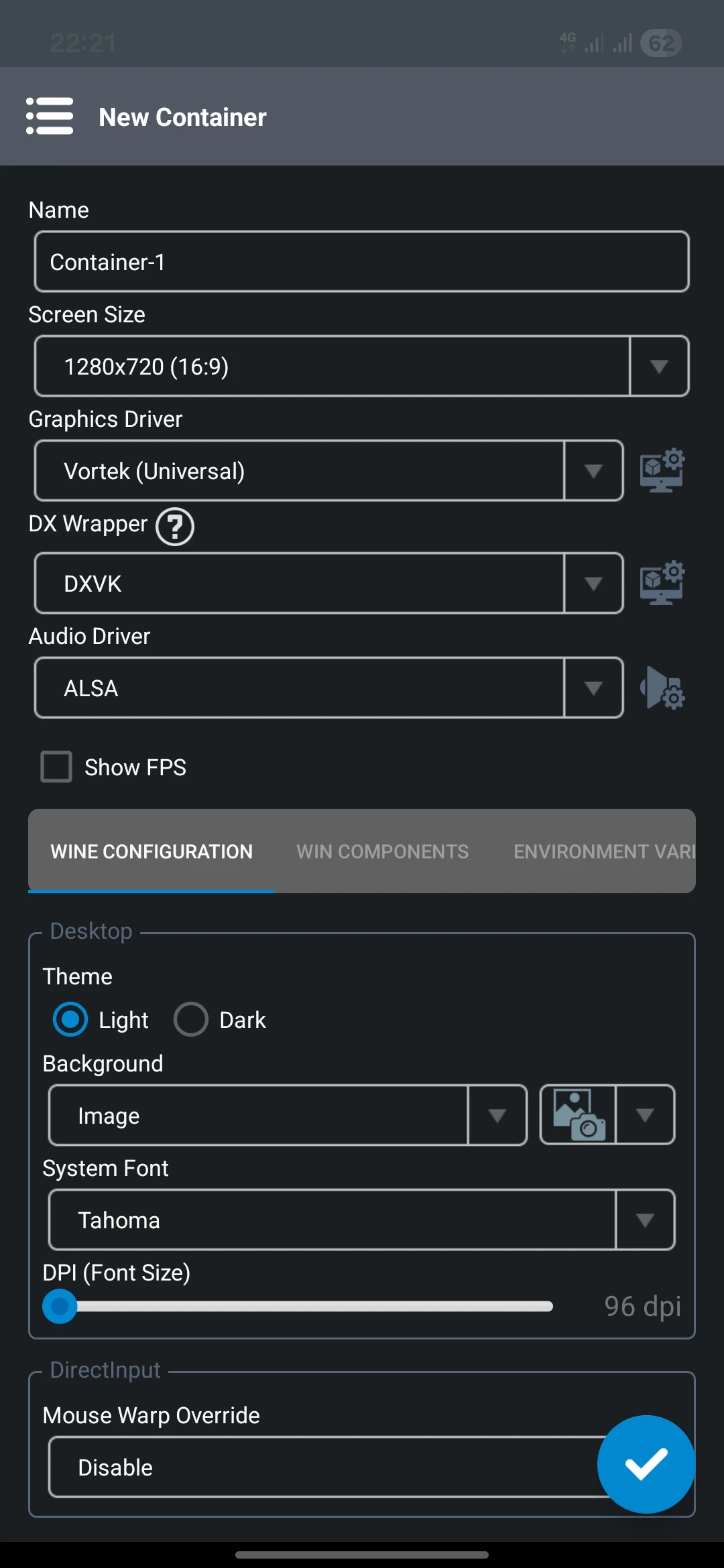
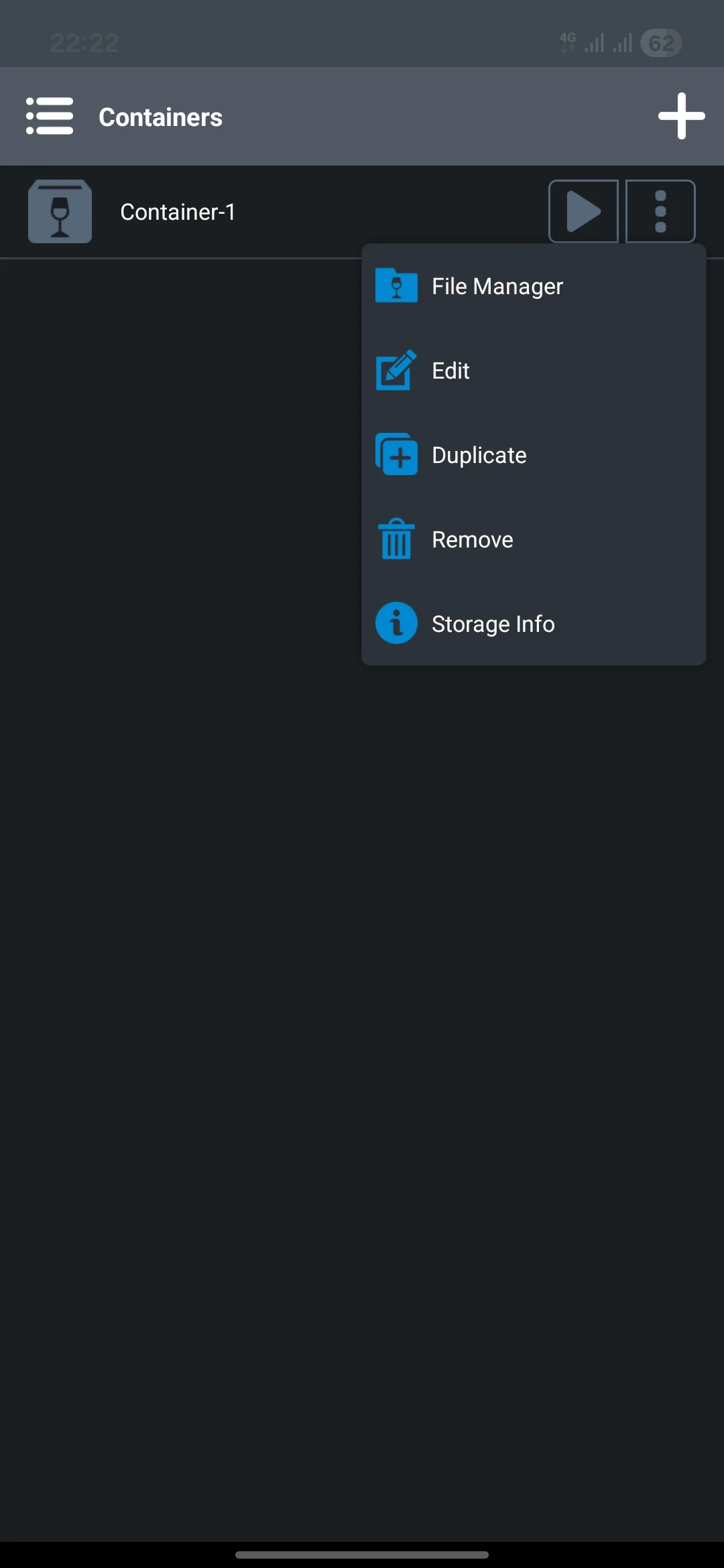
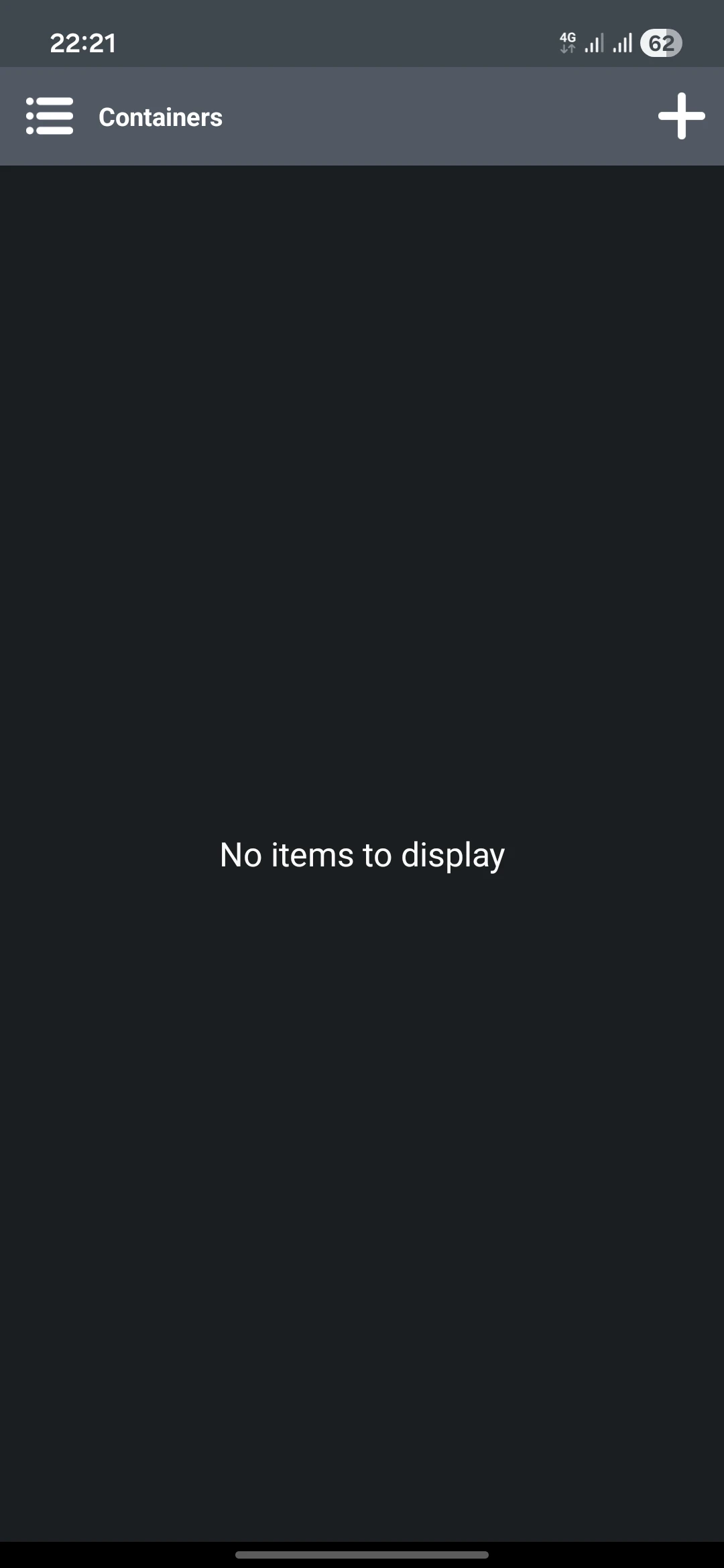
- Container configuration: create separate environments for each app or game with custom settings.
- Performance optimization: choose between Performance or Stability modes to increase speed or stability of software execution.
- .NET Framework support: install Wine Mono to run .NET-based programs.
- Compatibility with game engines: improved performance for Unity games with special settings.
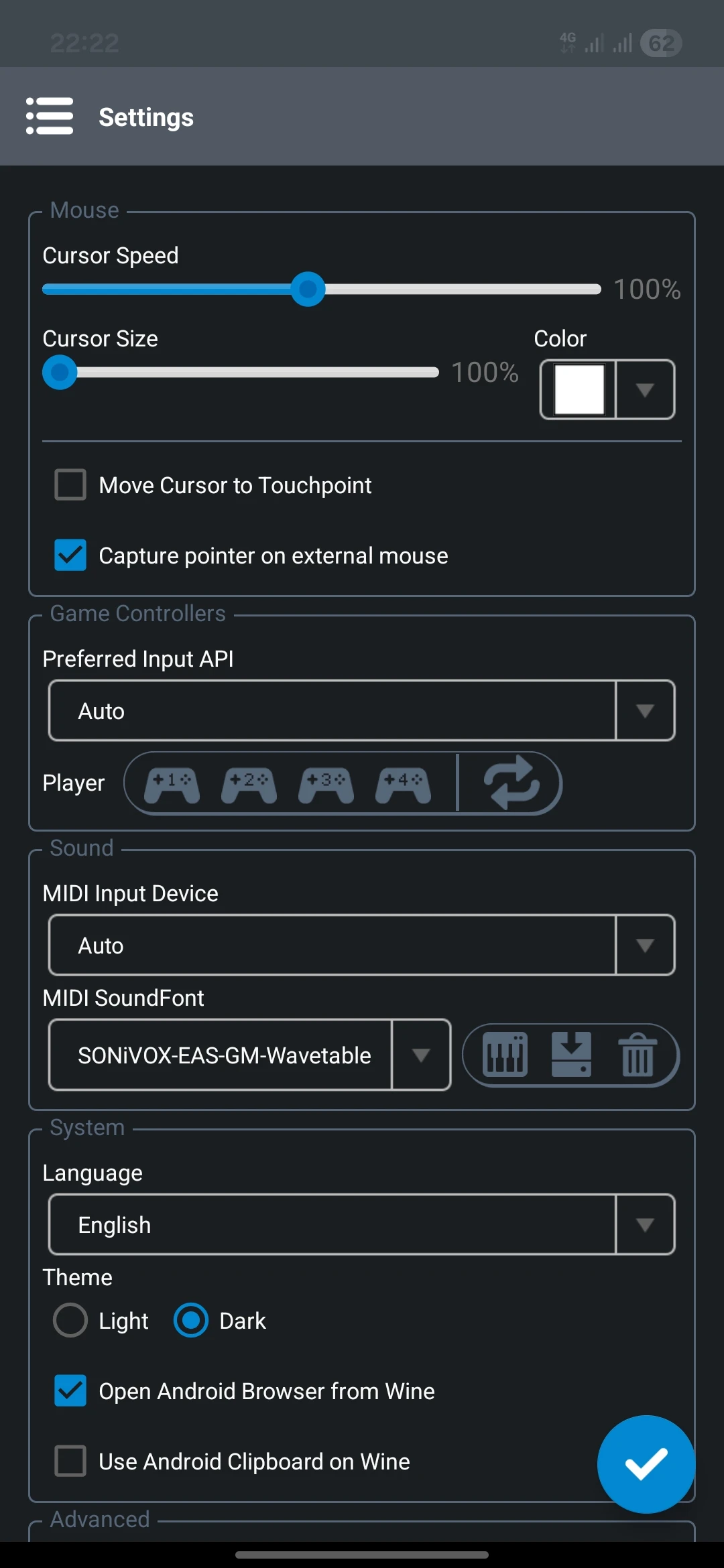
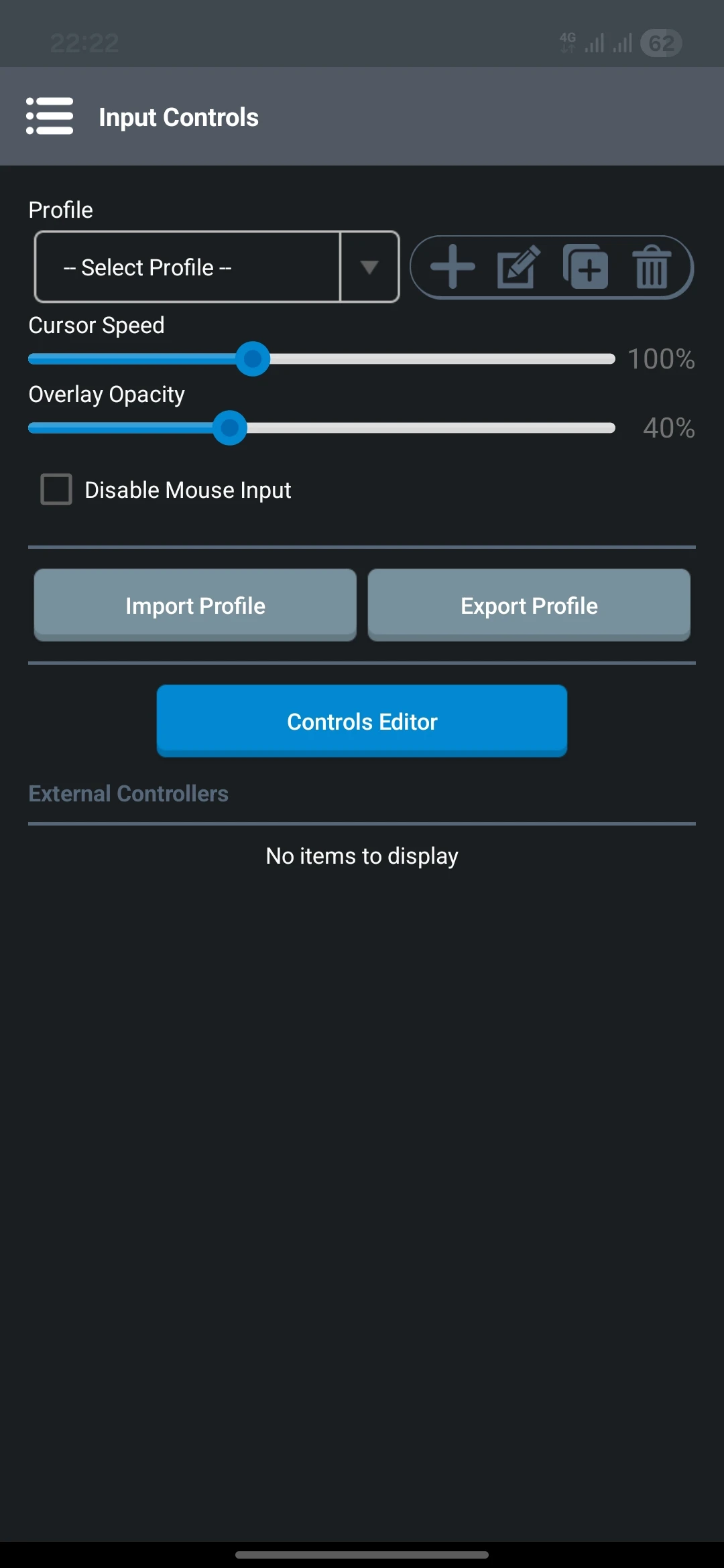
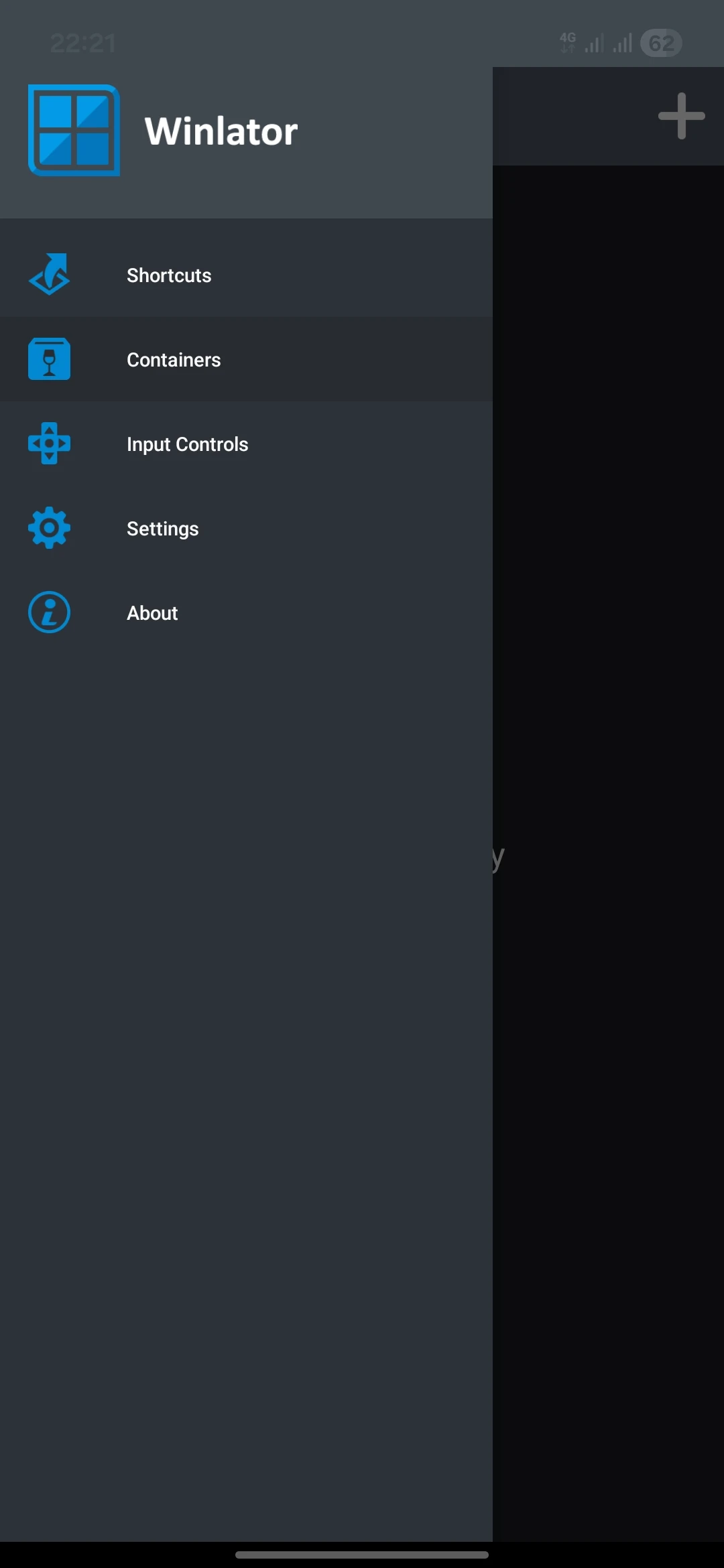
- Simple user interface: lightweight and user-friendly design for easy management of apps and games.
- Fully offline: usable without internet after installation.
Winlator performs the initial setup after installation, then users can create different containers to run apps or games. Each container has custom settings; from choosing the processing mode to defining environment variables for better software compatibility. Users have reported that many old Windows games run smoothly on Android with good quality. It also supports running utility software such as lightweight editors or legacy tools. Of course, performance depends on the device hardware and runs more smoothly on powerful phones.
Compared to other emulators like ExaGear or Limbo PC Emulator, Winlator has significant advantages. First, it is open-source and continuously updated by the developer community. Second, it uses a combination of Wine and Box86/Box64, offering better compatibility and speed than older methods. Third, its simple interface and container configuration provide a more modern and user-friendly experience. The Winlator app is a powerful and open-source emulator for running Windows apps and games on Android. With support for Wine, Box86/Box64, and advanced features like container settings, this app offers a unique Windows emulation experience on mobile. If you want to run Windows software on your phone or tablet, Winlator is a smart choice. You can download the GitHub version of this app with a direct link from DroidCove and enjoy a complete Windows experience on Android.



![KineMaster 8.1.13 – Powerful Video Editor for Android [Update]](https://droidcove.com/wp-content/uploads/2026/06/KineMaster-Logo-1-100x100.webp "KineMaster 8.1.13 - Powerful Video Editor for Android [Update] 5")

