


Fossify File Manager v1.4.0 | Fossify File Manager – Open-source, fast, and secure file manager for complete file management on Android
A lightweight, ad-free, and fully private tool for professional file organization
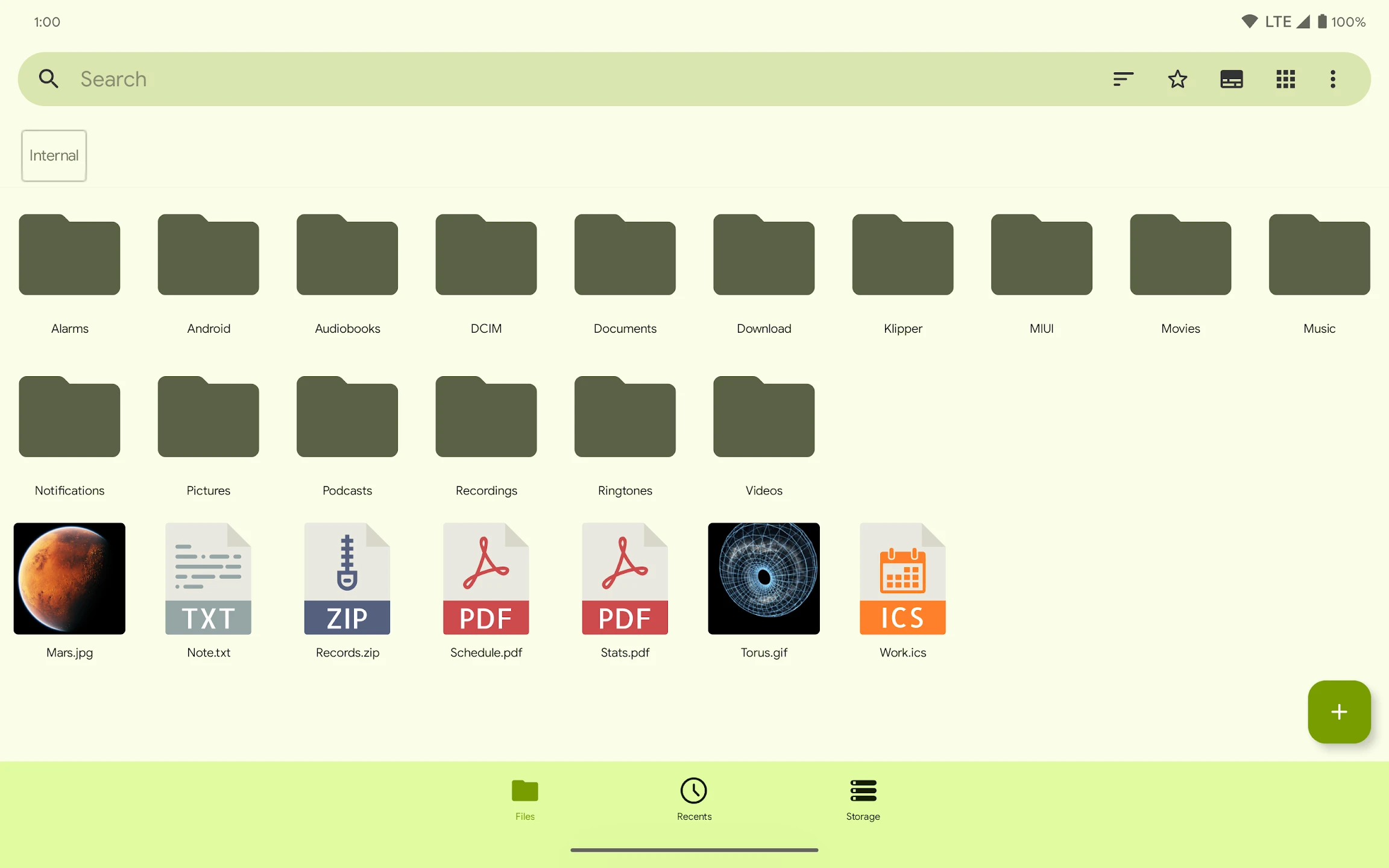
The Fossify File Manager app is one of the best and most comprehensive file management tools on Android, designed with a focus on speed, security, and simplicity. This app is made for users tired of heavy, ad-filled, and tracking-enabled file managers, seeking a lightweight, secure, and reliable tool. Fossify File Manager removes all unnecessary dependencies and offers practical features to provide a smooth and professional file management experience. Developed by the Fossify team, which after the discontinuation of the Simple Mobile Tools project, offers an independent, free, and tracking-free version of essential Android tools. This file manager, with its minimal design and fast performance, allows users to manage their files in the simplest way possible. From moving and copying to compressing, extracting, searching, and storage analysis, everything is done in a clean, ad-free environment. Fossify File Manager has no internet access and all processing is done offline; therefore, user security and privacy are fully preserved.
Features and capabilities of Fossify File Manager:
- Fast and smooth file management: perform copy, move, delete, rename, and share operations at high speed
- Compression support: create and extract ZIP files with encryption options
- Advanced search: quickly find files with various filters and smart sorting
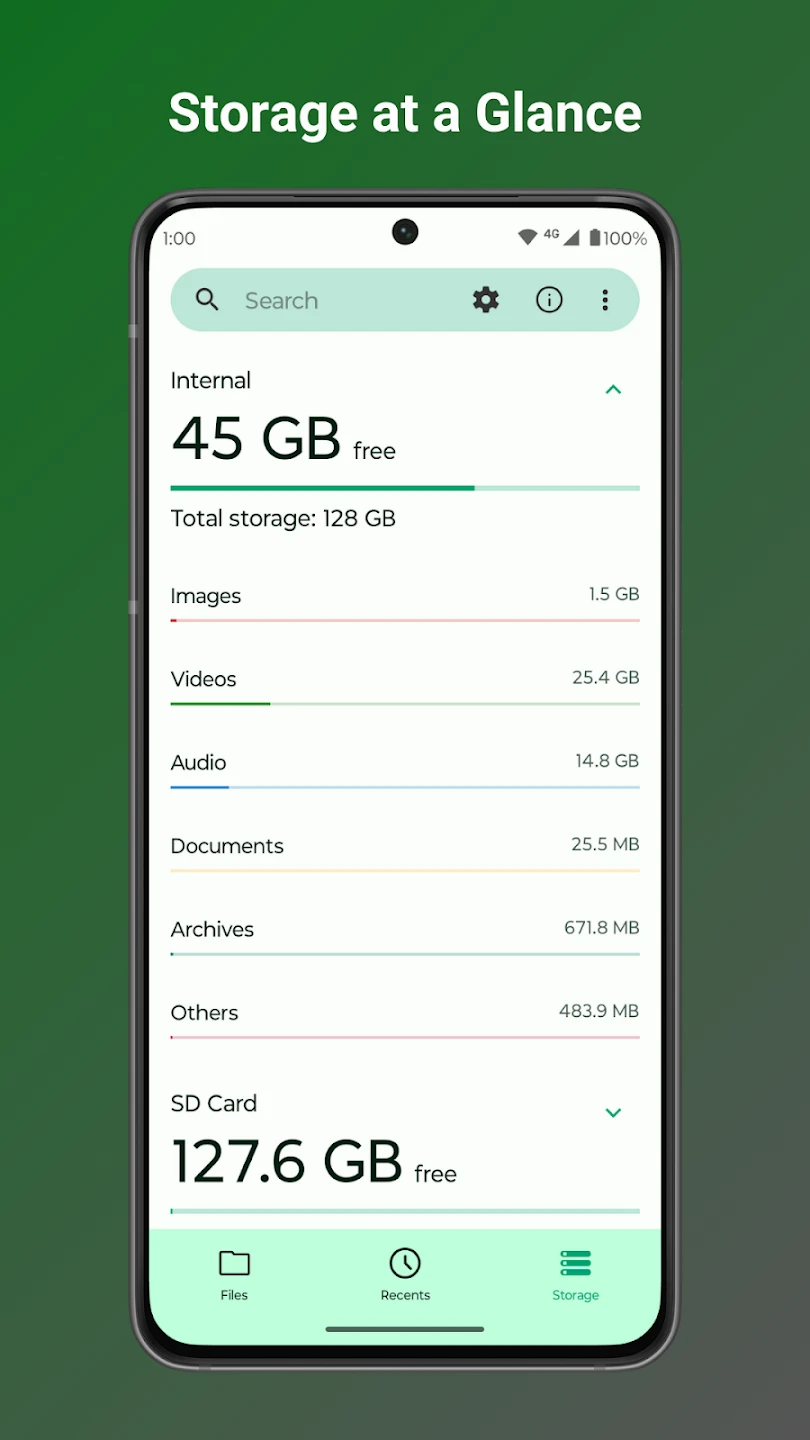
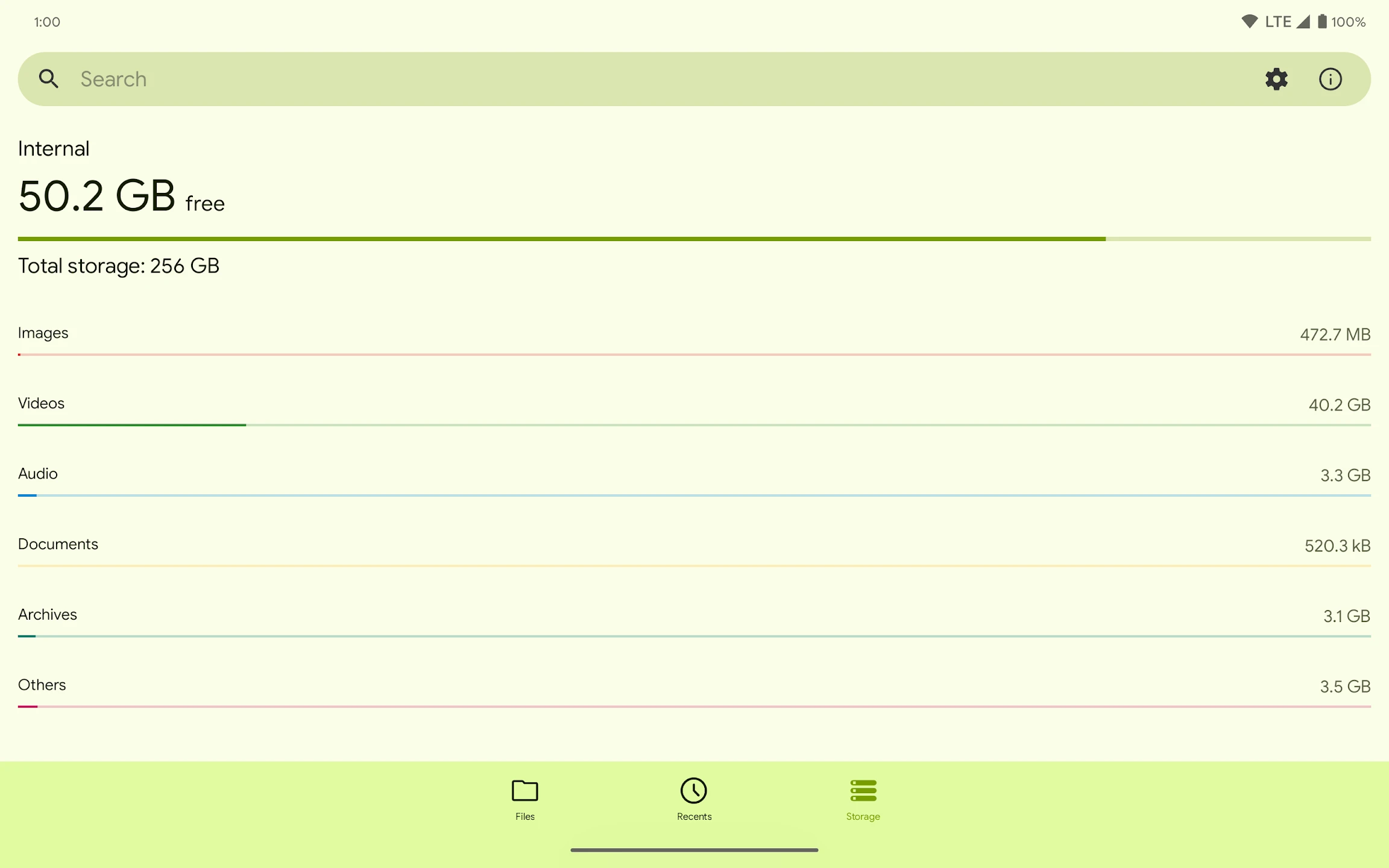
- Storage analysis: identify large files and better manage device space
- Support for SD Card and USB: full access to external storage and professional management
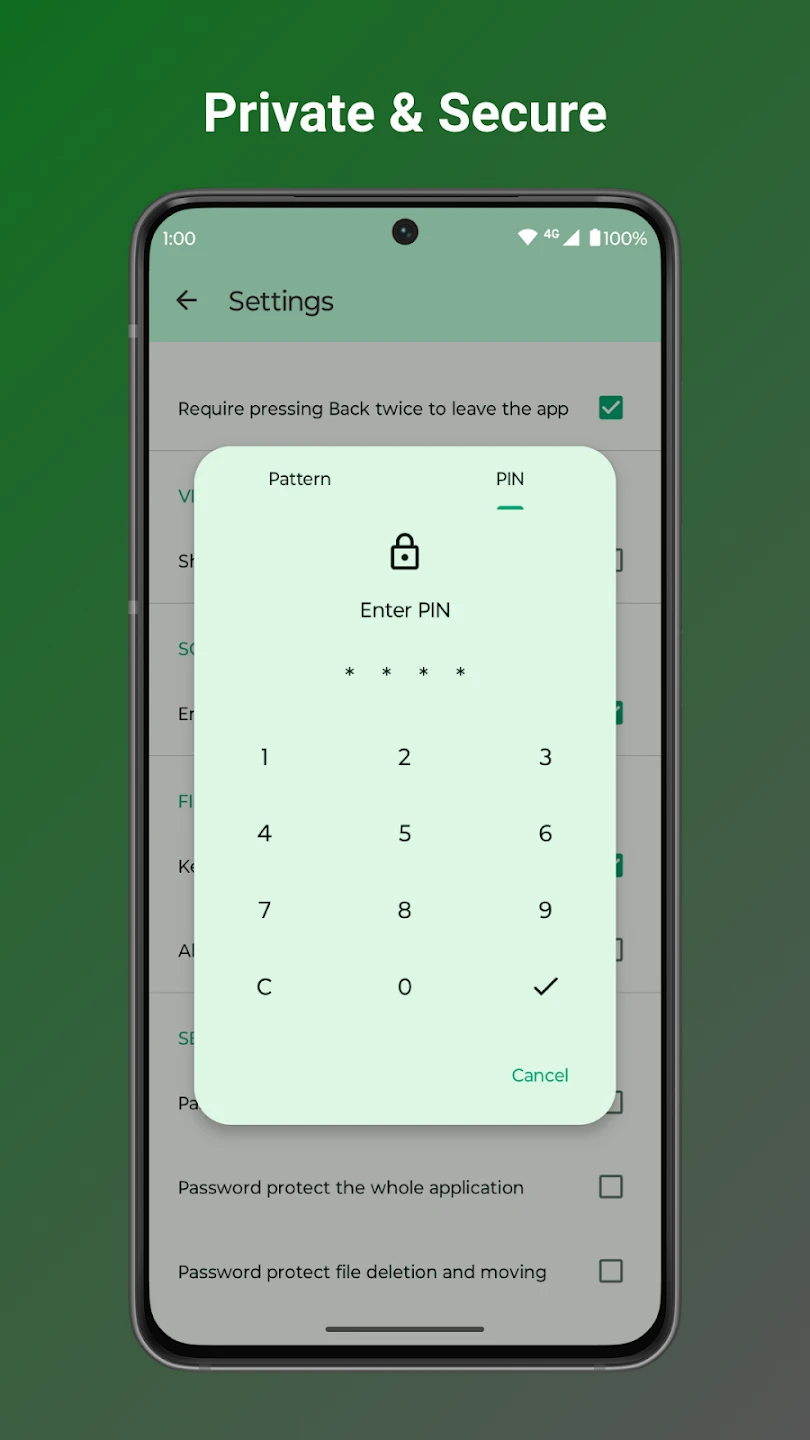
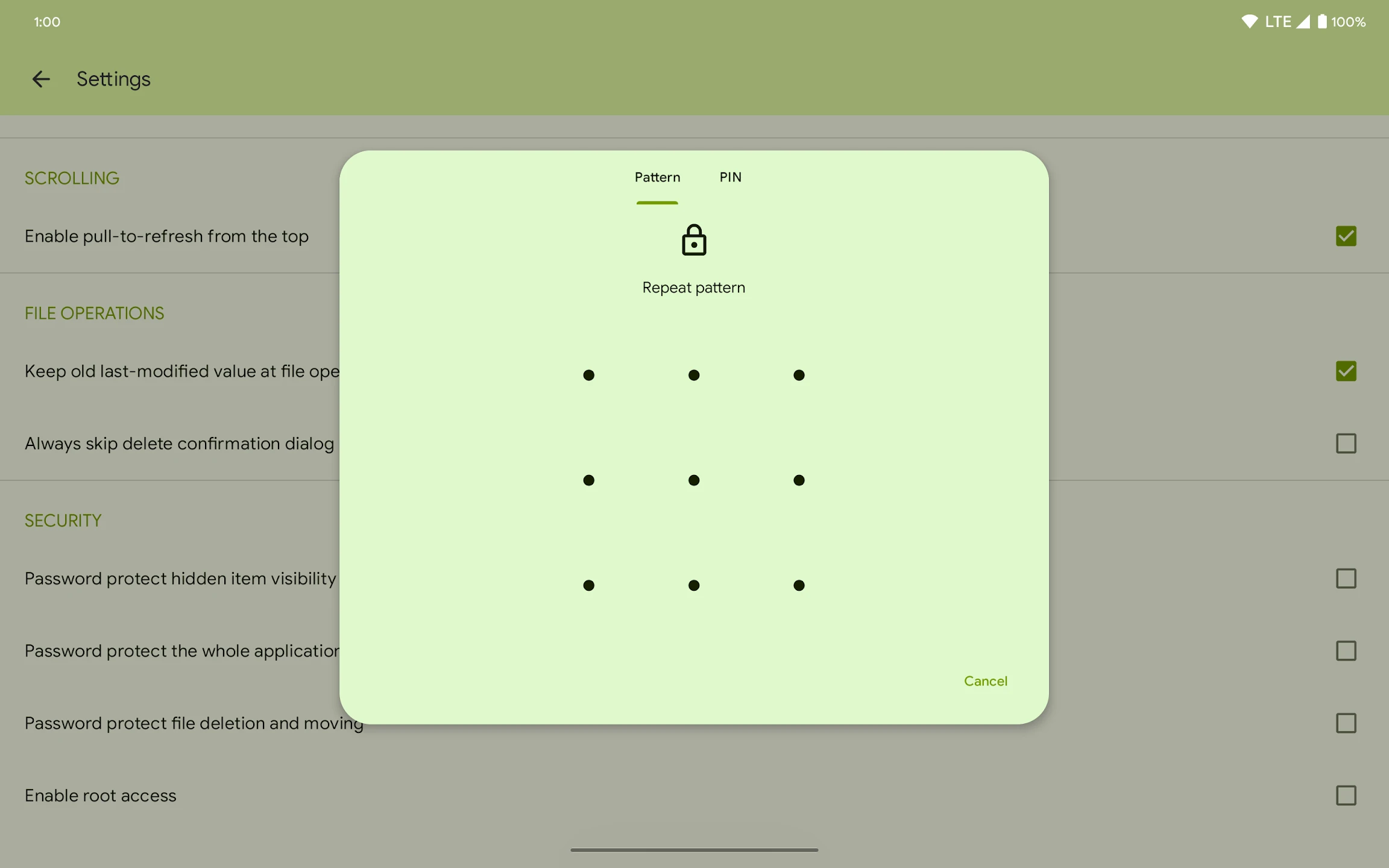
- File locking: protect sensitive files with password, pattern, or fingerprint
- Ad-free and tracking-free: fully offline operation with no data collection
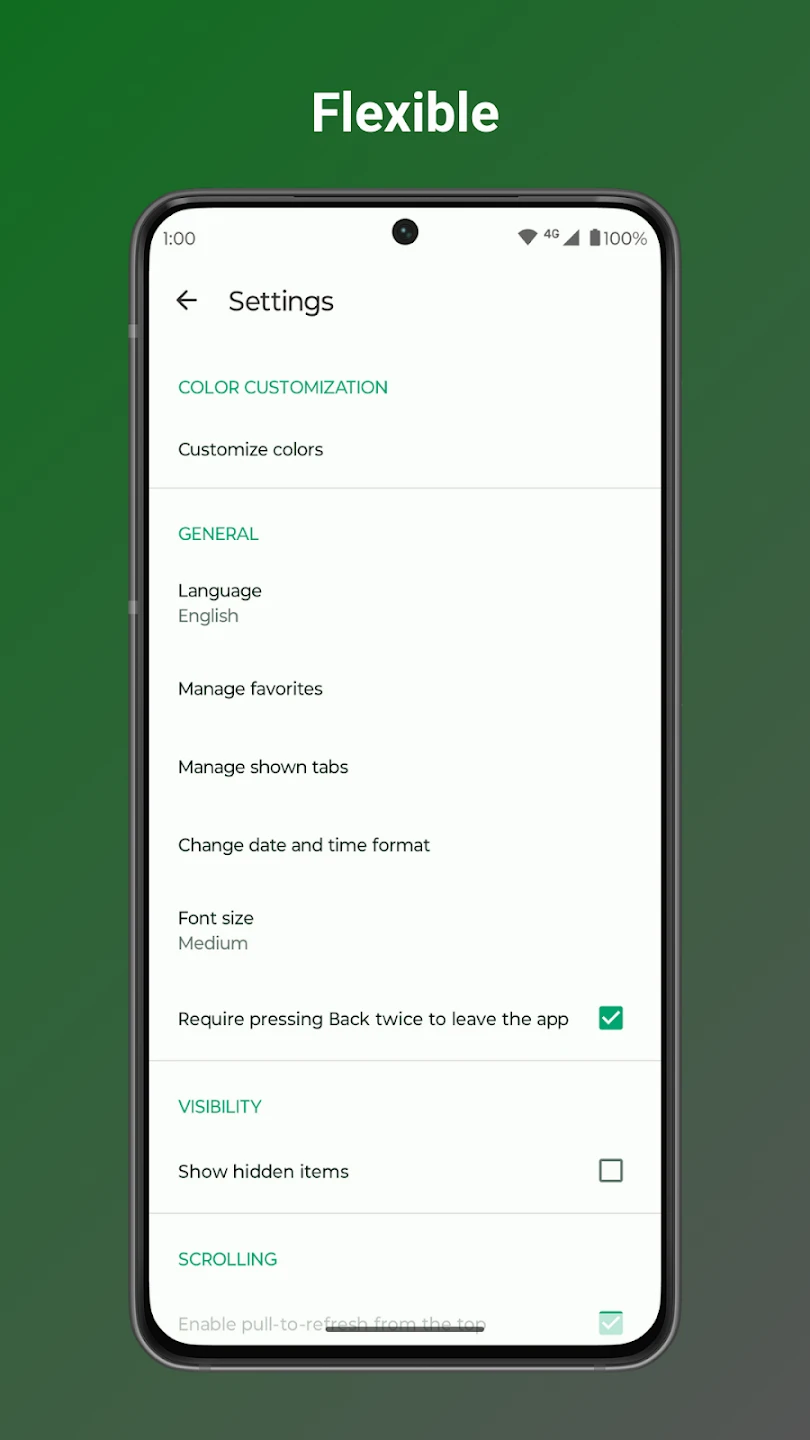
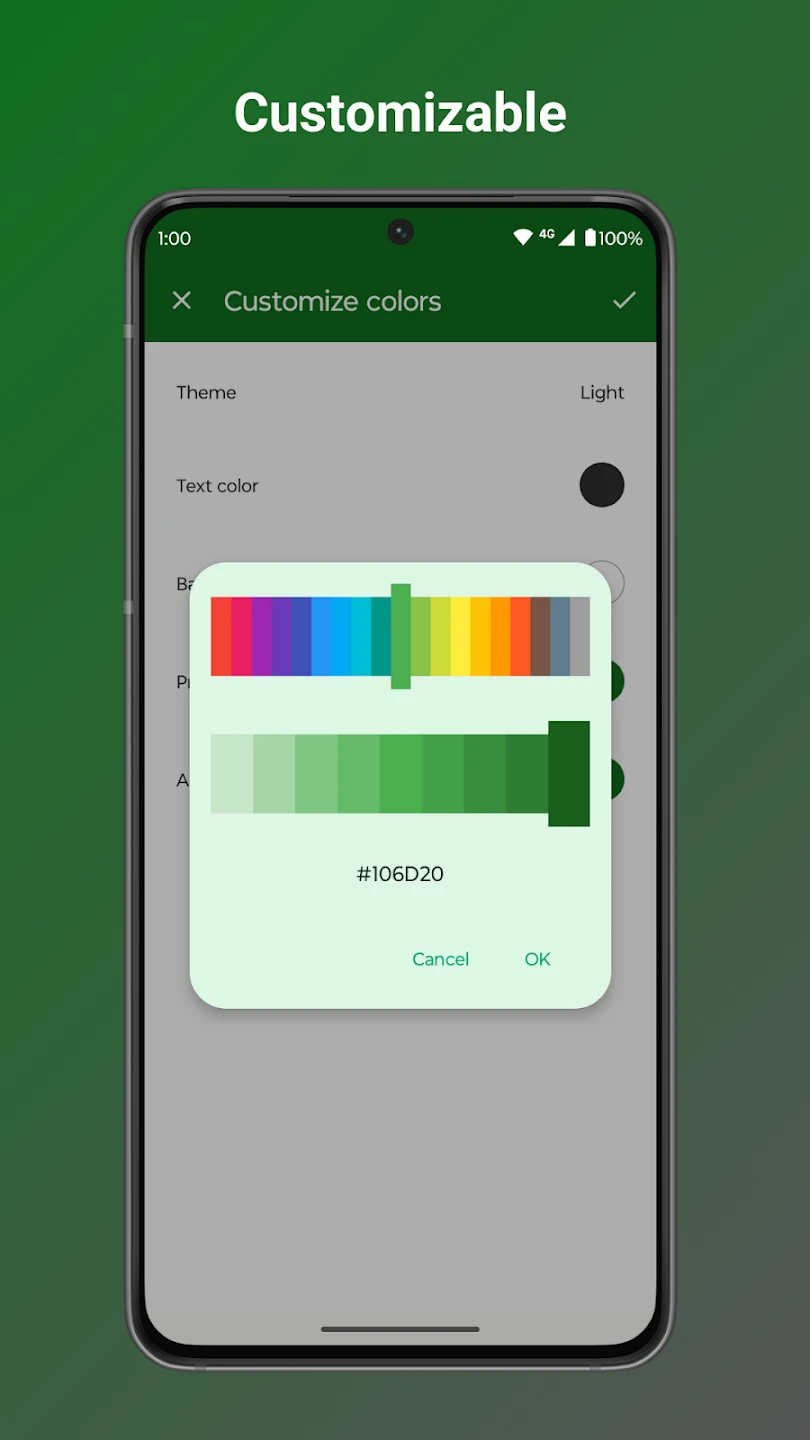
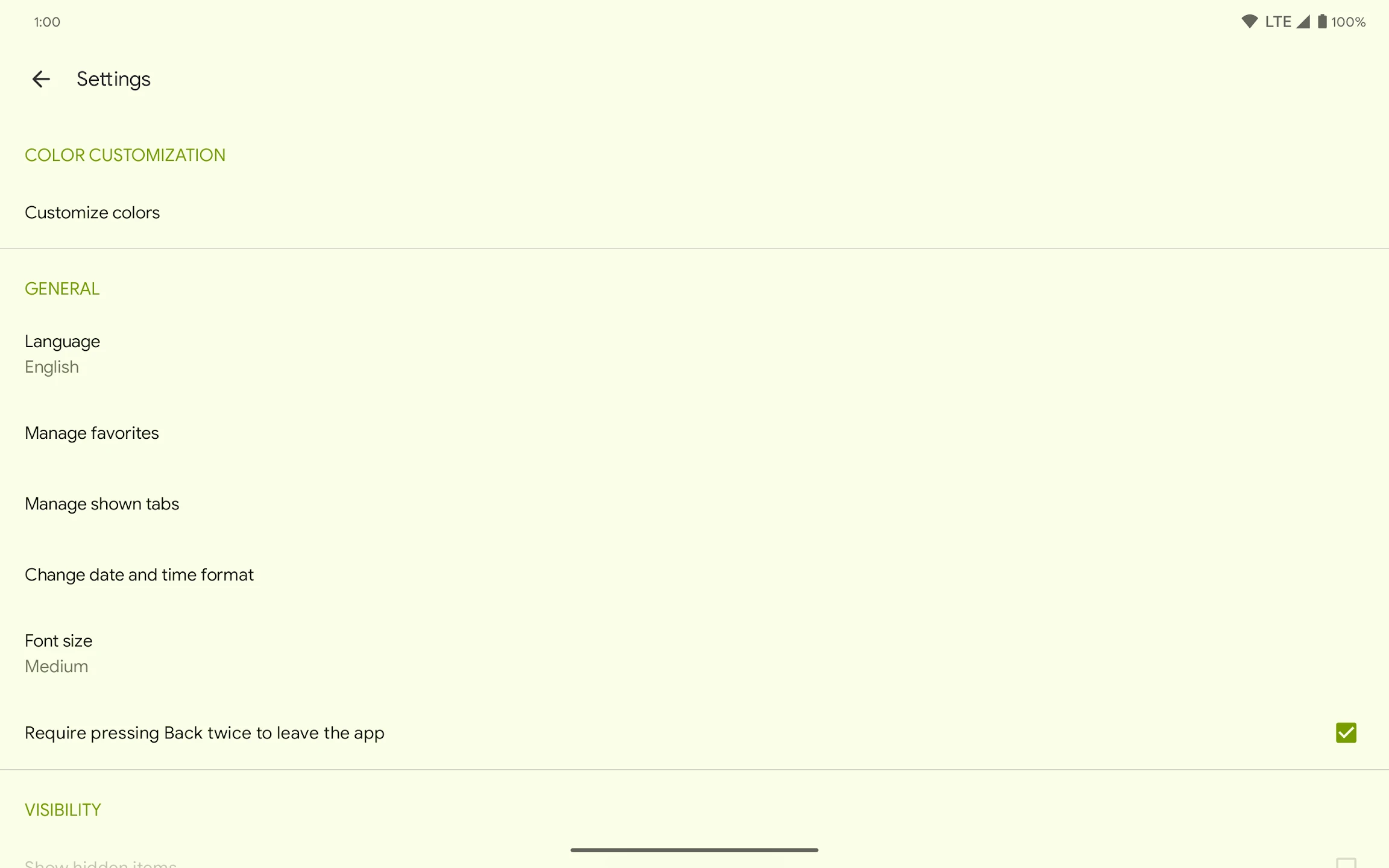
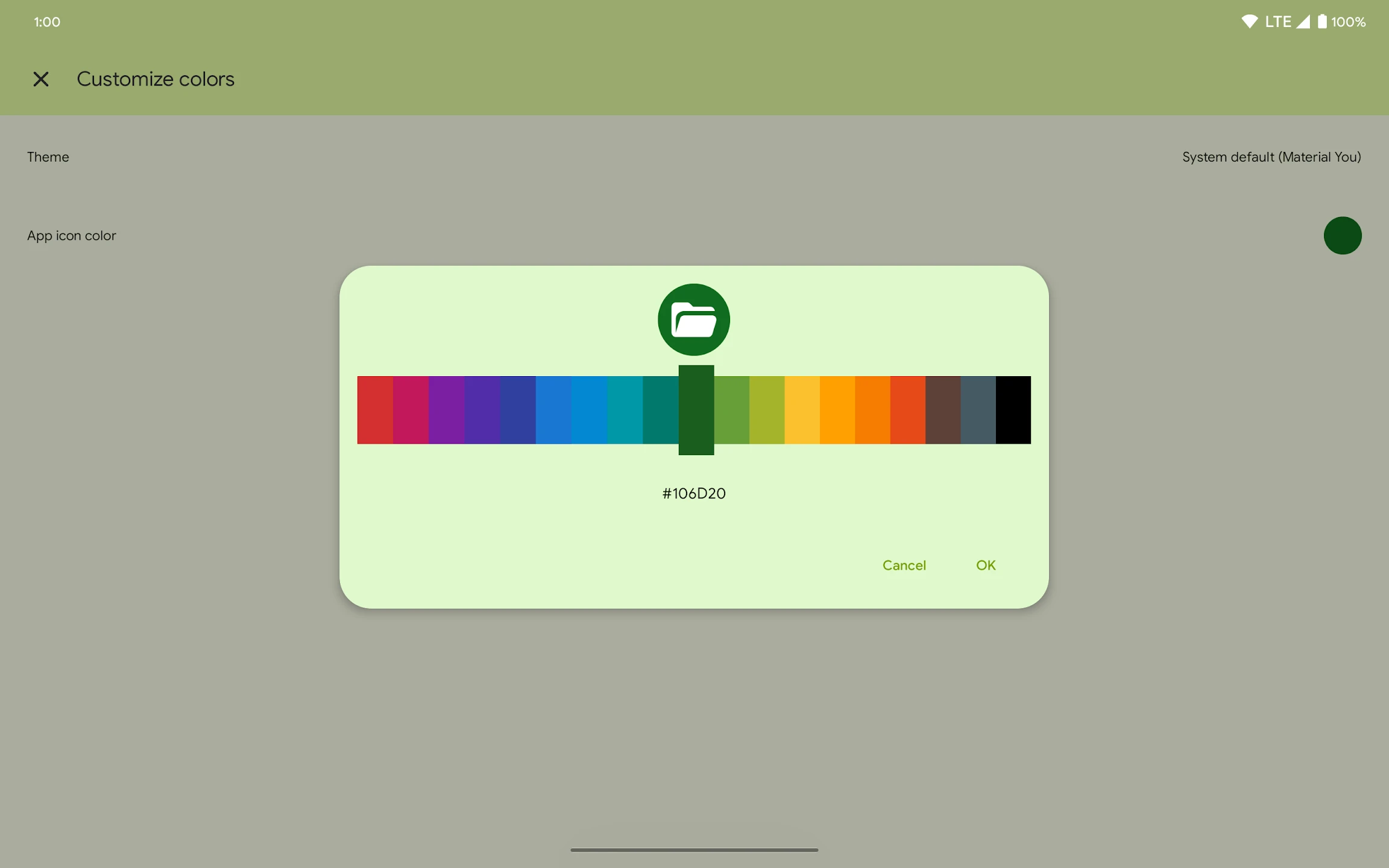
- Extensive customization: change colors, themes, font sizes, and overall app appearance
- Built-in file editor: view and edit text files with zoom support
- Desktop shortcuts: create shortcuts for quick access to frequently used folders
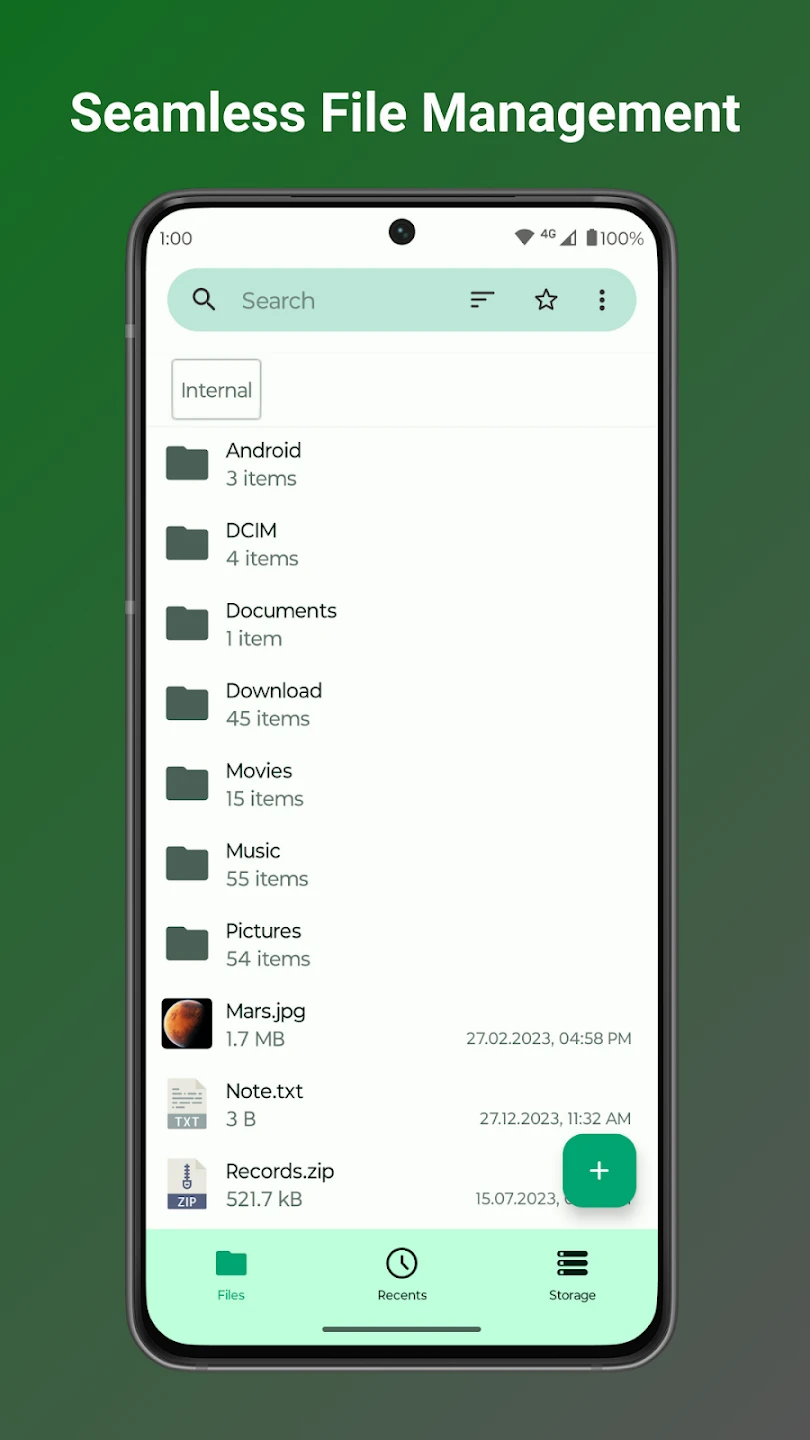
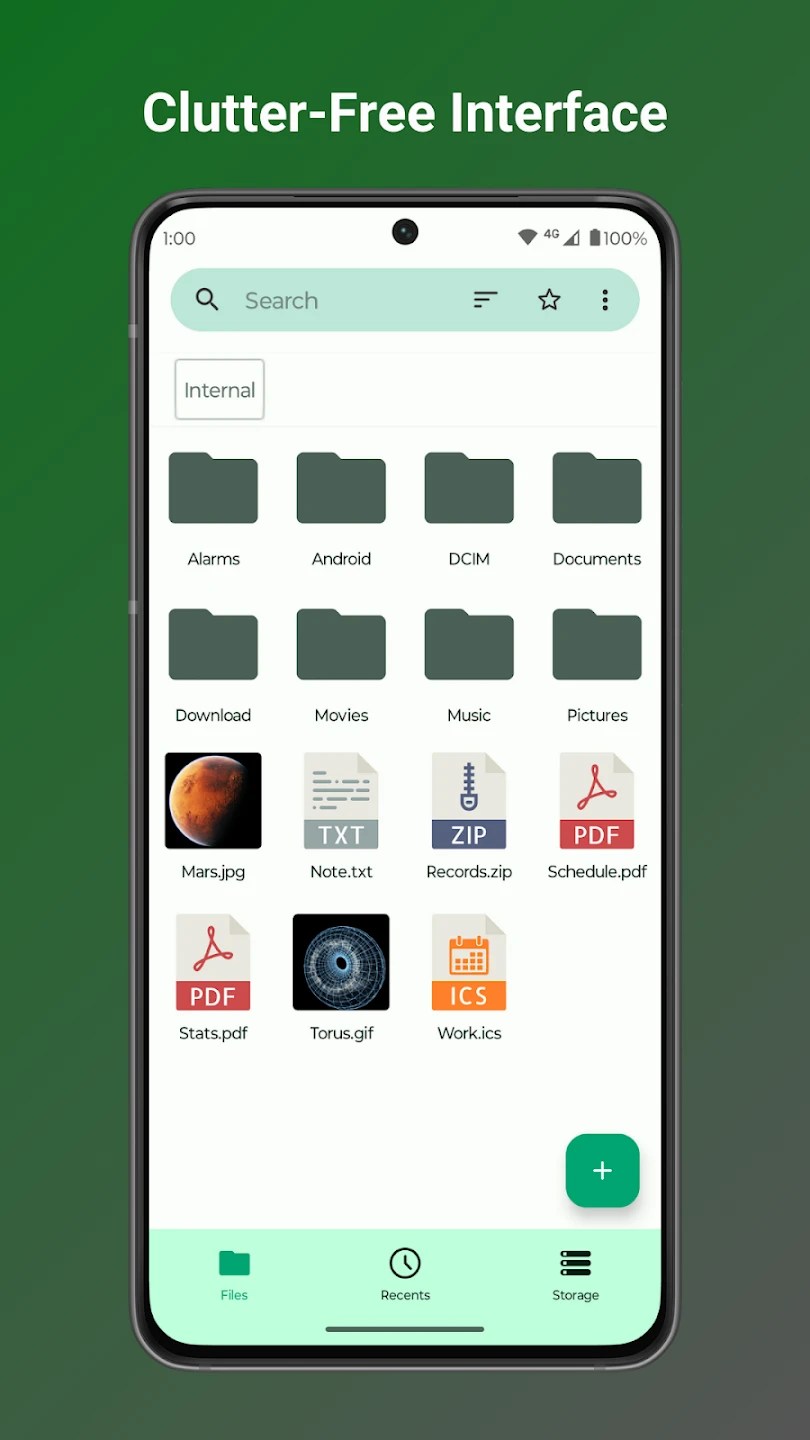
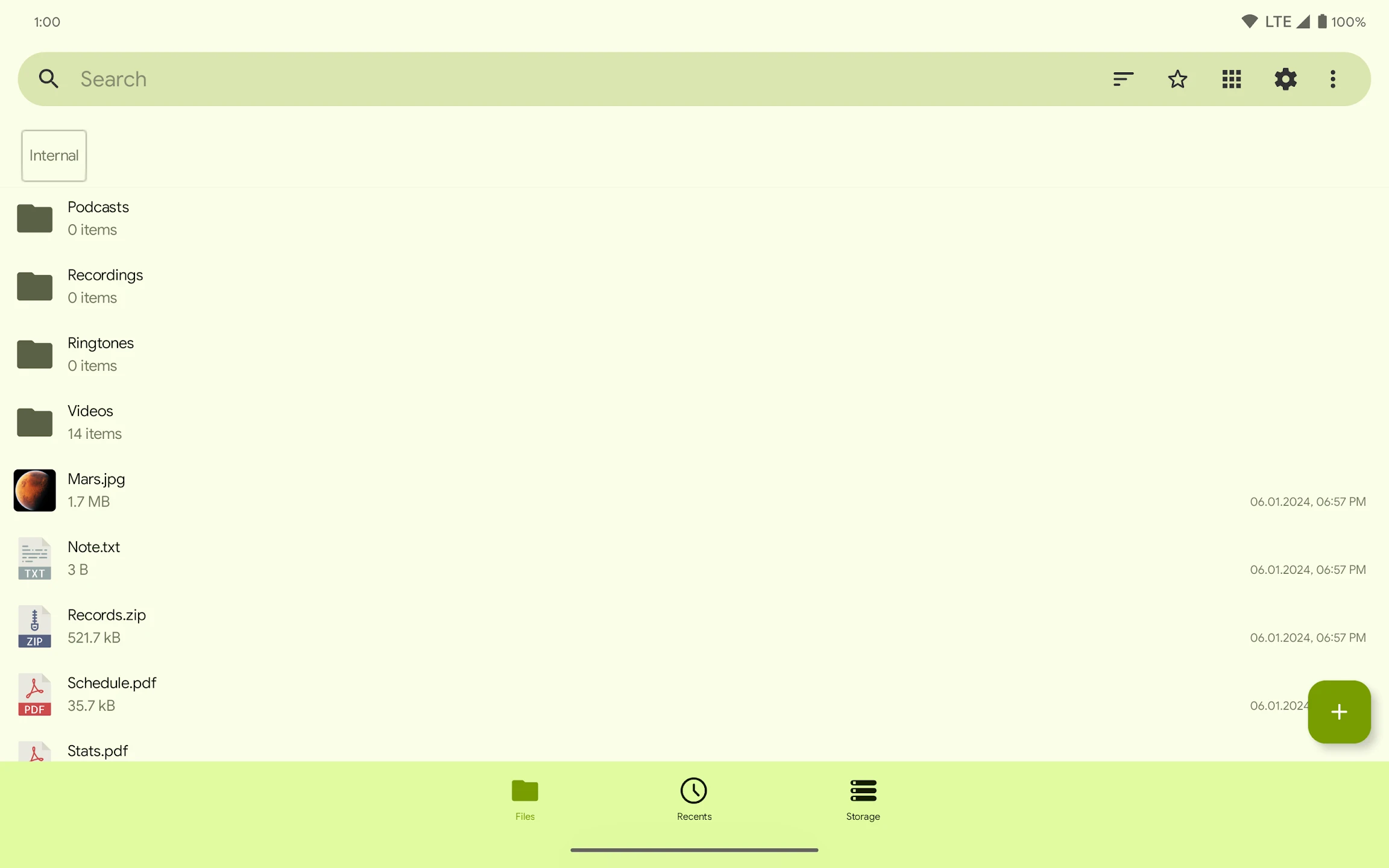
Fossify File Manager offers a different file management experience with a focus on speed and simplicity. The user interface is very clean, minimal, and clutter-free, allowing users to access their files without confusion. The absence of ads and tracking makes the app very lightweight and smooth, running without issues even on older devices. One of the app’s major strengths is its high security and full respect for privacy. Fossify File Manager has no internet access, so there is no possibility of data transmission or tracking. All processing is done offline, allowing users to manage sensitive files with peace of mind. The ability to lock files or the entire app further enhances security. In the storage management section, the app provides a storage analysis tool that helps users identify and delete large, duplicate, or unused files. This feature is very useful for freeing up device space and improving phone performance. Support for external storage such as SD Card and USB is also an important feature of Fossify File Manager. Users can easily view, move, or manage files on external storage. This is very helpful for those who use memory cards or transfer files between devices.
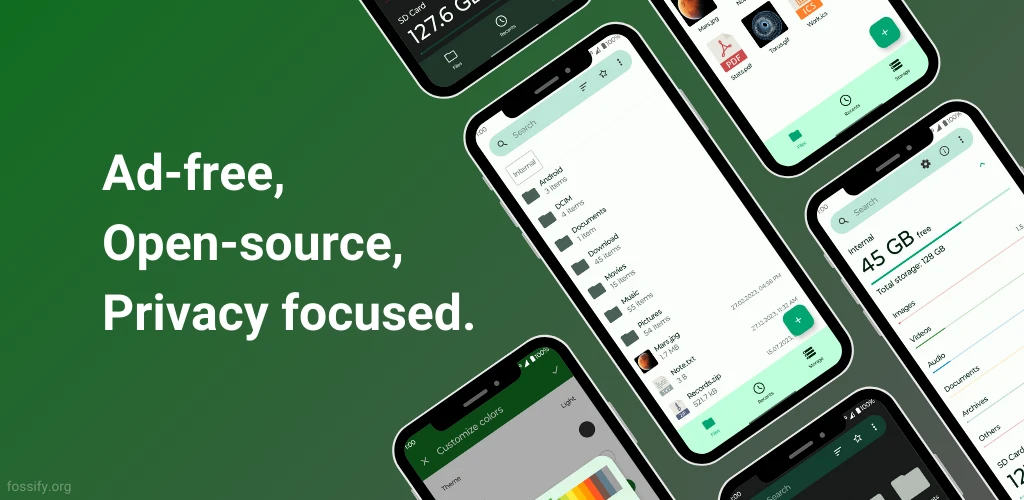
Compared to similar file managers, Fossify File Manager has significant advantages. Many free file managers include ads, tracking, or unnecessary features that make the app heavy. However, Fossify File Manager removes all extras and focuses solely on the core function of file management. This simplicity and speed have made it the primary file manager for professional users and open-source enthusiasts. Fossify File Manager is an open-source, fast, secure, and ad-free file manager for Android that offers practical features, minimal design, and full respect for privacy, providing a professional file management experience. If you are looking for a lightweight, reliable, and tracking-free file manager, this app is one of the best choices. You can download and install the official GitHub version of this app directly from DroidCove.



![KineMaster 8.1.13 – Powerful Video Editor for Android [Update]](https://droidcove.com/wp-content/uploads/2026/06/KineMaster-Logo-1-100x100.webp "KineMaster 8.1.13 - Powerful Video Editor for Android [Update] 5")

