


Notepad++ v8.9.1 | Notepad++ – Lightweight, Fast, and Open-Source Text and Code Editor for Windows
A Professional Tool for Editing Text Files and Software Development
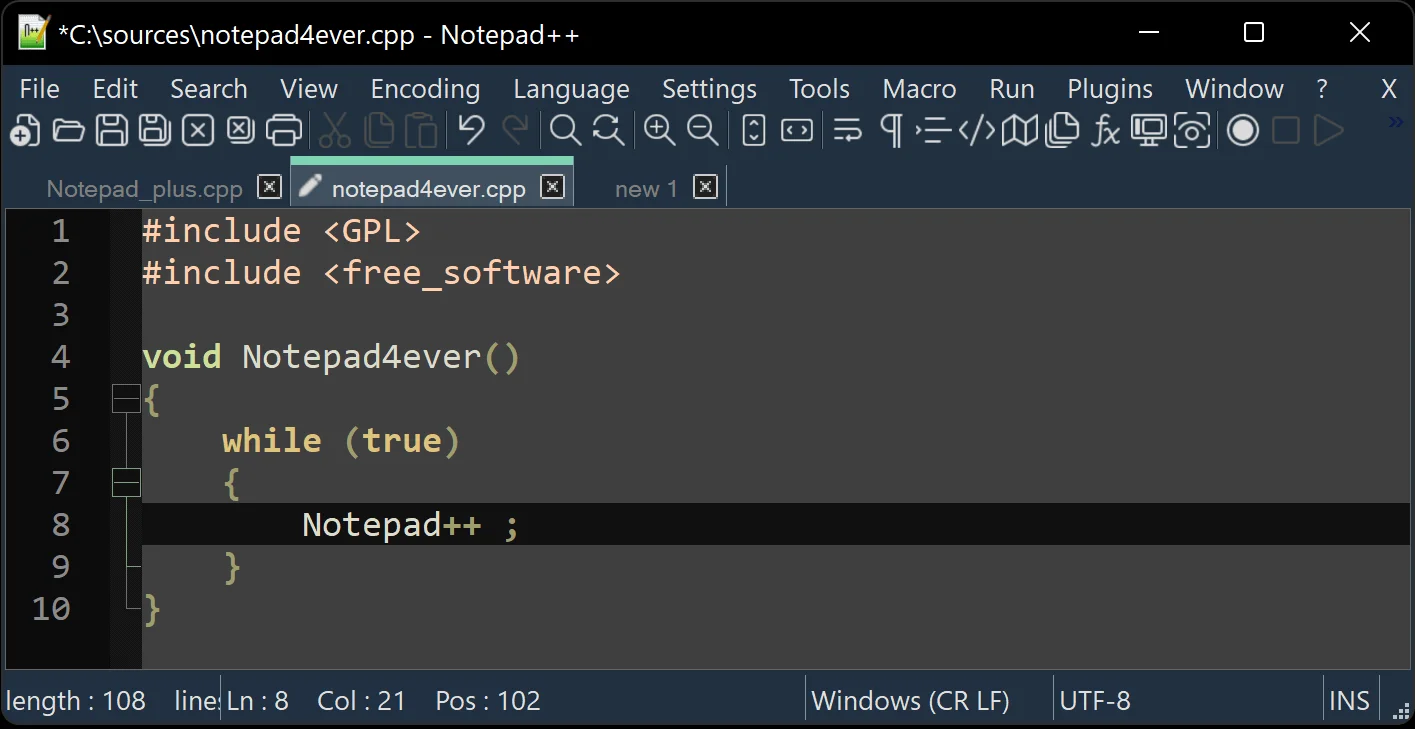
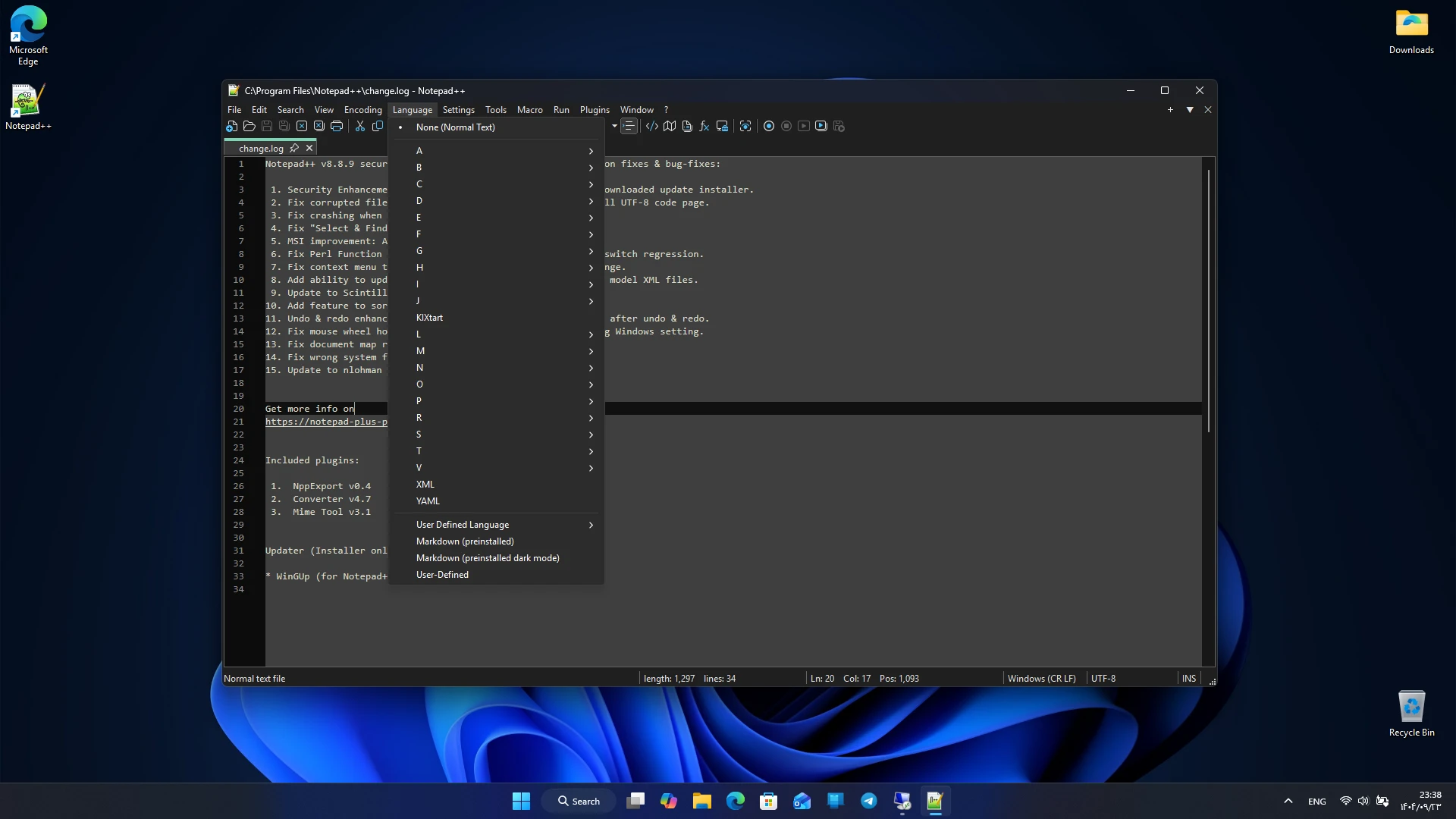
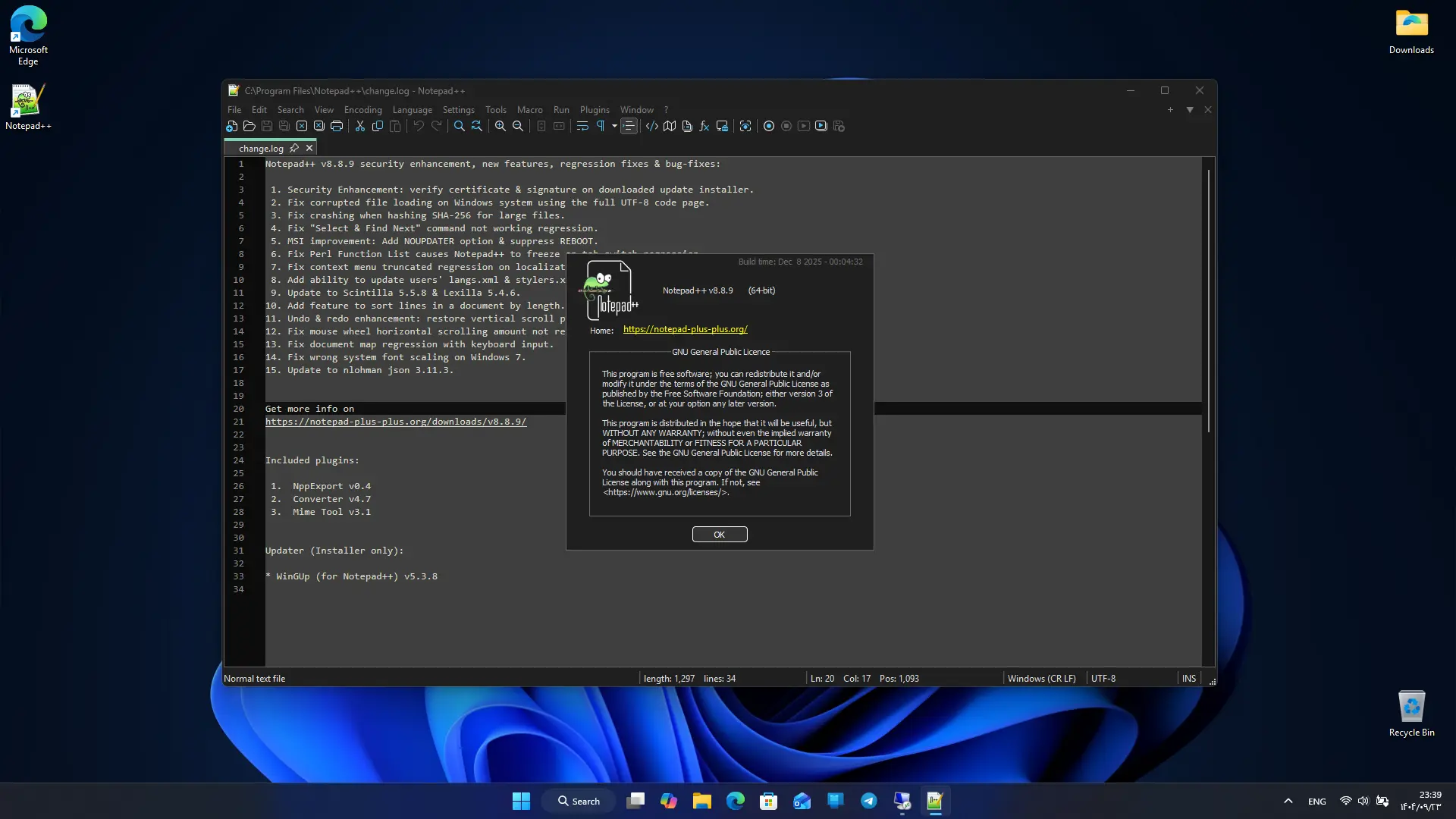
Notepad++ is one of the most popular text and code editors on Windows, offering a professional experience with a focus on speed, simplicity, and advanced features. Designed as a powerful replacement for Windows Notepad, it supports dozens of programming languages, practical tools, and a lightweight environment, making it a primary tool for developers, writers, and professional users. Its open-source nature, low resource consumption, and extensive features have kept Notepad++ among the best free editors for years. This program aims to provide a fast and reliable environment for editing text files. Many users utilize Notepad++ for editing code, configuration files, scripts, or even simple notes. Syntax highlighting support, the ability to open multiple files simultaneously, and advanced search tools make this program a suitable choice for everyday tasks and large projects.
Features and Capabilities of Notepad++ :
- Support for dozens of programming languages
- Syntax highlighting for better code readability
- Ability to open multiple files in separate tabs
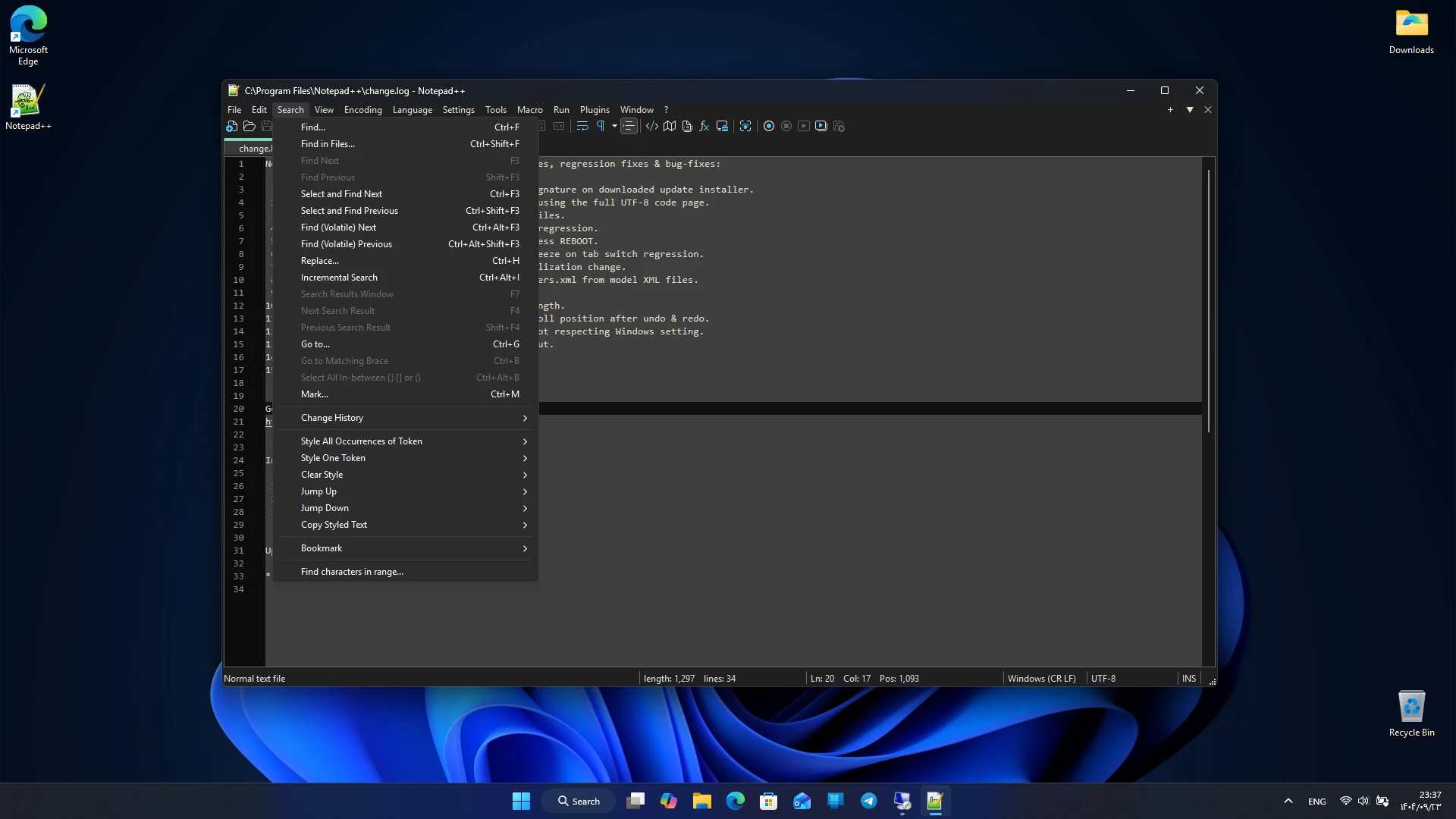
- Advanced search and replace with regular expressions
- Lightweight user interface and fast execution
- Support for plugins to add more features
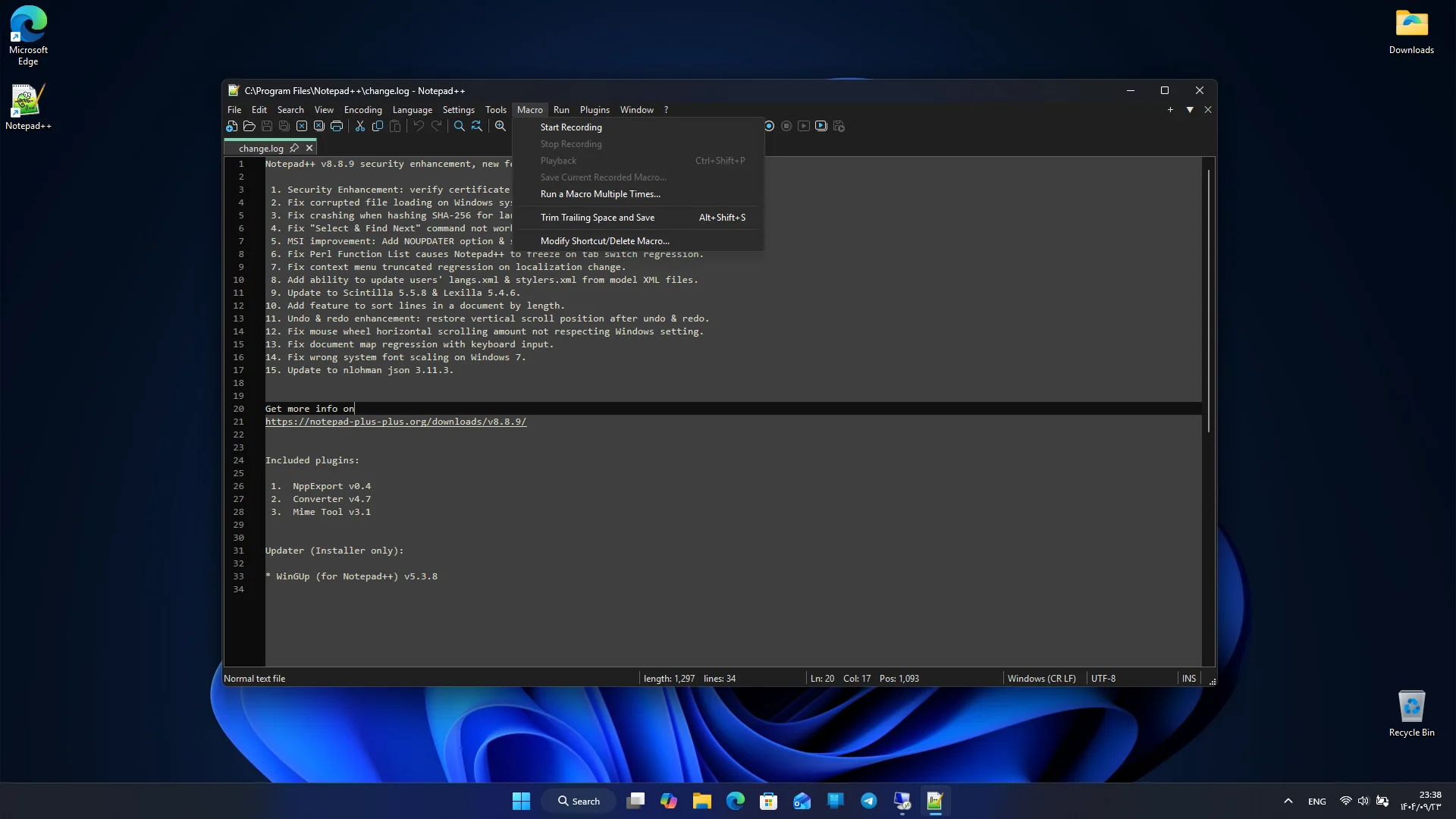
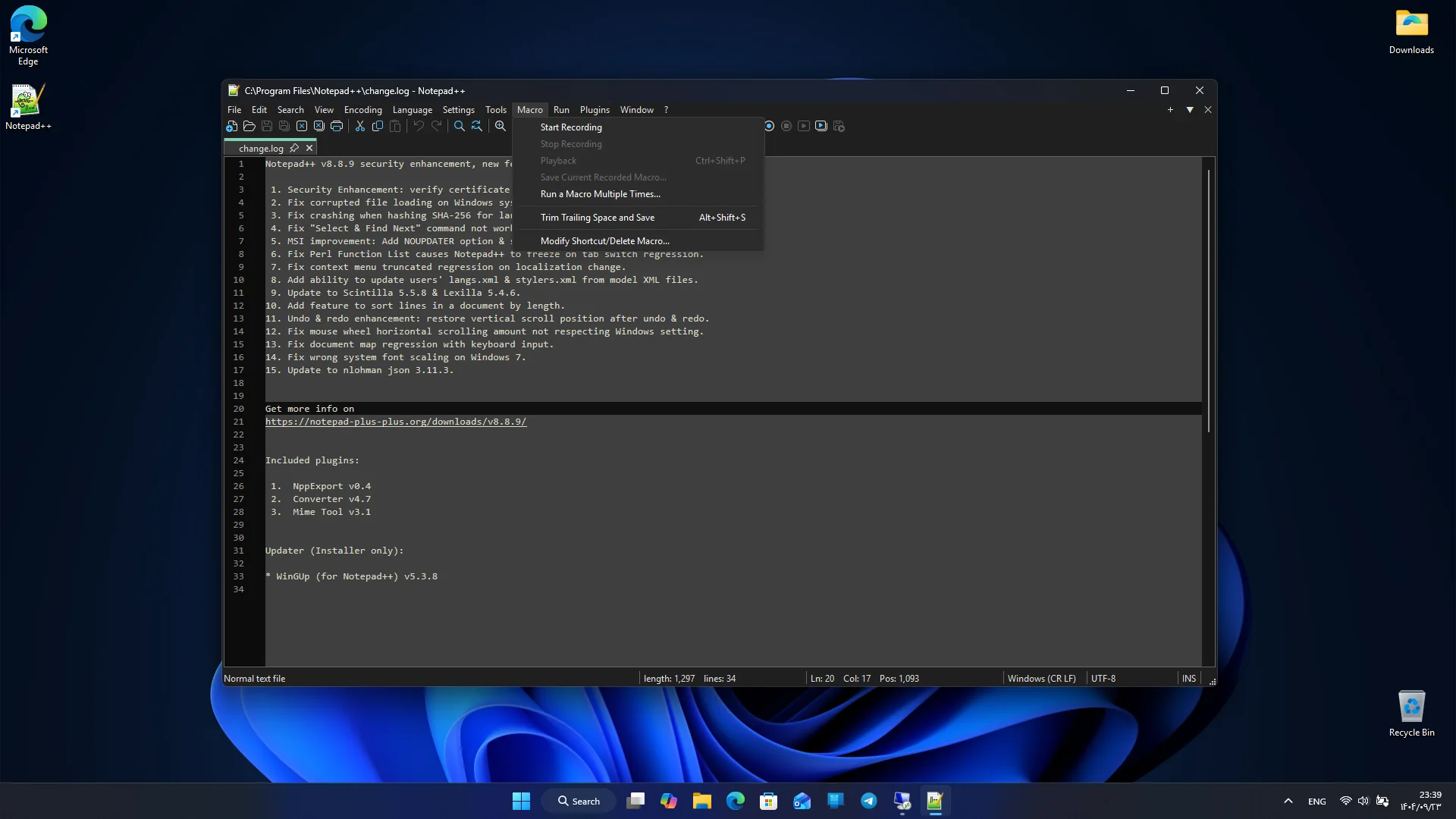
- Macro recording and playback capabilities
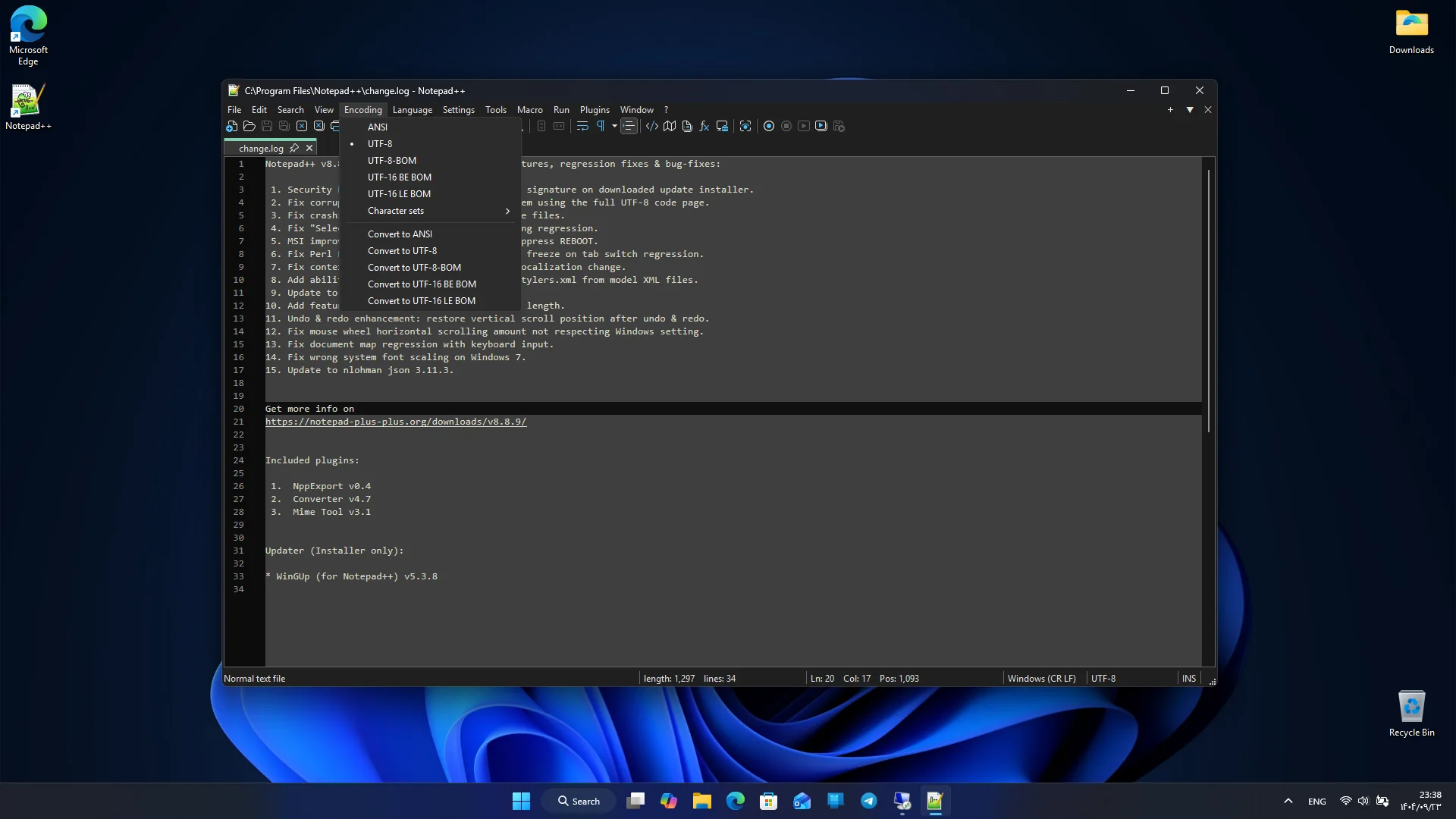
- Support for various text encodings
- File comparison and change tracking
- Completely open-source and free
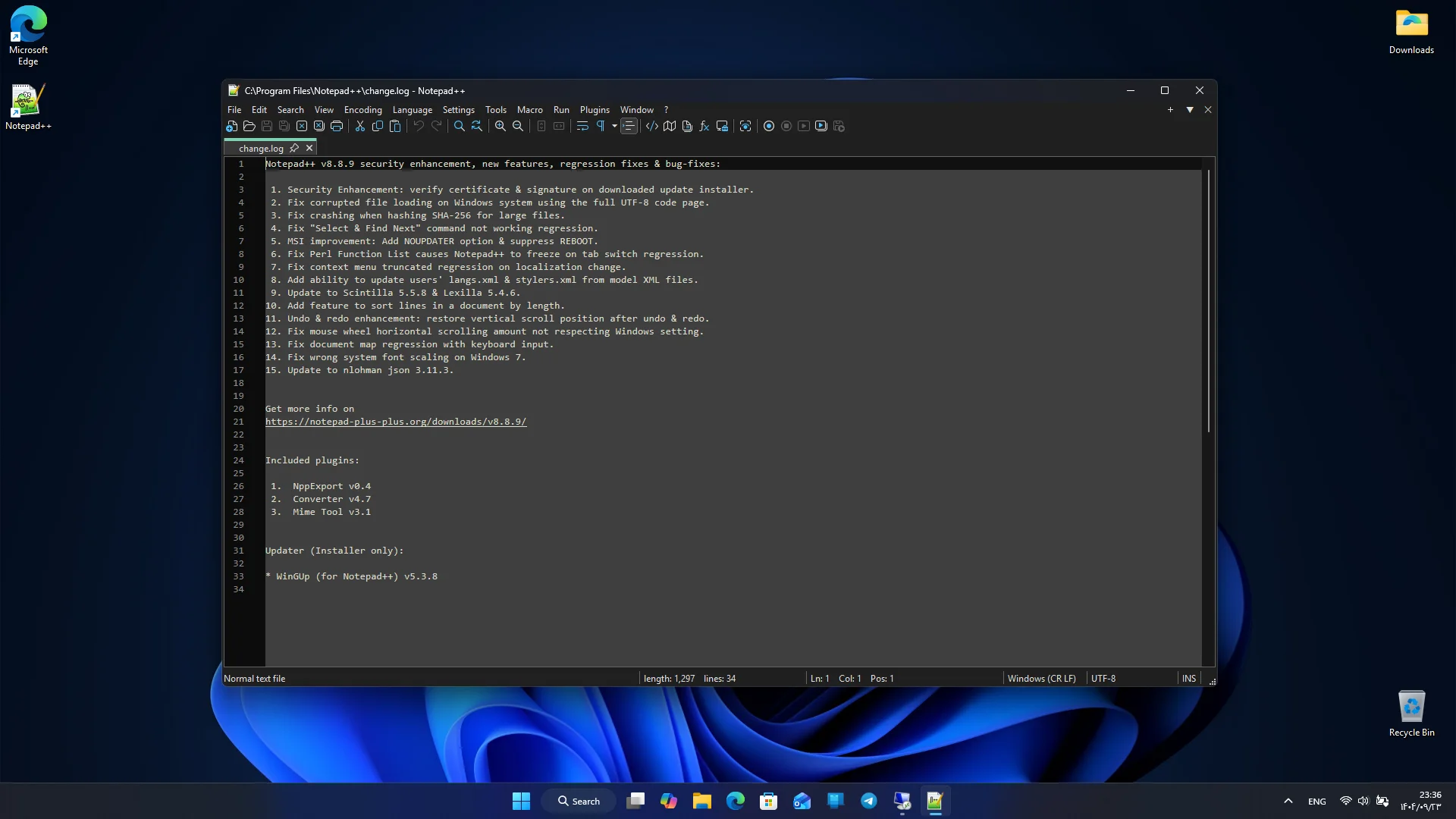
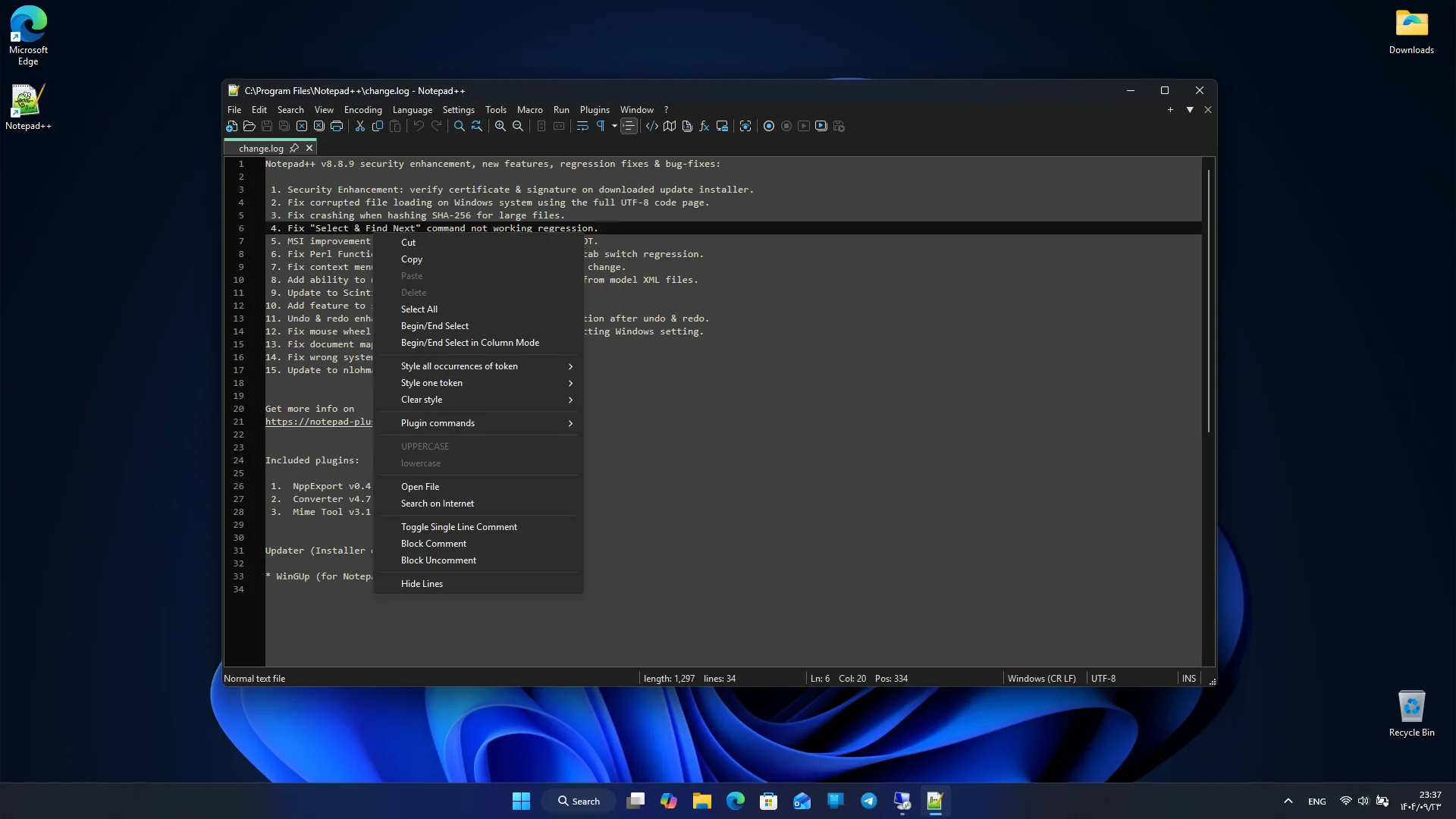
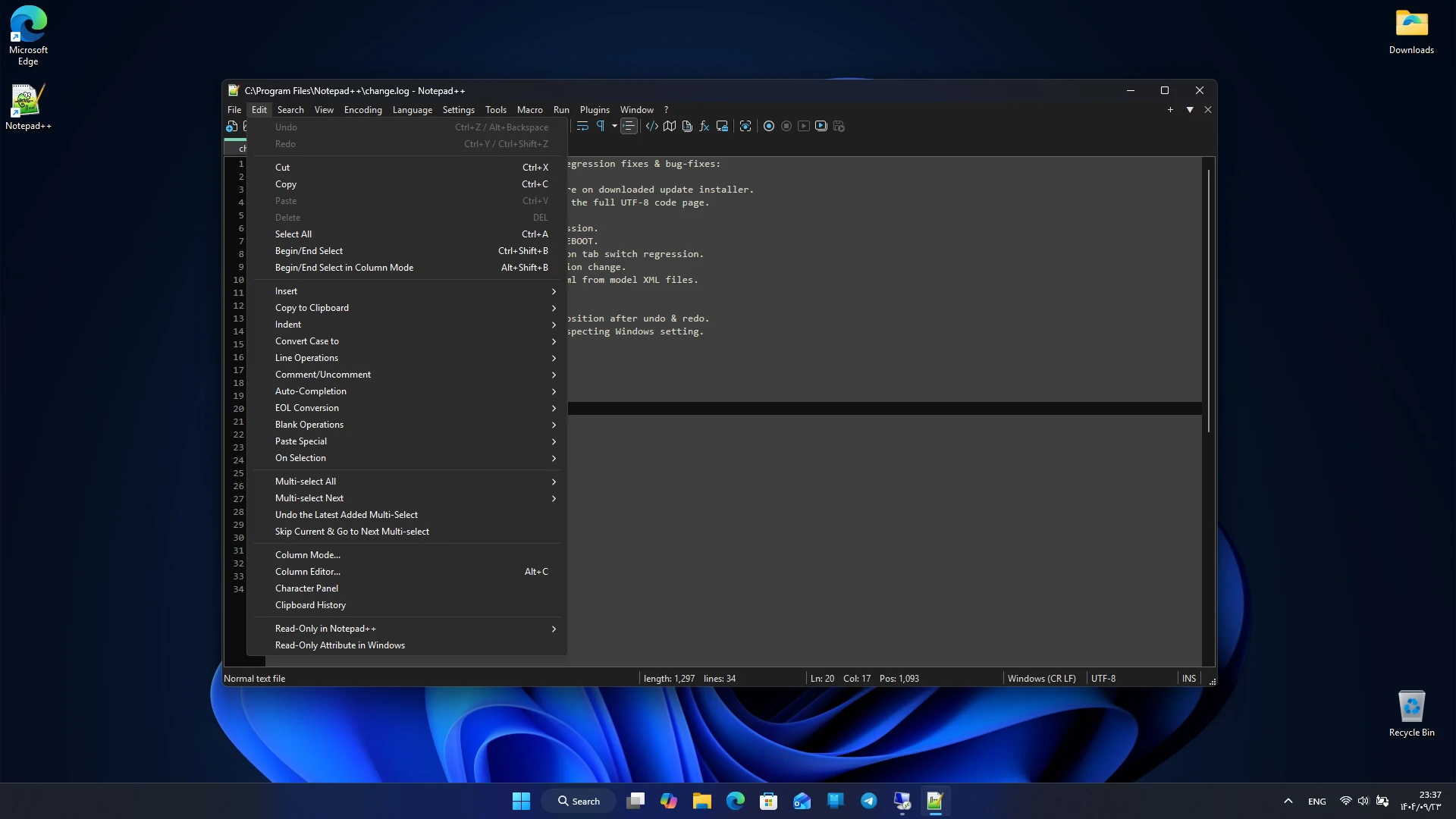
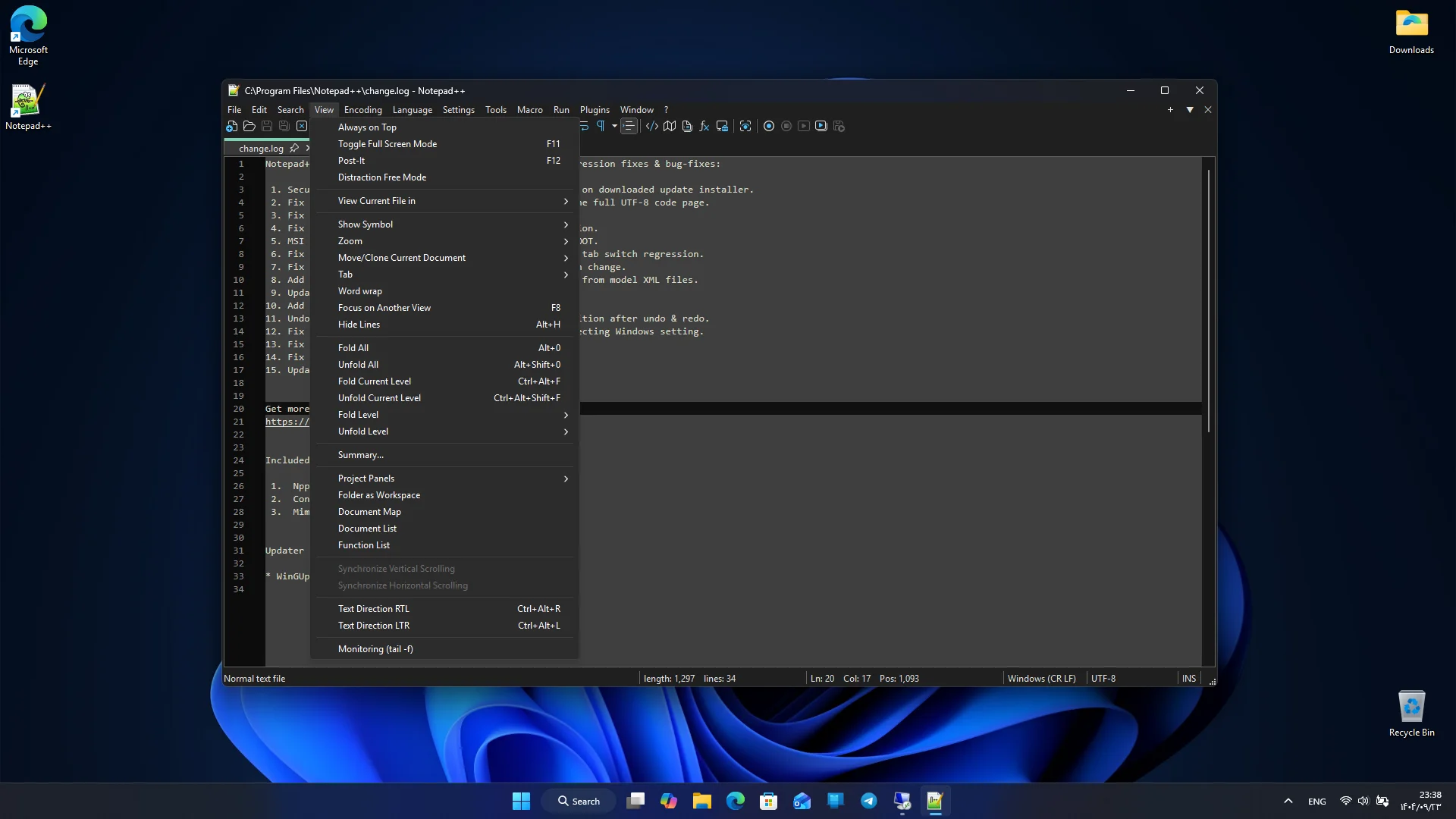
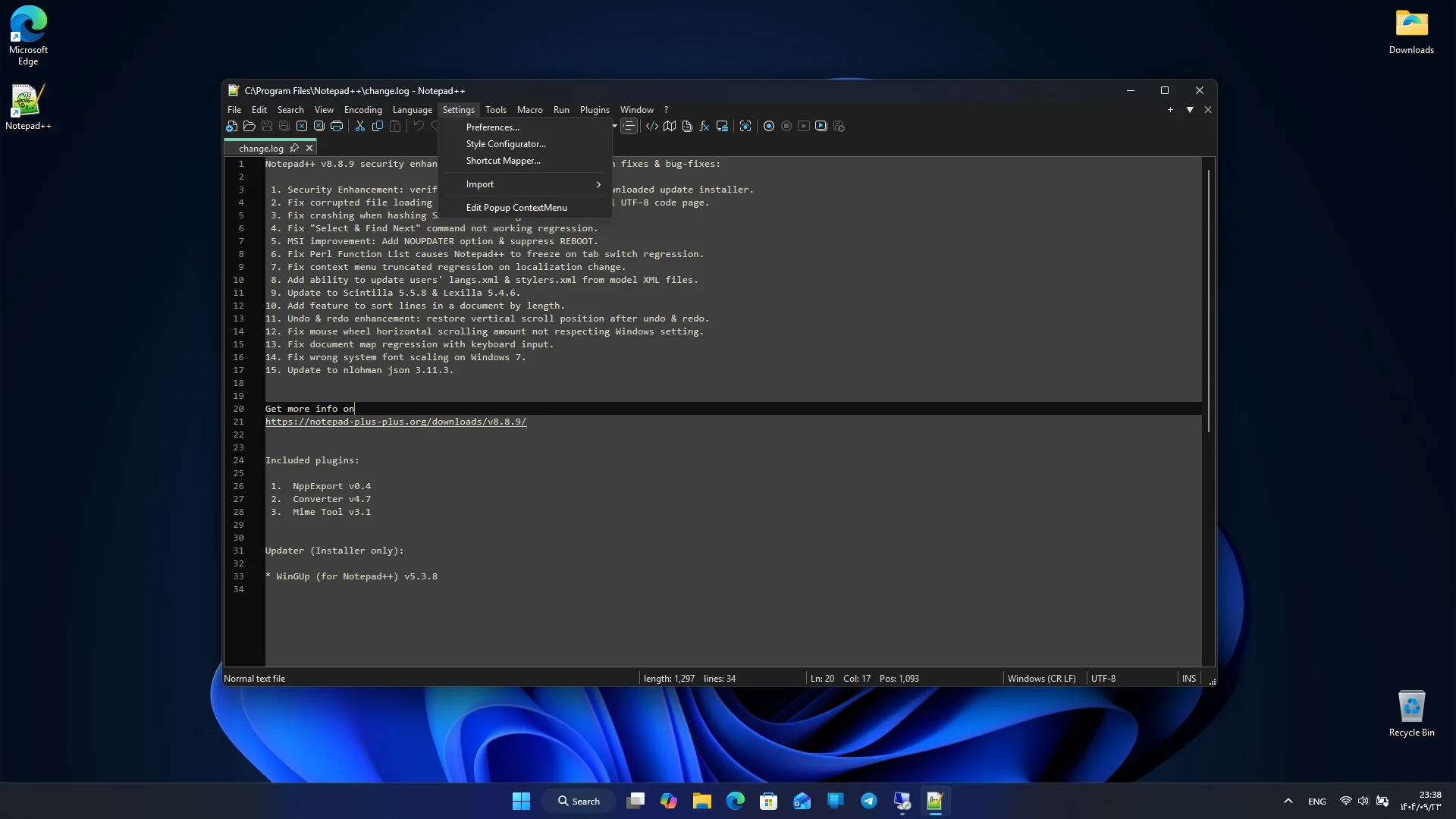
Notepad++ focuses on fast performance, providing an experience where users can edit their files without delay or heaviness. It runs well even on older systems and, due to its low resource usage, is suitable for large projects and heavy files. The simple and intuitive user interface allows new users to quickly get familiar with the program environment. One of the key features of this program is plugin support. Users can install various plugins to add new capabilities such as file comparison, FTP connection, code formatting, text conversion, and many other features. This flexibility makes Notepad++ highly valuable for professional developers and advanced users. Notepad++ also supports macros. Users can record a series of repetitive operations and execute them later with a single click. This feature is very useful for those working with large text files or needing to perform repetitive tasks. Advanced search and replace tools also allow working with complex patterns, speeding up file editing. This program offers comprehensive support for programming languages. From HTML and CSS to Python, JavaScript, PHP, C++, and many others, all are supported with syntax highlighting and proper formatting. This makes Notepad++ a suitable choice for web development, desktop programming, scripting, and even system file editing.
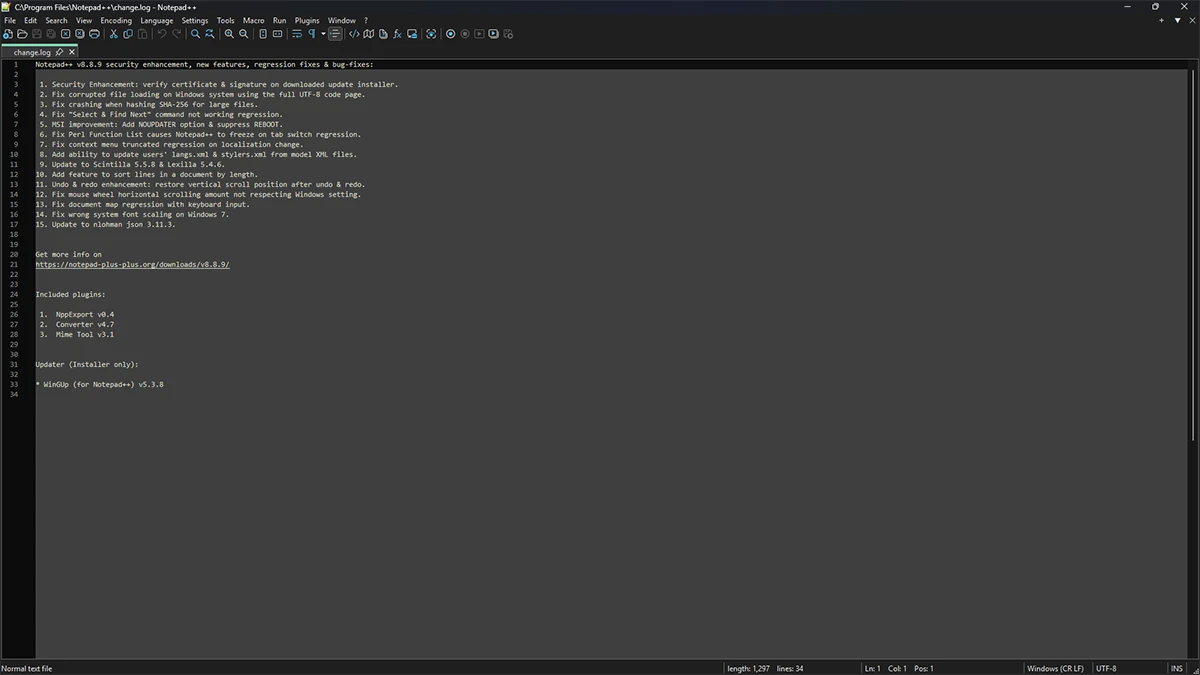
The open-source nature of Notepad++ is one of its main strengths. Users can be confident that the program has no hidden behaviors and that the developer community is continuously improving and adding new features. Regular updates and bug fixes keep the program stable and reliable. Compared to similar editors, Notepad++ has significant advantages. Many professional editors are either heavy or require payment, but Notepad++ combines speed, advanced features, and free availability to provide a complete and reliable experience. These features make this program a suitable choice for developers, writers, system administrators, and regular users. Overall, Notepad++ is a powerful, lightweight, and open-source text and code editor for Windows that offers a professional experience with extensive features, support for various languages, and fast performance. If you are looking for a tool that can meet your daily and professional needs in text and code editing, this program is one of the best choices. You can download the official version of this software via direct link from DroidCove.



![KineMaster 8.1.13 – Powerful Video Editor for Android [Update]](https://droidcove.com/wp-content/uploads/2026/06/KineMaster-Logo-1-100x100.webp "KineMaster 8.1.13 - Powerful Video Editor for Android [Update] 5")

