

![Google Chrome 144 — Google Chrome for Windows – Best Browser [Update]](https://droidcove.com/wp-content/uploads/2026/02/Google-Chrome-Logo-1-110x110.webp "Google Chrome 144 — Google Chrome for Windows – Best Browser [Update] 1")
Google Chrome for Windows v144.0.7559.133 | Google Chrome Windows – Fast, Secure, and Stable Browser for Professional Web Browsing
A powerful browser with high speed, advanced security, and full compatibility with Google services
Always get the latest Google Chrome Windows update with a direct download link
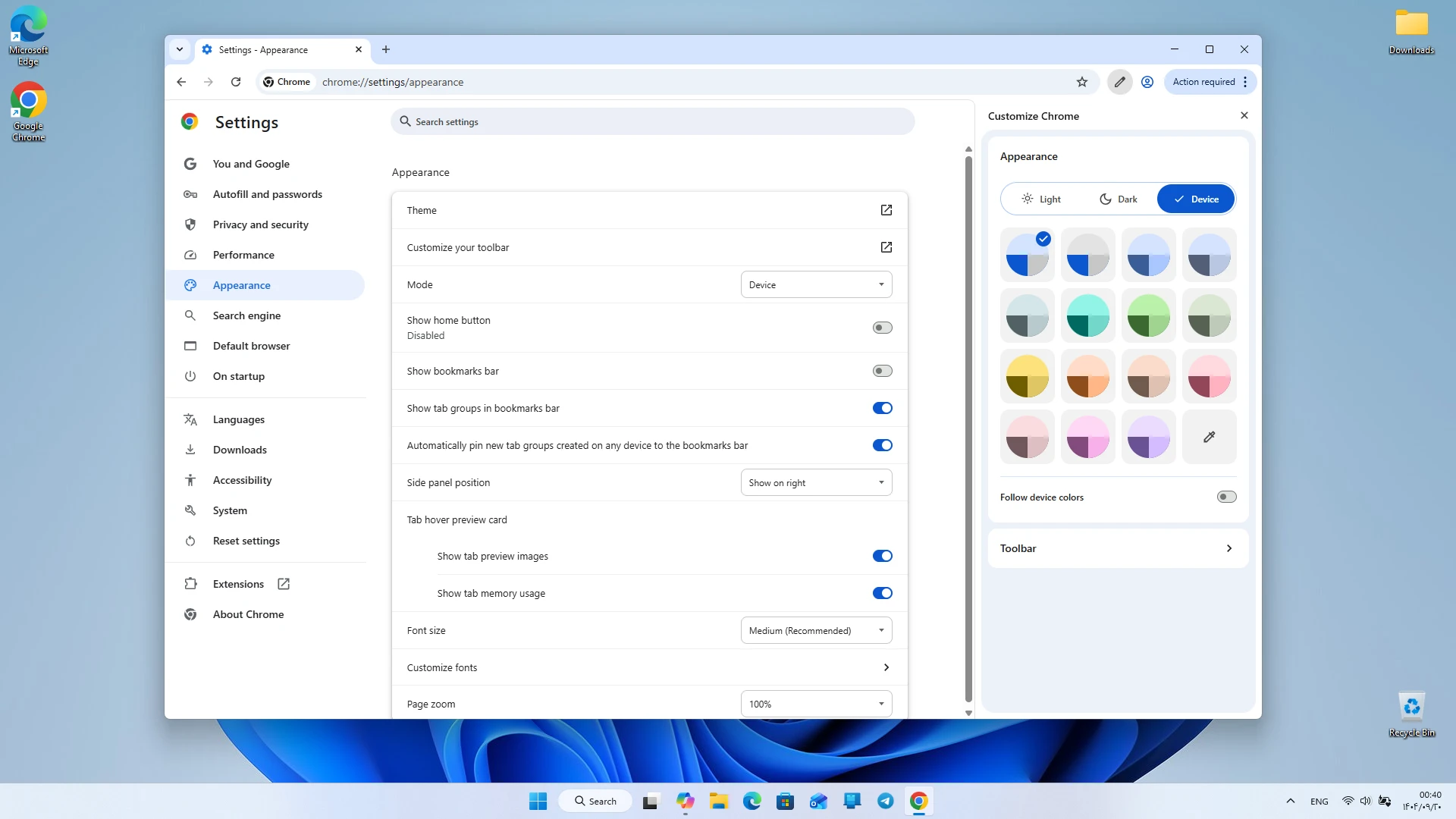
The Google Chrome browser is one of the most popular and widely used browsers worldwide. Its Windows version has become the first choice for many users due to its high speed, reliable security, and extensive support for extensions. This browser uses a powerful processing engine to provide a smooth and fast web browsing experience, and with its simple and minimal design, it offers a clean and practical environment for users. Google Chrome is designed for users looking for a stable, fast browser that integrates seamlessly with online services. Google Chrome is developed by Google and is continuously updated to ensure its security, speed, and features remain at the highest level. The Windows version supports various hardware configurations, running smoothly on both low-end and high-end systems, and due to its full compatibility with the operating system, it delivers a stable and error-free experience.
Features and capabilities of Google Chrome Windows version:
- Very high speed in loading web pages
- Simple, clean, and user-friendly design for all users
- Support for thousands of useful extensions in the Chrome Web Store
- Full integration with Google services such as Gmail, Drive, and YouTube
- Advanced security with protection against malware and malicious websites
- Automatic updates to enhance security and performance
- Support for user profiles to manage multiple accounts
- Ability to sync bookmarks, passwords, and history across devices
- Optimized resource consumption with smart tab management
- Support for incognito mode for browsing without saving information
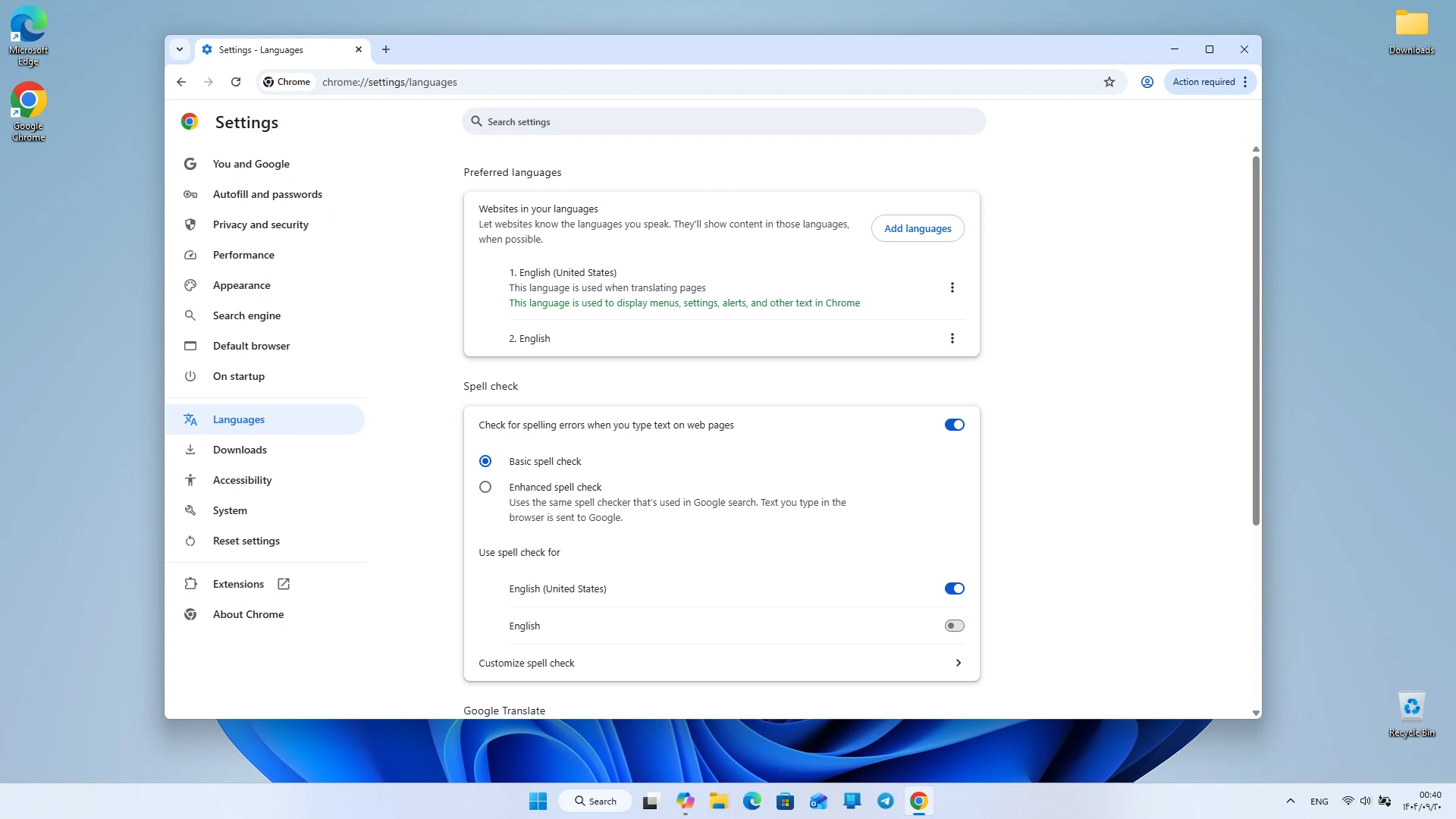
- Automatic webpage translation feature
- Support for new web standards and modern technologies
Google Chrome focuses on speed and efficiency to provide a unique web browsing experience. Its powerful processing engine ensures web pages load in the shortest possible time, and even heavy websites display without issues. Chrome’s minimal and simple design allows users to utilize its features without confusion. One of Google Chrome’s key strengths is its high security. This browser uses a multi-layer protection system to safeguard users against malware, phishing sites, and harmful content. Automatic updates ensure the latest security version is always installed, reducing potential risks. Incognito mode allows browsing without saving history, cookies, or personal information. In terms of practical features, Google Chrome offers a wide range of tools. Users can use various extensions for password management, ad blocking, productivity enhancement, web development, and many other purposes. The Chrome Web Store is one of the largest extension repositories among browsers, making Chrome a flexible and customizable browser. Sync capability is another important feature of Google Chrome. Users can sign in to their Google account to sync bookmarks, saved passwords, history, and even browser settings across multiple devices. This feature is very useful for those who use several devices such as laptops, desktops, and mobile phones.
Compared to similar browsers, Google Chrome has significant advantages. Many browsers either lack sufficient speed or have limited extension support. However, Chrome combines high speed, strong security, and extensive extension support to provide a complete and professional experience. These features have made this browser the first choice for professional users, web developers, and even regular users. The Windows version of Google Chrome also supports new web standards, and developers can use its built-in tools for testing, debugging, and site development. Chrome’s developer tools are among the most powerful available in browsers, offering features such as element inspection, responsiveness testing, performance analysis, and network request monitoring. Overall, Google Chrome Windows version is a fast, secure, stable browser equipped with practical features, making it the best choice for daily browsing, professional tasks, and using online services. If you are looking for a browser that offers high speed, strong security, and extensive features together, Google Chrome is one of the best options for you. You can download and install the Windows version of this browser with a direct link from DroidCove.
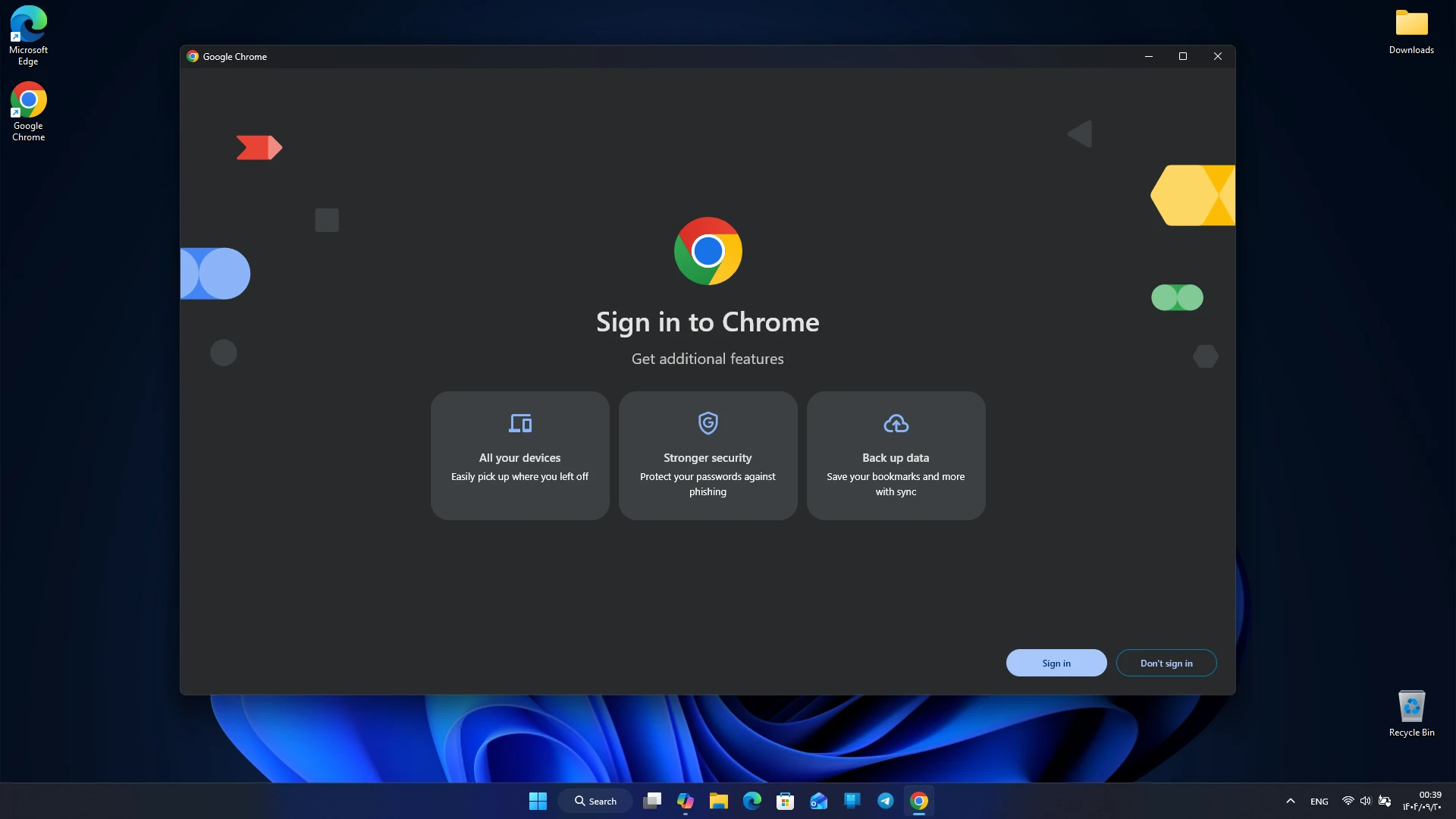
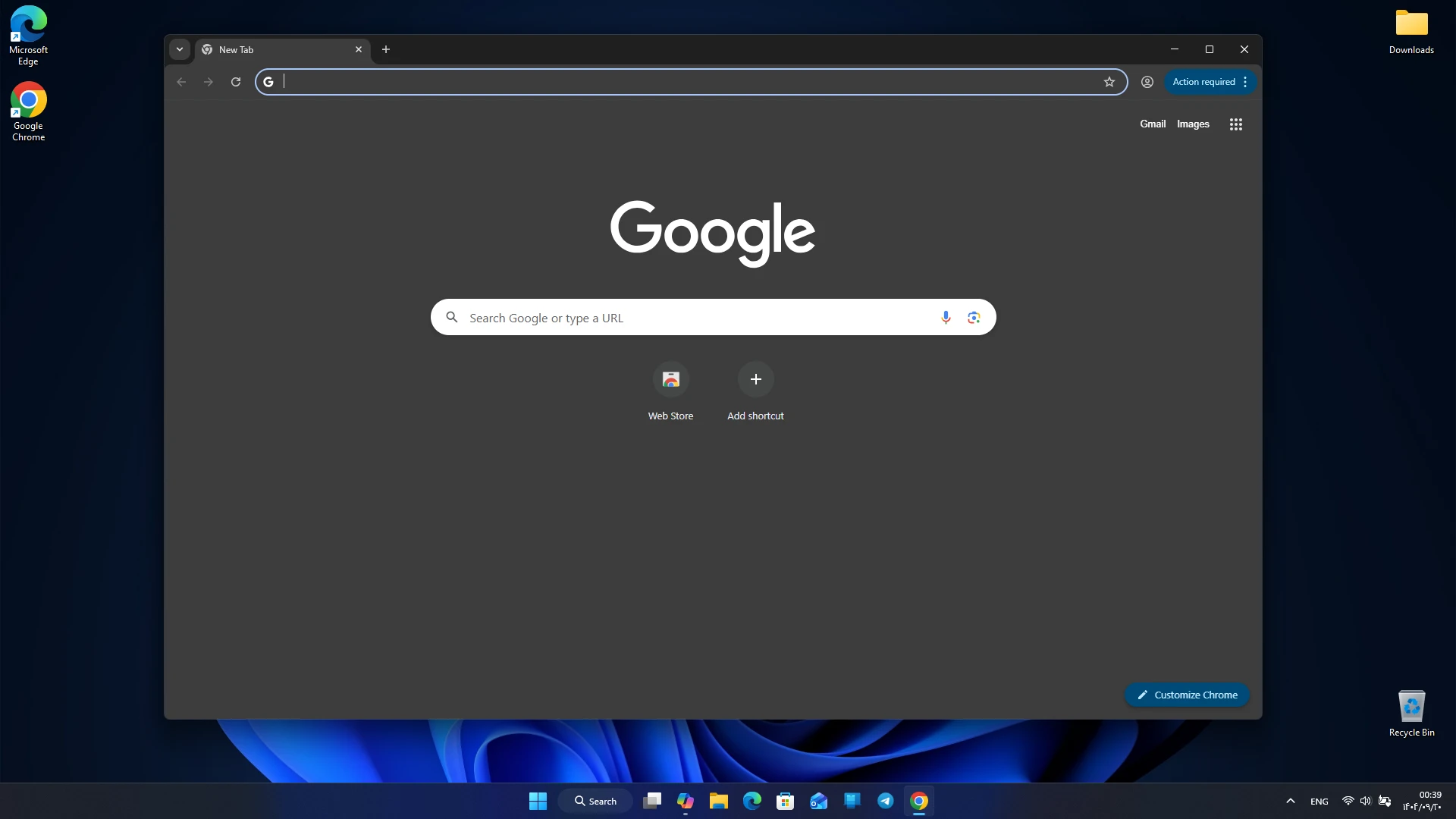
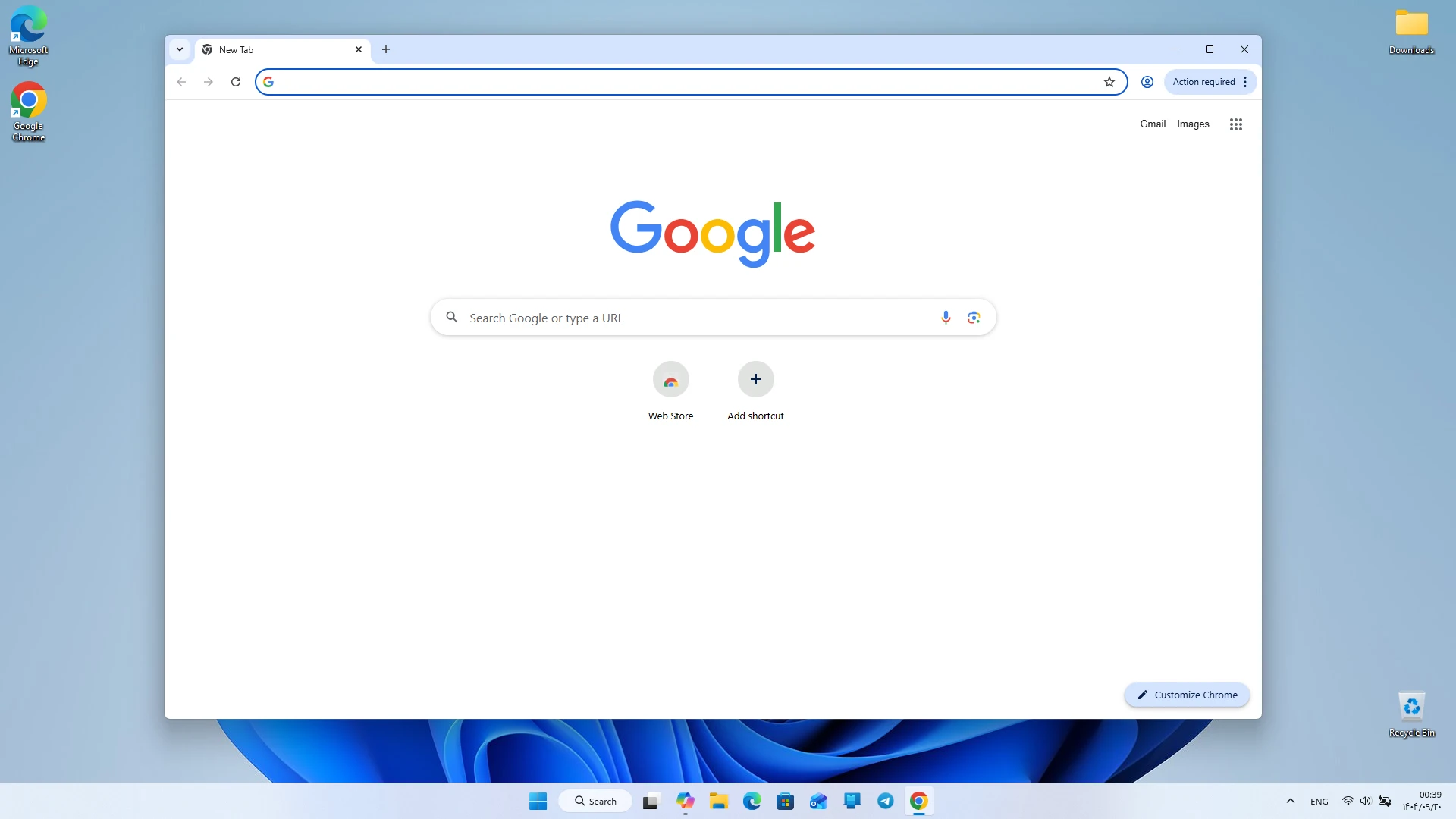



![KineMaster 8.1.13 – Powerful Video Editor for Android [Update]](https://droidcove.com/wp-content/uploads/2026/06/KineMaster-Logo-1-100x100.webp "KineMaster 8.1.13 - Powerful Video Editor for Android [Update] 5")

