


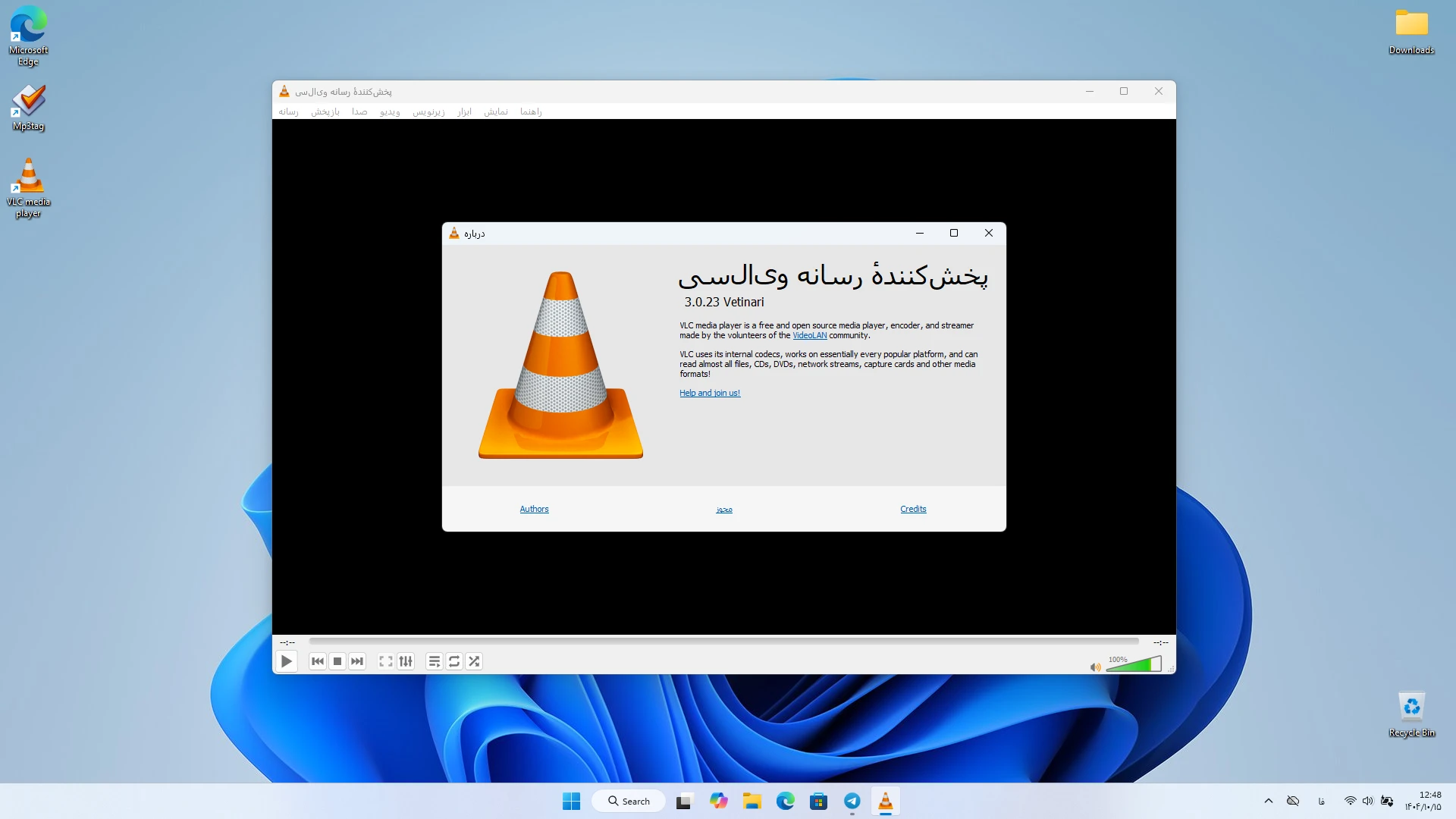
VLC Media Player v3.0.23 | Free Official Video Player Software for Windows
A powerful player for running all types of audio and video files
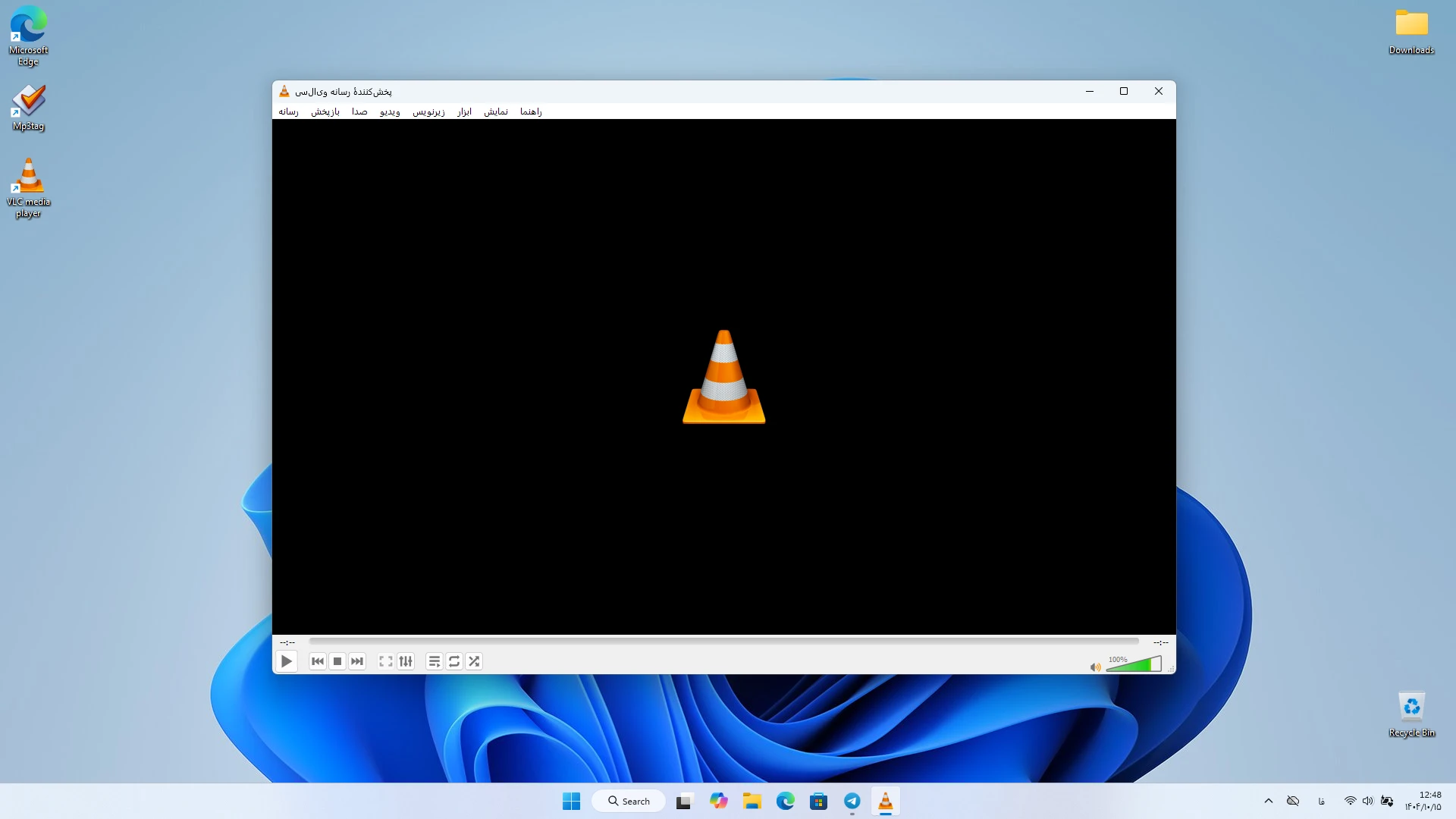
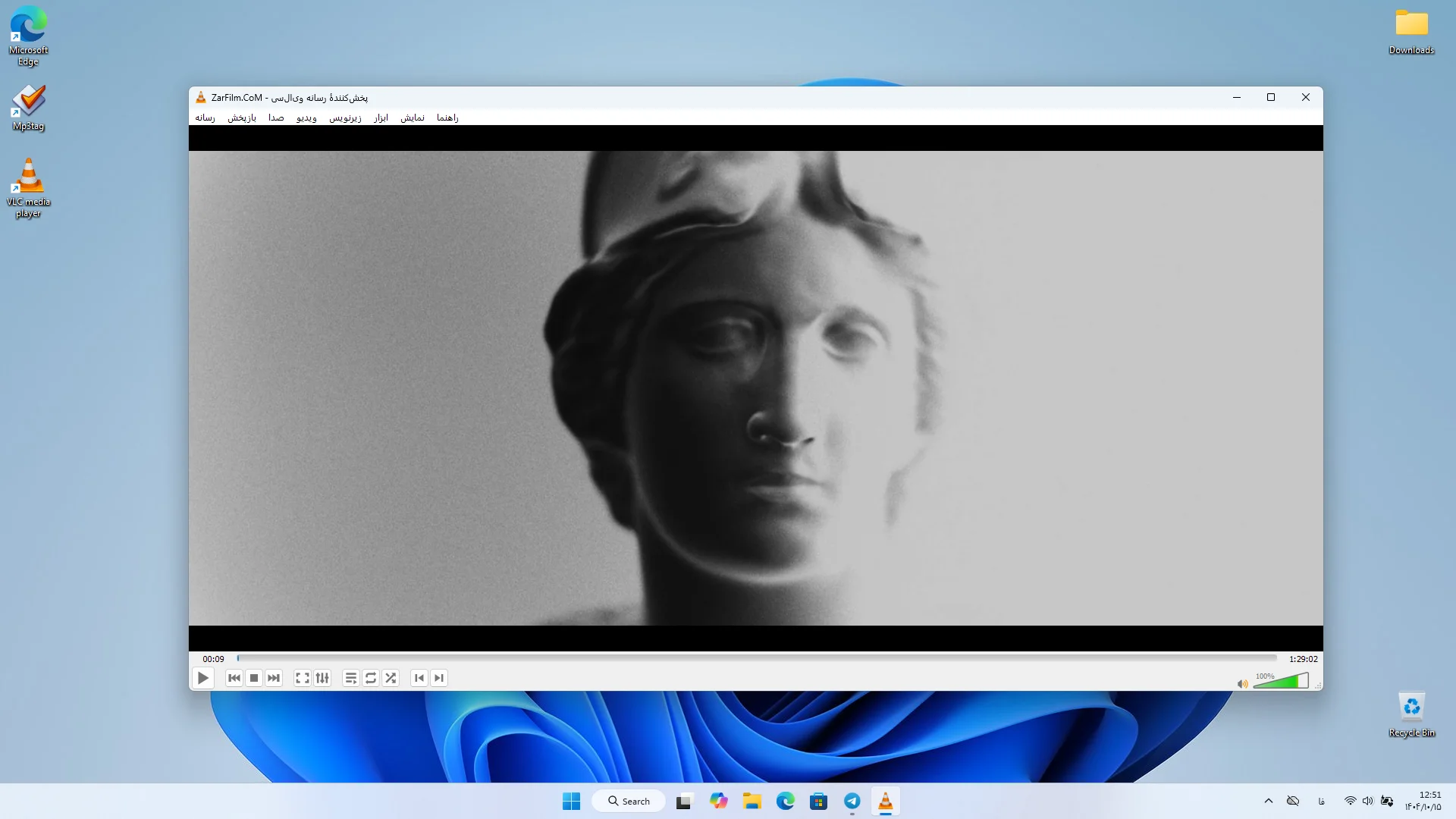
VLC Media Player is one of the most well-known and reliable multimedia playback software in the world. This software is developed by the VideoLAN project and has become the first choice for many Windows users due to being free, open-source, and supporting a wide range of formats. With VLC installation, users can play almost any type of audio and video file without needing to install additional codecs. This software can play videos, music, DVDs, CDs, VCDs, and even online streams. Its simple and user-friendly interface allows beginners to use the software’s features without any complexity. At the same time, professional users consider VLC a complete and powerful option due to its advanced settings, additional tools, and extensive capabilities. VLC is compatible with various Windows versions including Windows XP SP3 up to Windows 11 and runs without requiring powerful hardware. The software is continuously updated, which keeps it stable, fast, and reliable.
Features and capabilities of VLC Media Player software:
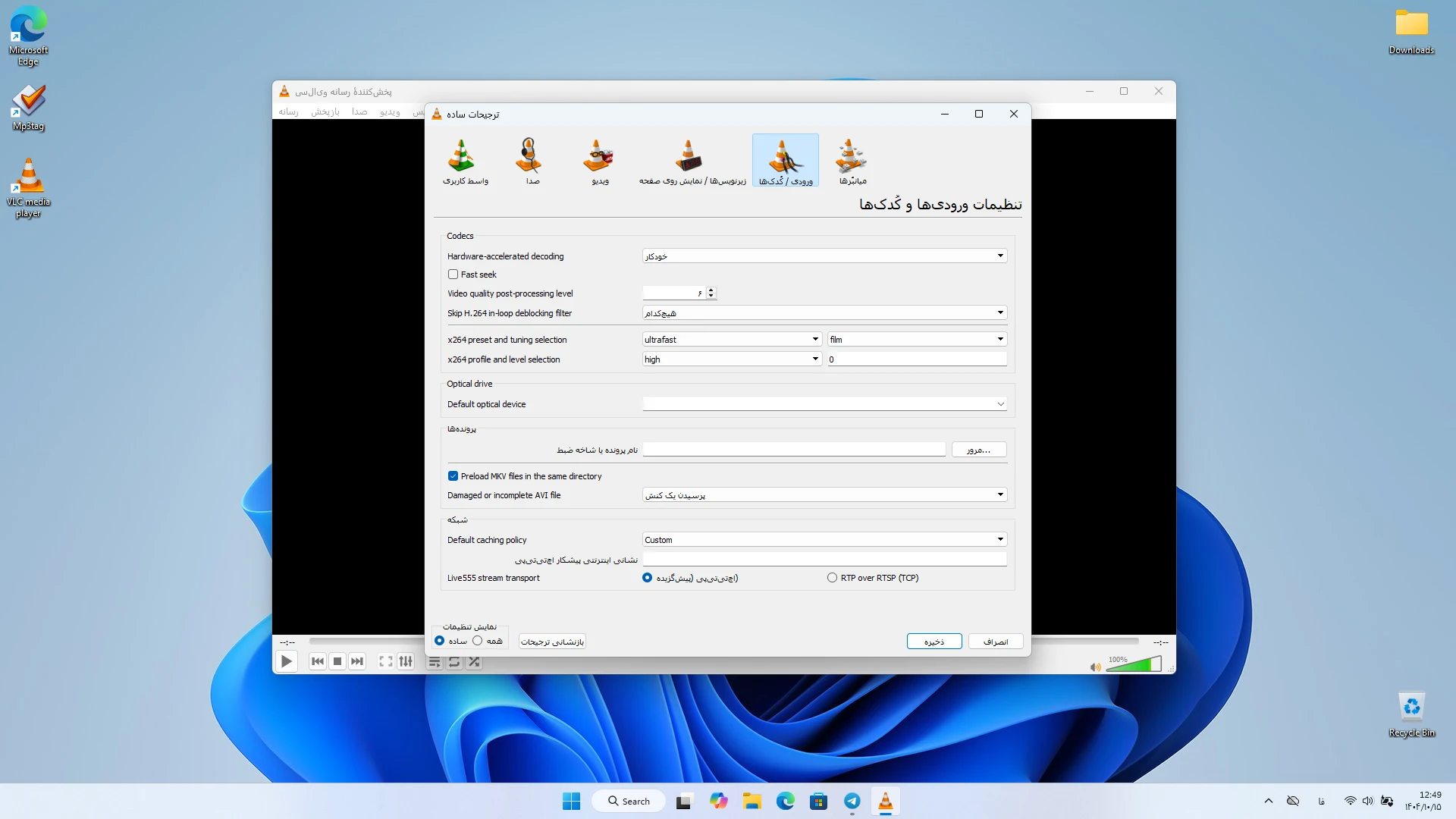
- Support for almost all audio and video formats
- Playback of DVD, CD, VCD, and online streams
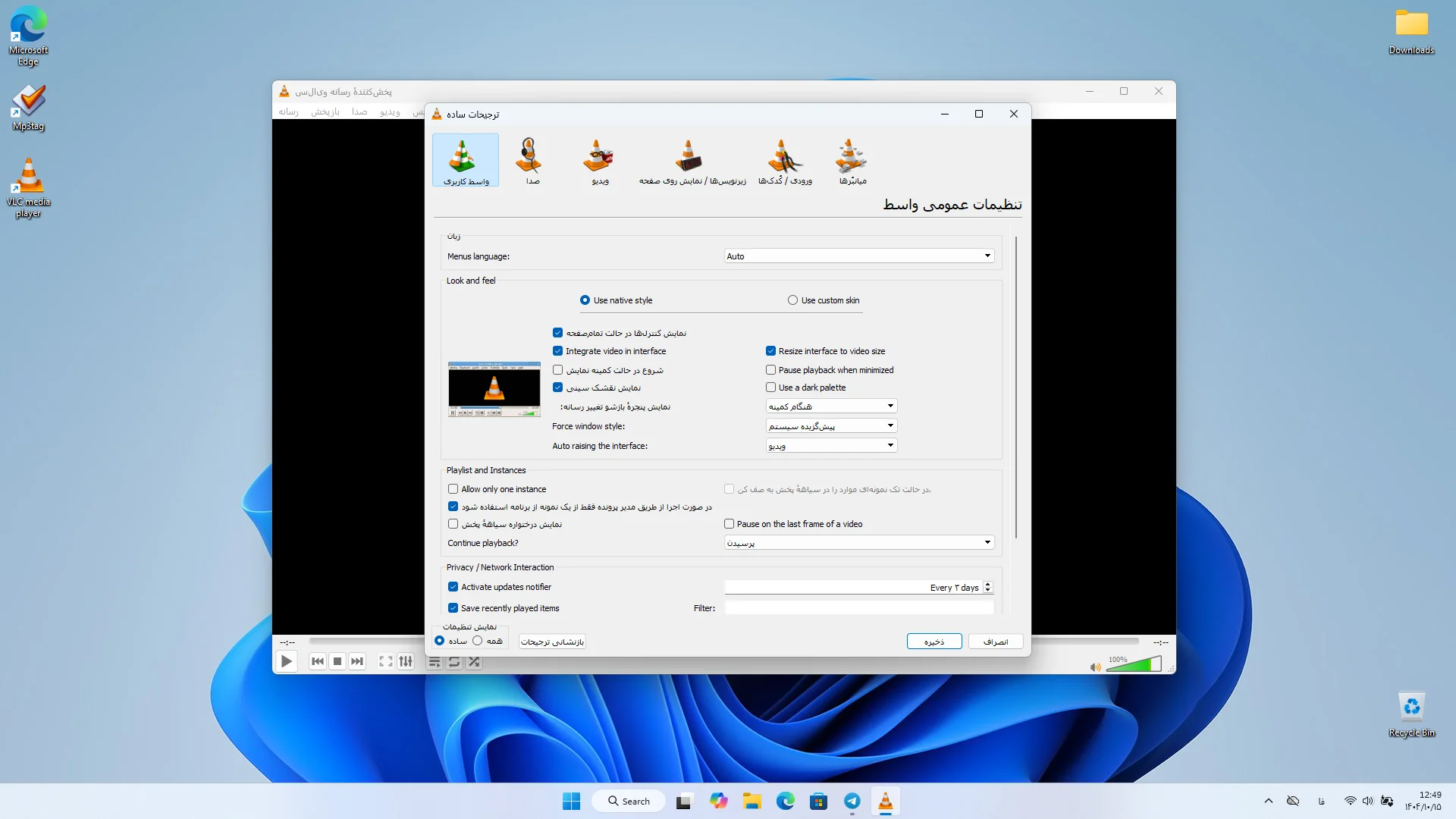
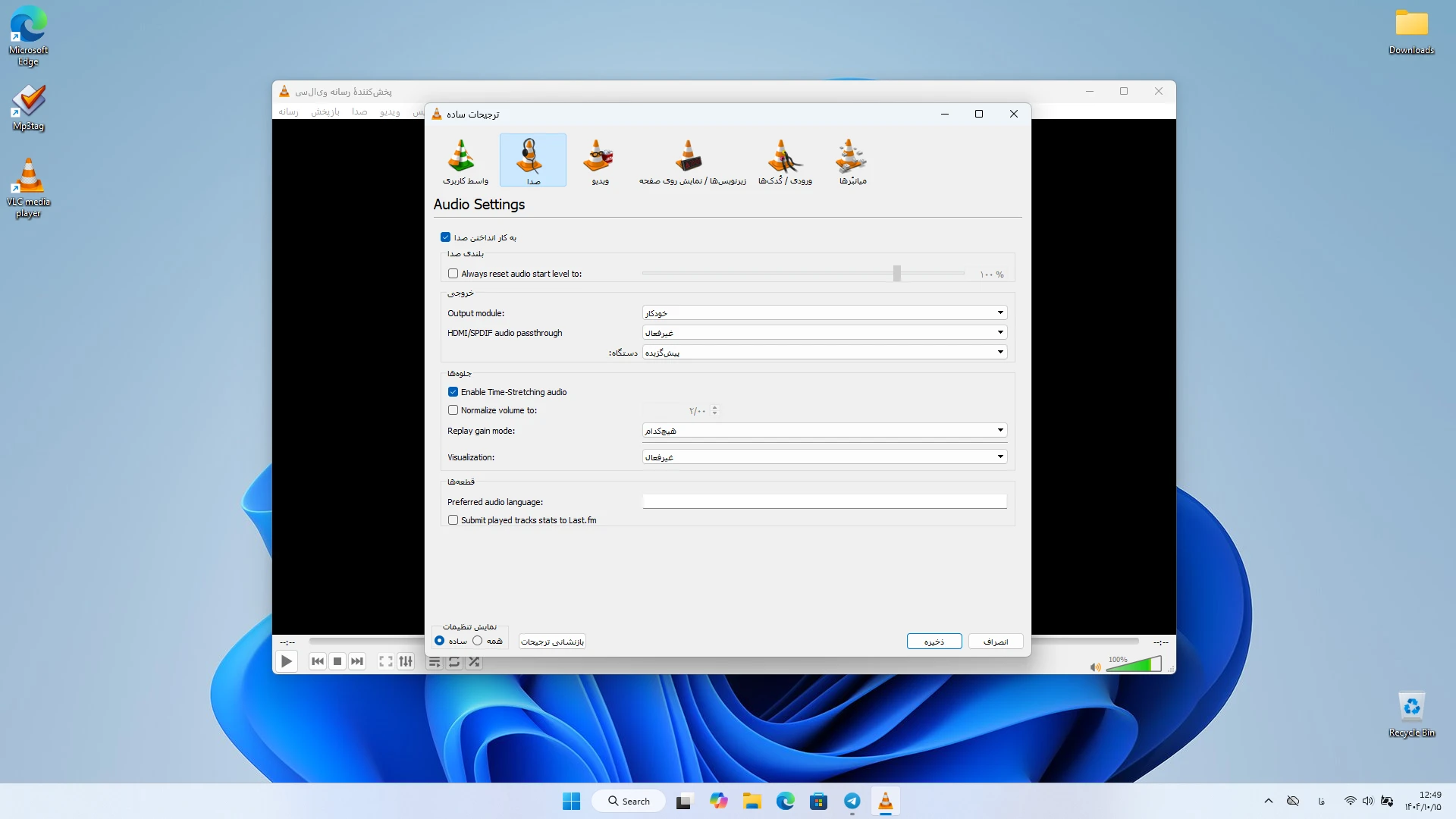
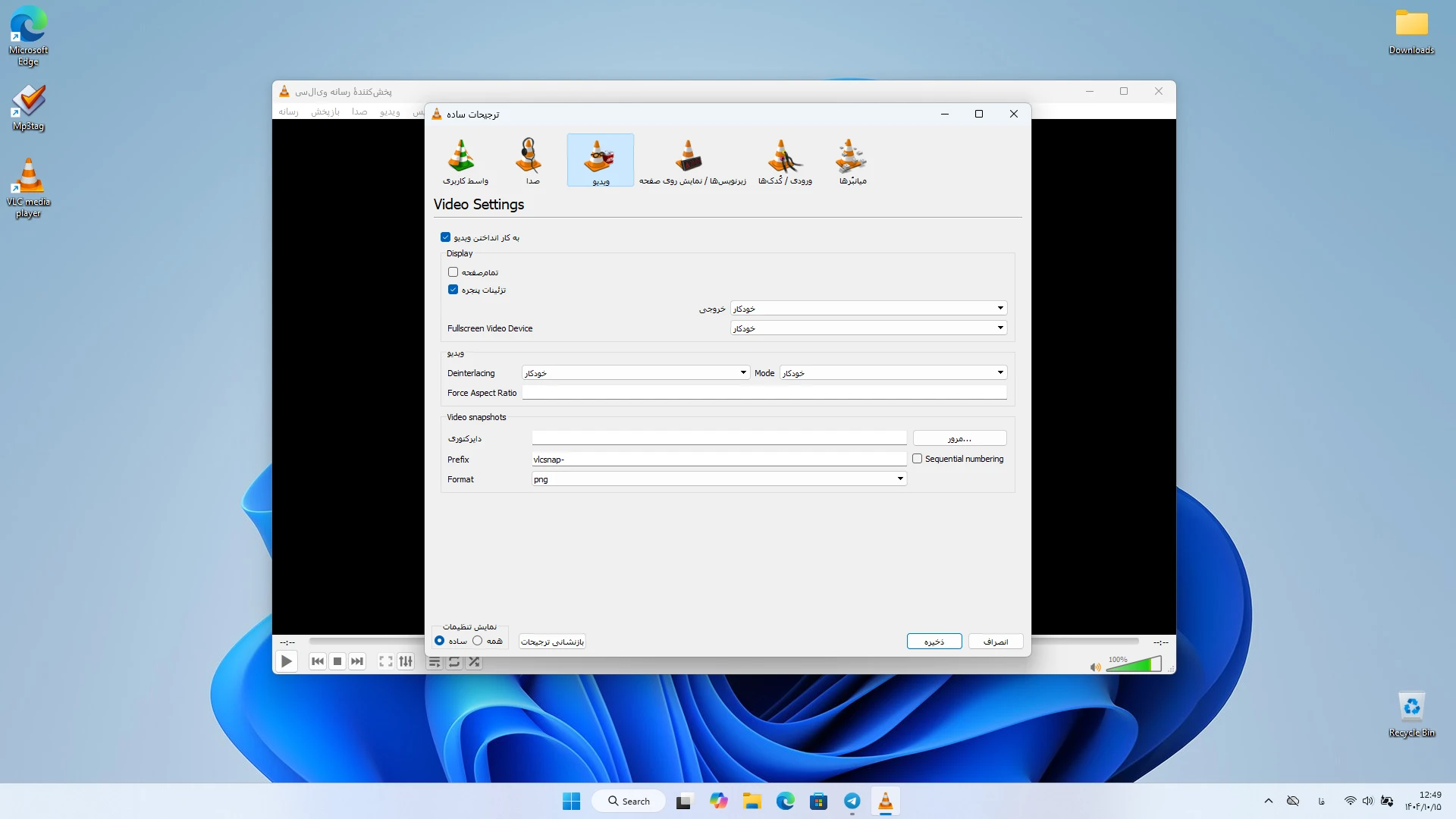
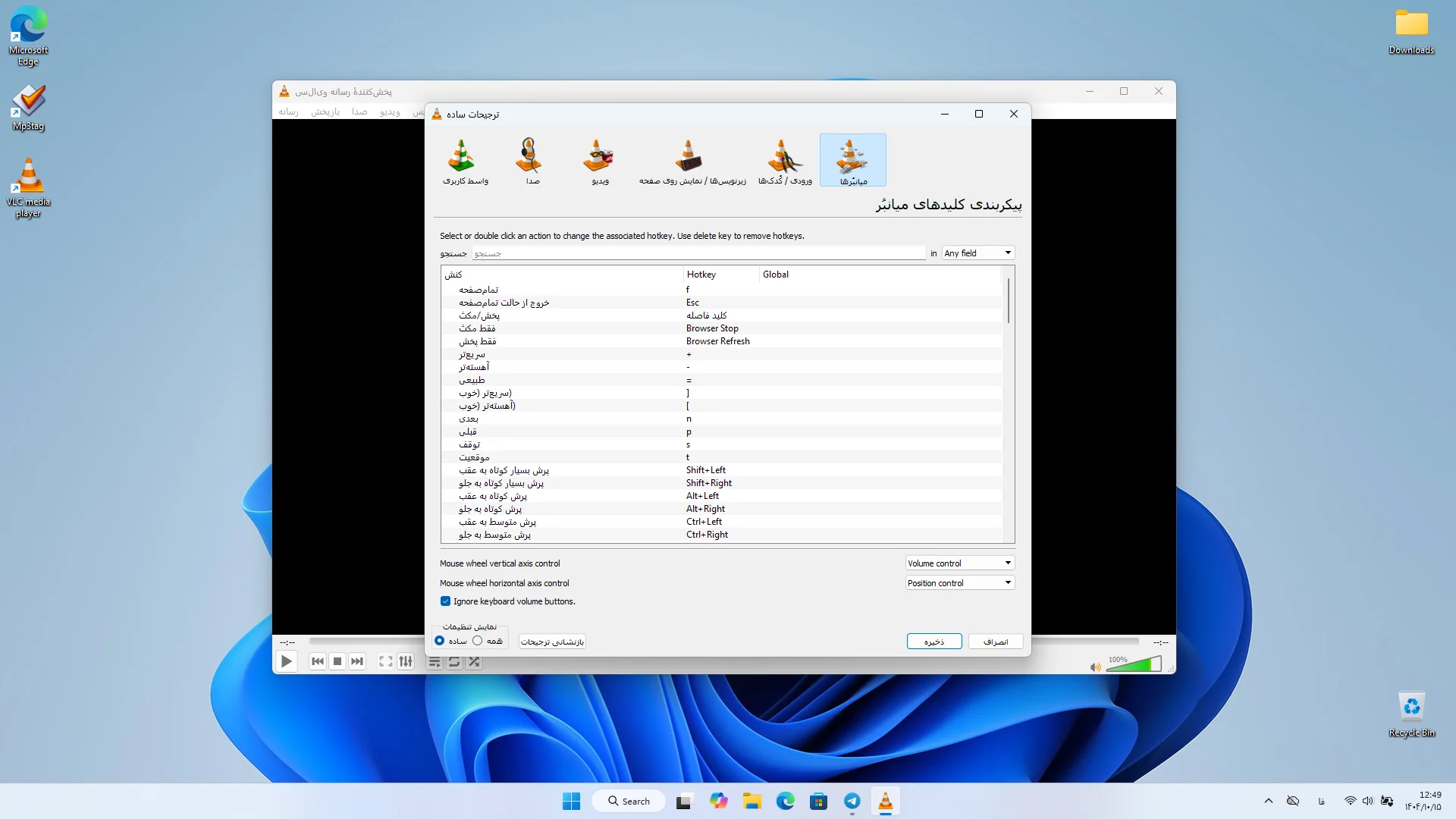
- Simple and customizable user interface
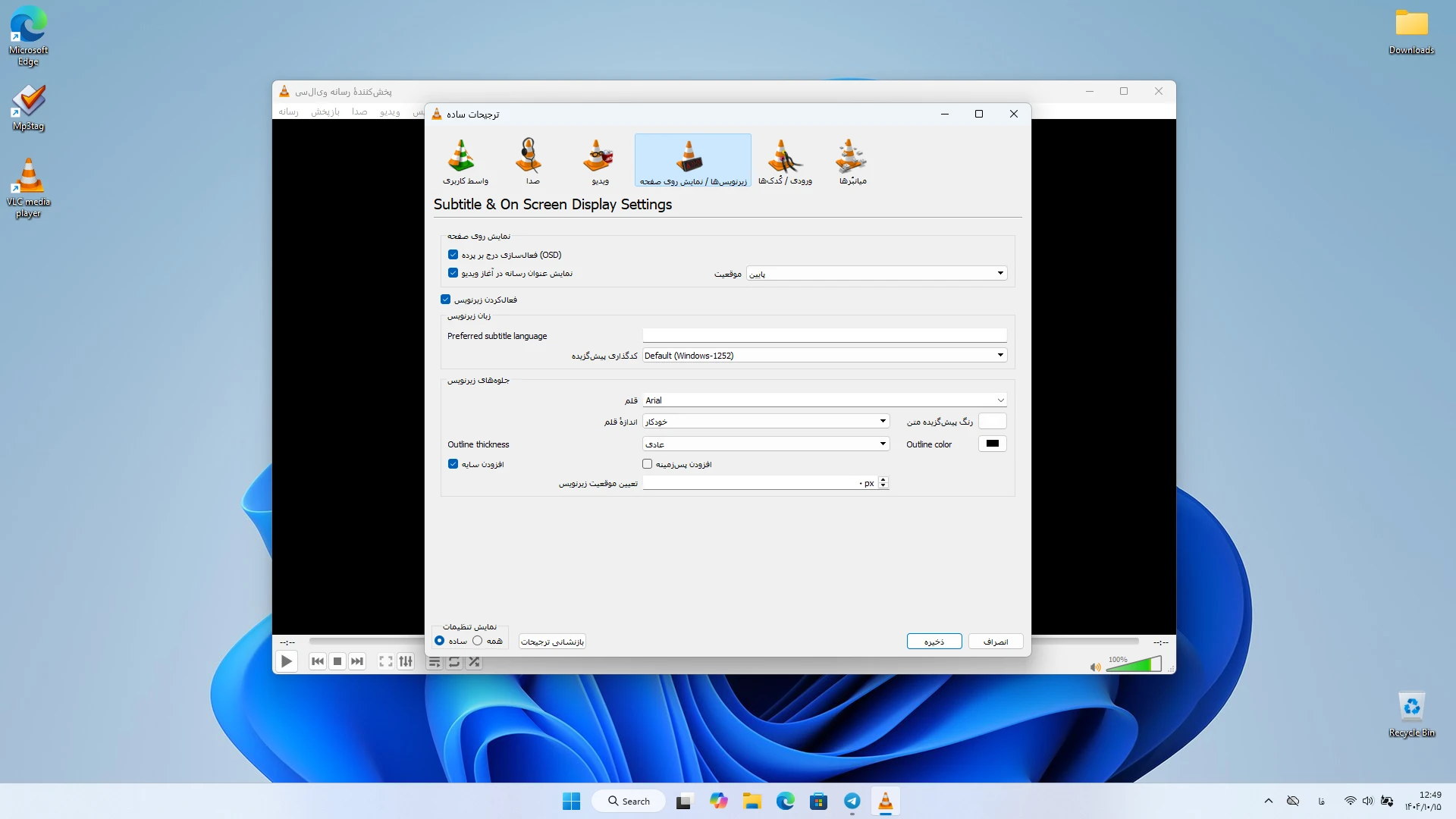
- Full subtitle support with options to adjust size, color, and position
- Ability to convert multimedia file formats
- Network streaming via various protocols
- Support for various plugins and skins
- Fast playback without advertisements
- Low system resource consumption
- Regular and free updates
- Support for multiple languages
One of the most important advantages of VLC Media Player is its built-in support for various formats. Many players require codec installation to play certain files, but VLC supports everything by default. This feature allows users to play any media file hassle-free. The VLC interface is designed so users can quickly manage their files. Everything is placed in a simple and practical environment, providing a smooth and straightforward experience. High speed in playback and low system resource usage make VLC one of the best options for video playback on Windows. Compared to similar software, VLC offers more features without needing additional plugins. Many players have limitations or require external tools to play some formats, but VLC focuses on simplicity and power, delivering a complete and professional experience. The final summary shows that VLC Media Player is not just a simple player but a complete multimedia tool for Windows users. If you are looking for fast, lightweight, and powerful software to play all types of audio and video files, VLC is one of the best choices. You can always download the latest official version of this software from the DroidCove website.




![KineMaster 8.1.13 – Powerful Video Editor for Android [Update]](https://droidcove.com/wp-content/uploads/2026/06/KineMaster-Logo-1-100x100.webp "KineMaster 8.1.13 - Powerful Video Editor for Android [Update] 5")

