

Paint.NET v5.1.11 – Download Paint.NET – Free and Powerful Photo Editing Software for Windows
A simple and advanced tool for image editing, layer management, and using various effects
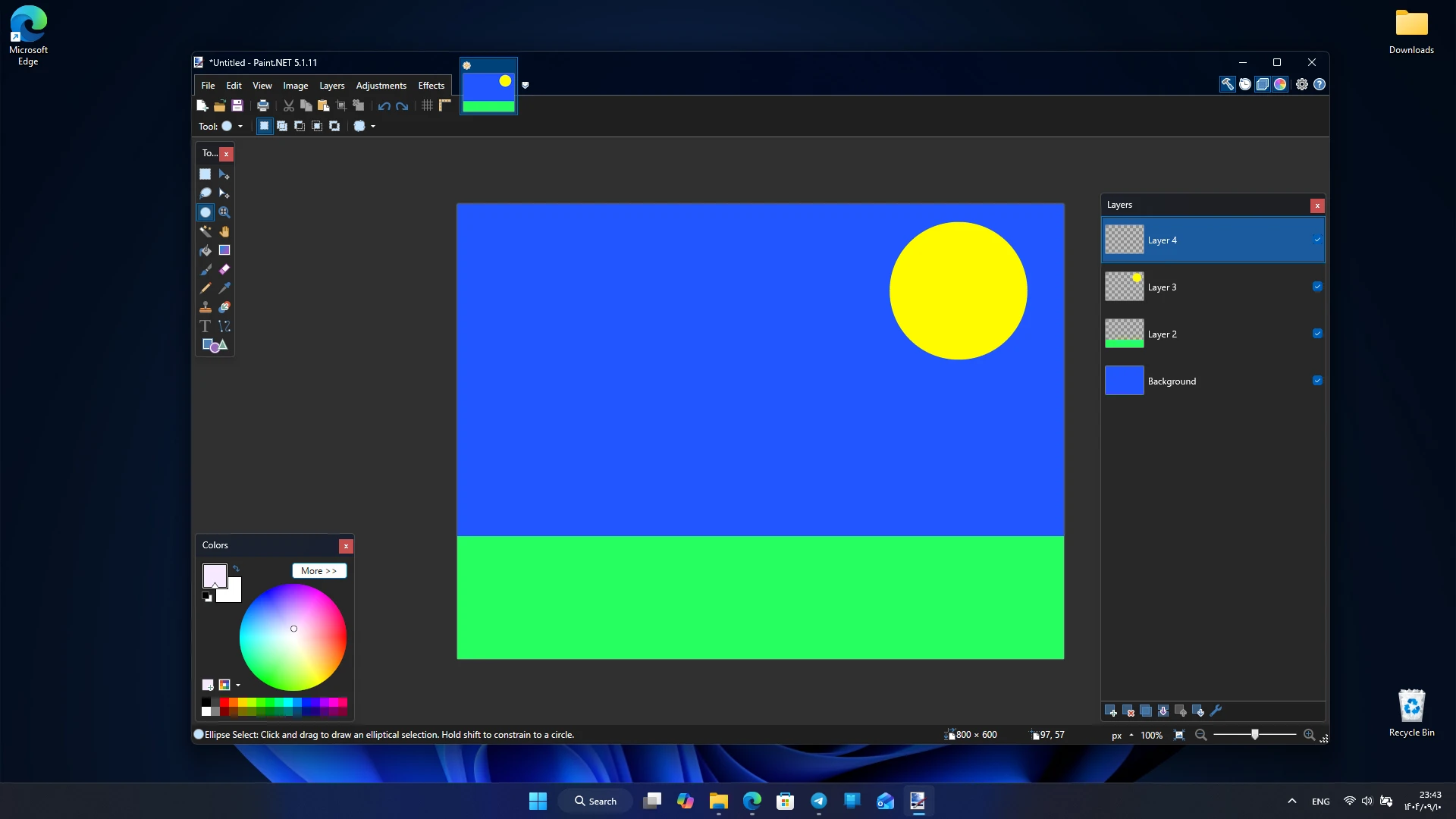
The Paint.NET application is one of the most popular free photo and image editing software for Windows. Initially introduced in 2004 as a university project with direct support from Microsoft, it gradually evolved through the efforts of Rick Brewster and an independent development team into a professional and comprehensive image editing software. Paint.NET combines a simple user interface with advanced features, making it a suitable alternative to heavier commercial software like Photoshop or Corel PaintShop Pro. This feature has made it equally popular among both beginners and professionals. One of the main strengths of Paint.NET is its lightweight design and high execution speed. Unlike many image editing programs that consume a lot of system resources, Paint.NET is designed to run smoothly and quickly even on ordinary computers. This has led millions of users worldwide to choose it as their primary photo editing tool.

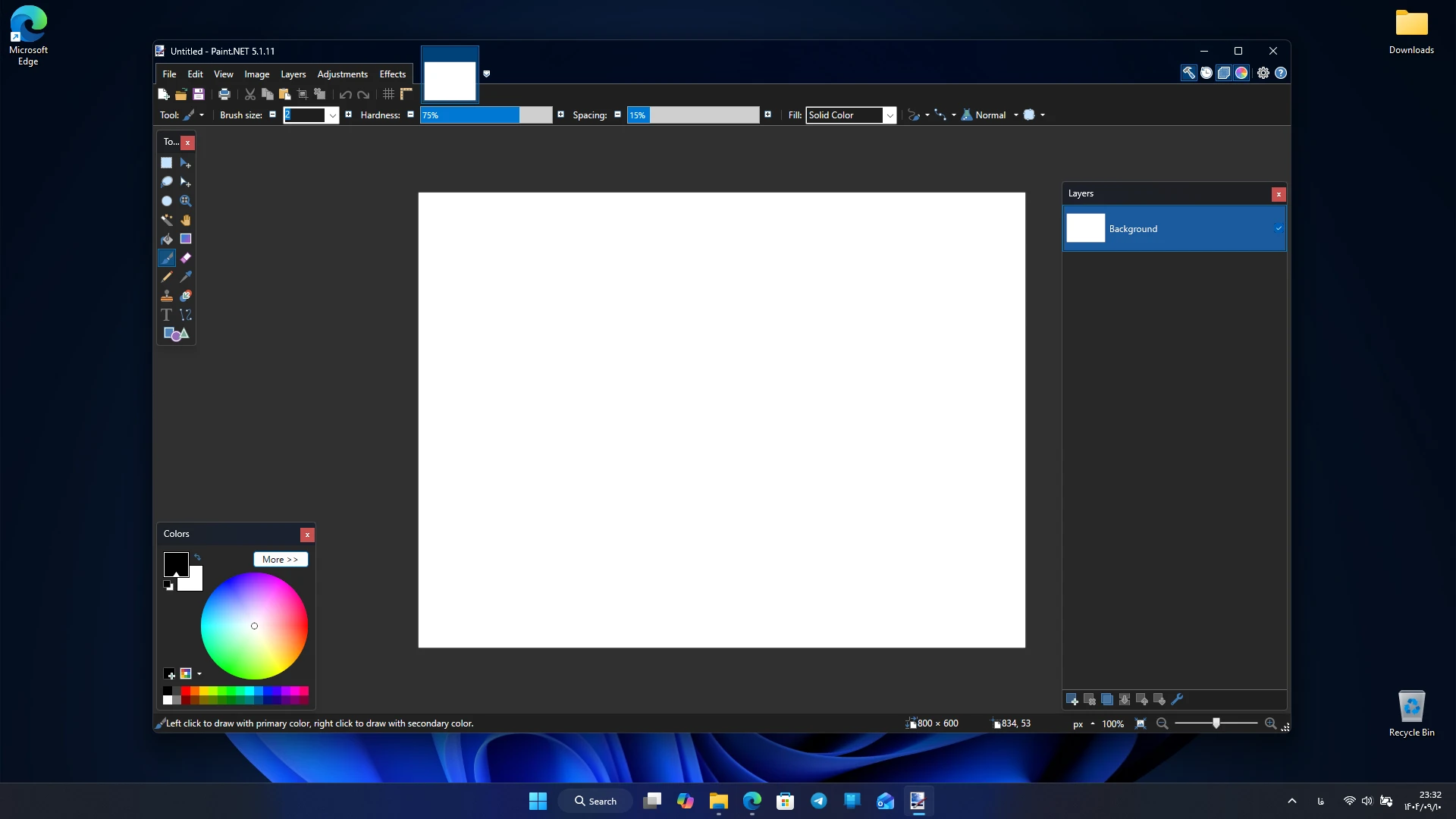
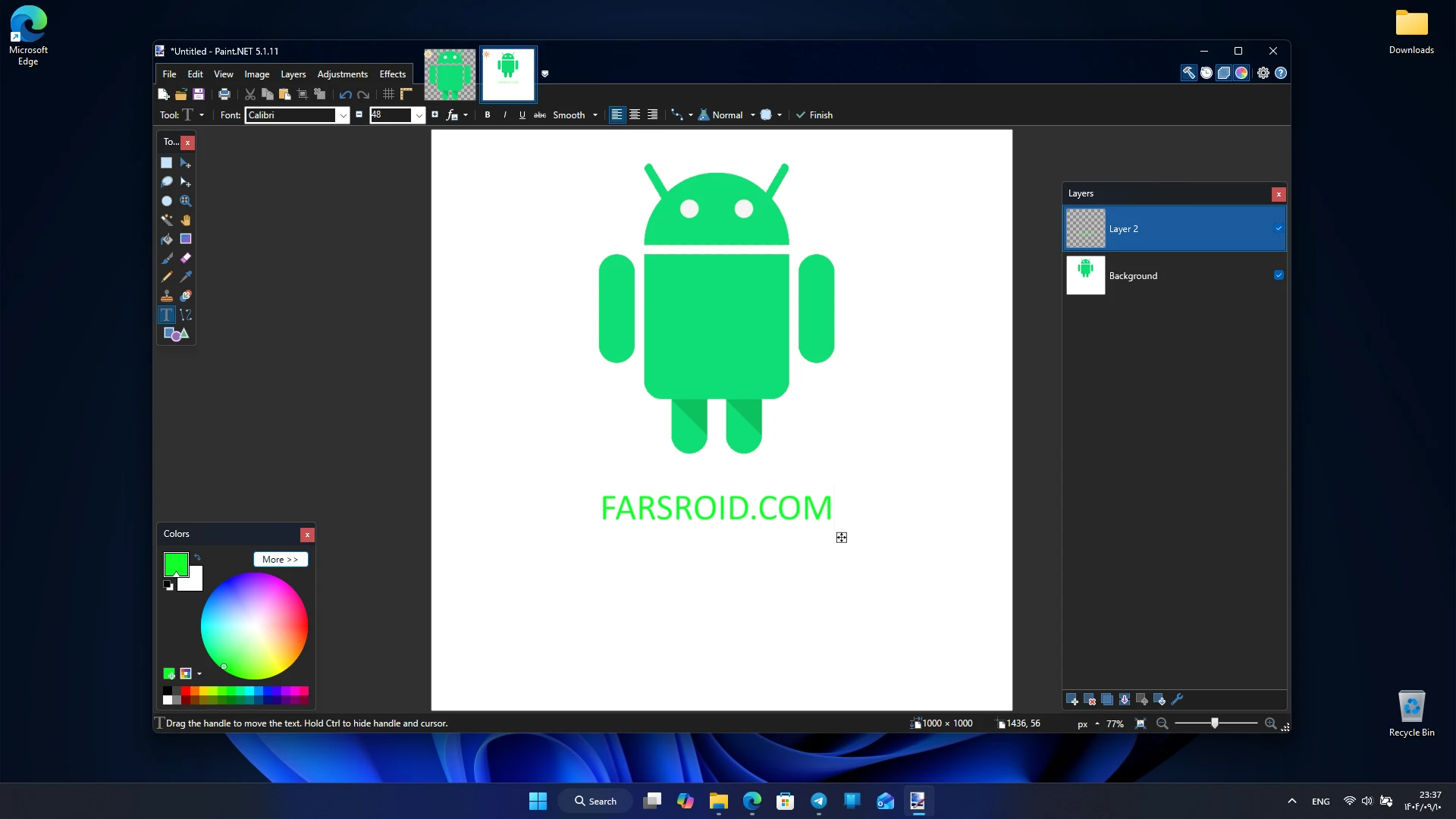
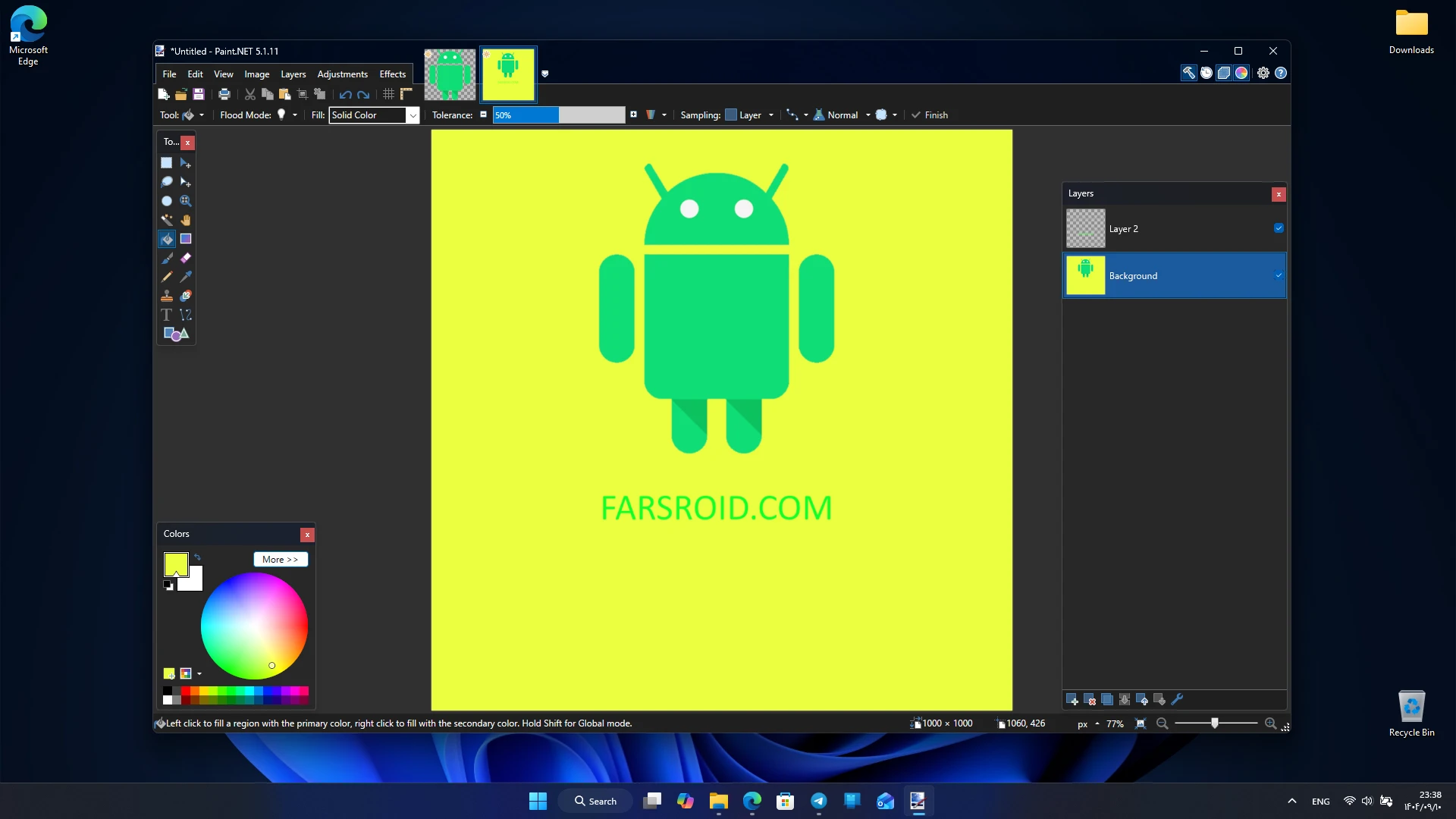
In addition to basic features like cropping, resizing, and adjusting color and brightness, Paint.NET offers advanced capabilities such as layer management, unlimited Undo, various effects, and precise selection tools. This combination of simple and professional features makes the software suitable for everyday tasks like editing personal photos as well as more serious projects in graphic design and content creation. Another important feature of Paint.NET is its extensive support for plugins and add-ons. Users can install various plugins to add new capabilities such as advanced filters, smart selection tools, or special effects. This plugin ecosystem has made Paint.NET a flexible and expandable software that can meet diverse user needs. For these reasons, Paint.NET is recognized today as one of the main choices for those looking for free, lightweight, yet powerful photo editing software for Windows.
Features and capabilities of Paint.NET include:
- Support for layers to precisely manage image components
- Unlimited Undo to revert to previous editing steps
- Special effects such as blur, sharpening, distortion, and lighting
- Powerful tools for selection, cropping, painting, and detail editing
- Simple and innovative user interface with user-friendly design
- Support for various plugins and add-ons to add new features
- Active user community with tutorials, forums, and online resources
- Full compatibility with Windows and continuous updates
User experience with Paint.NET shows that this software is suitable for both beginners and professionals. Beginners can easily edit their images, while professionals benefit from advanced features like layer management and complex effects. The simple interface and high speed make working with this software very smooth. Compared to similar software, Paint.NET has a much smaller size and does not strain system resources. While software like Photoshop offers more extensive features, Paint.NET has carved out a special place by focusing on simplicity and speed. Additionally, its free availability is a major advantage over many commercial software.

The everyday uses of Paint.NET are very broad. Users can use it for editing personal photos, simple graphic design, creating posters, or even preparing images for the web. Available plugins also allow adding more professional features such as new filters or advanced selection tools. Paint.NET is a free, lightweight, and powerful photo editing software for Windows. With features like layer management, unlimited Undo, various effects, and plugin support, this program offers a complete and smooth image editing experience. You can now download the official and original version directly from DroidCove.



![KineMaster 8.1.13 – Powerful Video Editor for Android [Update]](https://droidcove.com/wp-content/uploads/2026/06/KineMaster-Logo-1-100x100.webp "KineMaster 8.1.13 - Powerful Video Editor for Android [Update] 6")

