

KDE Connect v1.35.3 | Smart Connection of Android Phone to Computer Without Cable
File Transfer, Notification Display, and Remote Control in a Secure Platform
Official and Original Version of the Application
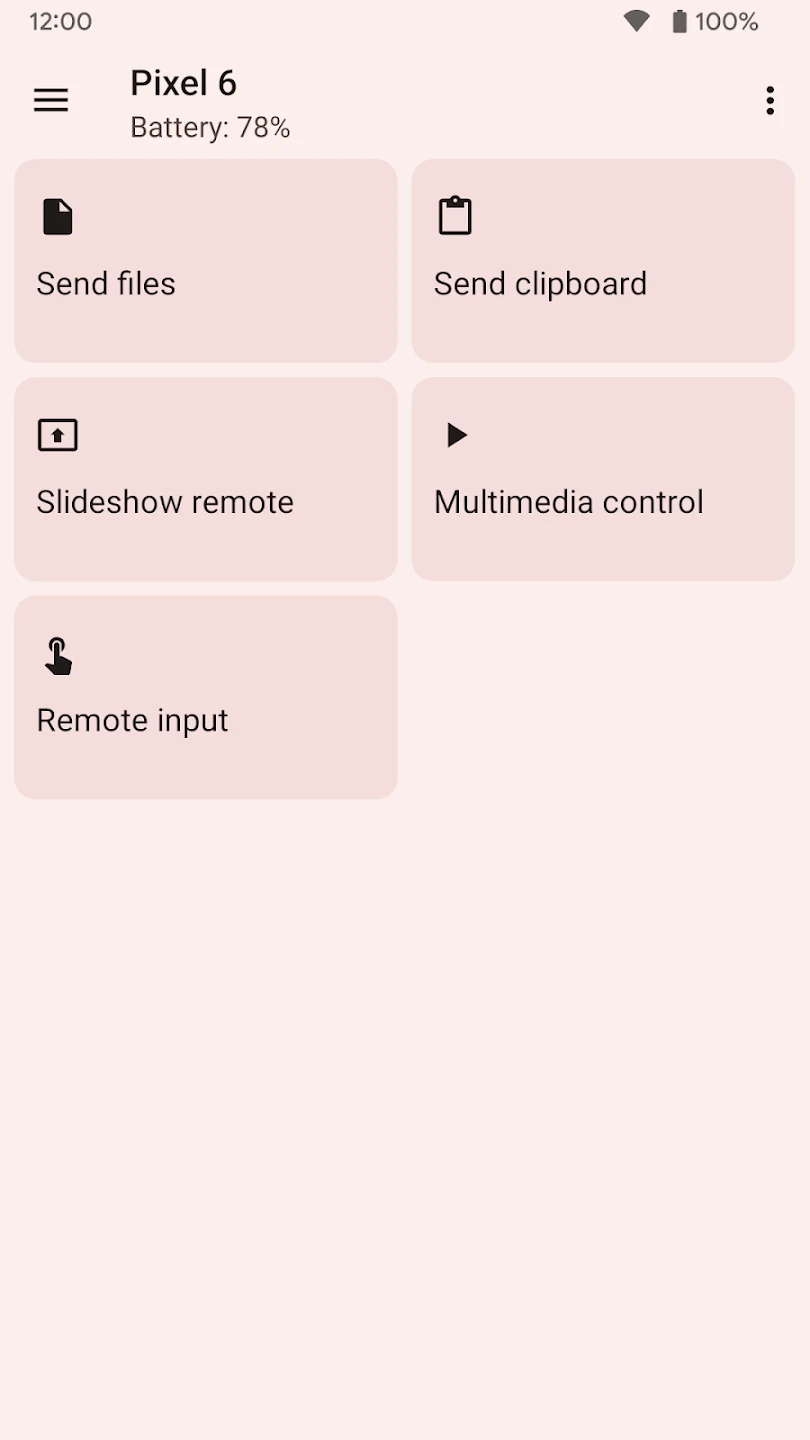
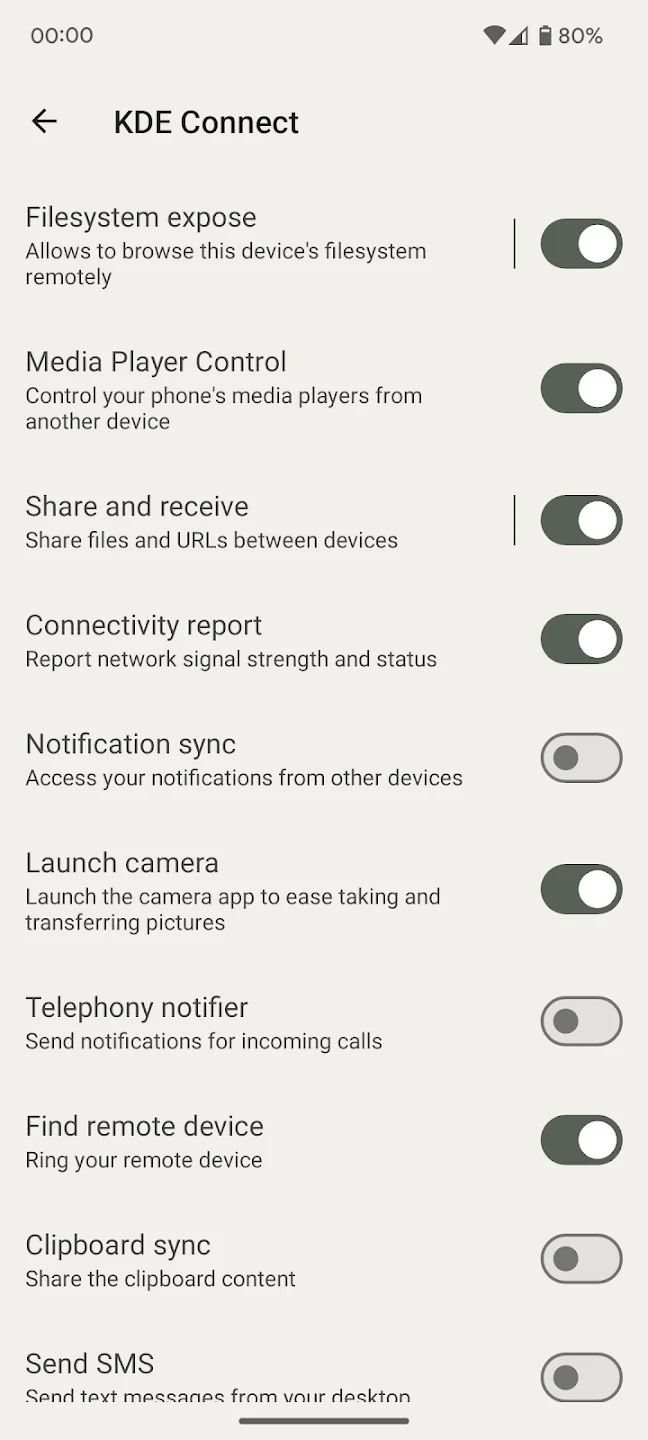
Have you ever found yourself constantly switching between your phone and computer while working? To check messages, transfer a file, or even copy a simple text? KDE Connect is designed precisely to eliminate these tiring back-and-forths; a smart tool that connects your Android phone to your computer and provides a seamless and wireless experience. KDE Connect is an open-source and cross-platform application that enables direct communication between your Android phone and computer via a shared Wi-Fi network. Using this app, you can transfer files, view notifications, and even turn your phone into a remote control for your system without the need for a USB cable or additional tools. One of the most important features of this app is high-speed wireless file transfer. As long as both devices are connected to the same Wi-Fi network, you can send or receive images, videos, documents, and other files with just a few simple taps. This process is fast, stable, and hassle-free. KDE Connect also allows displaying phone notifications on your desktop. Incoming messages, calls, and app alerts appear directly on your computer screen, and in many cases, you can even respond without picking up your phone. This feature is very useful for those who spend long hours working on a laptop or desktop. Another attractive feature of this app is clipboard synchronization. When this feature is enabled, any text you copy on your phone can be immediately pasted on your computer and vice versa. This simple but highly practical feature significantly speeds up daily tasks.
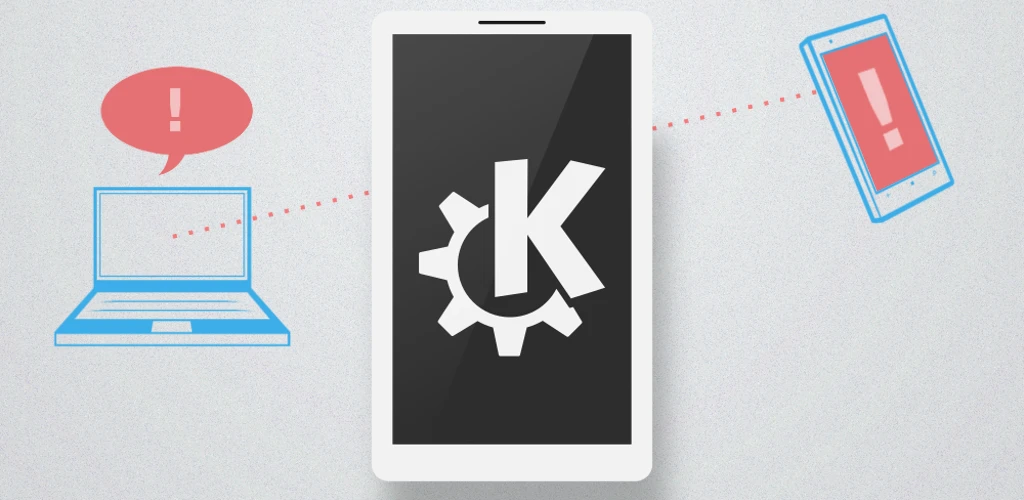
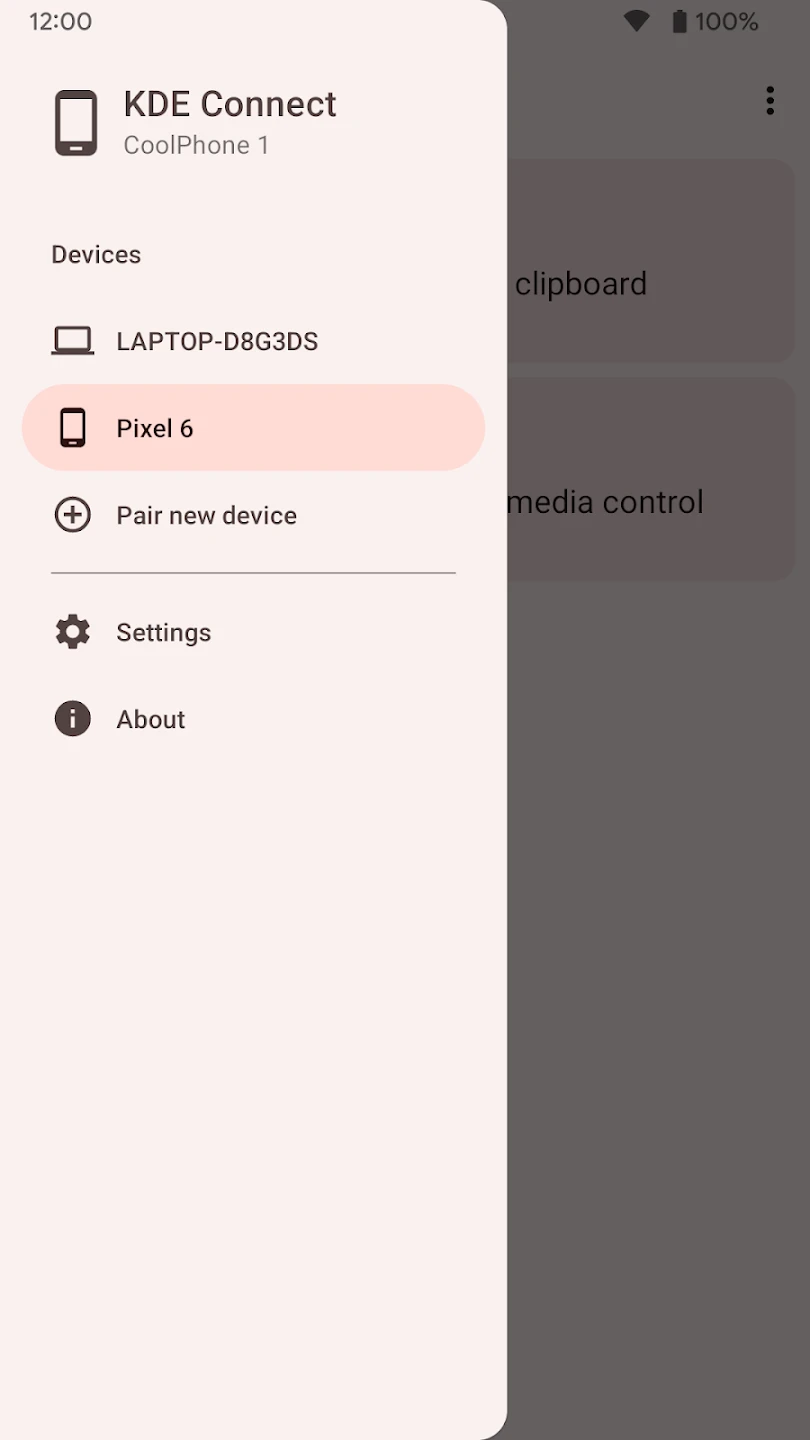
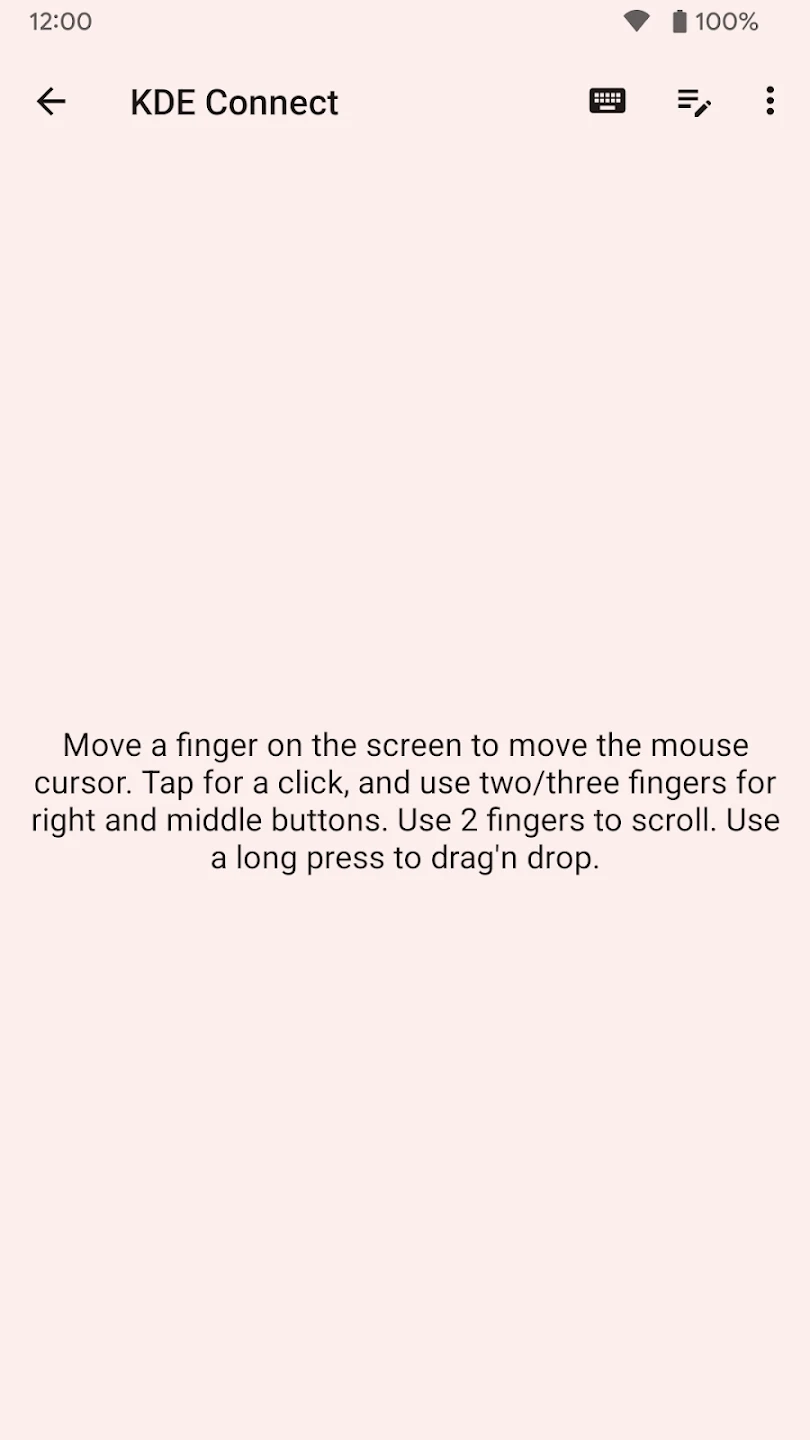
KDE Connect not only transfers data but also offers remote control of your system. You can use your phone as a touchpad, virtual keyboard, or music and video controller. This feature is very useful during meetings, presentations, or even when watching movies on a TV connected to your computer. In terms of security, this app uses end-to-end encryption (TLS) for communication between devices. Therefore, your information is protected against unauthorized access during transfer, allowing you to use its features with confidence. The connection process is also simple. After installing the app on your phone and the desktop version on your computer, just connect both devices to the same network and pair them. Once the connection is confirmed, communication is automatically established, and all features become available to you. Compared to traditional methods like USB cables or flash drive transfers, KDE Connect offers a faster, more modern, and flexible solution. This app not only simplifies file transfer but also elevates notification management and device interaction to a new level.
Features and Capabilities of KDE Connect:
- Wireless file transfer without the need for cables
- View and respond to notifications via computer
- Clipboard synchronization between phone and desktop
- Use phone as a touchpad and remote control
- Control music and video playback
- Secure encrypted communications
- Open-source and compatible with multiple platforms
In conclusion, KDE Connect is a smart solution for those who want to eliminate the boundary between their phone and computer and manage everything on a unified platform. If you are looking for a fast, secure, and practical way to connect your devices, this app can be one of your best choices, and its official version is available with a direct link through the DroidCove website.



![KineMaster 8.1.13 – Powerful Video Editor for Android [Update]](https://droidcove.com/wp-content/uploads/2026/06/KineMaster-Logo-1-100x100.webp "KineMaster 8.1.13 - Powerful Video Editor for Android [Update] 5")

