

Smallpdf: PDF Scanner & Editor v3.3.0 – Smallpdf: PDF Scanner and Editor for Android Mobile
Professional version / Unlocked with all features available
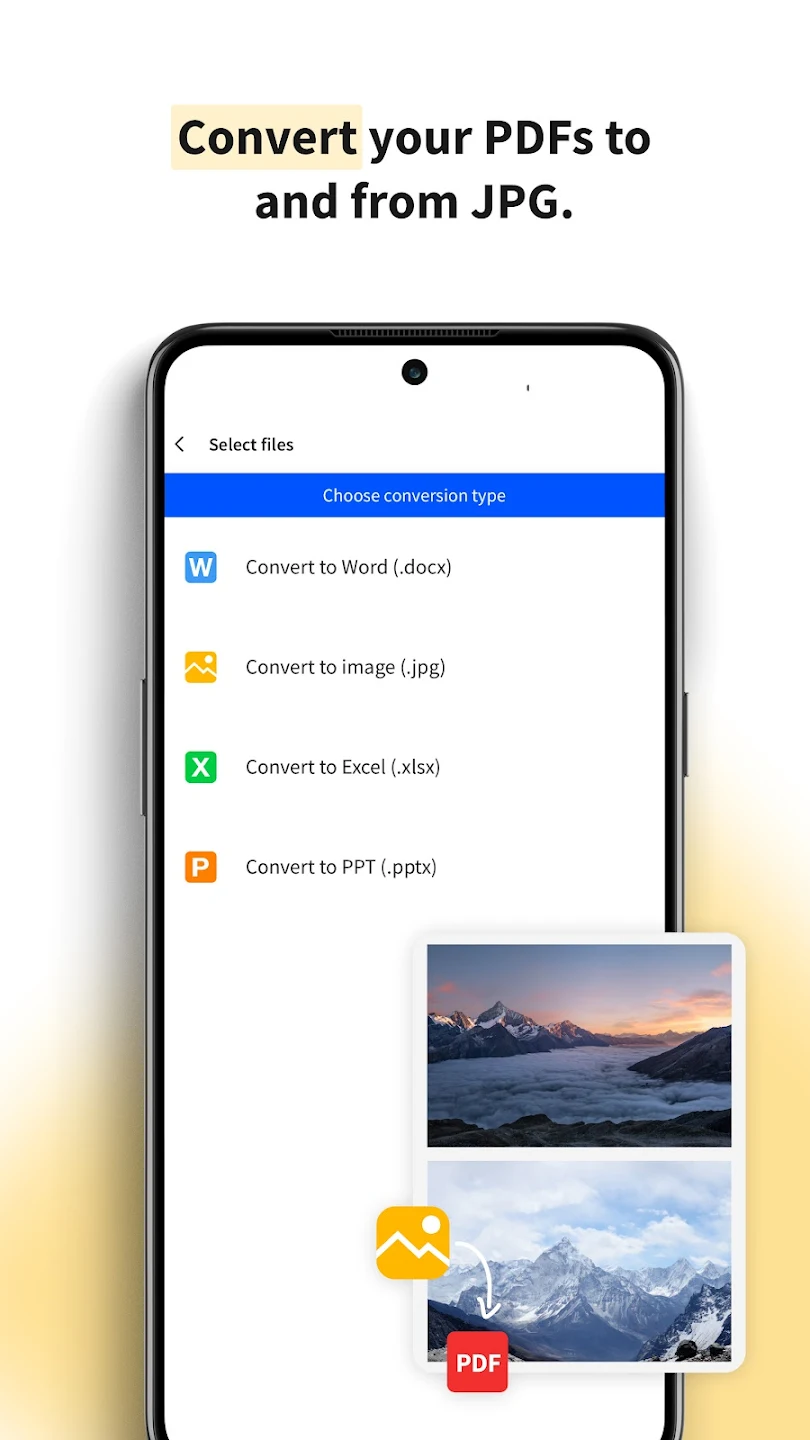
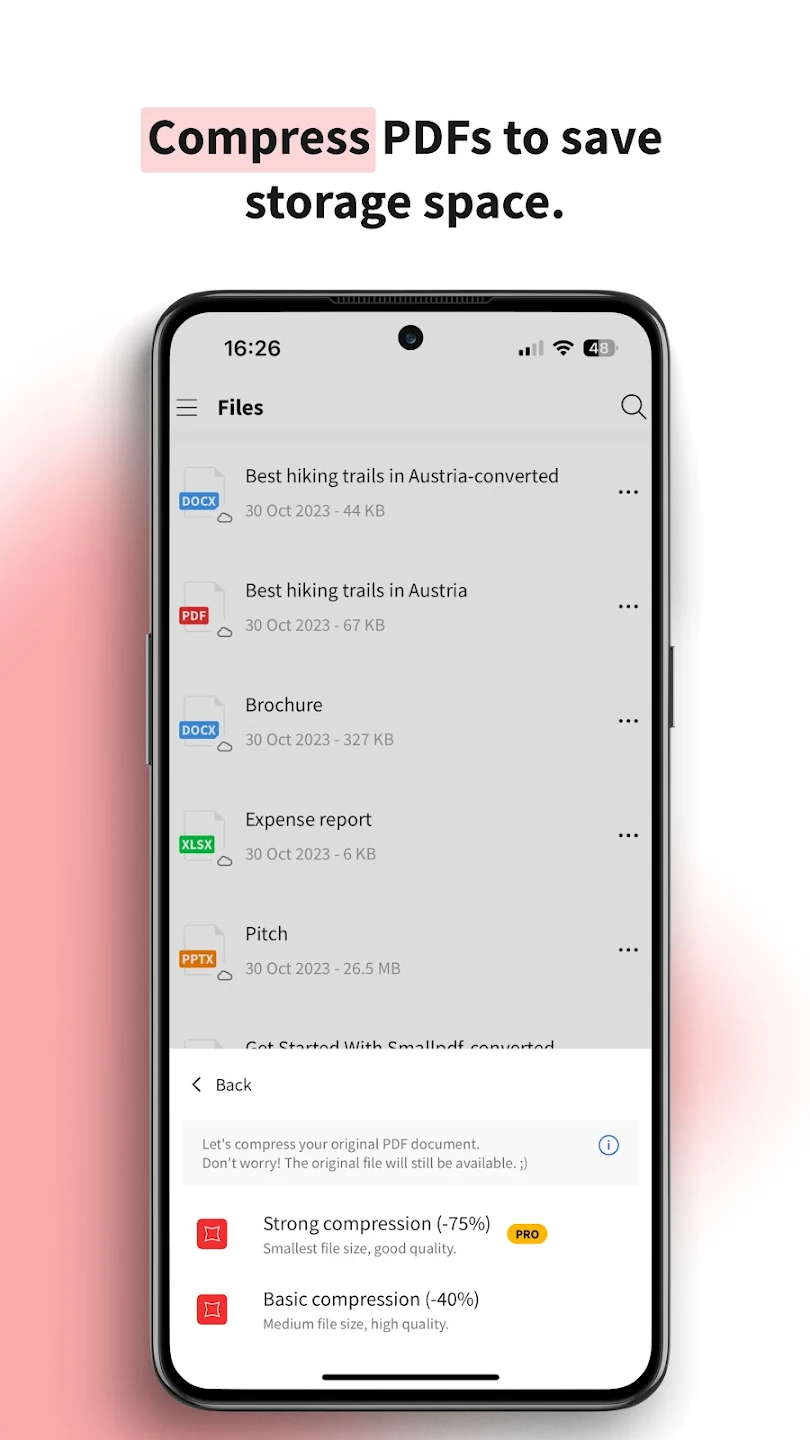
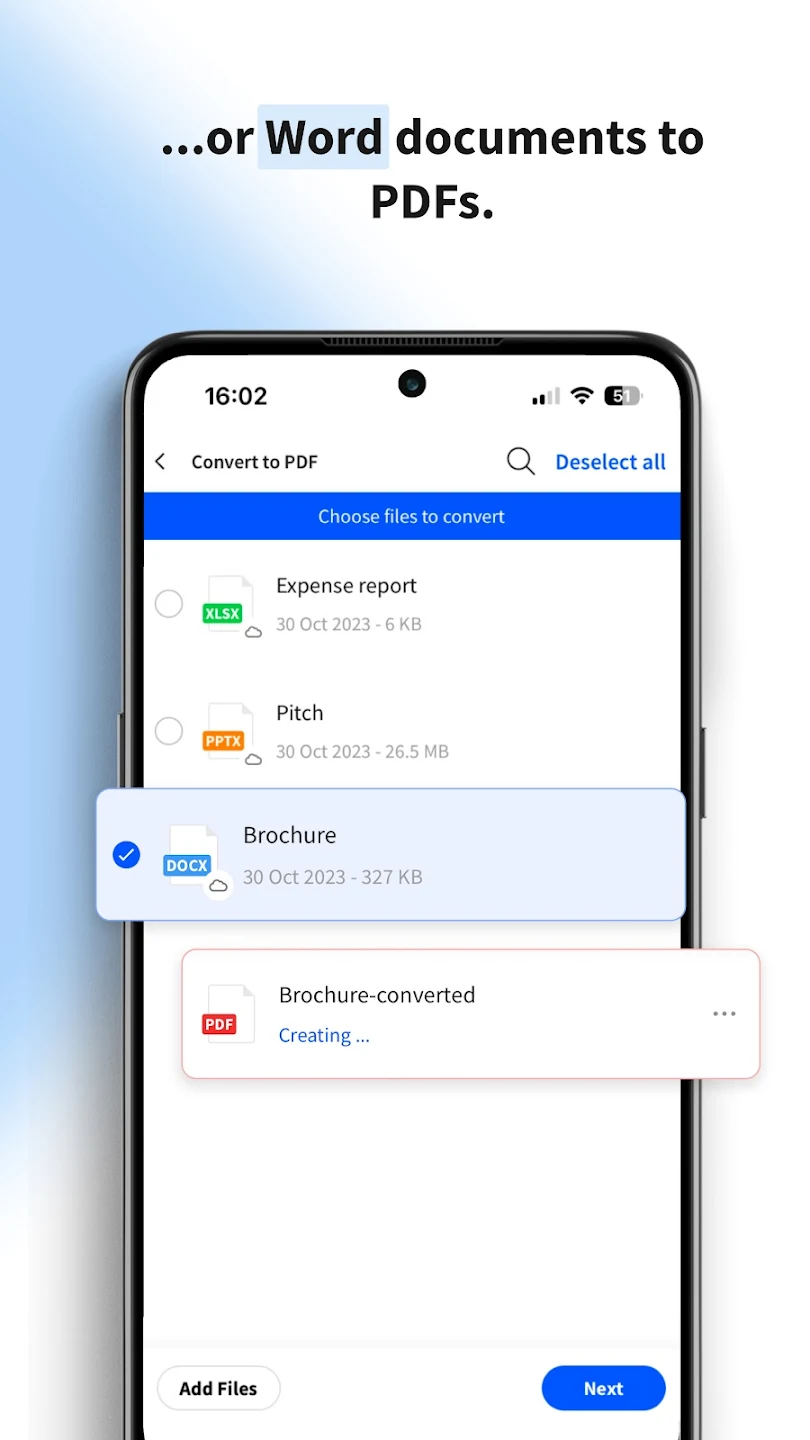
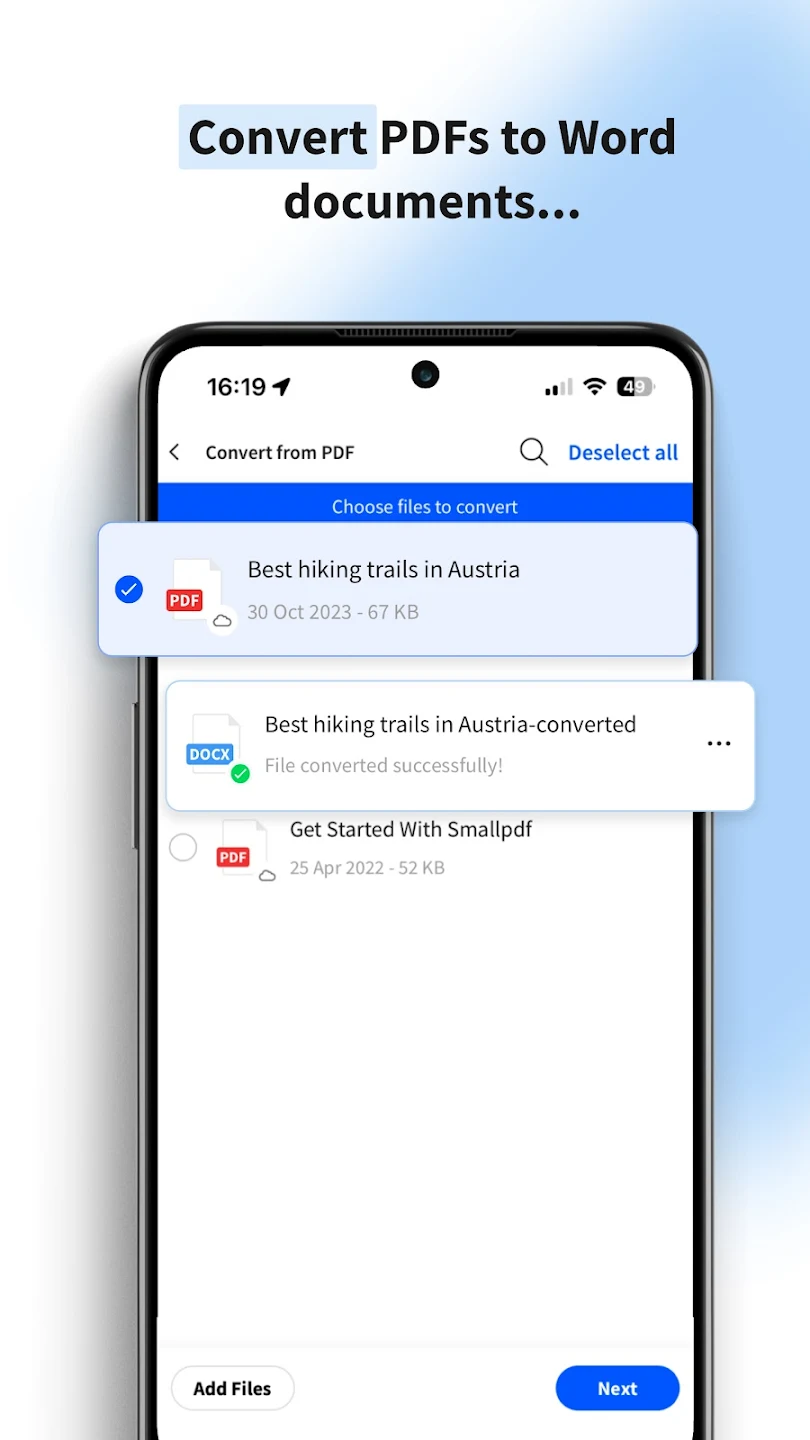
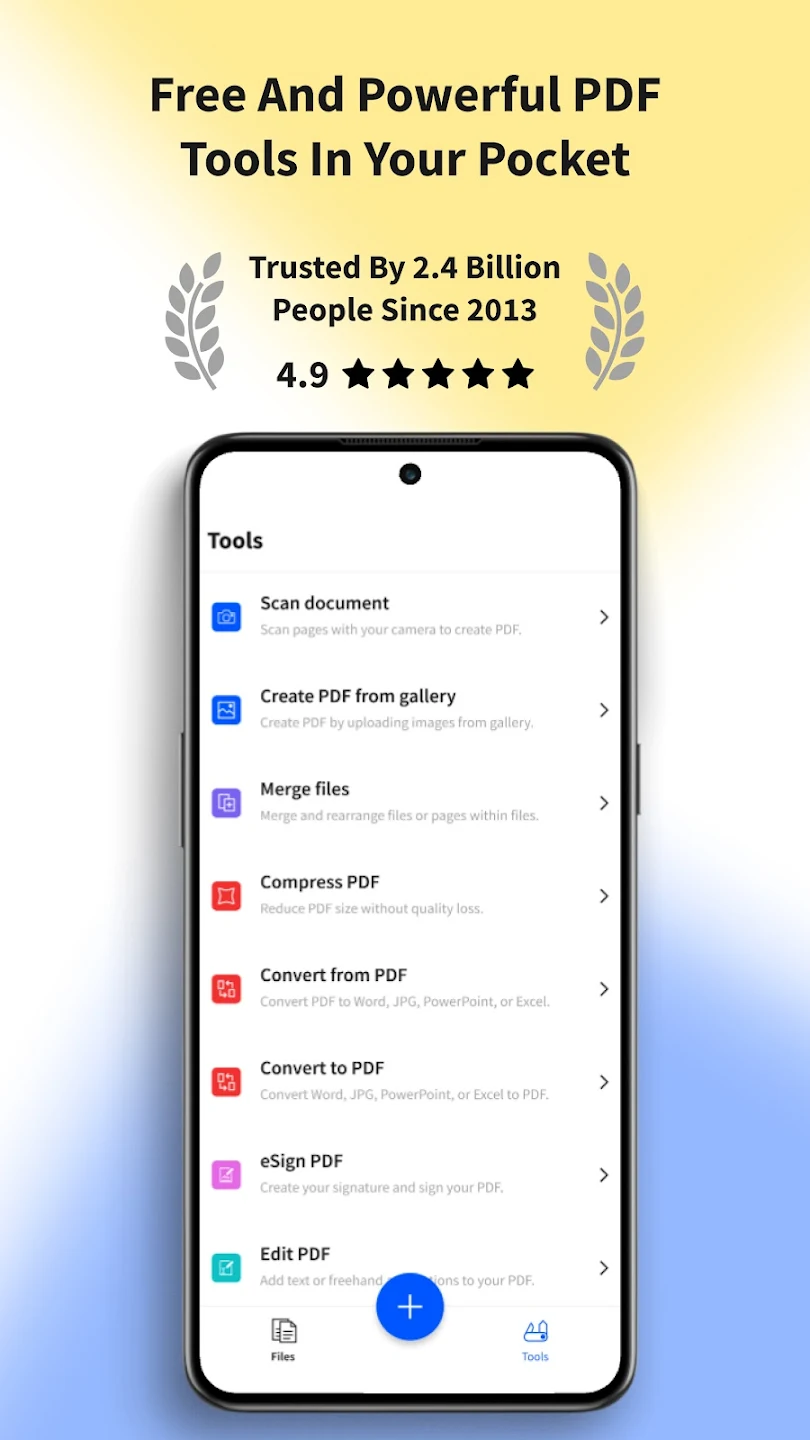
Smallpdf: PDF Scanner & Editor is a powerful app for scanning and editing PDF documents from Smallpdf studio for Android, released for free with in-app purchases on Google Play. Now, the paid and complete version with all paid and free features is available for you. Overall, the Smallpdf app is a PDF scanner and converter. This app offers a wide range of features for managing electronic documents. The read mode helps you read more comfortably. With Smallpdf, you will have access to all the tools needed to work with PDF files. You can read, edit, compress, or scan these files. You can also merge different files or convert them to other formats. With Smallpdf’s file conversion feature, you can convert your PDFs to Word, PPT, Excel, JPG files (conversion from these formats to PDF is also possible). To convert various files between these formats and PDF, simply find the appropriate converter in the Smallpdf app and easily perform the conversion. The app’s compressor tool quickly reduces the size of your PDF files. You can even reduce your documents to a size suitable for emailing. This compression tool has two levels, basic and advanced, which can reduce the file size by 40% and 75%, respectively.
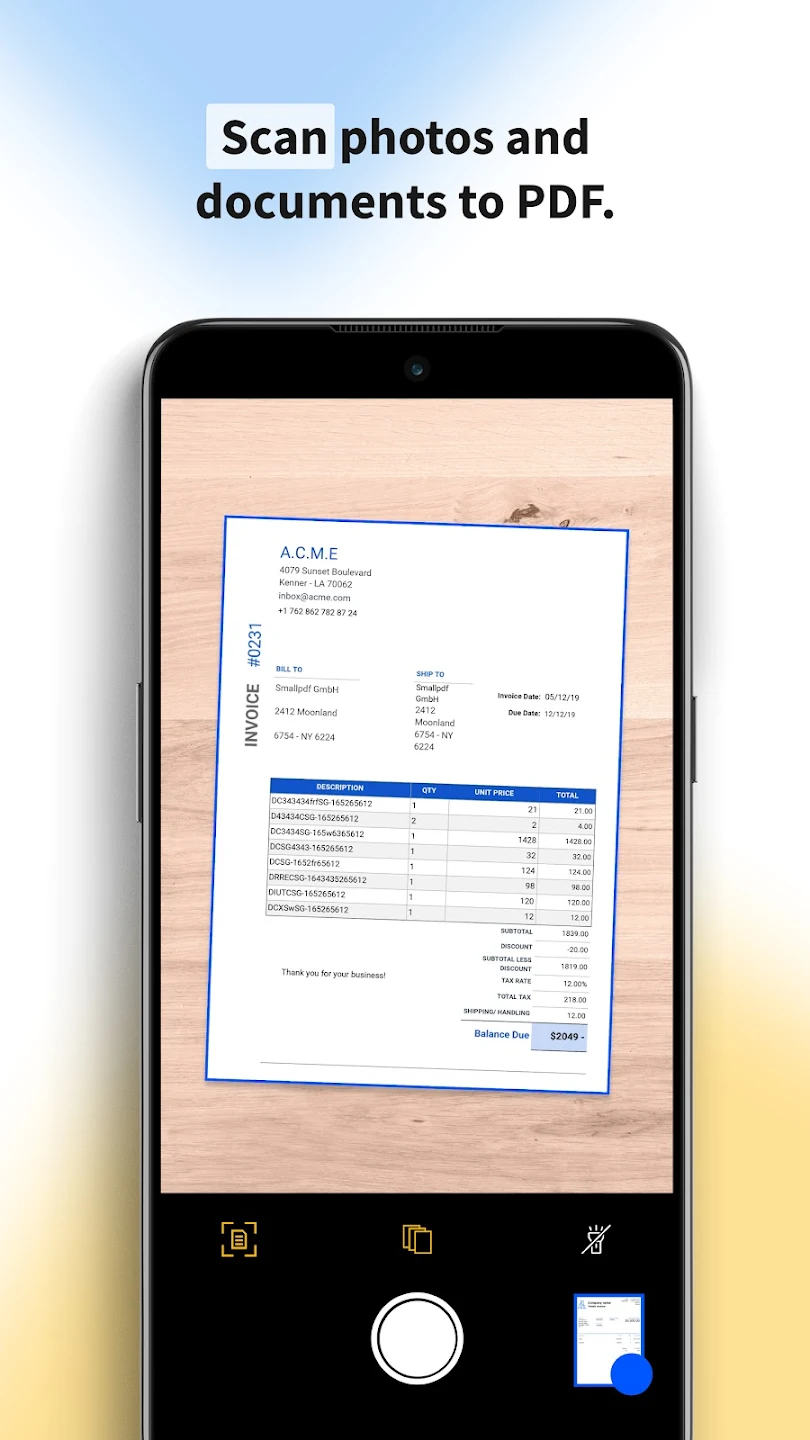
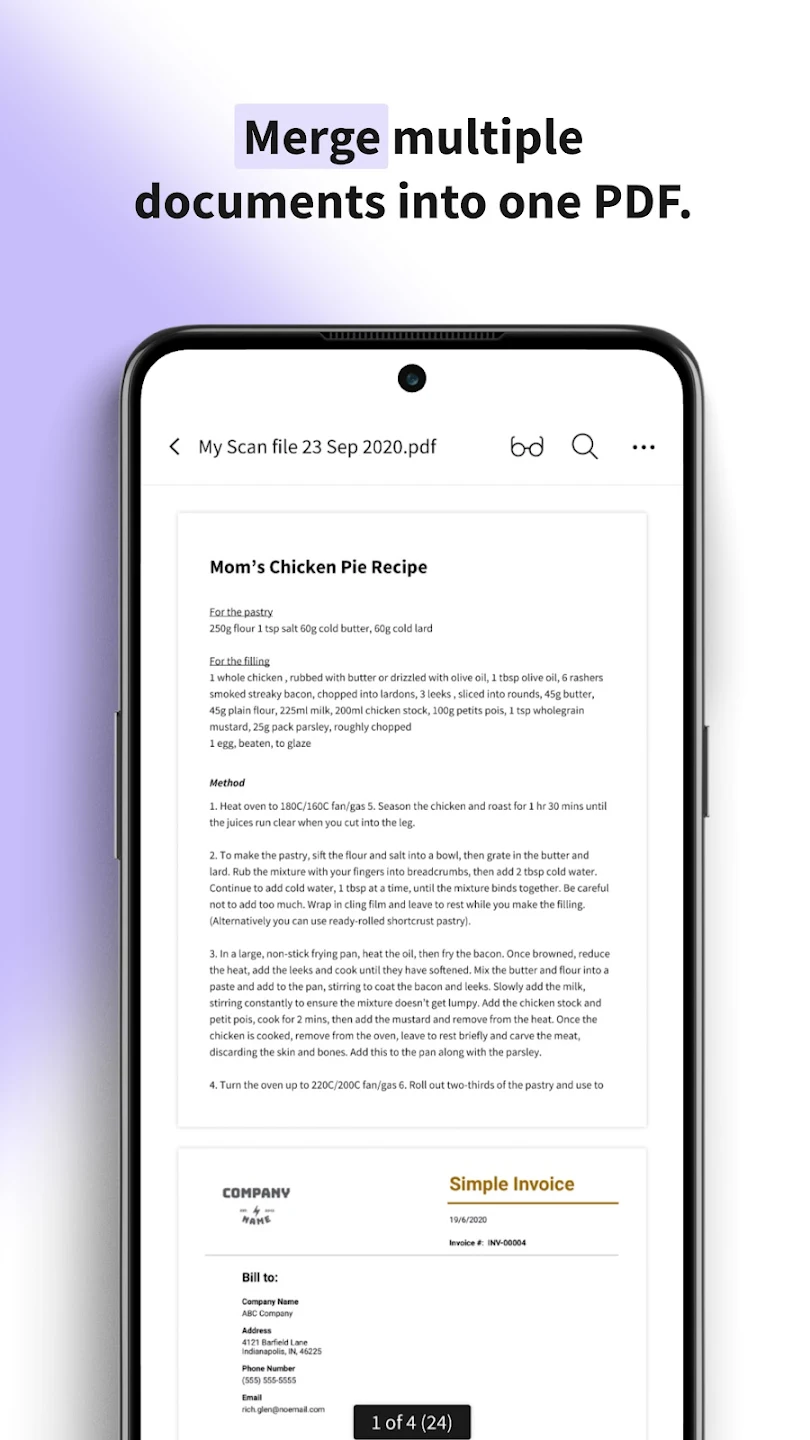
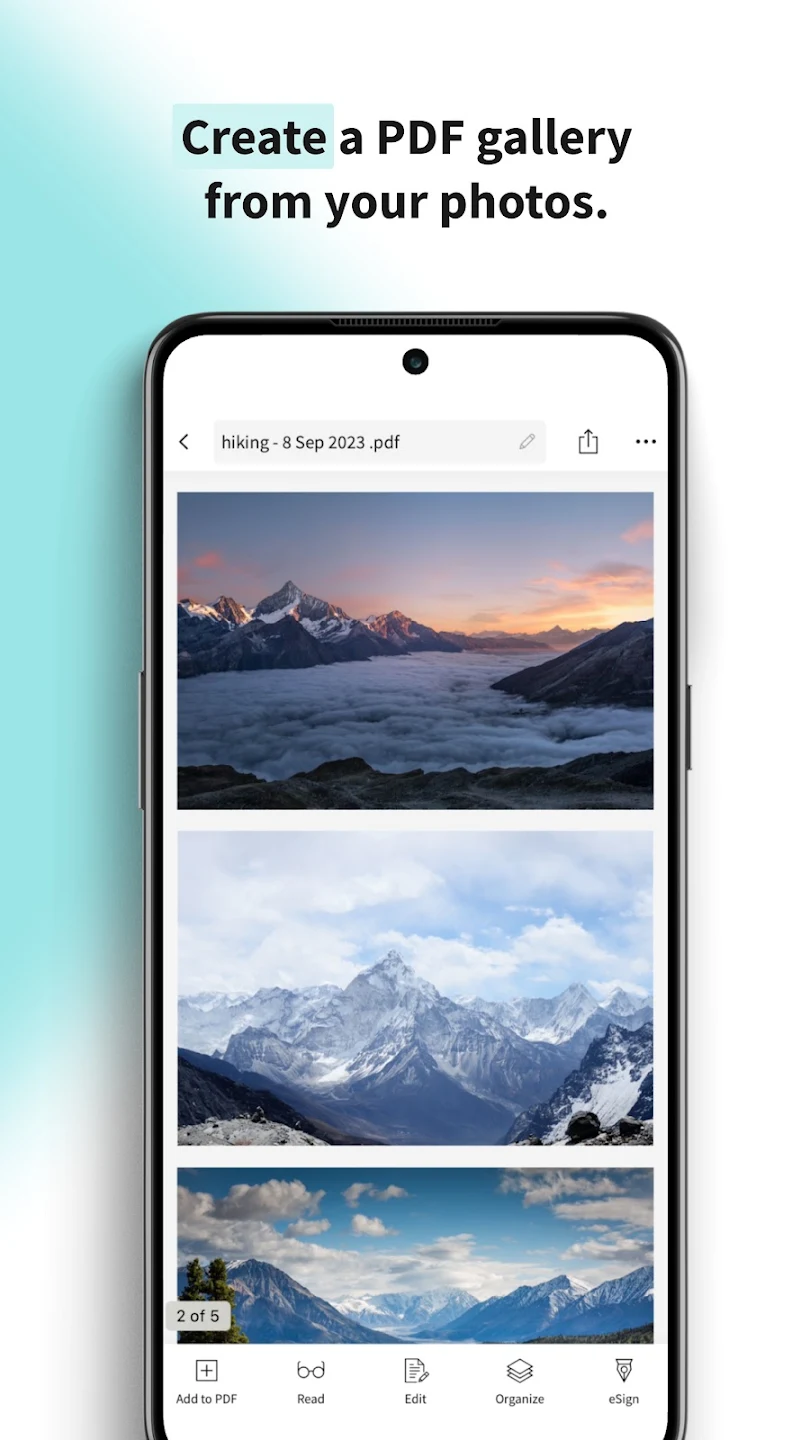
Editing PDF files with Smallpdf is very easy. Just select the Edit PDF tool; after choosing this tool, you can highlight documents or add text. With Smallpdf’s editing tools, you can also rotate PDFs left, right, or upside down. Rotation is possible for individual pages as well. Finally, you can save the output file on your device. You can rearrange the order of PDF pages and delete any number of selected pages. With Smallpdf, select any number of PDFs in the merge tool and combine them. One attractive feature of this app is the ability to create PDF files from photos and scans. Select one or multiple photos from your gallery and easily create and save a PDF. Before saving, you can edit, crop, and adjust the colors of the photos. You can also use these files for electronic signatures and email them. The eSign tool in Smallpdf helps you sign electronic documents. With Smallpdf, you can access your files on other devices as well. The sync feature synchronizes files with Smallpdf’s online server. This cloud storage service allows you to access your files online from different devices. You can also share these files via messaging apps like WhatsApp or email them to others. DroidCove offers the latest fully unlocked and complete version of the Smallpdf Android app for download.



![KineMaster 8.1.13 – Powerful Video Editor for Android [Update]](https://droidcove.com/wp-content/uploads/2026/06/KineMaster-Logo-1-100x100.webp "KineMaster 8.1.13 - Powerful Video Editor for Android [Update] 5")

