
Notewise – Note-Taking & PDF v3.6.6 – Note-Taking and Digital Whiteboard App for Android
Unlimited and Full Version of Notewise Mobile App
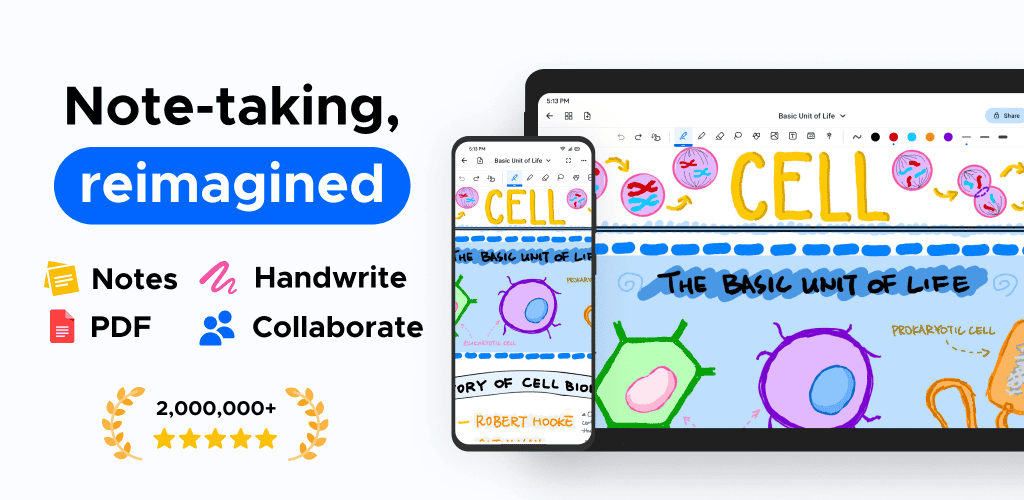
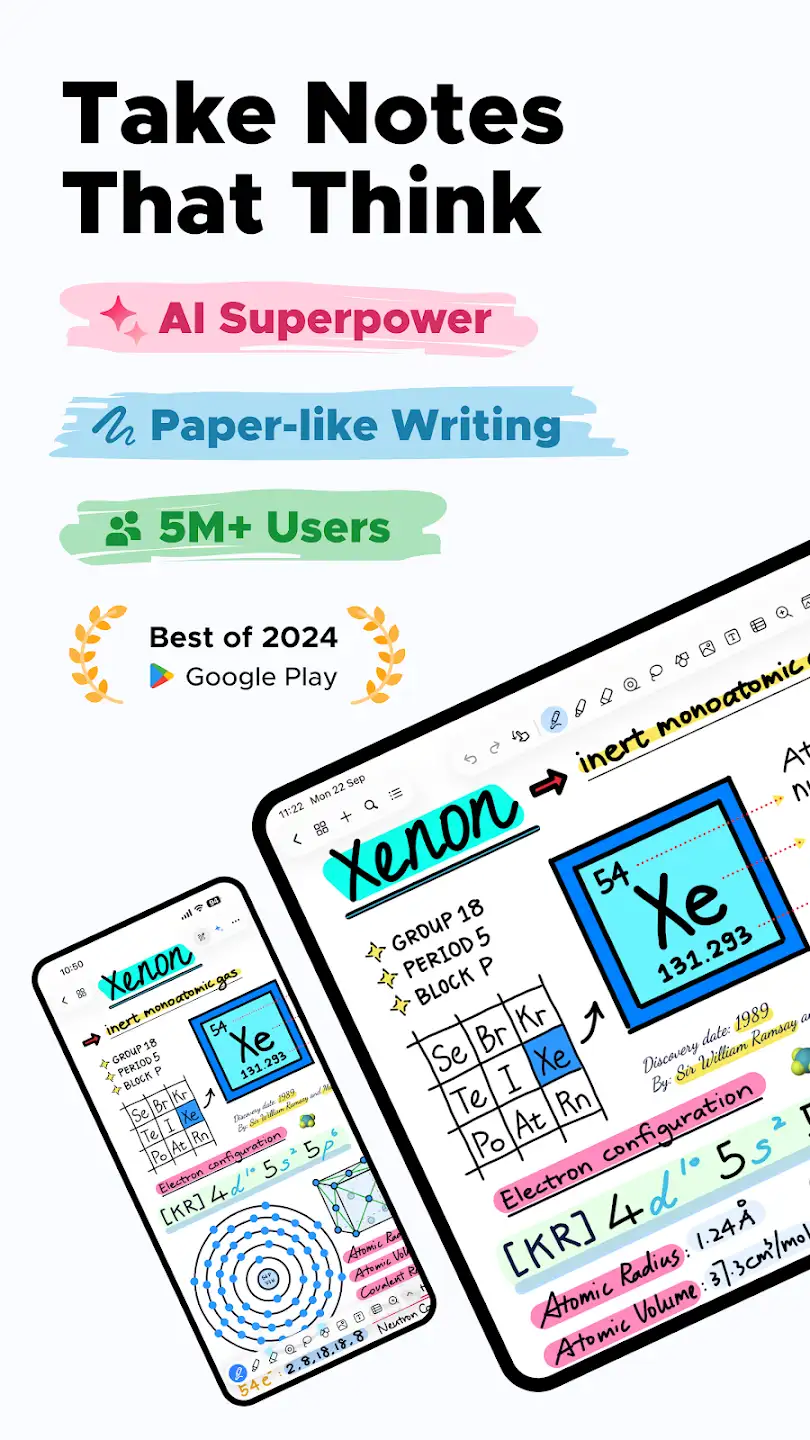
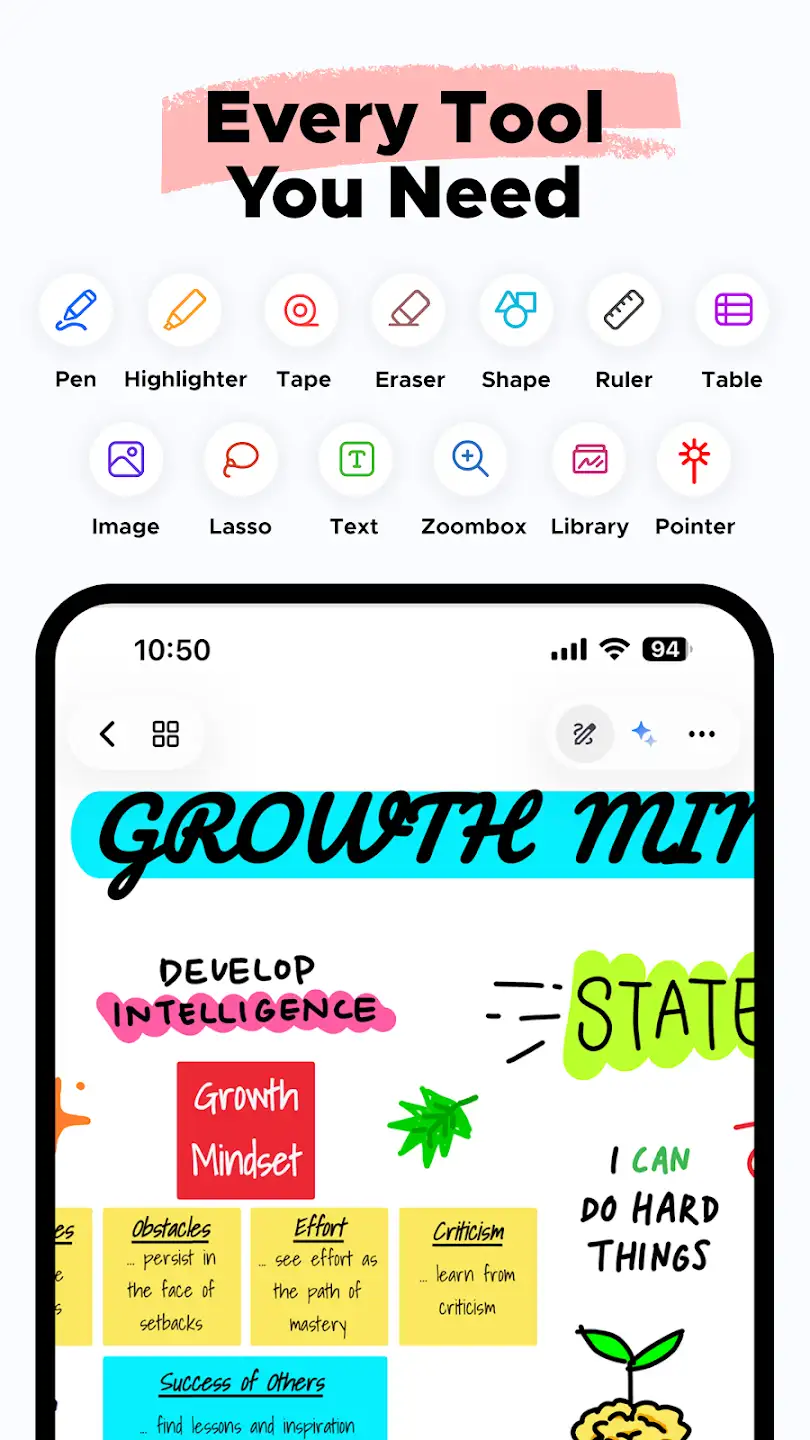
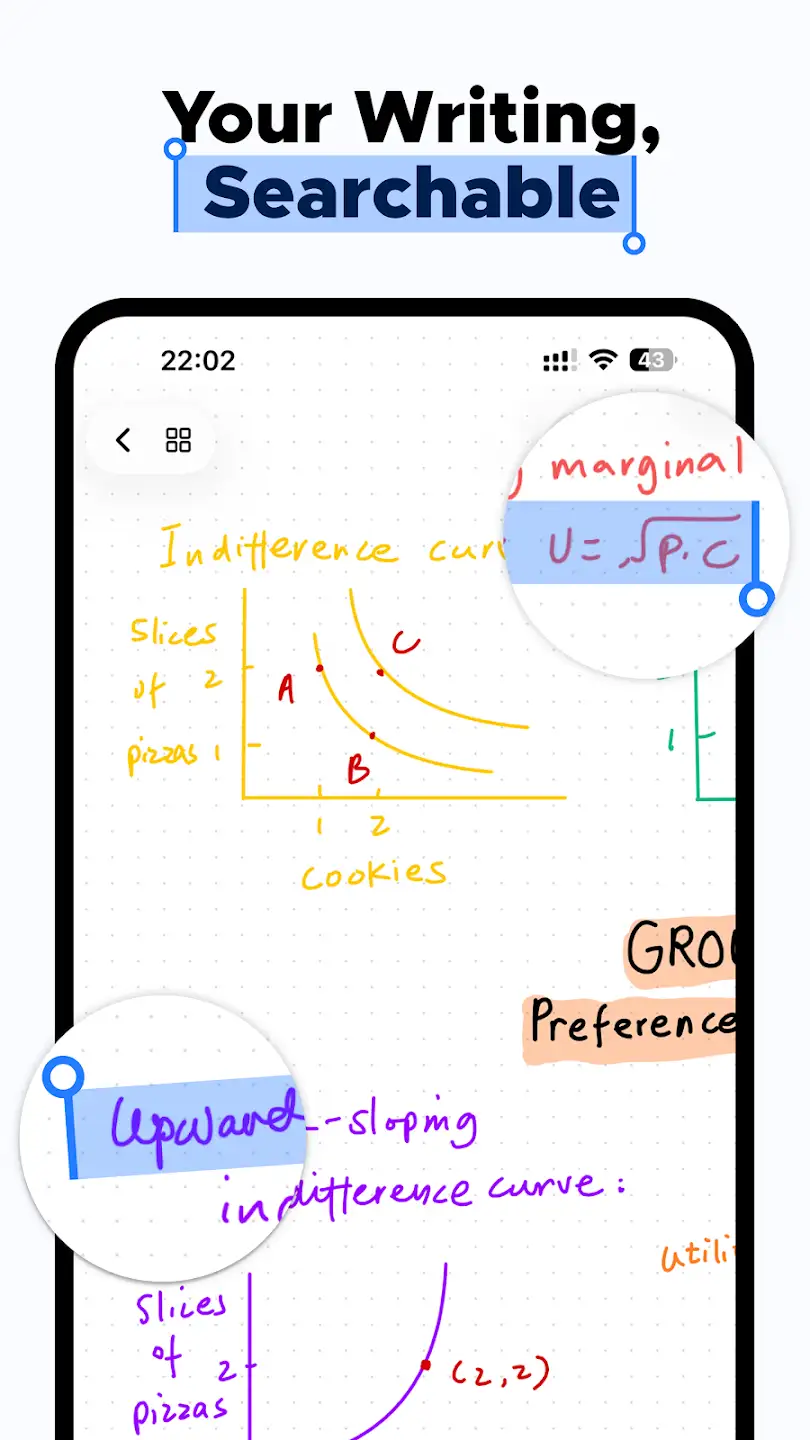
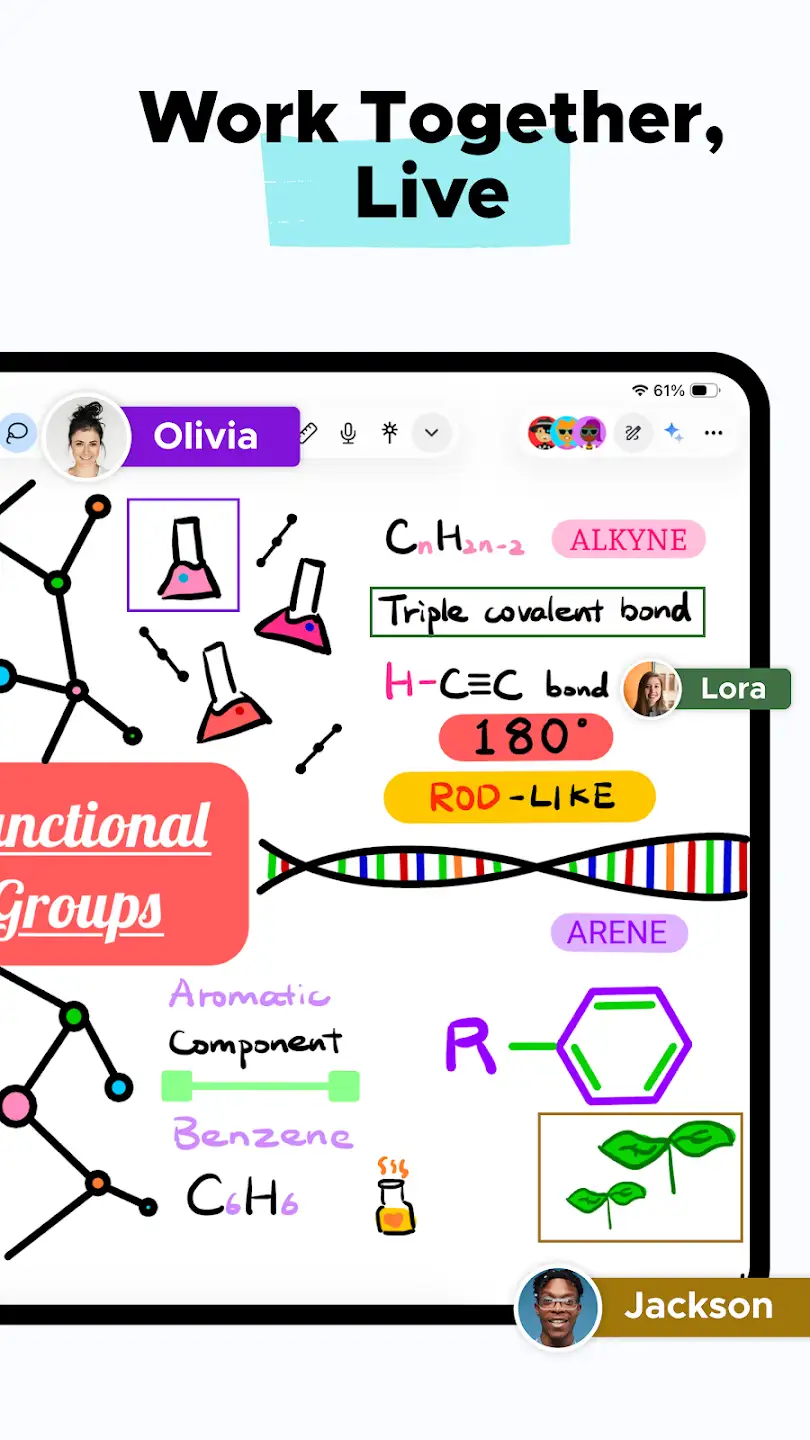
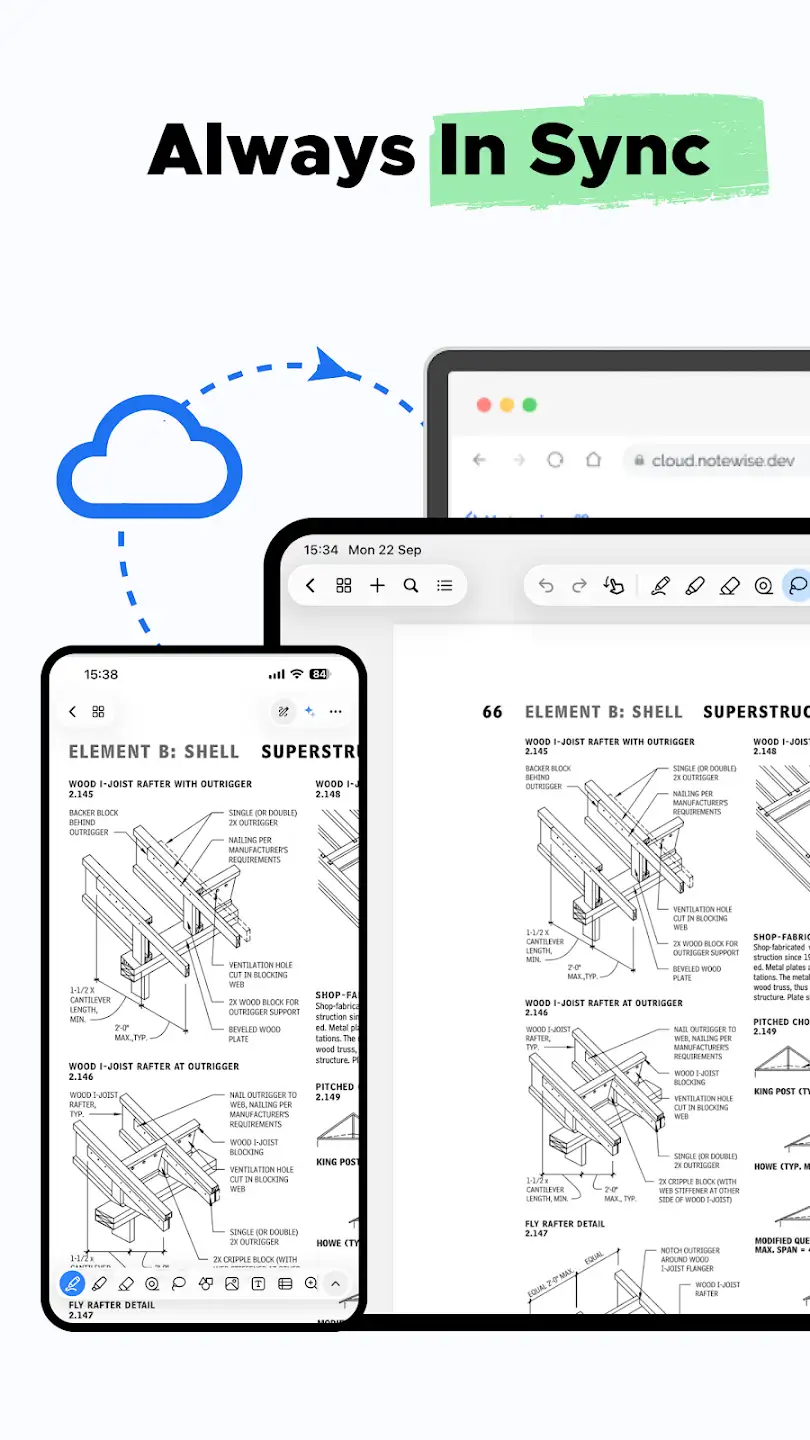
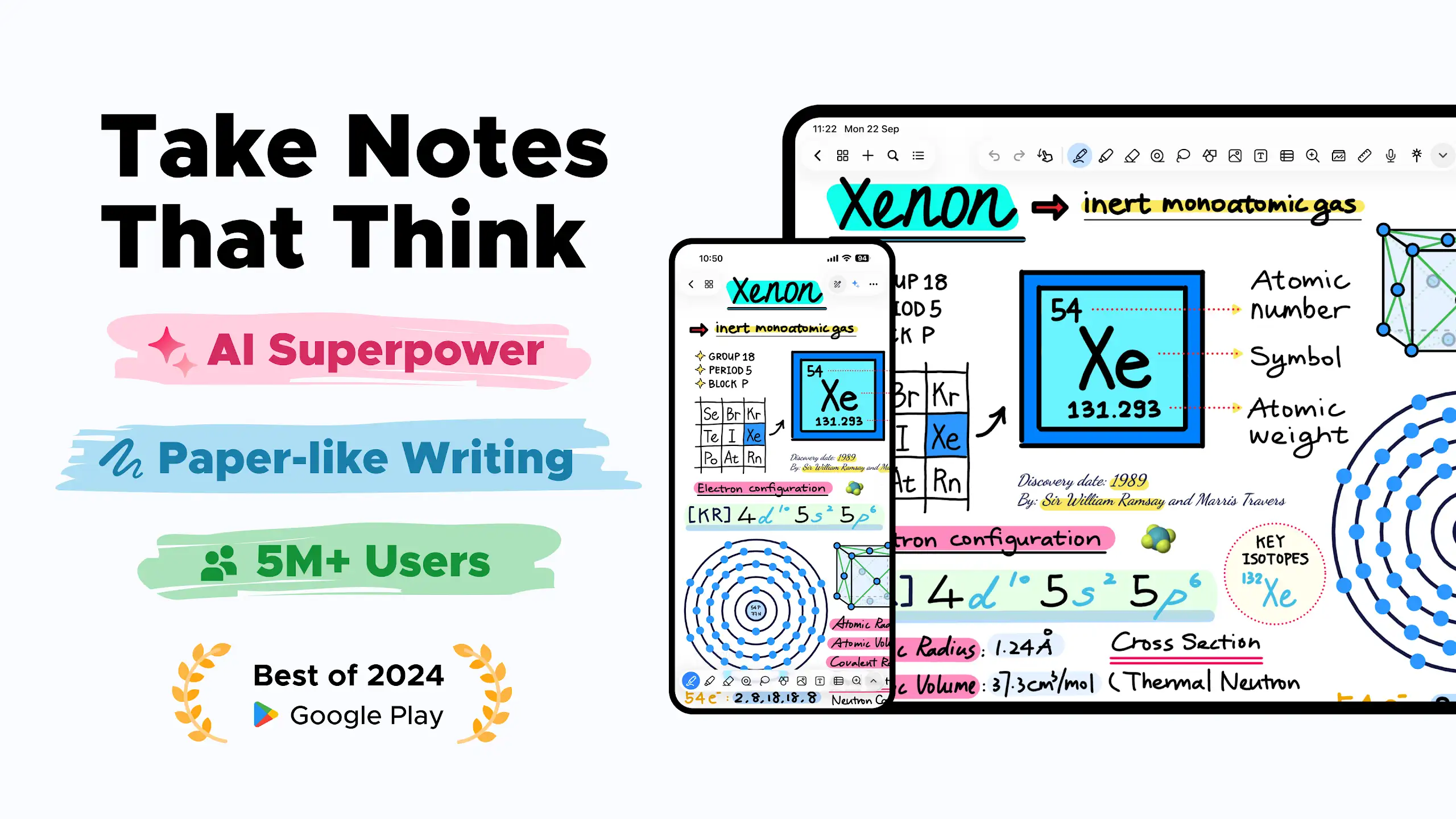
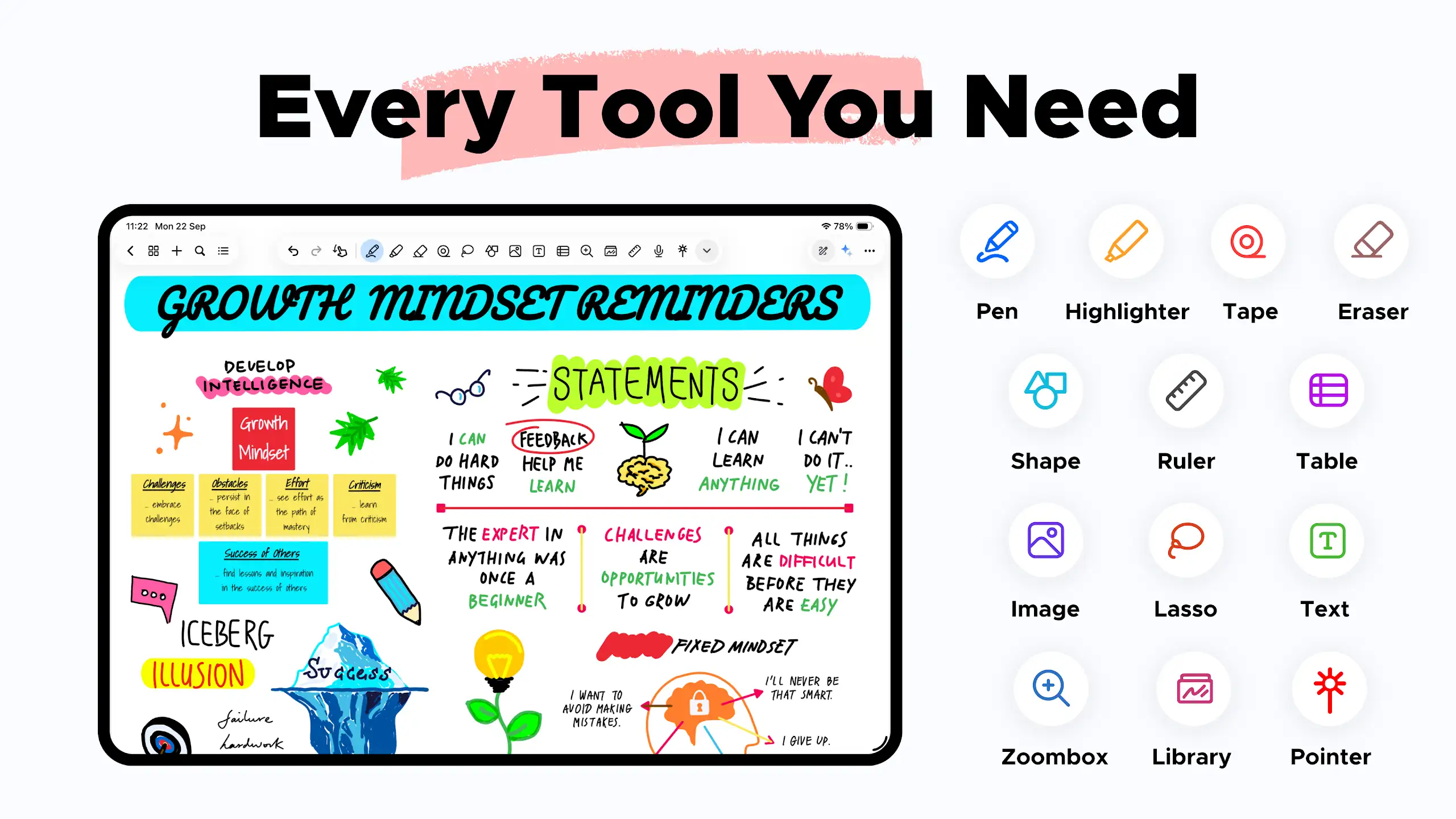
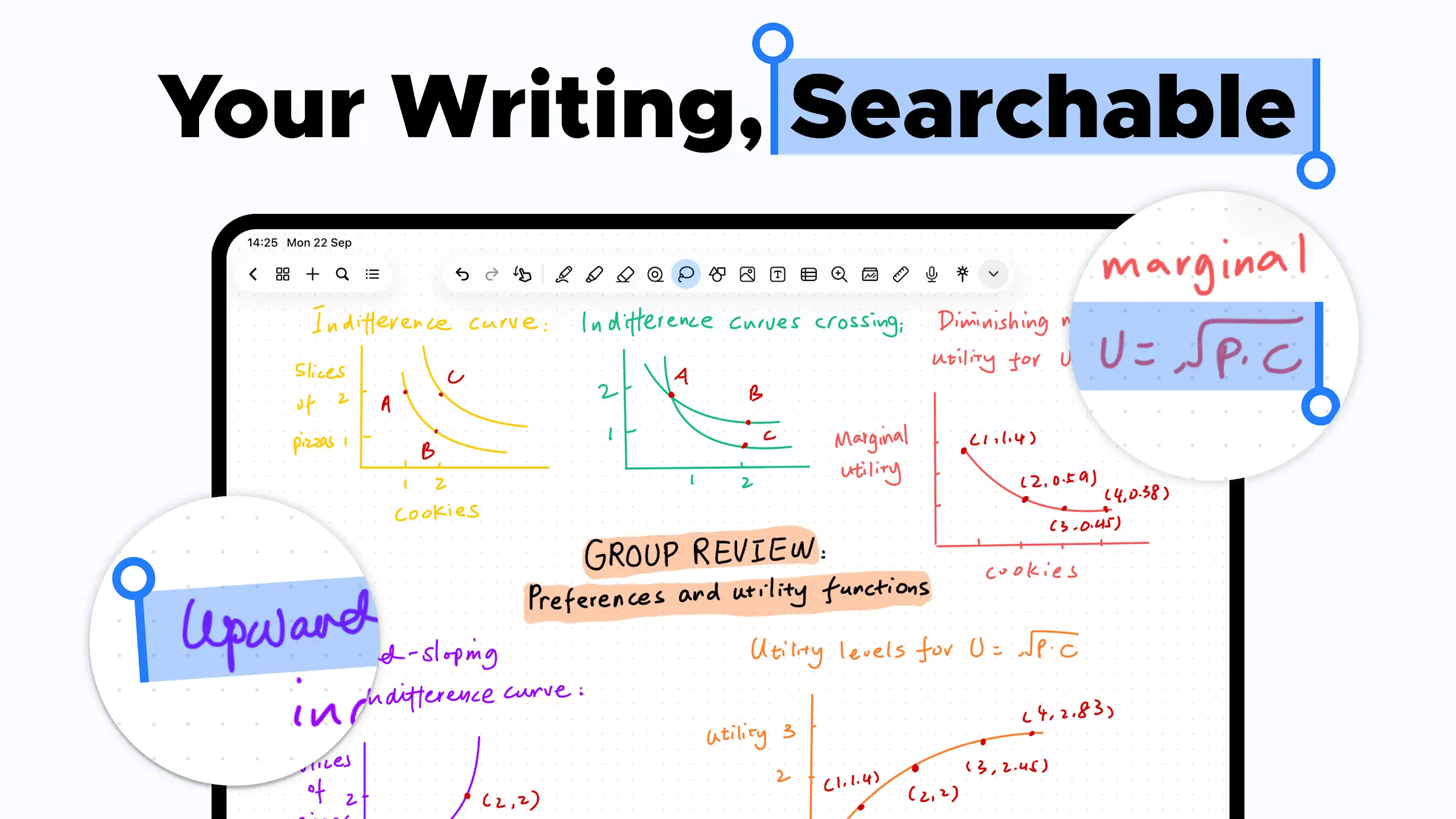
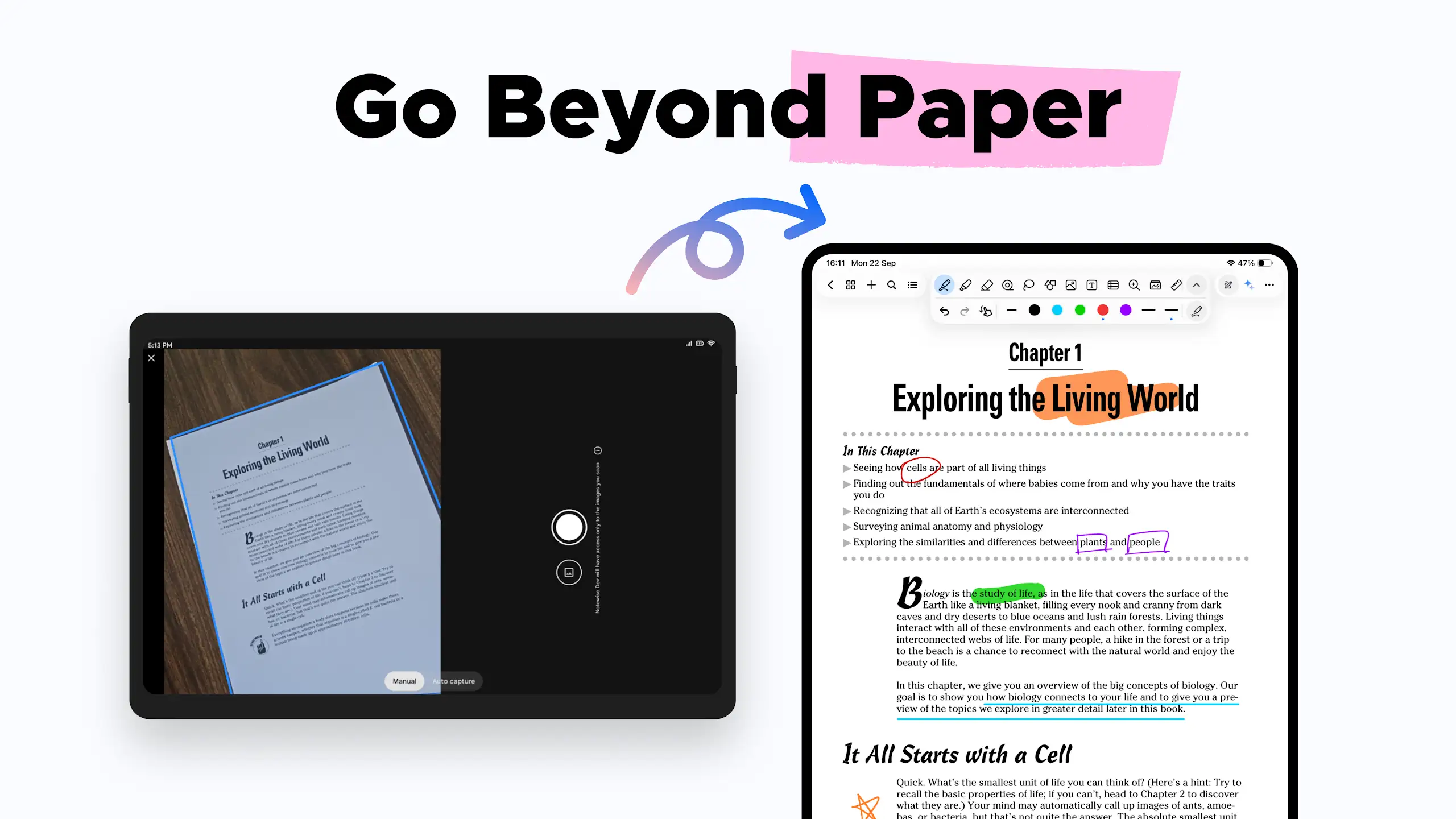
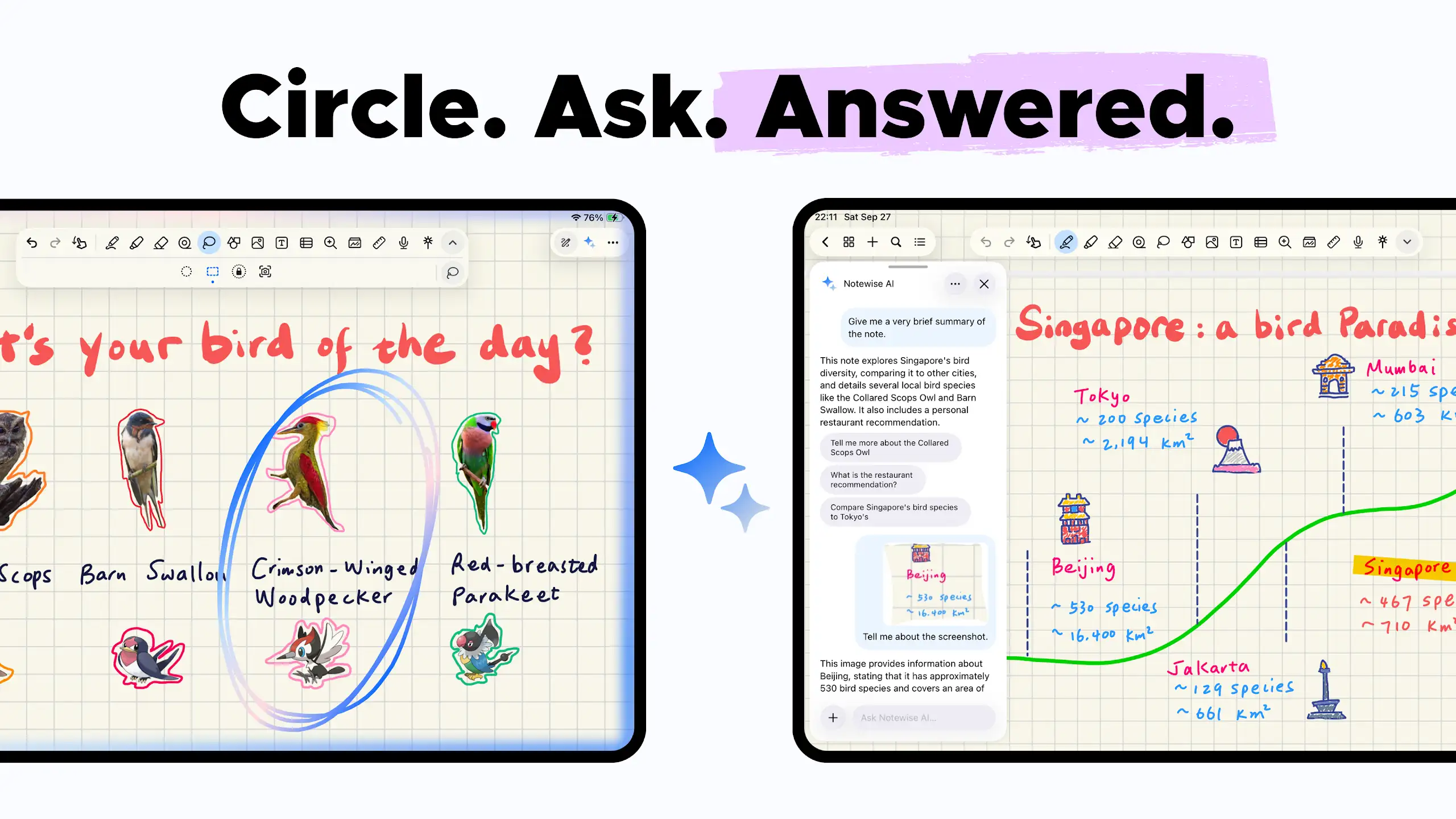
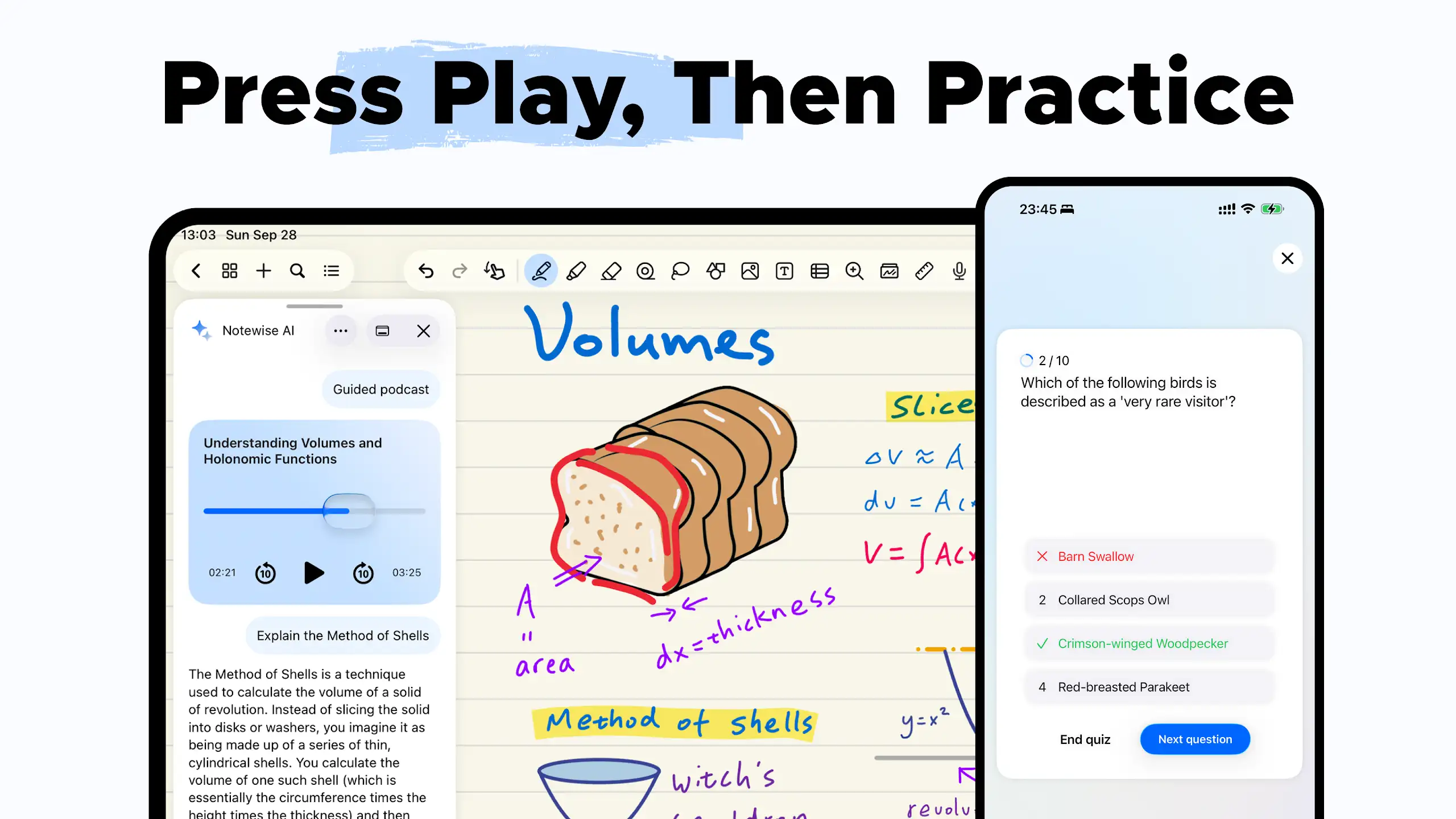
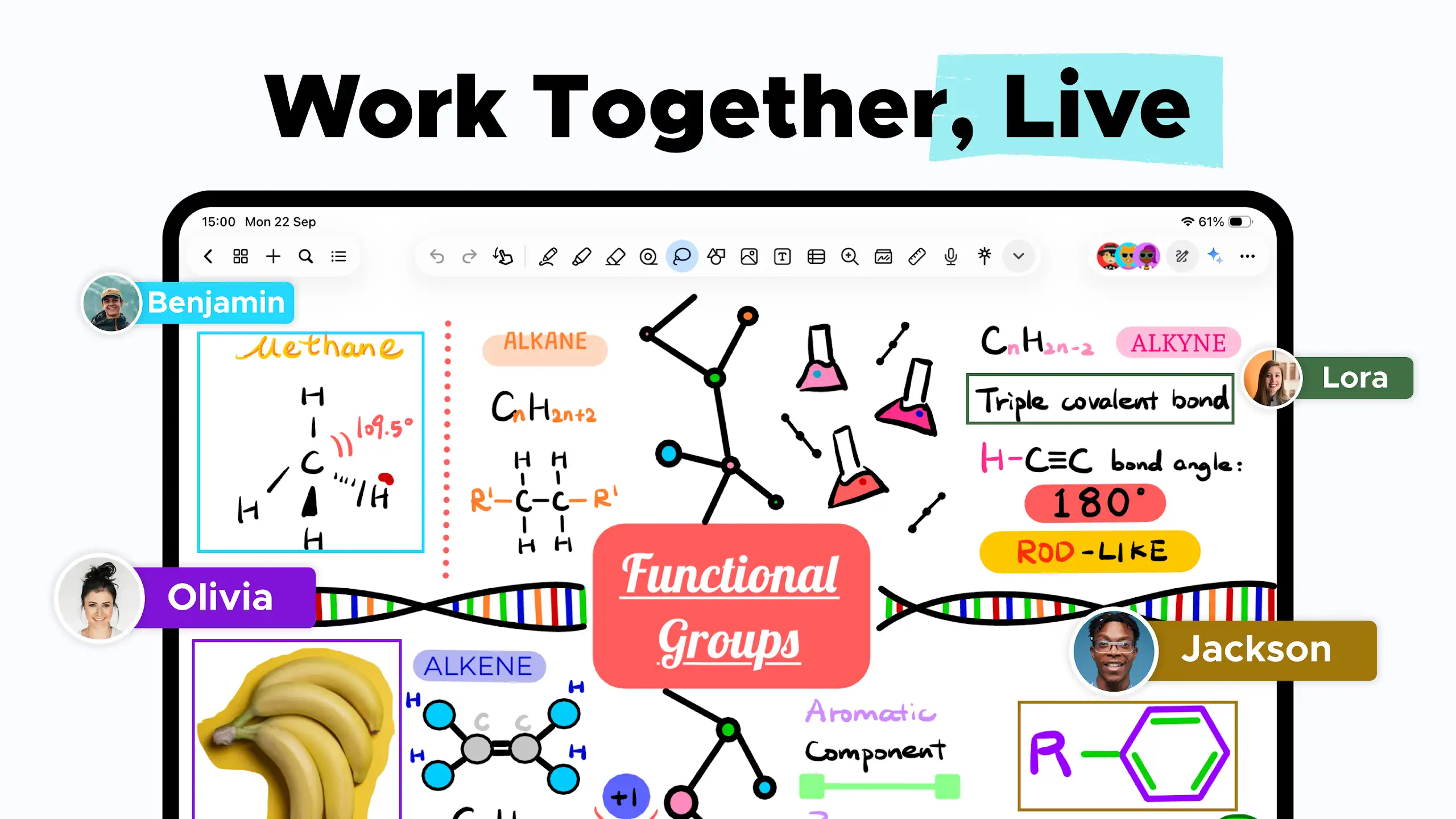
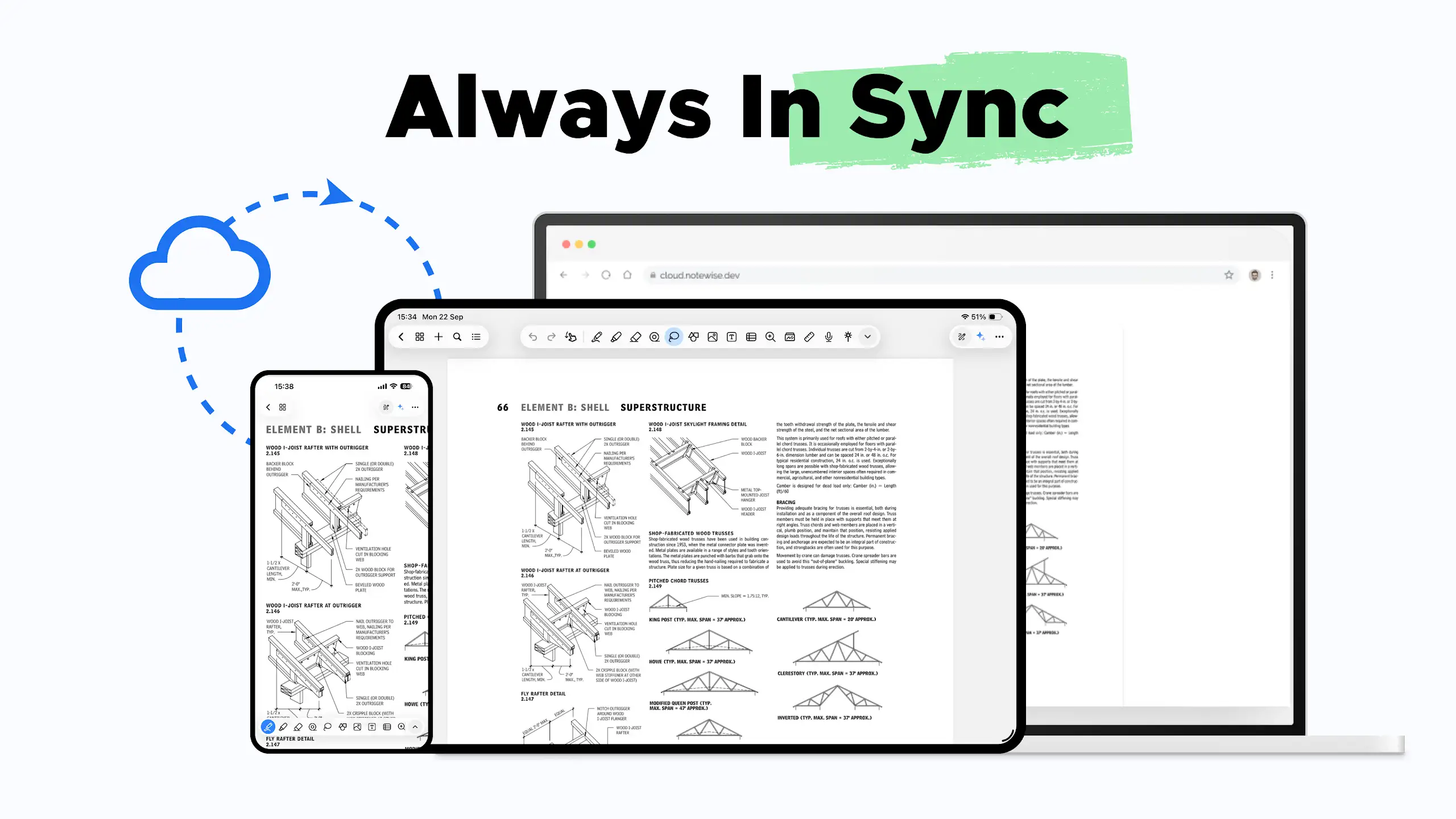
We can prevent forgetting our ideas only when we quickly write them down on a piece of paper as soon as they come to mind and avoid losing them! Today, note-taking, like any other activity, has undergone changes thanks to Android smartphones. Notewise – Note-Taking & PDF is an app designed for note-taking and digital whiteboarding, developed by a company of the same name and released on Google Play. This startup app helps users never forget their ideas and creativity and save them as text or images whenever needed! Like any other note-taking app, this startup offers various features and capabilities. One of the main features available is the ability to take notes with your own handwriting. Just like a whiteboard, but digitally, you can write all your ideas by hand or add various designs to your notes thanks to brushes and different colors. Several themes such as blank pages, lined pages, and more are available for you to choose from according to your preference. Another feature that users always appreciate is the ability to organize notes into different folders. You have no restrictions in creating folders and can create multiple diverse folders. After moving notes into folders, you will see thumbnail images of your notes when entering folders, making it easier to select the desired note. Another useful feature is exporting notes. Since you can normally write your notes by hand and add various designs, exporting is possible in two formats: image and PDF file. If your notes consist of multiple pages, there is no need to worry, as PDF files will be exported as multi-page documents.
Some features and capabilities of Notewise – Note-Taking & PDF for Android:
- Turn your Android smartphone into a digital whiteboard
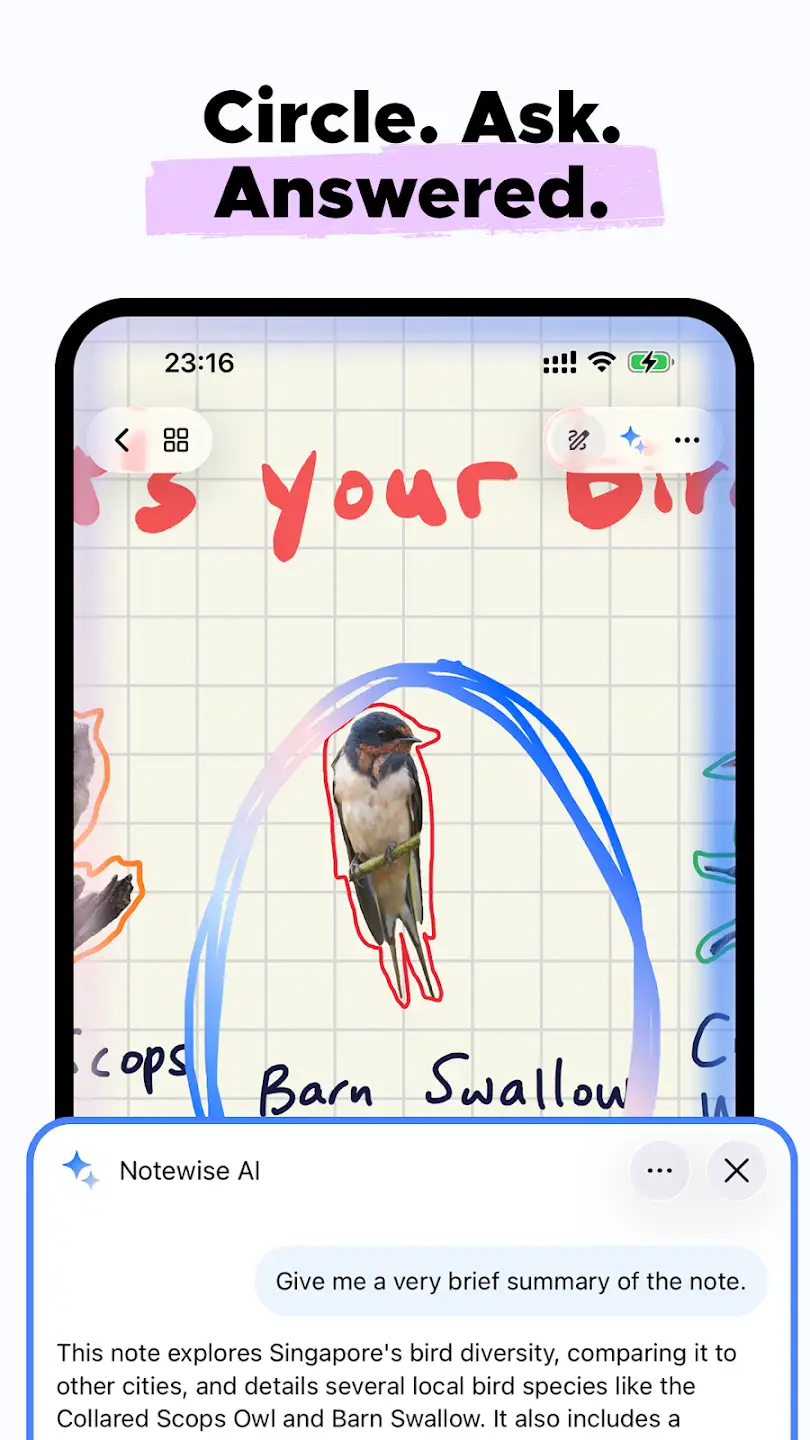
- Add notes as text or write them with your own handwriting
- Add various designs to your notes
- Organize notes into different folders
- Powerful graphics engine to make your handwriting look more attractive
- Add images to your notes
- Export notes as images or PDF files
- Annotate or add signatures to exported PDF files
- Support for multi-page PDF files if your notes consist of several pages
- Various note-taking page modes, such as blank page, lined page, and more
The Notewise – Note-Taking & PDF app offers various features for note-taking and is available for free with in-app purchases by its developer. You can now download the latest unlimited and full version with access to all features from the popular website DroidCove.



![KineMaster 8.1.13 – Powerful Video Editor for Android [Update]](https://droidcove.com/wp-content/uploads/2026/06/KineMaster-Logo-1-100x100.webp "KineMaster 8.1.13 - Powerful Video Editor for Android [Update] 5")