


Concepts: Sketch, Note, Draw v2026.04.4 Pro Powerful app for designing and drawing
Professional and unlocked version of Concepts app
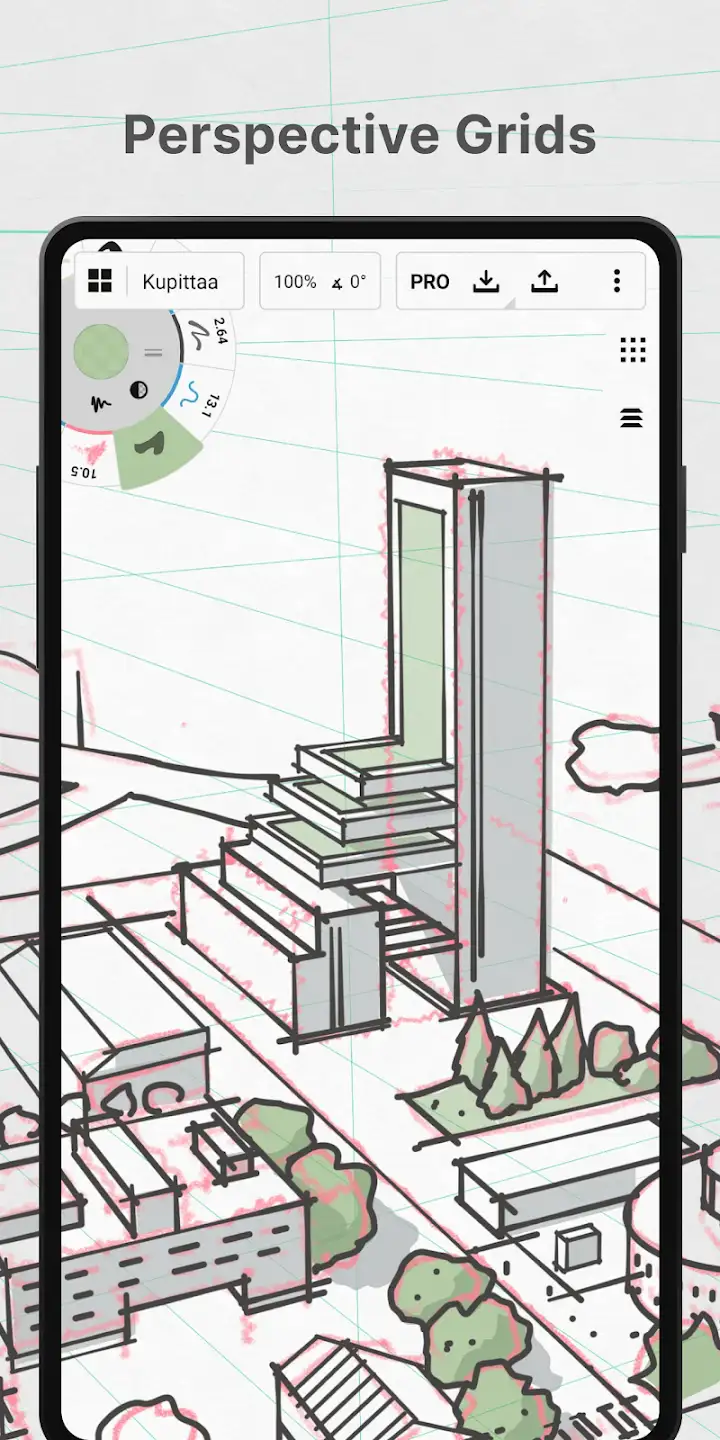
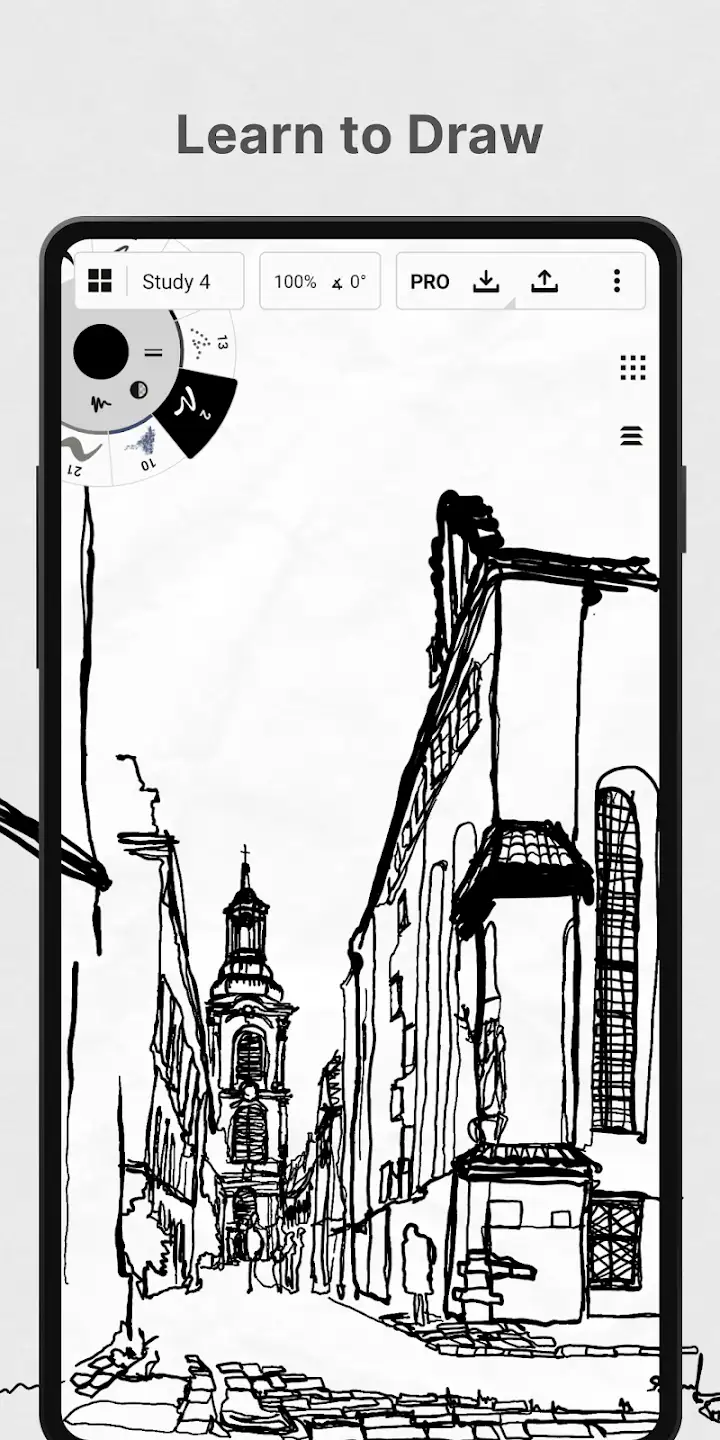
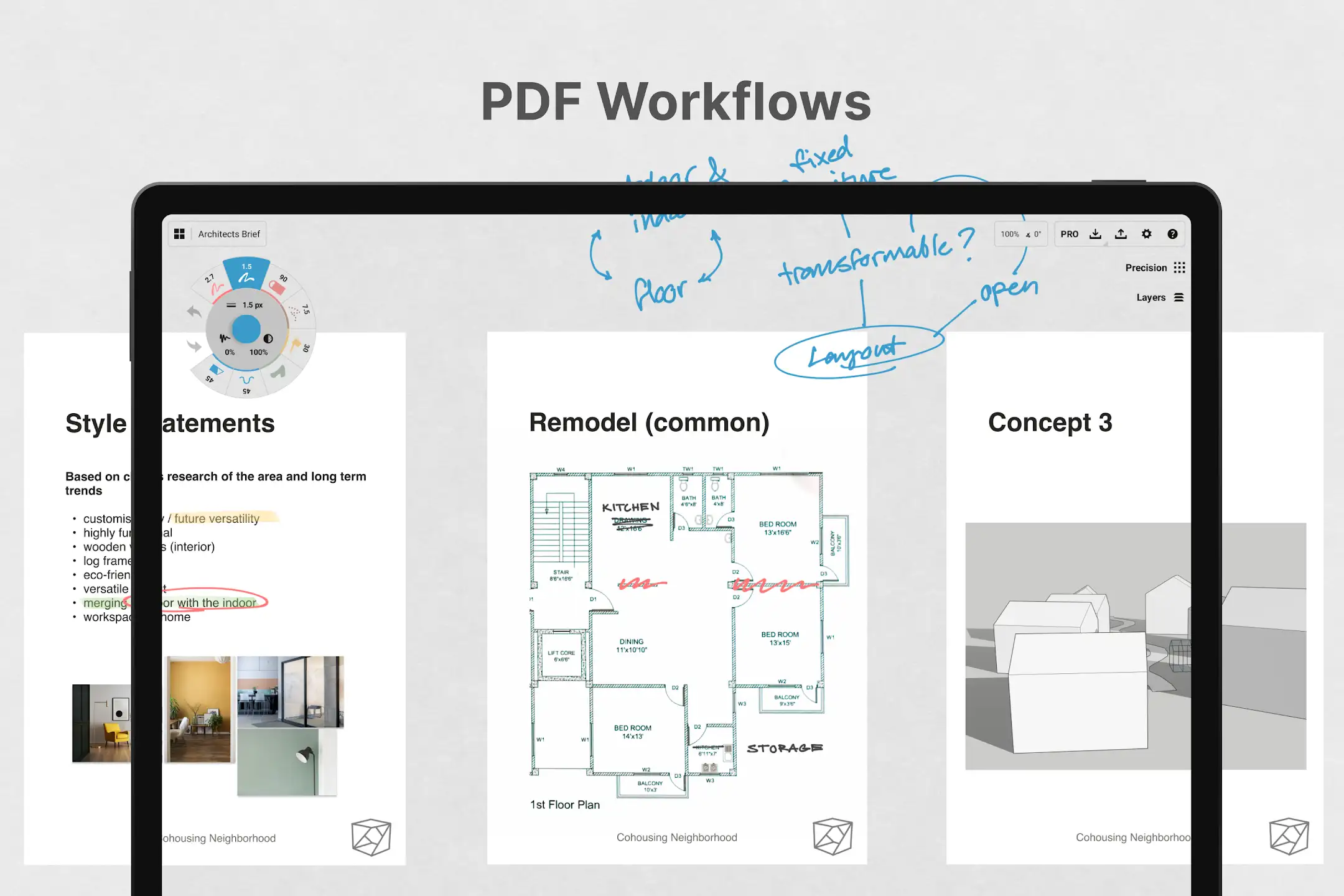
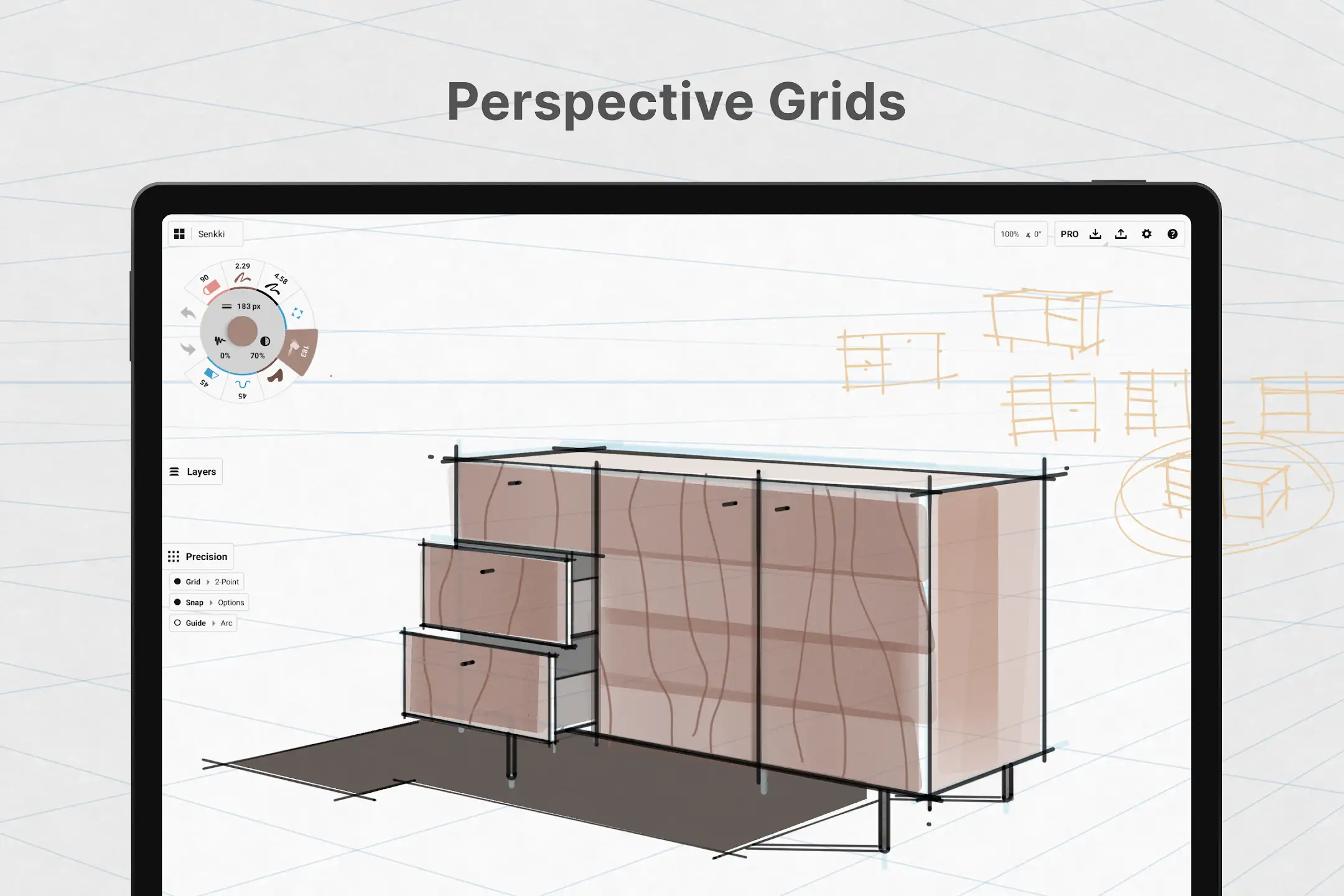
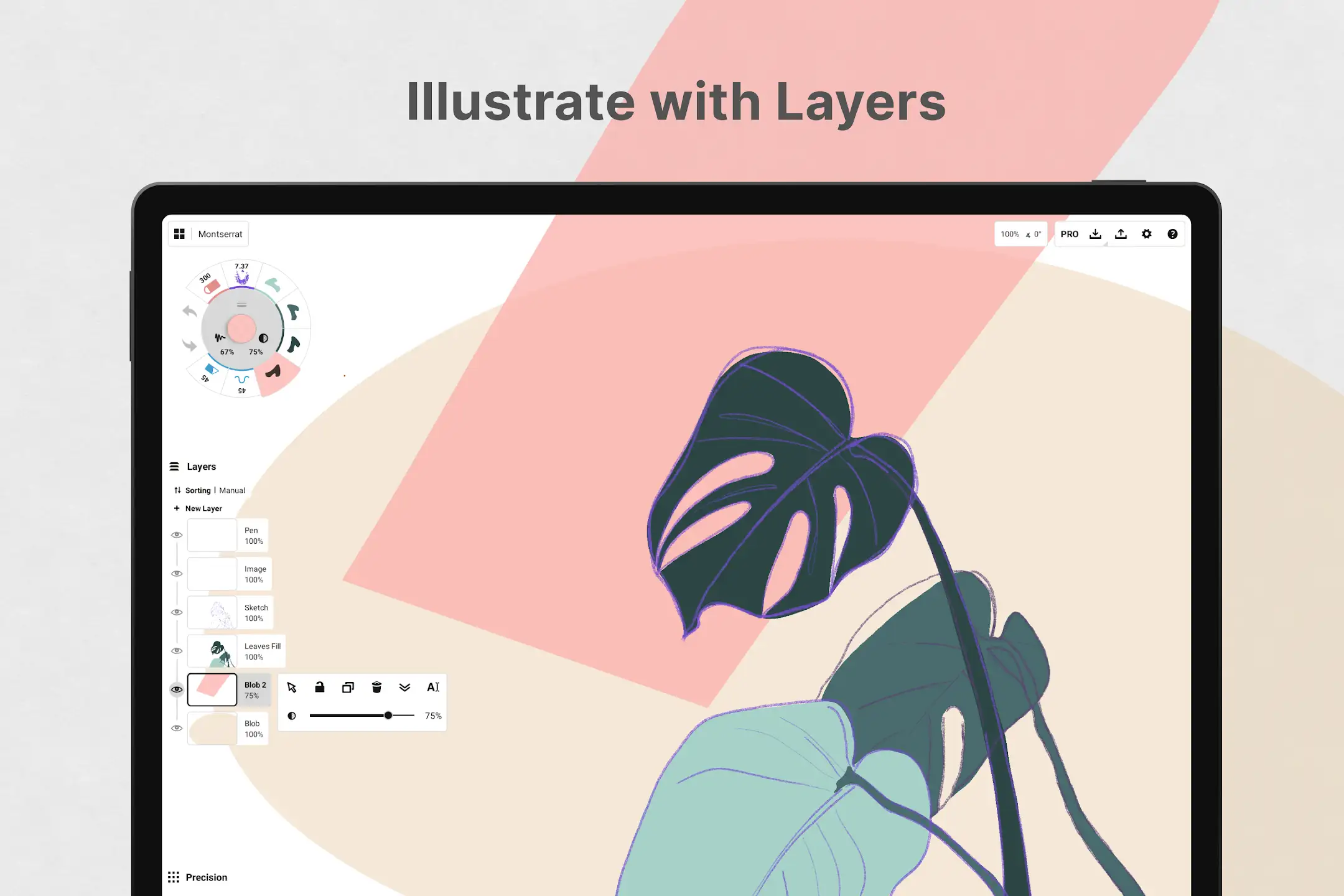
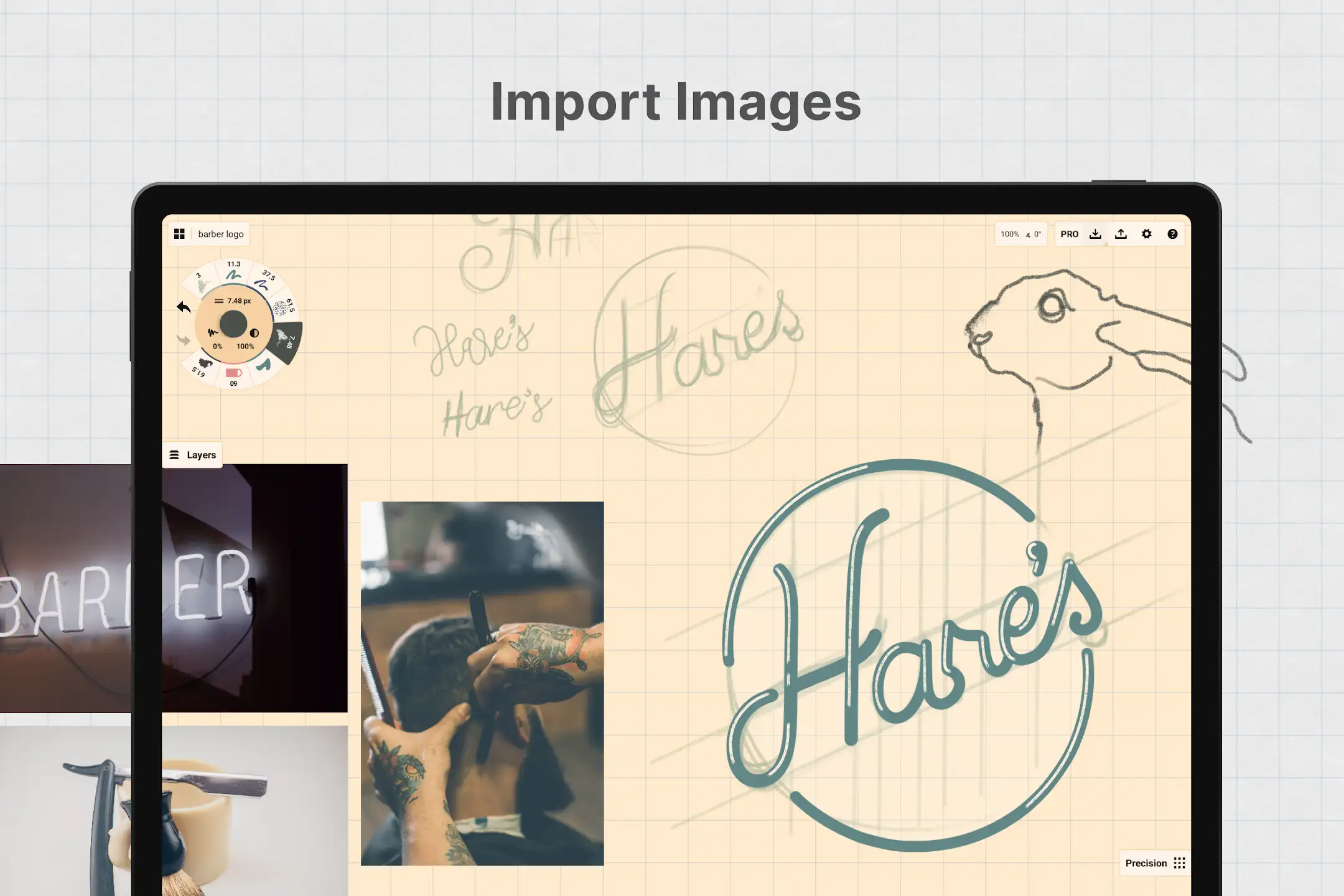
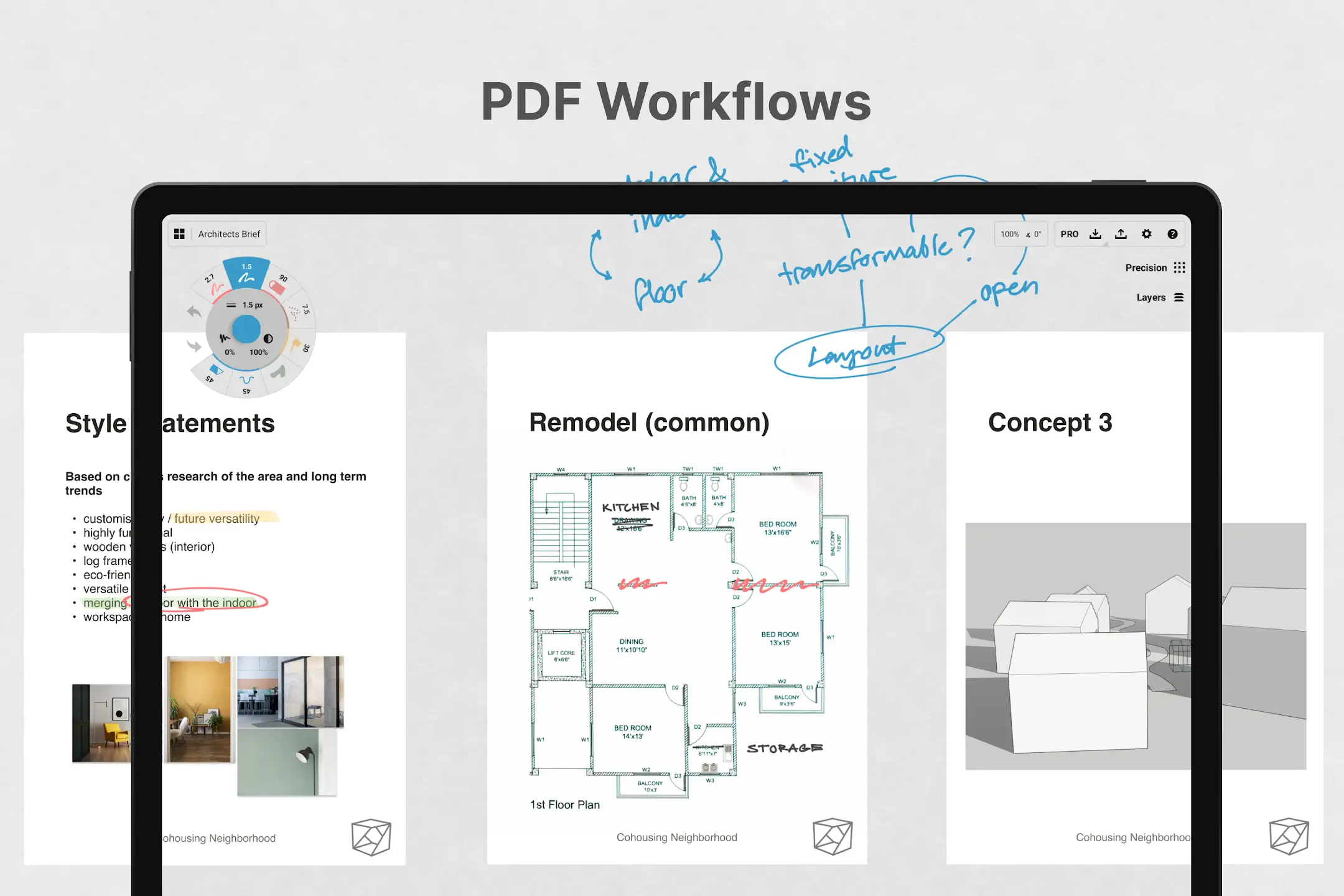
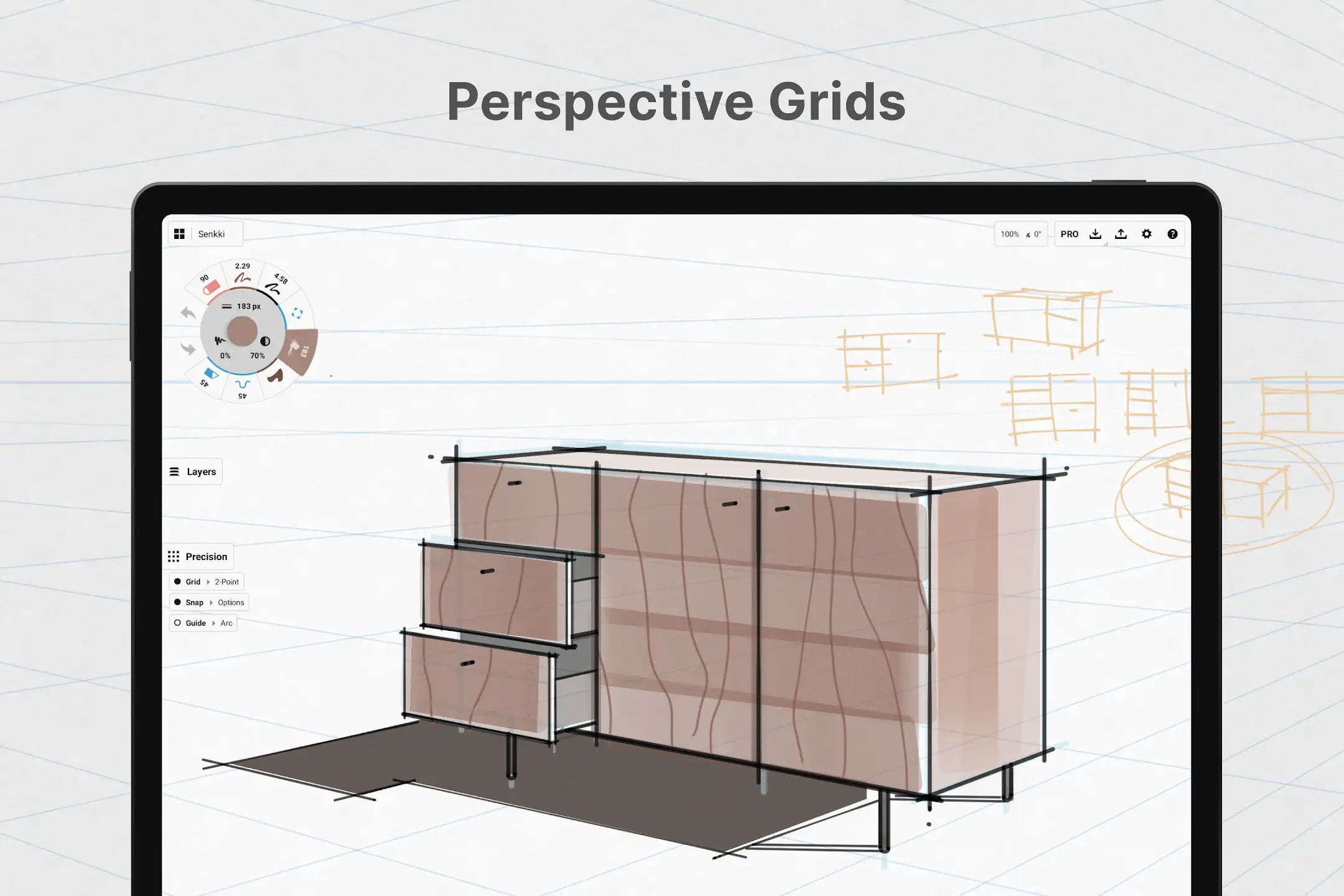
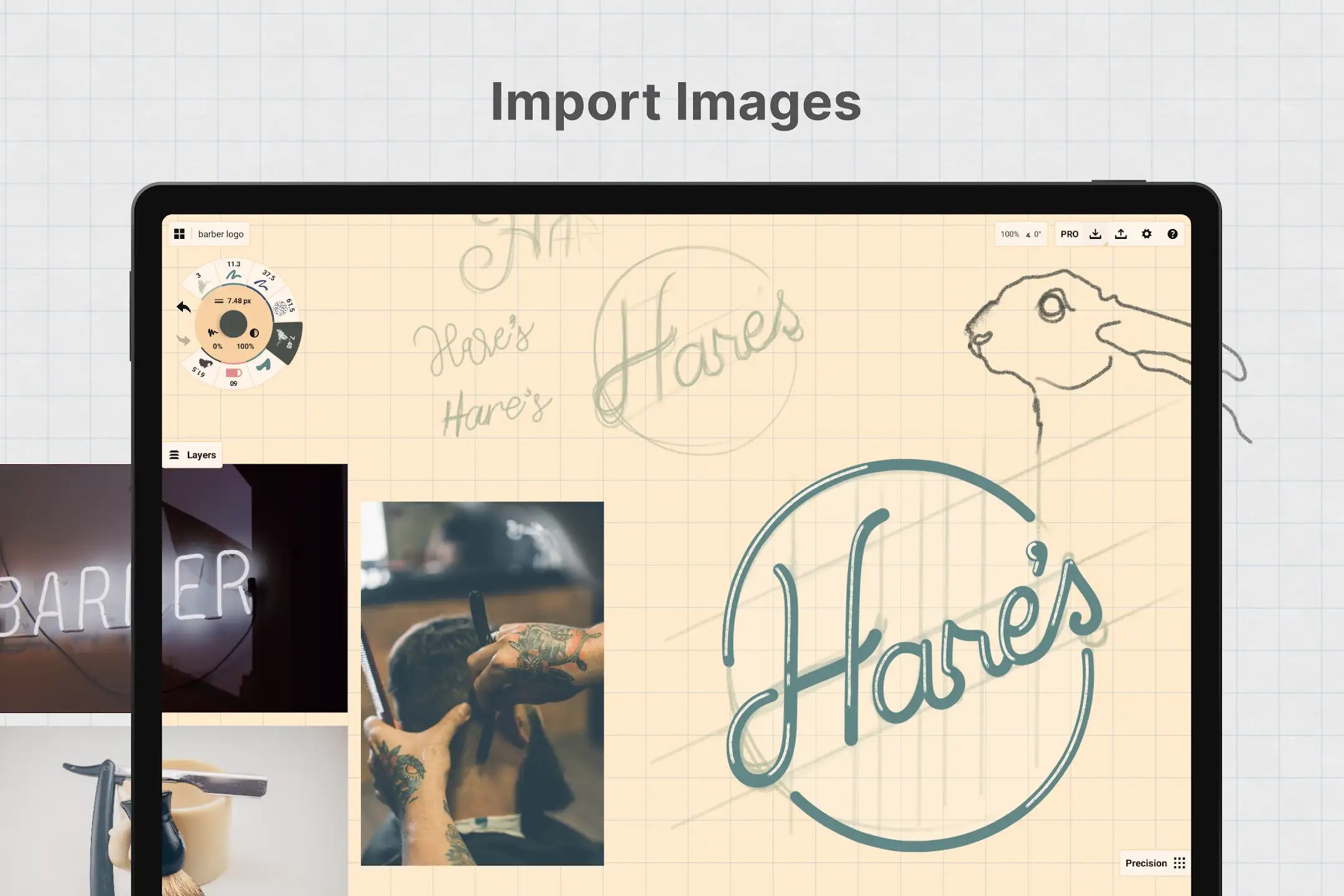
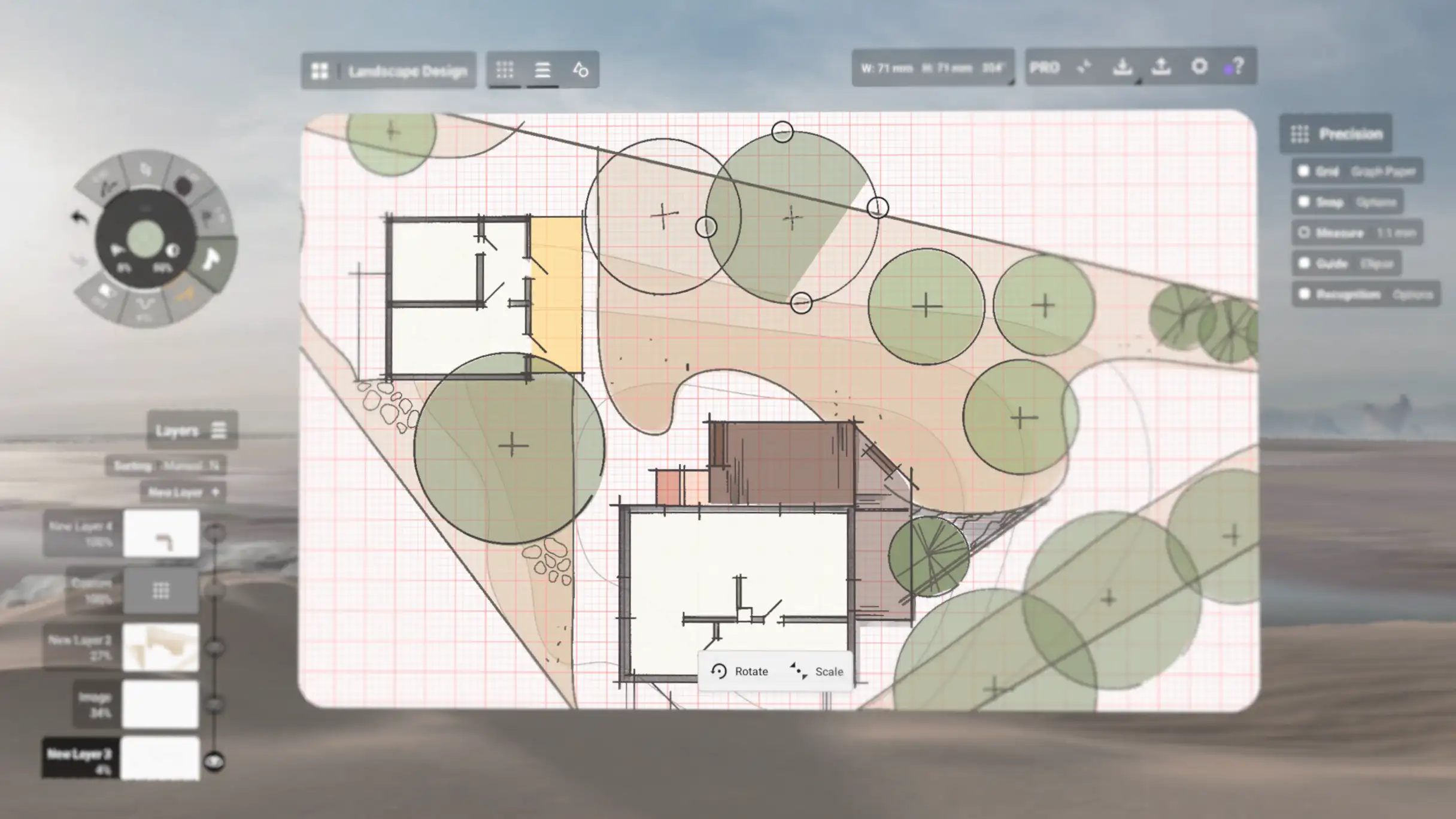
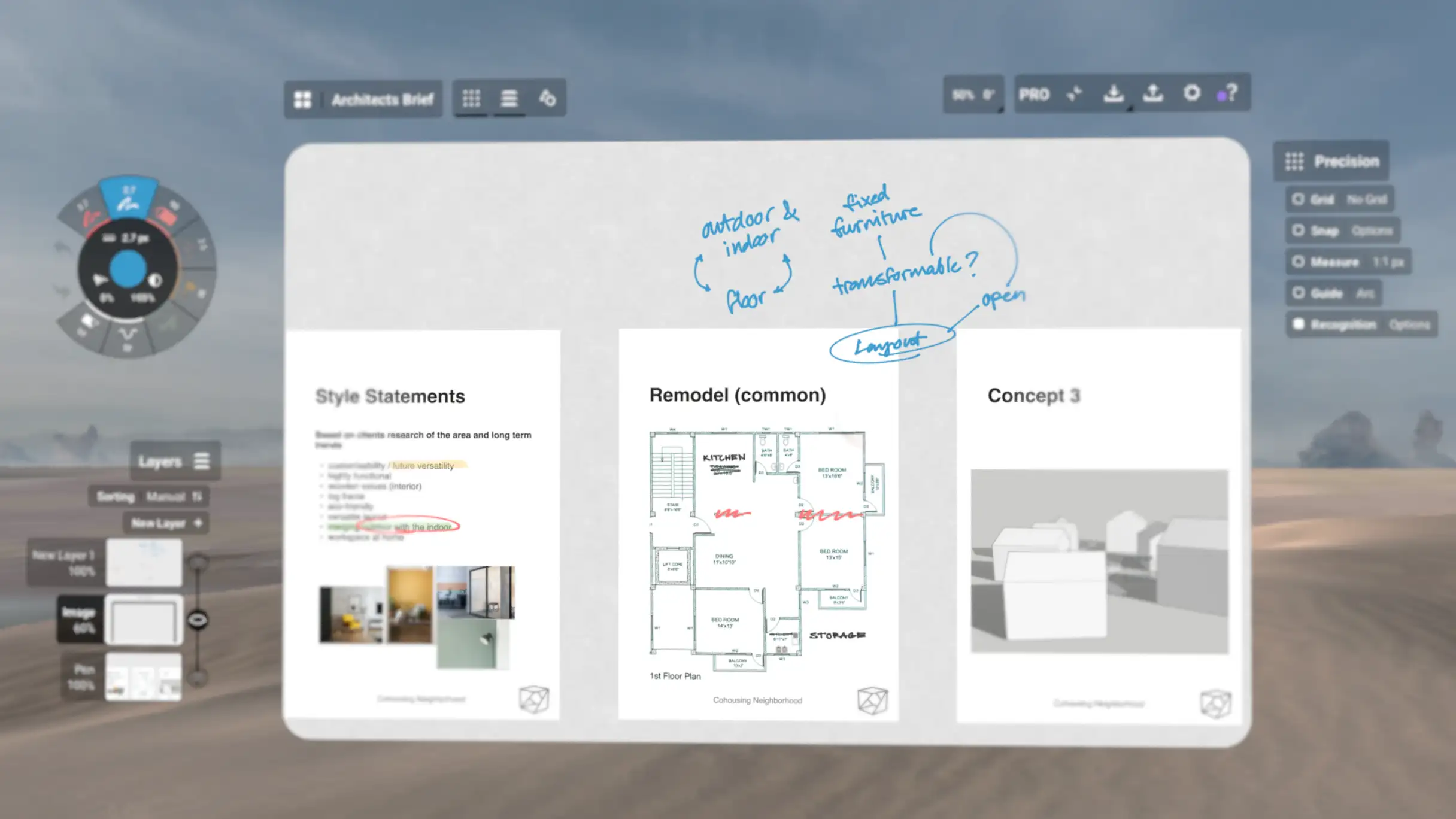
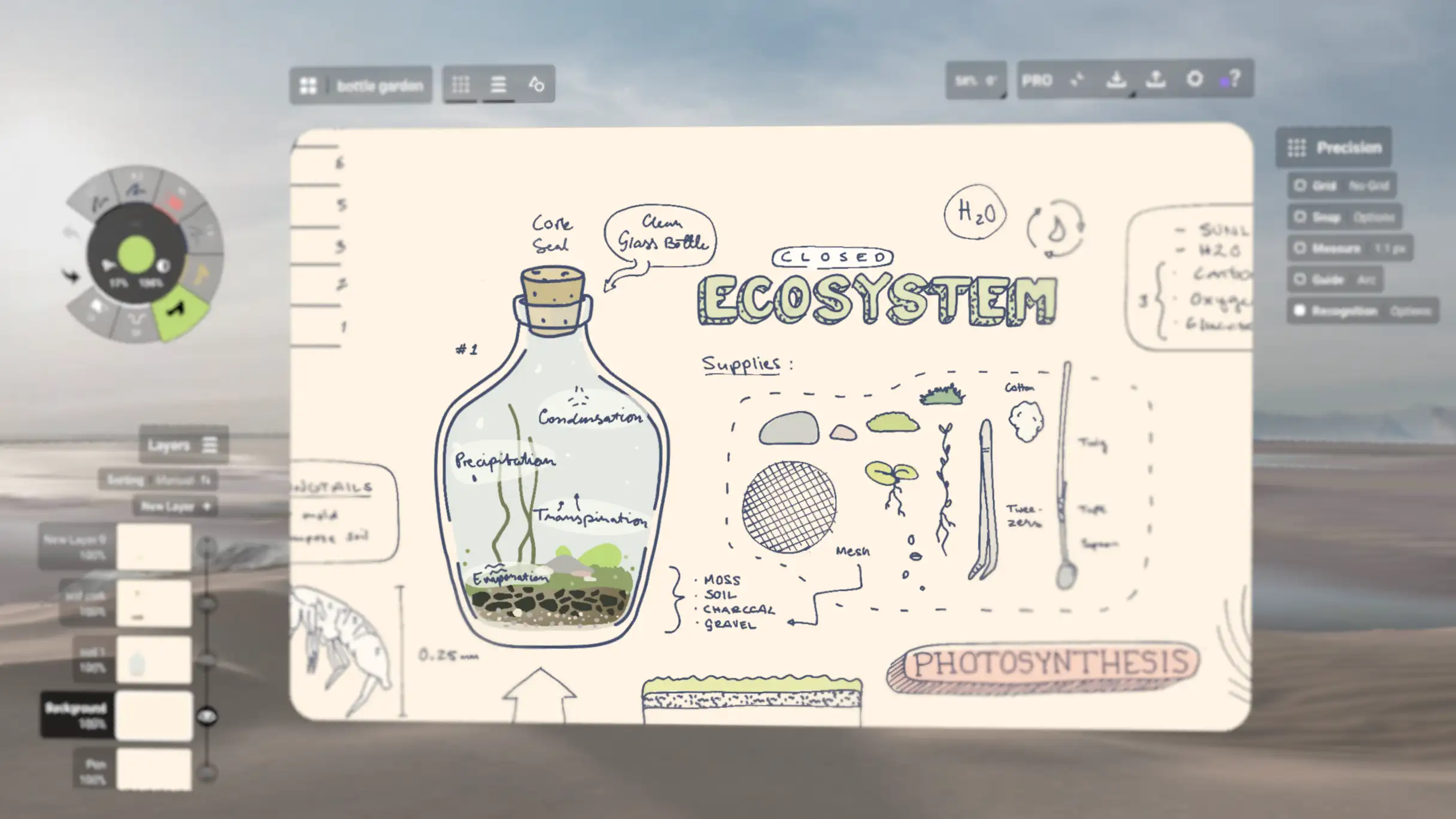
At the beginning of the emergence of touchscreens, their accuracy and response speed were so low that they were only seen as an additional and inefficient feature. However, gradually this technology saw extensive advancements until it reached peak accuracy and performance with the advent of smartphones. Of course, this progress has not stopped, and every day better touch panels with more practical features are introduced to the market. This has led to touchscreens now fully satisfying their users and enabling more creative uses. One of the best and most interesting uses of touchscreens is designing and drawing with them. Today’s touchscreens even have the ability to detect pressure levels and respond very quickly to user commands with higher refresh rates. This means you can now design more freely and with higher quality on touchscreens. Fortunately, excellent applications have been released for this purpose, and you can find the best of them on DroidCove. Today, we bring you another powerful app. Concepts: Sketch, Note, Draw is a very powerful, efficient, and complete app for design and drawing on the Android operating system, developed by TopHatch, Inc. and released for free on Google Play. Concepts is a place for thinking, planning, and designing. Its various features allow you to design even better than on paper. This app is very suitable for drawing storyboards, product design, abstract sketches, and more. With its layer-based functionality, you can easily design each part separately and add it to the final design. This app is used by artists and designers at Disney, PlayStation, Philips, HP, Apple, Google, Unity, and Illumination Entertainment to turn mental concepts into real designs.
Some features and capabilities of Concepts: Sketch, Note, Draw for Android :
- Realistic pens and pencils with support for angle, pressure, and high-speed touch
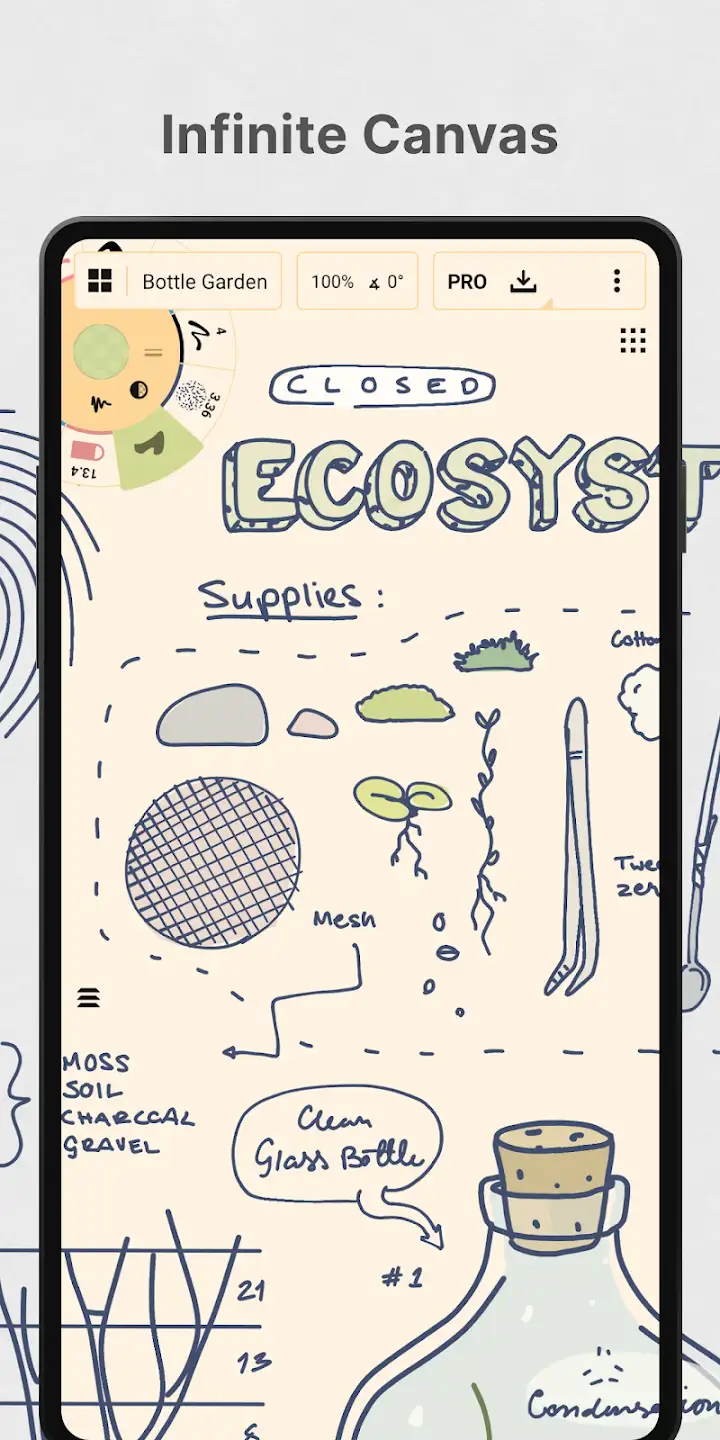
- Infinite canvas with various paper templates
- Tool wheel that you can customize with your favorite tools and presets
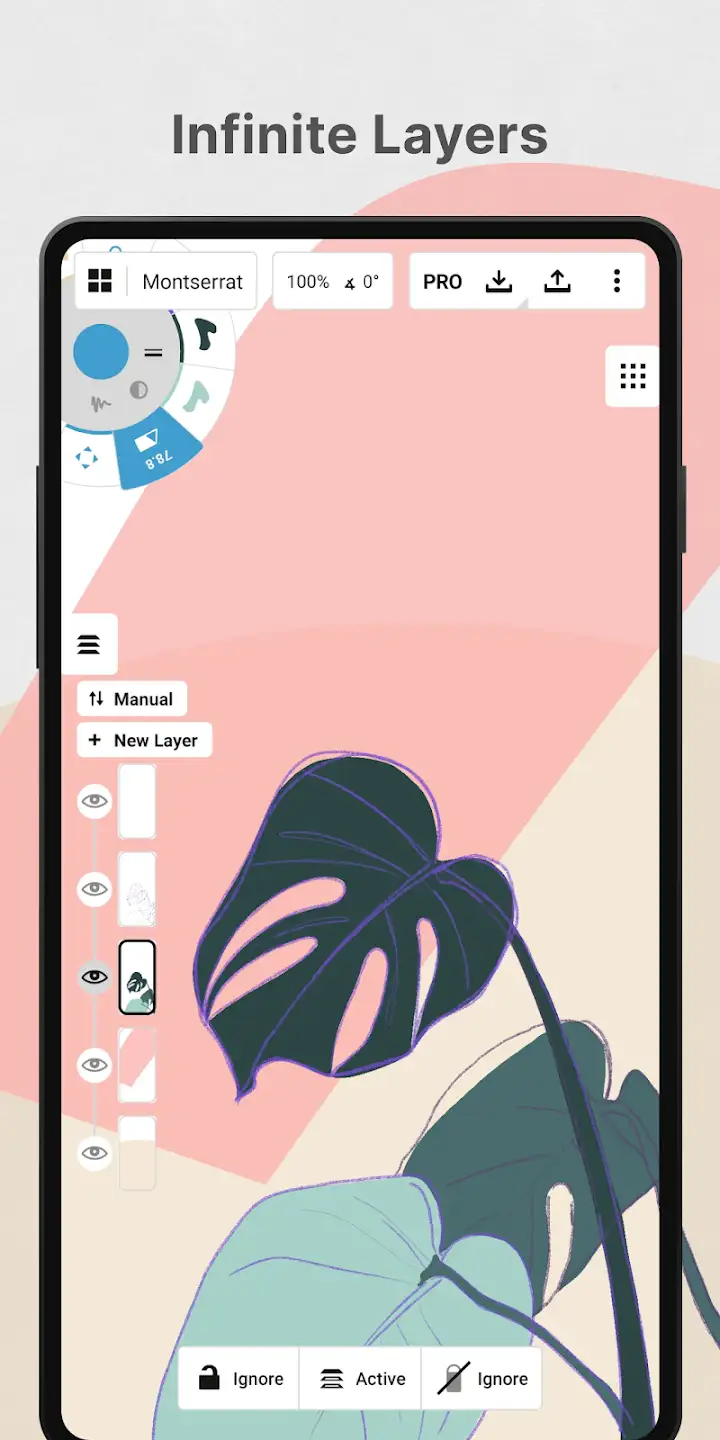
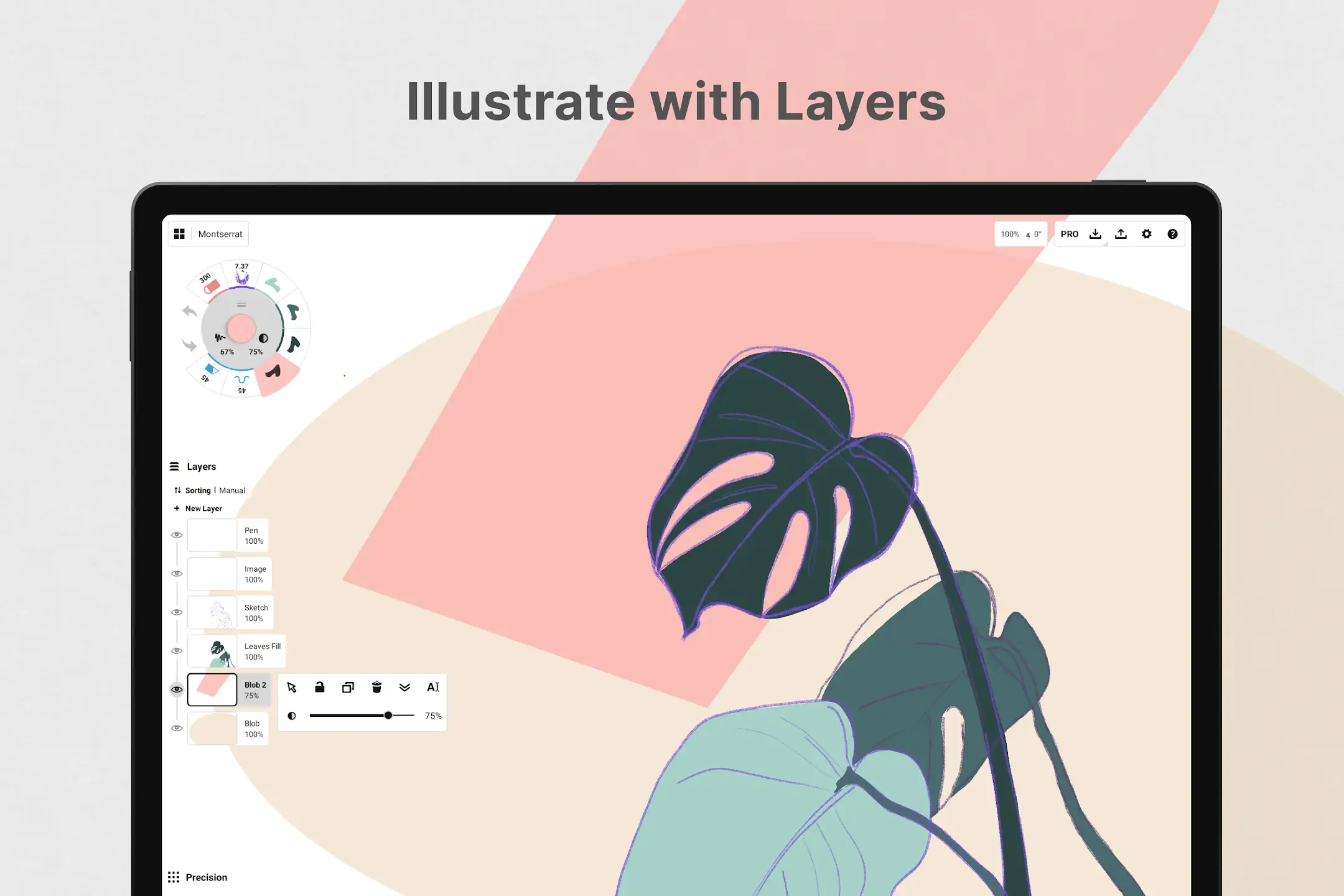
- Infinite layering system with adjustable opacity for each layer
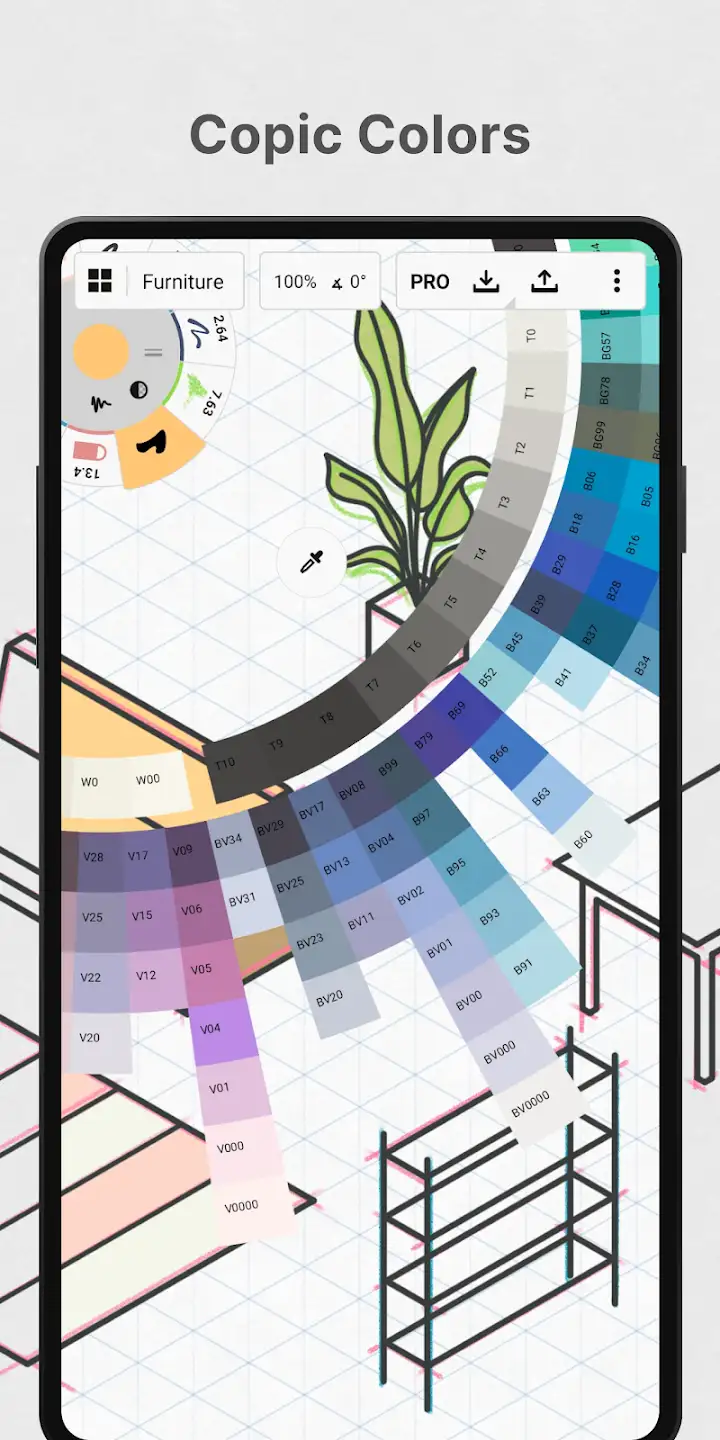
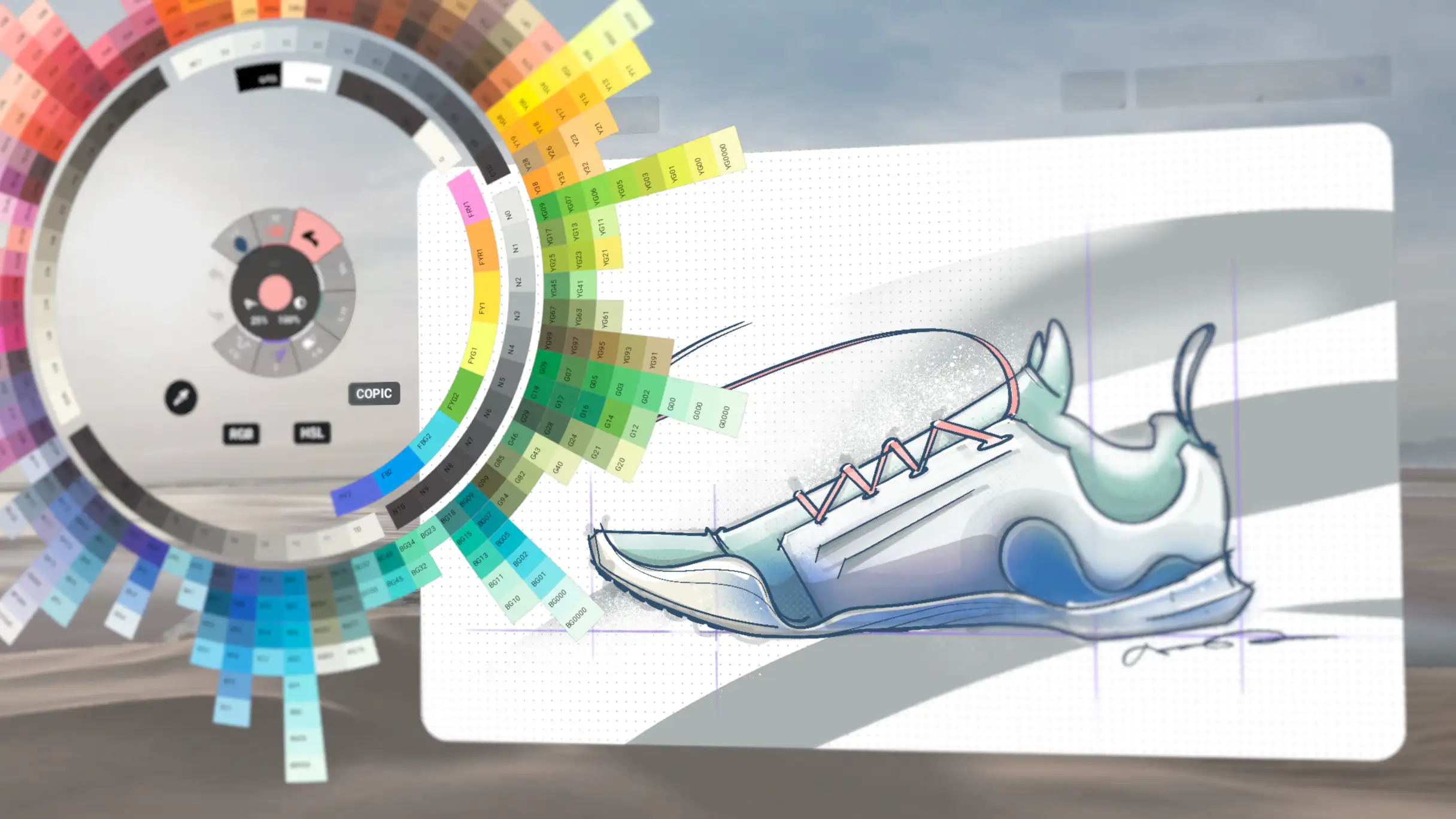
- COPIC color wheel that shows which colors combine best together
- Flexible vector-based design – with adjustable color, size, opacity, and more
- Full customization of everything (canvas, tools, etc.)
- Ability to copy and recreate designs in the app gallery
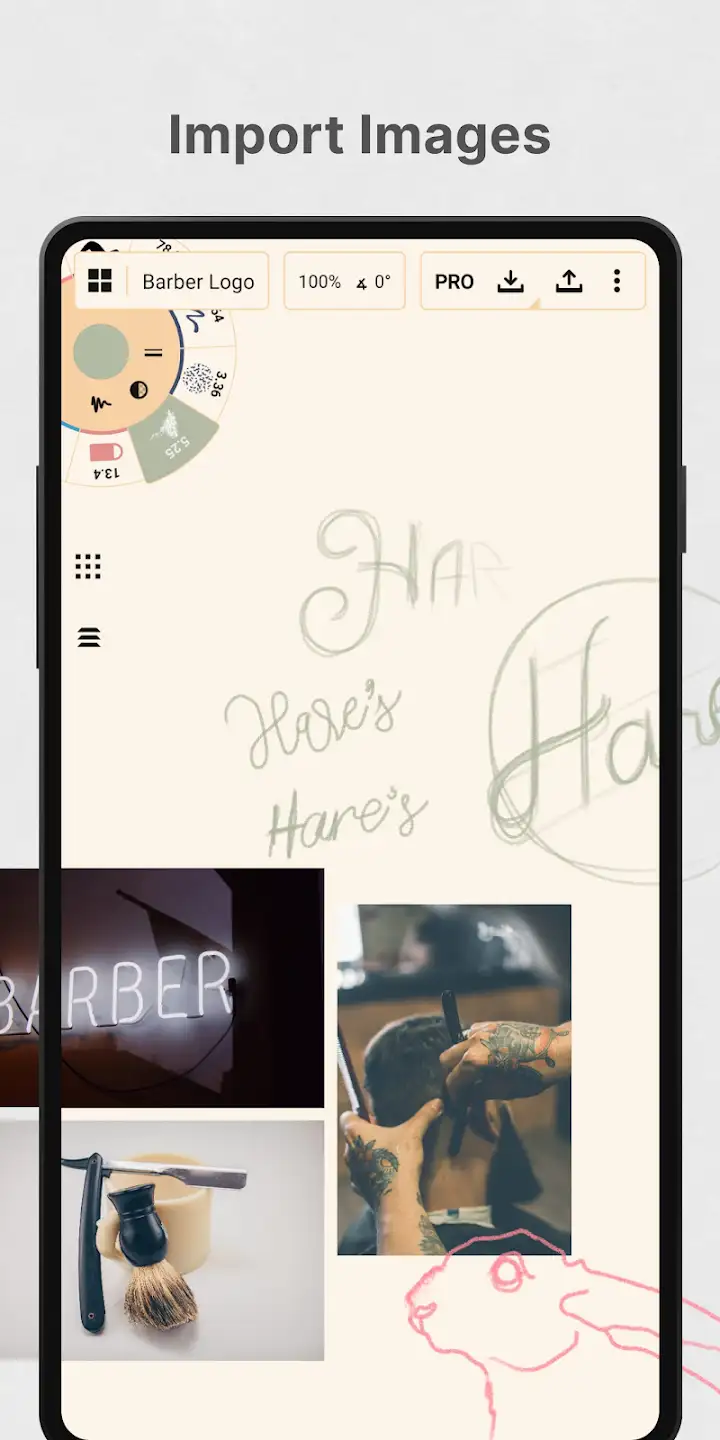
- Drag and drop designs on the canvas
- Export your work in the best quality and JPG format
Concepts: Sketch, Note, Draw has earned a rating 4.4 out of 5.0 from Google Play users. You can now download the subscription version of this app with all features and capabilities completely free from DroidCove. This app is introduced at your request, and the most complete version is now available for you.



![KineMaster 8.1.13 – Powerful Video Editor for Android [Update]](https://droidcove.com/wp-content/uploads/2026/06/KineMaster-Logo-1-100x100.webp "KineMaster 8.1.13 - Powerful Video Editor for Android [Update] 5")

