


MetaMask – Buy, Send and Swap Crypto v7.81.0 – MetaMask – Buy, Send and Swap Digital Cryptocurrencies
Install the original, official, and authentic MetaMask wallet app package for mobile
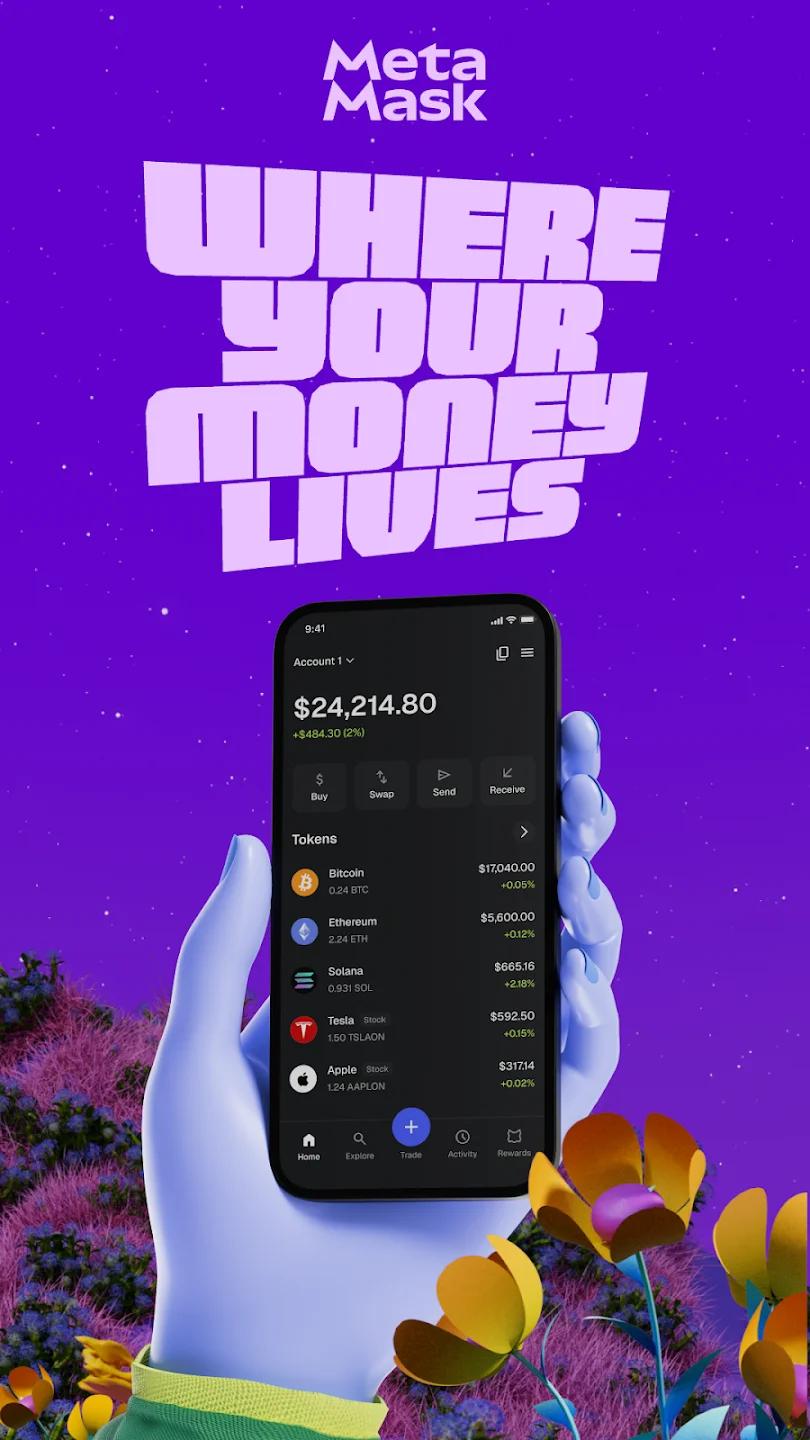
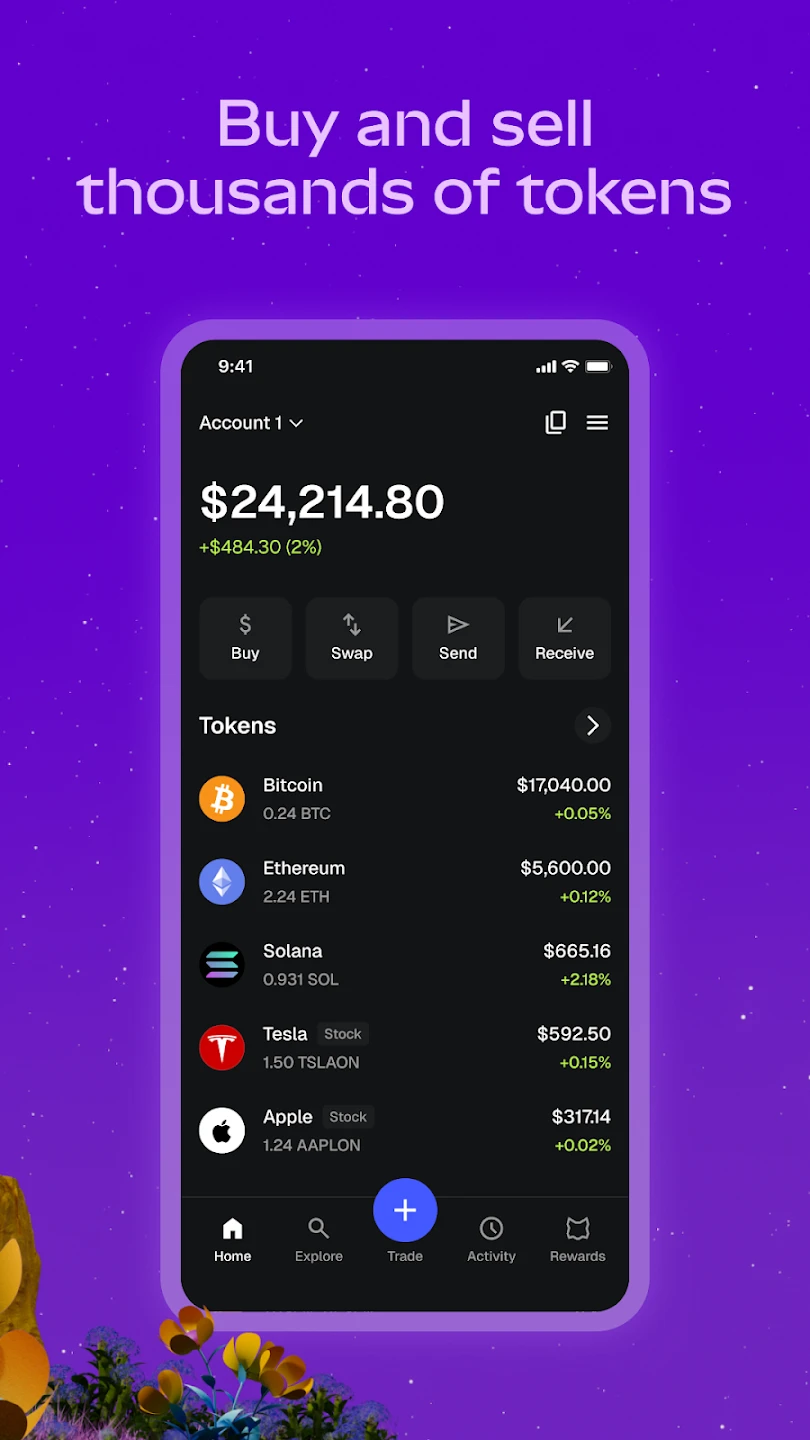
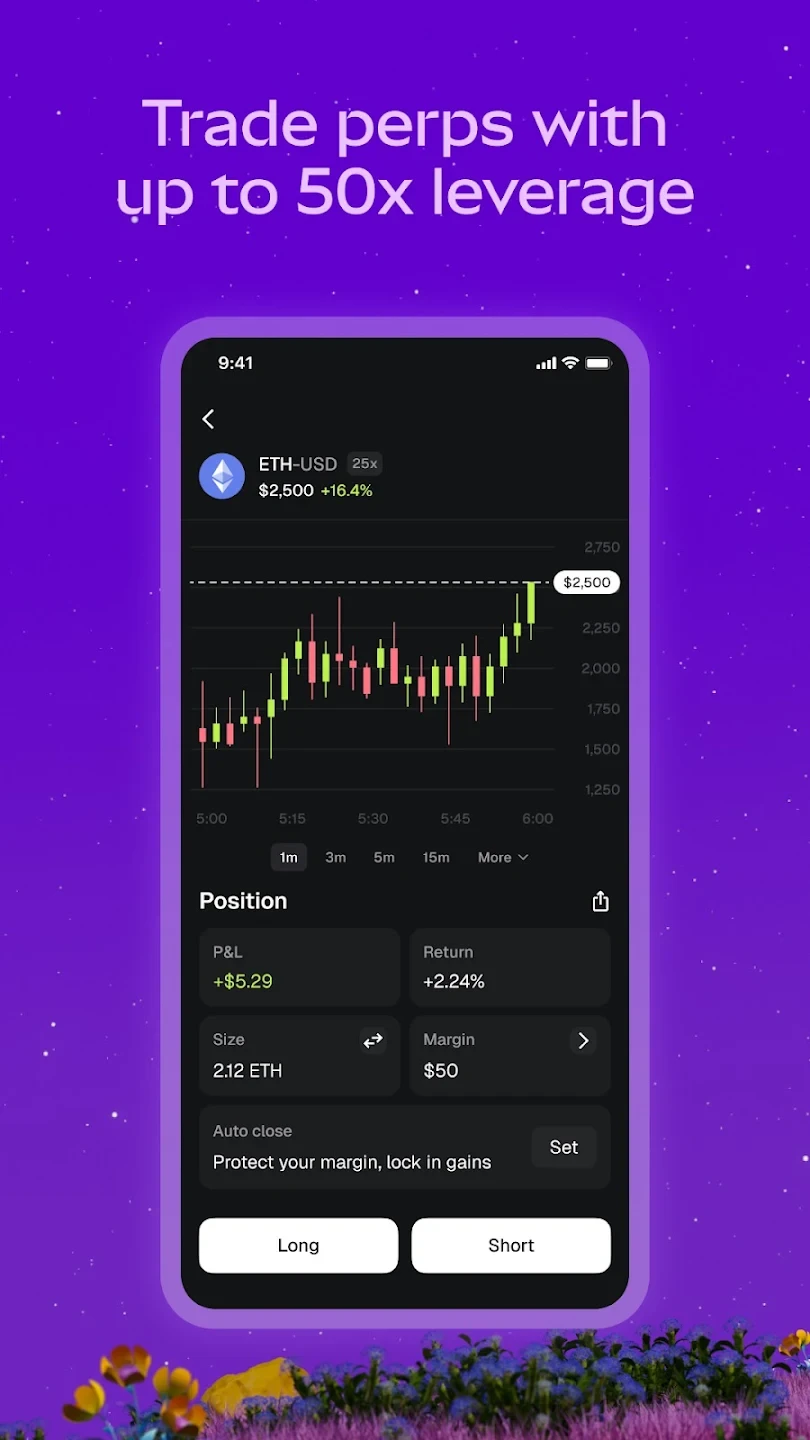
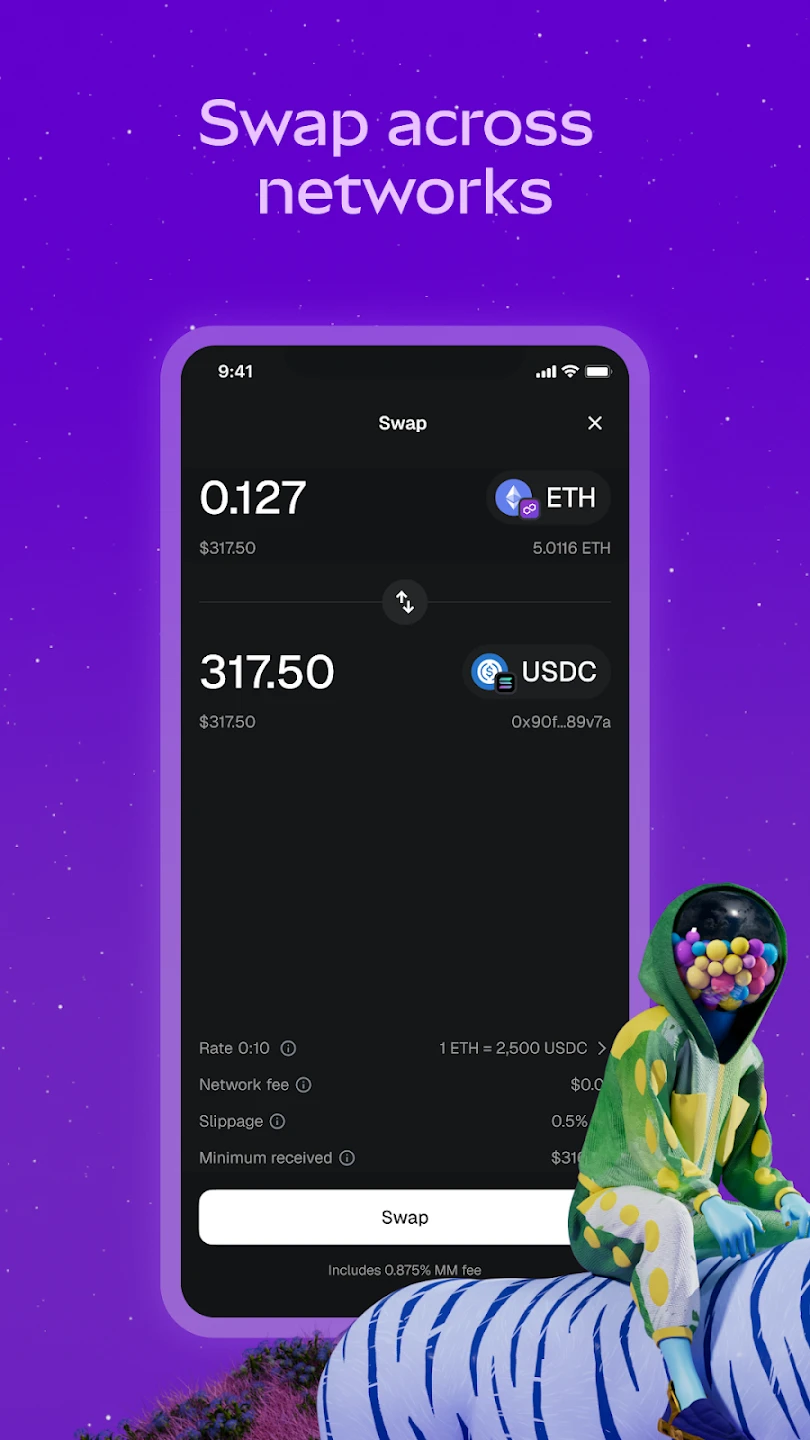
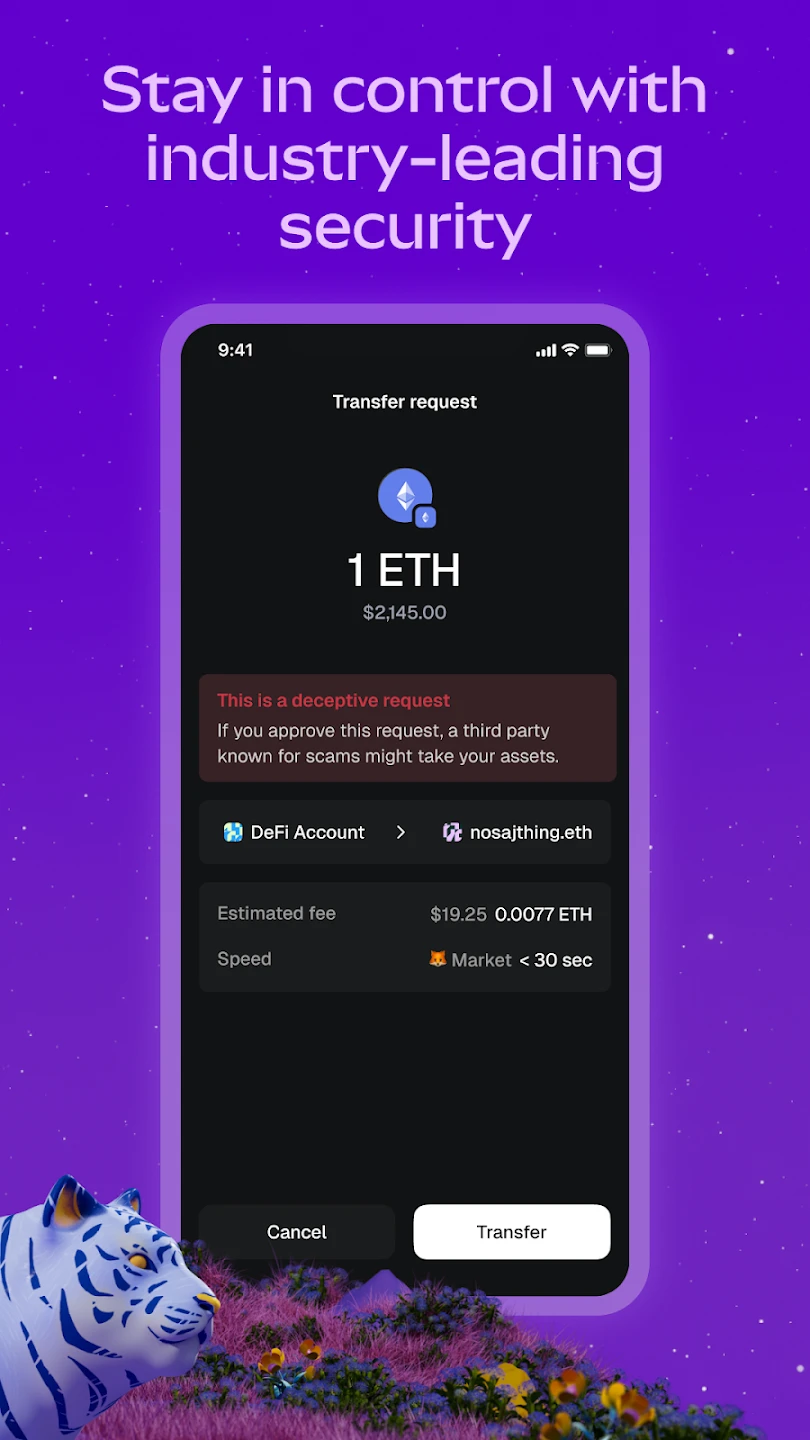
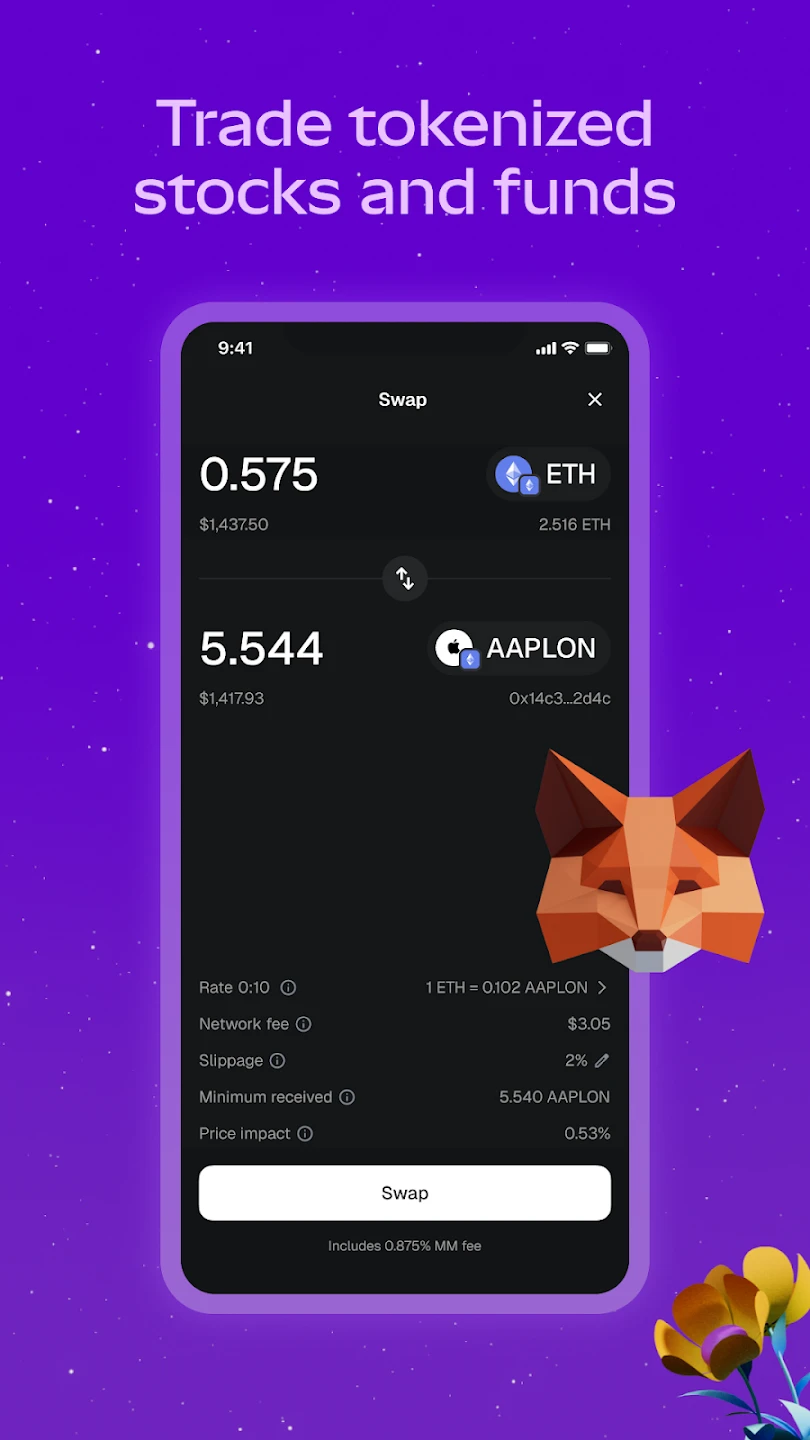
MetaMask is a secure and reliable wallet app with a range of useful features such as an exchange, developed by ConsenSys for Android. Whether you are a professional user or a beginner new to the world of digital currencies and blockchain, the MetaMask app helps you connect to the new generation of the internet, the decentralized web. The MetaMask – Buy, Send and Swap Crypto app is a professional browser; it is also a type of digital wallet that allows you to easily buy, send, swap, or store your digital assets. This digital wallet provides a platform for users to sell their digital assets to others under any circumstances. The main advantage of the MetaMask digital wallet is that users can securely and reliably trade digital assets, lend, borrow, play various online games, publish text and video content, purchase rare digital art, and much more on the web. With the powerful MetaMask app, you can manage and control your digital assets at any time. For enhanced user security, safe login conditions are provided. Only after logging into the vault can users control, manage, swap, buy, and sell assets. To access this platform, users must download and install the appropriate version according to their phone’s operating system; then they must choose a suitable username and password. At this stage, you must enter a valid email address; remember that your email must be valid so that in case of password loss or any other issue, you can recover your account via email. Keep your username and password in a safe place and never share this information with others. Through the MetaMask – Buy, Send and Swap Crypto app, identify and connect to trusted decentralized websites. This app allows you to easily control which information should be shared with other users and which should remain completely private.
The MetaMask app is available for installation on both mobile and desktop. To explain how to use the MetaMask digital wallet balance, the app by default only supports the Ethereum unit. However, if you encounter another token name in the address section and want to use it, it is better to take control and manage this step yourself. Open the MetaMask app and click on the Add Tokens option. A window will open for you. At this stage, click on the Custom Token phrase. After completing these steps, you can enter the address of the token you want to use, and the token will be displayed for you. Undoubtedly, the introduction of cryptocurrencies has caused a major transformation in the global economic system. Many critics believe that using cryptocurrencies provides the necessary platform to decentralize the economic system. Bitcoin was the first cryptocurrency to enter the global market and secured its position among users. After that, various cryptocurrencies entered the scene, each with different advantages and disadvantages. The most important point in the digital market is to use a reliable wallet with easy access. The MetaMask – Buy, Send and Swap Crypto wallet app offers very easy access and provides a platform where users can perform various activities including asset management, content publishing, online gaming, and purchasing digital art. As an Android smartphone owner, you can download the latest version of this app from the well-known and reputable DroidCove website. We always provide the latest version of the MetaMask Android app as an original package and 100% secure.



![KineMaster 8.1.13 – Powerful Video Editor for Android [Update]](https://droidcove.com/wp-content/uploads/2026/06/KineMaster-Logo-1-100x100.webp "KineMaster 8.1.13 - Powerful Video Editor for Android [Update] 5")

