

Download Google Translate: Google’s Official App for Accurate and Clean Text Translation
Install the latest updated Google Translate mobile app for free with direct APK link
Our recommended app for text and image translation
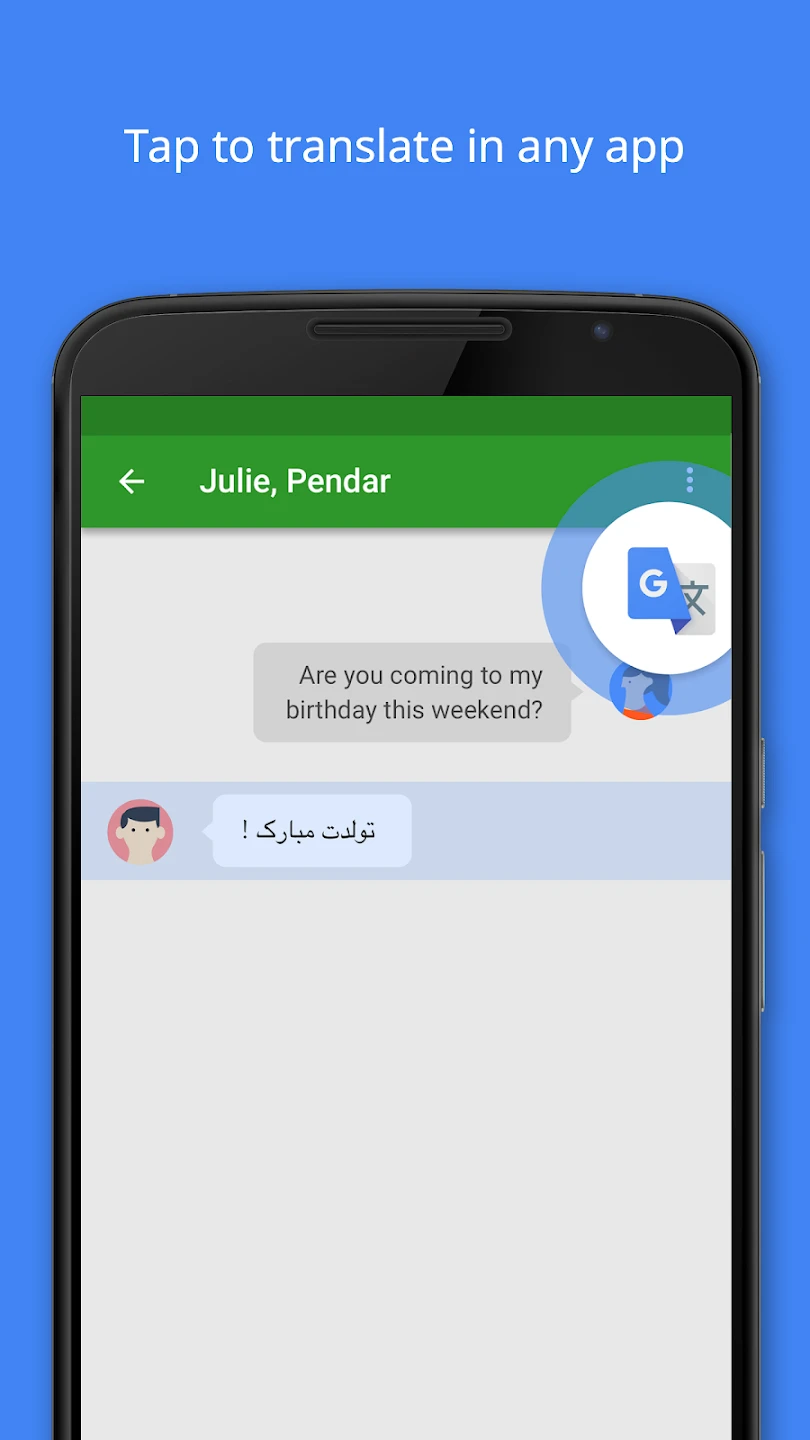
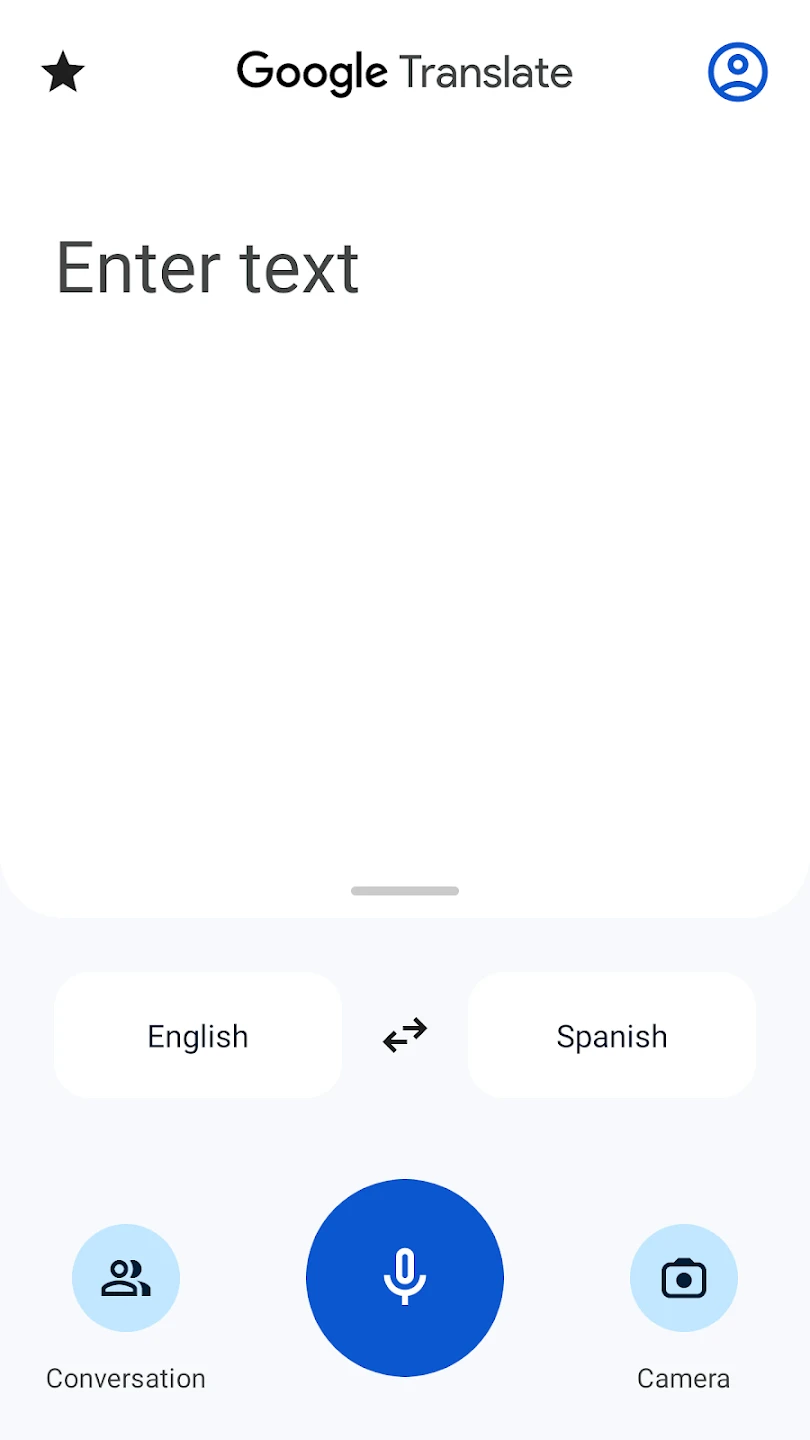
Google Translate is a service from Google that allows you to translate your texts or websites and view your desired text in the target language. Due to its simple and professional user interface and services, it is recognized as a powerful translator. Since it is designed by Google, it has high credibility among users. In this service, you can copy or type your texts and view them in over 100 living languages worldwide, and the service can automatically detect the language of your text. Google Translate also offers the ability to listen to your translated text aloud! The official Google Translate app is available for various operating systems, including Android, so users who need a strong translator can easily use this service on their Android smartphones! By installing Google Translate on your Android device, you will have access to a professional and complete translator for your texts and can quickly translate your desired text into living languages anytime and anywhere!
Features of the Google Translate Android app:
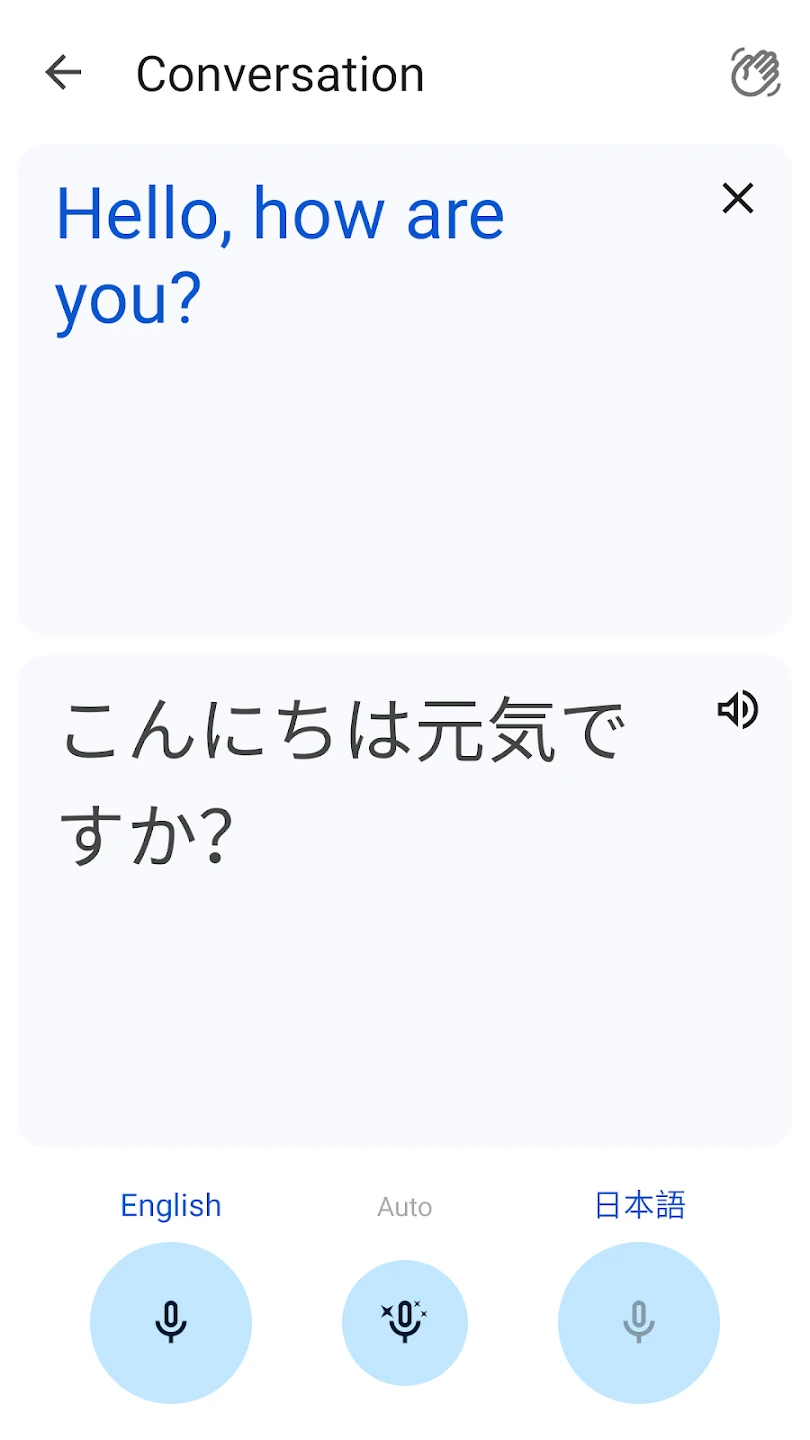
- Live conversation translation with automatic language detection and real-time two-way synchronization
- Powerful offline mode with compressed packages and very high processing speed
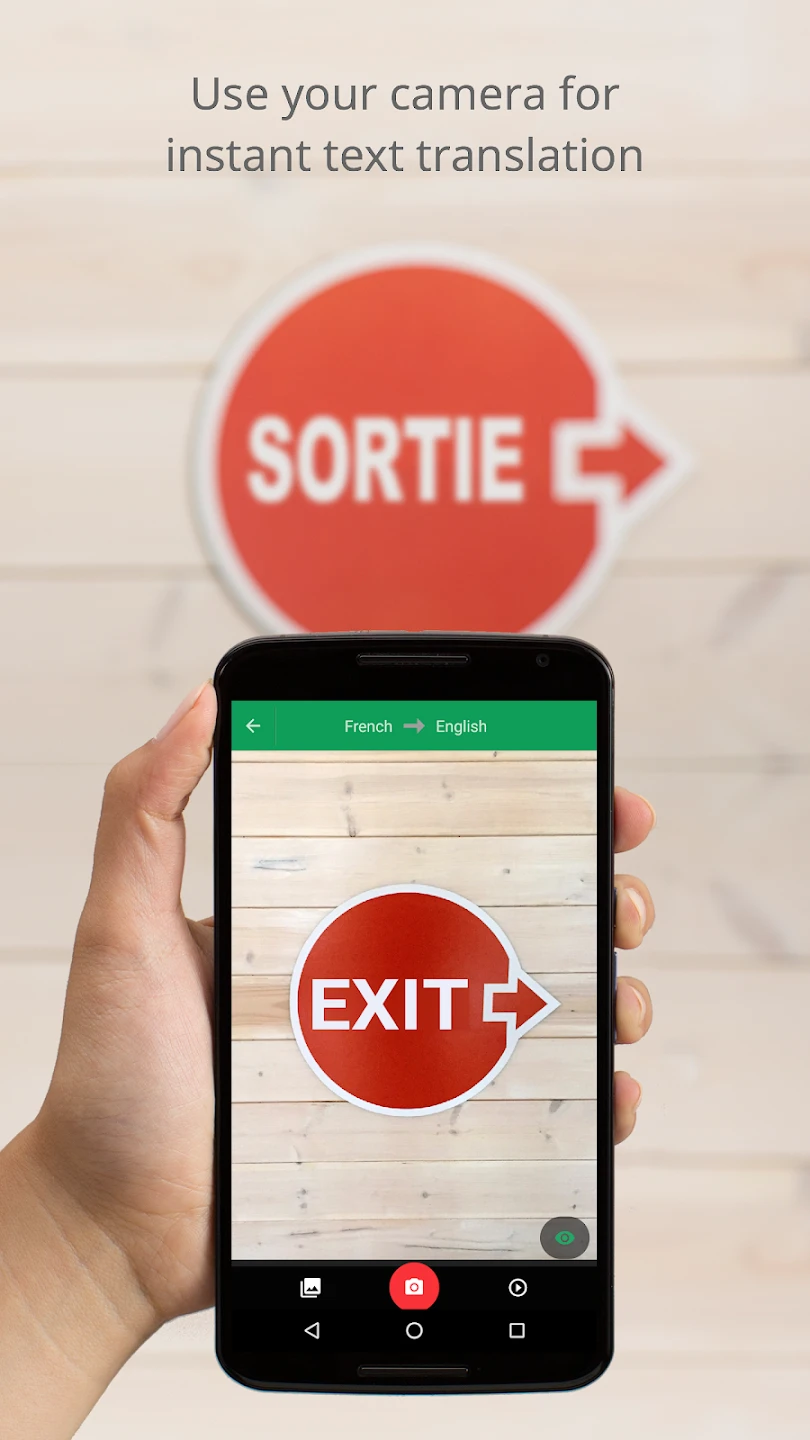
- Instant image translation with camera and intelligent recognition of complex environmental texts
- Two-way conversation mode with a simple interface and fast, accurate responses
- Smart vocabulary suggestions based on sentence context and user writing style
- Cloud synchronization for saving translations and easy access across devices
- Natural pronunciation with various accents and adjustable reading speed
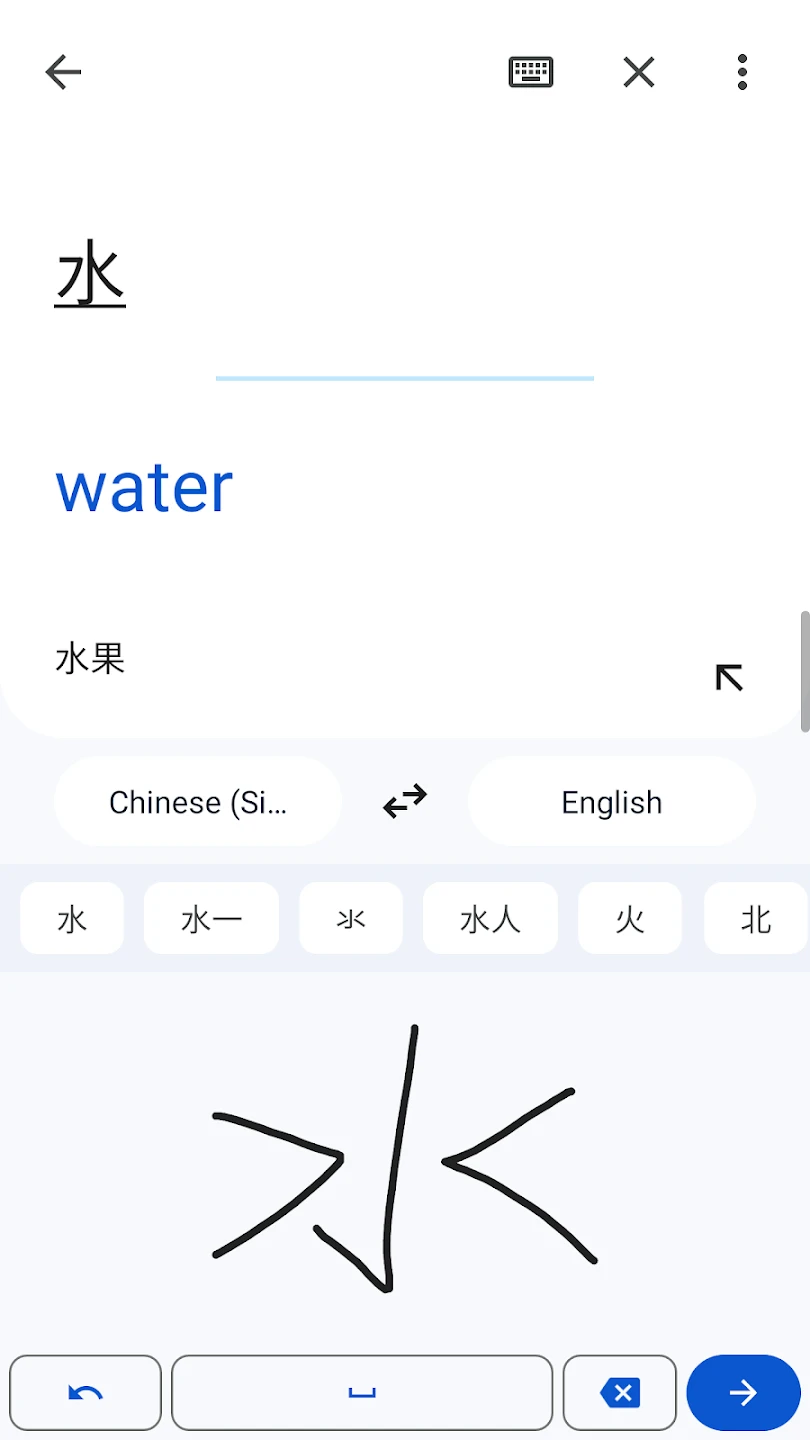
- Handwriting translation with precise line recognition and quick conversion to standard text
- Support for rare languages with continuous improvement in translation quality
- Full-screen mode for quick translation of long texts and smooth scrolling
- Ability to save favorite phrases and create a personal translation notebook
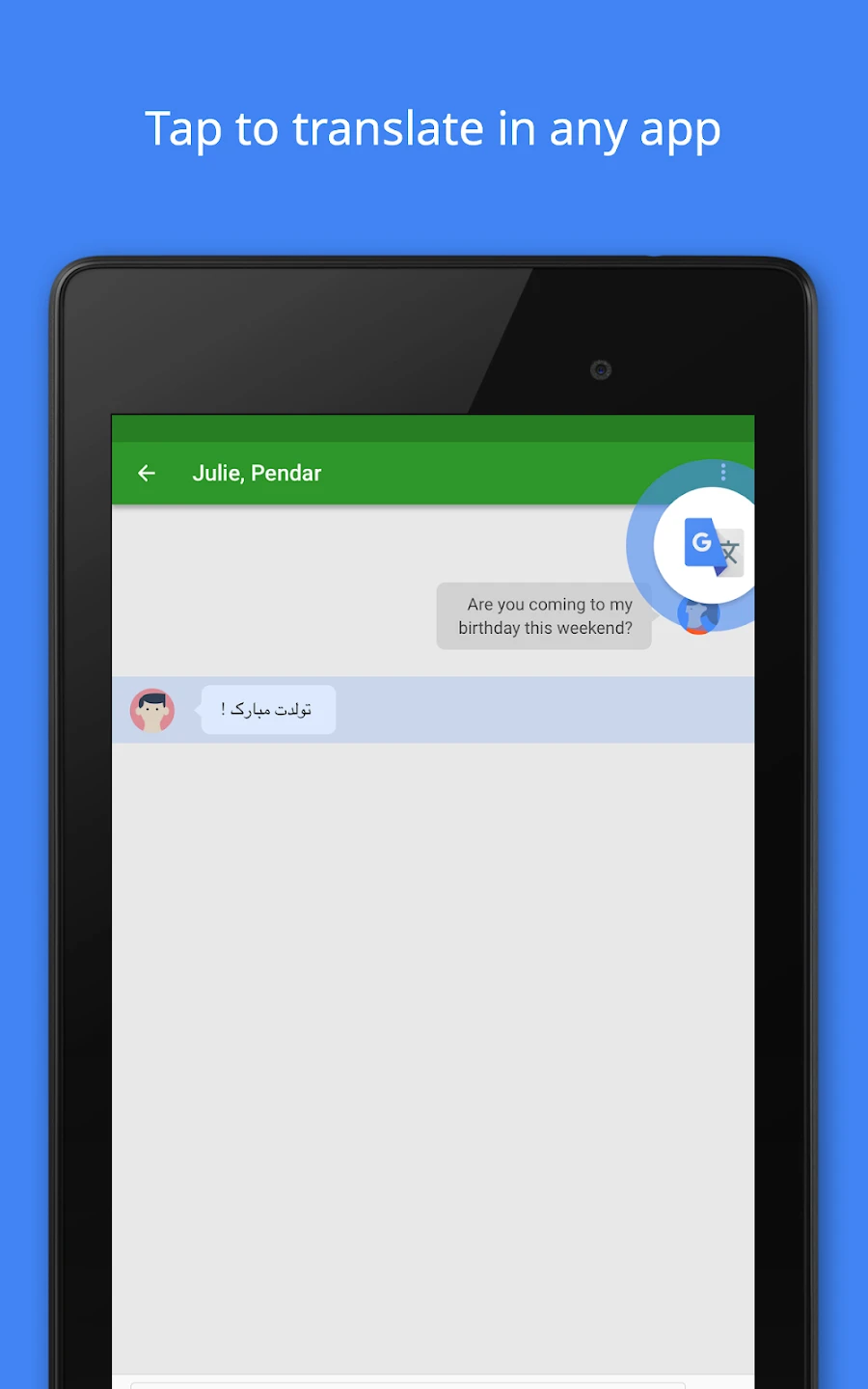
- Automatic text recognition from screenshots with instant and practical translation
You may have seen a word or sentence somewhere and wanted to know its meaning. In such cases, when you don’t have a translator with you, you should turn to text translation services! There are dozens of different translation apps, but Google Translate is the best and most popular. You don’t need to do anything special; just enter your text in the provided box, and Google will intelligently detect the language of the entered text. Then select your desired language, and the service will convert your text to the selected language! You might wonder how you can type languages like Korean, Chinese, etc. Google Translate has thought of that too! Just point your device’s camera at the text and take a picture! Yes, after taking a photo of your text and introducing it to the app, you will see the text inside the app and translate it without typing a single word. If you think you might be in a place without internet access and will need this app, download the language data from settings to enable offline text translation! With these explanations, you understand that the most complete and best text translation service is in your hands; so don’t hesitate and download the latest Google Translate app update from DroidCove with one click. In the Google Translate app, you can input your text in various ways including voice, handwriting, and camera for translation. Features include saving favorite translations for offline access and support for multiple languages. You can download the latest version of Google Translate directly with one click from DroidCove for your Android smartphone. This version is free and includes all features without needing hacks or modifications. Just download, install, and run the app to translate texts easily in a user-friendly environment.




![KineMaster 8.1.13 – Powerful Video Editor for Android [Update]](https://droidcove.com/wp-content/uploads/2026/06/KineMaster-Logo-1-100x100.webp "KineMaster 8.1.13 - Powerful Video Editor for Android [Update] 5")

