

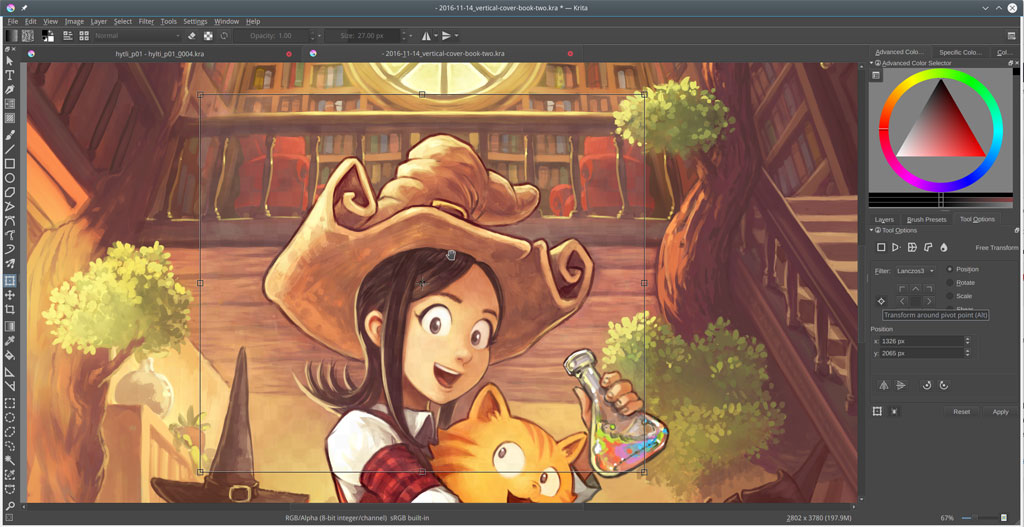
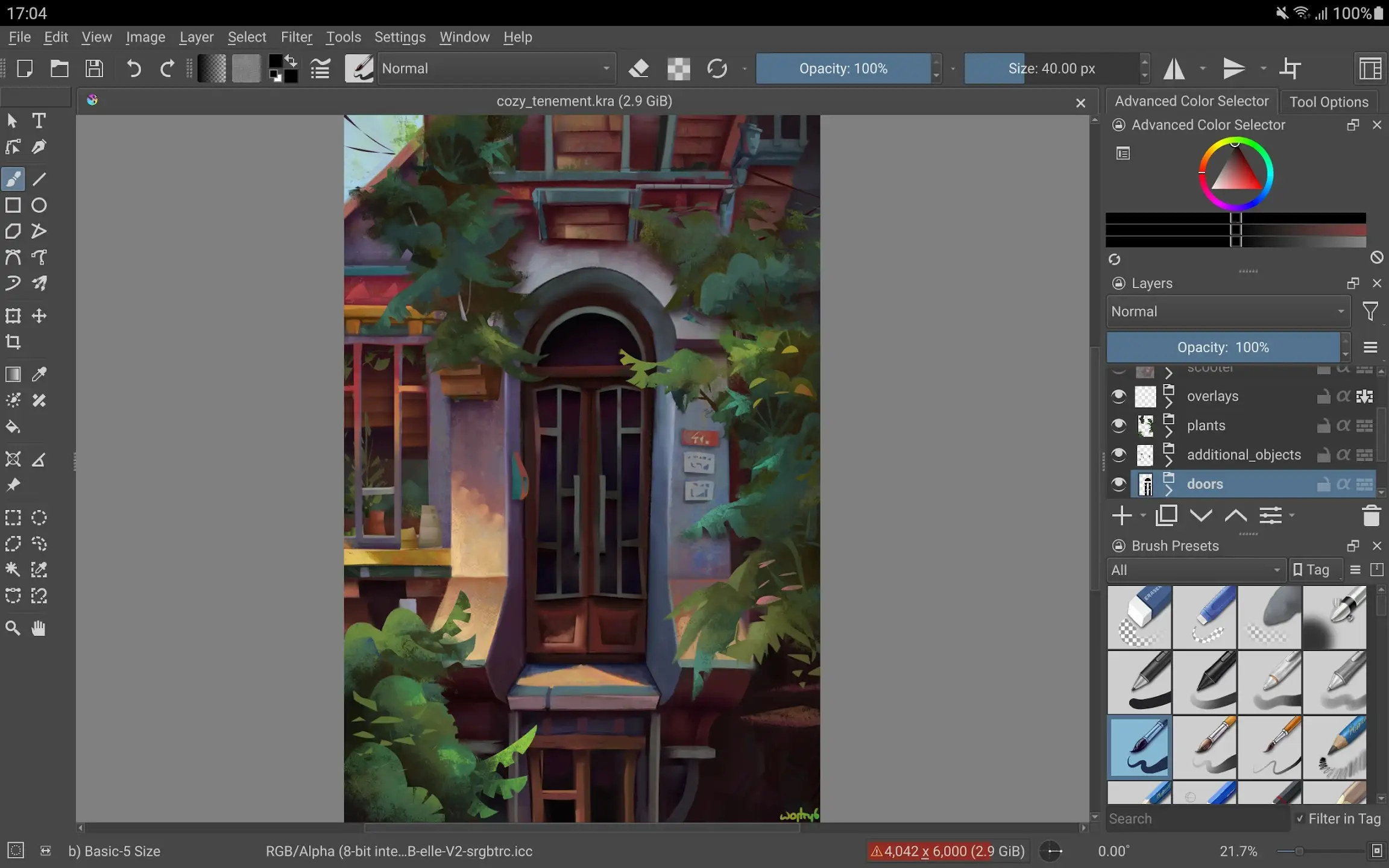
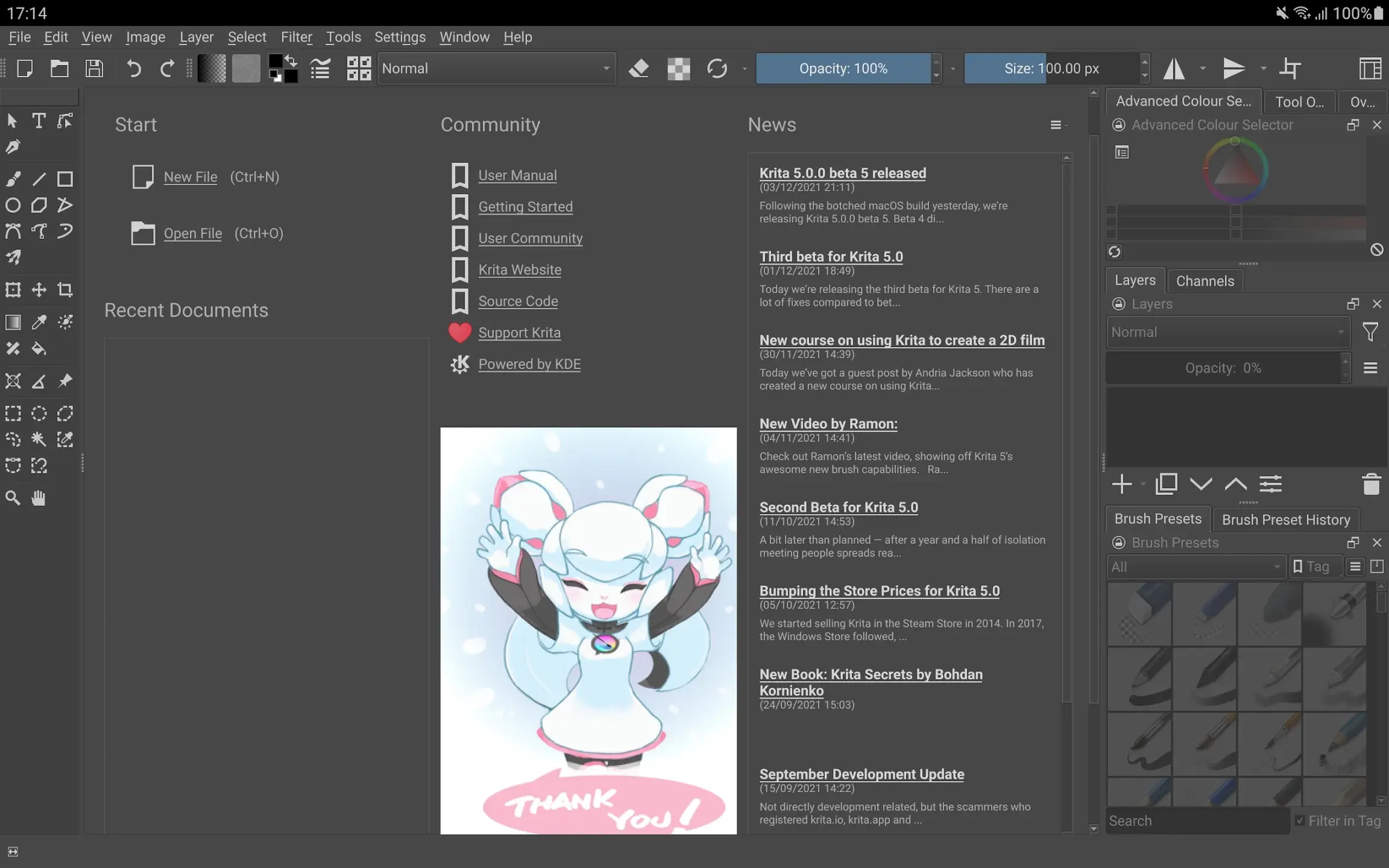
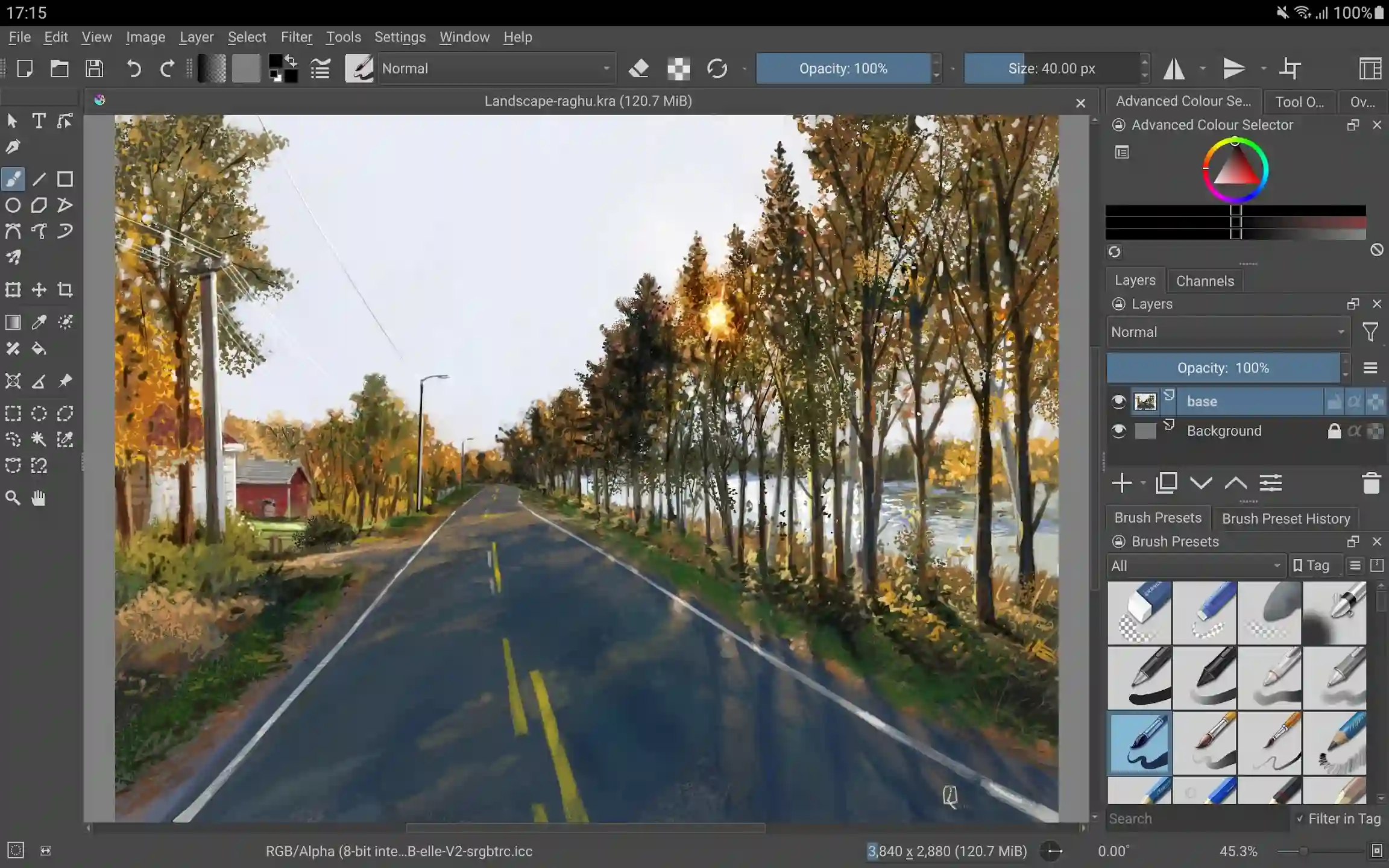
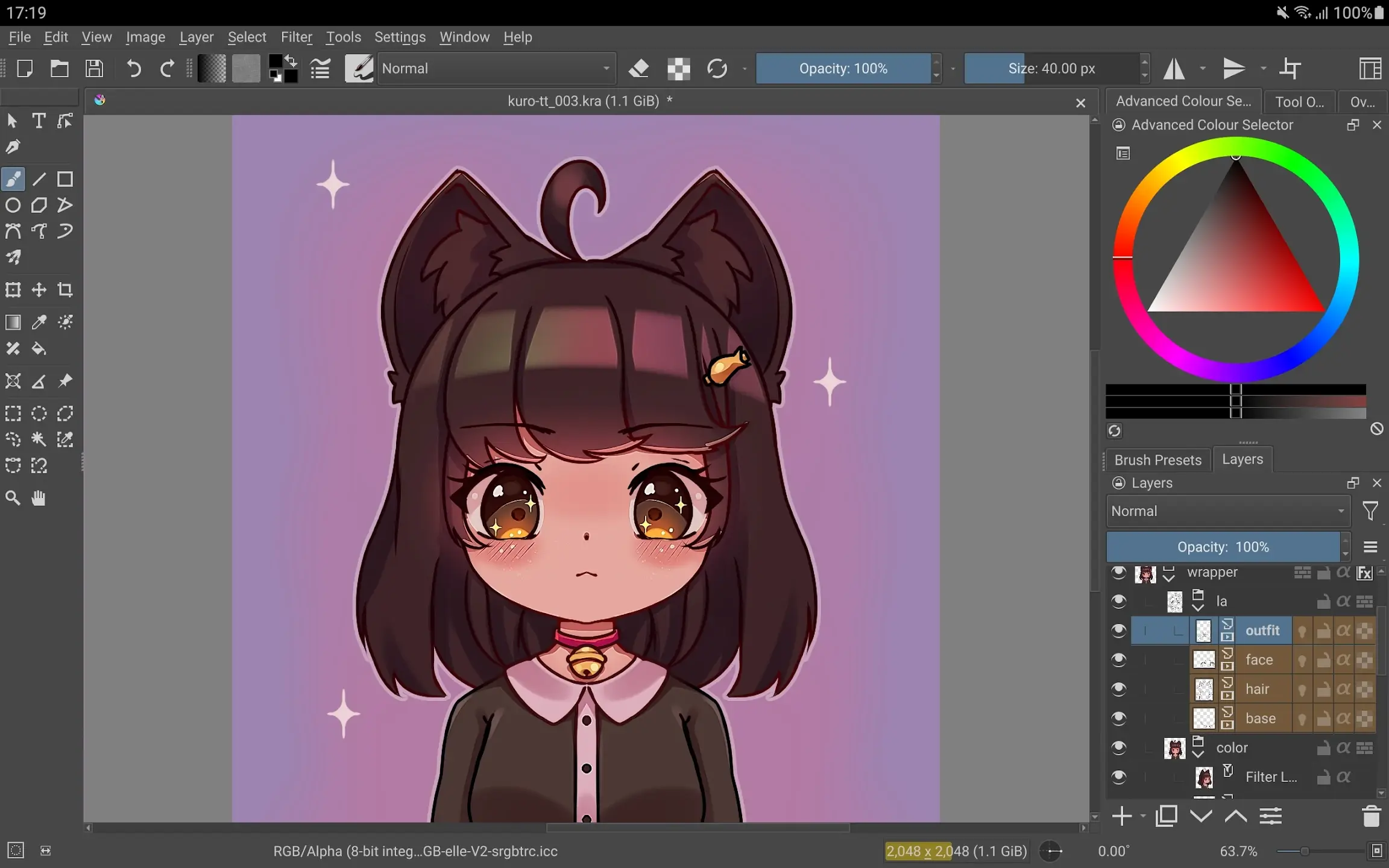
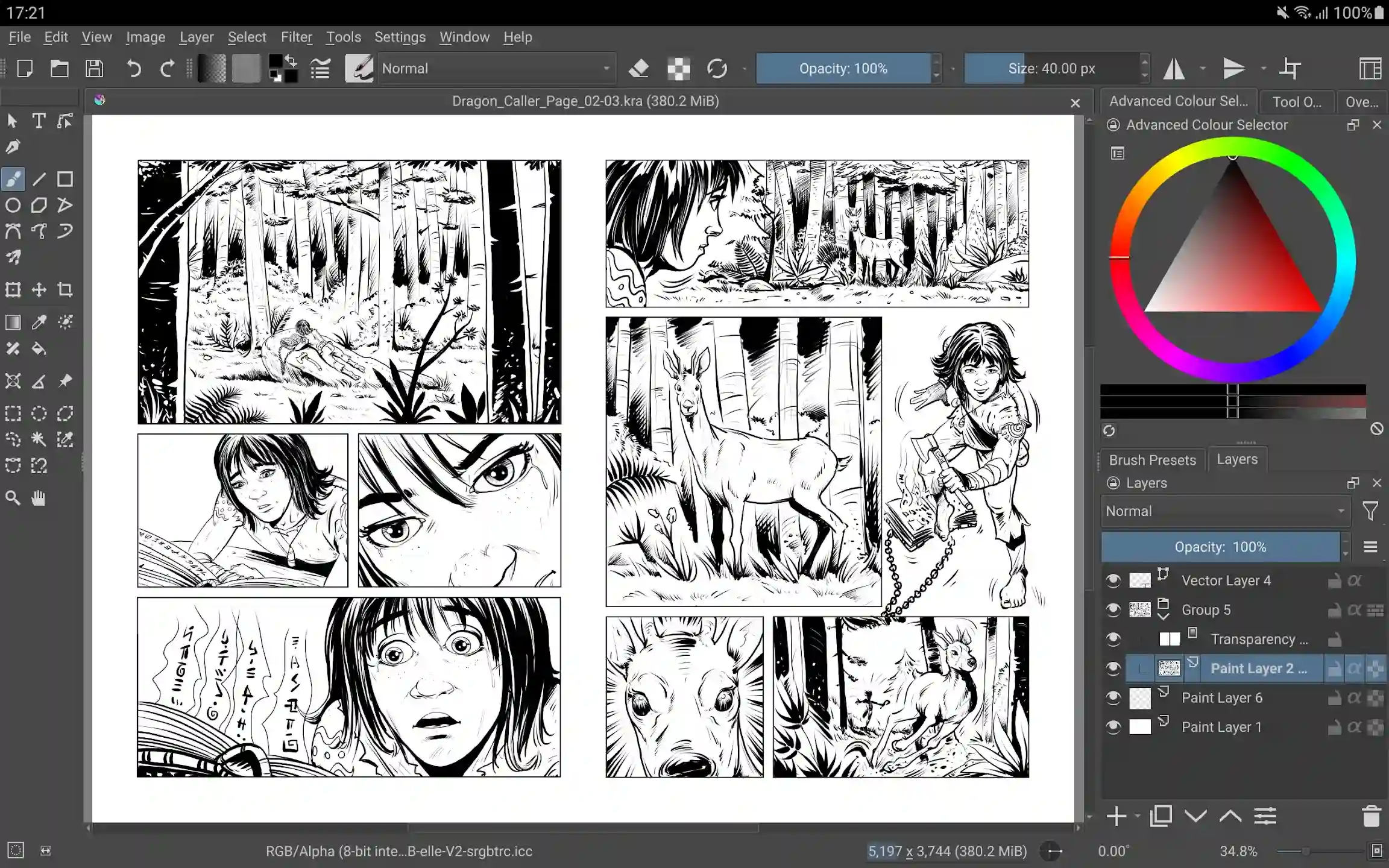
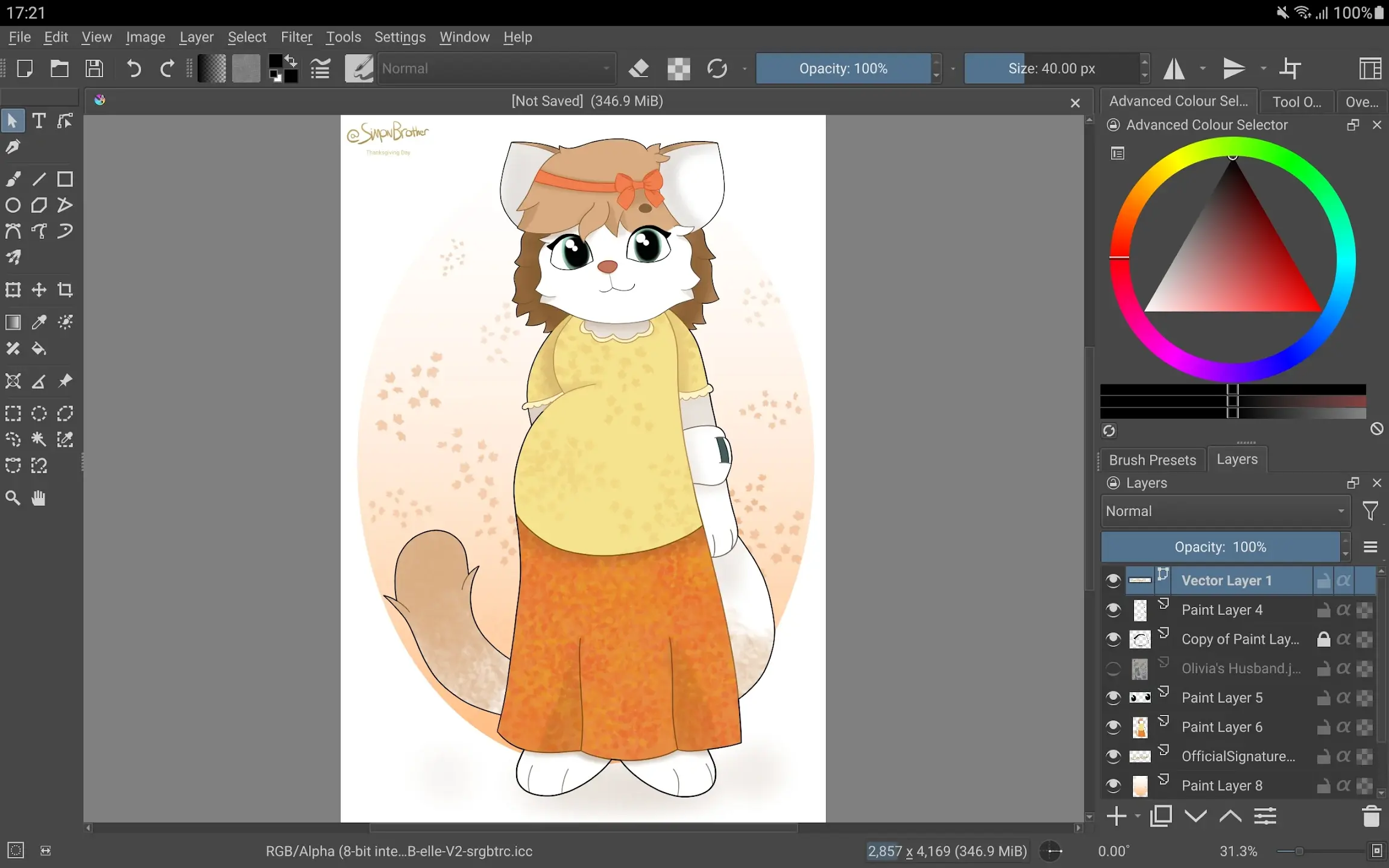
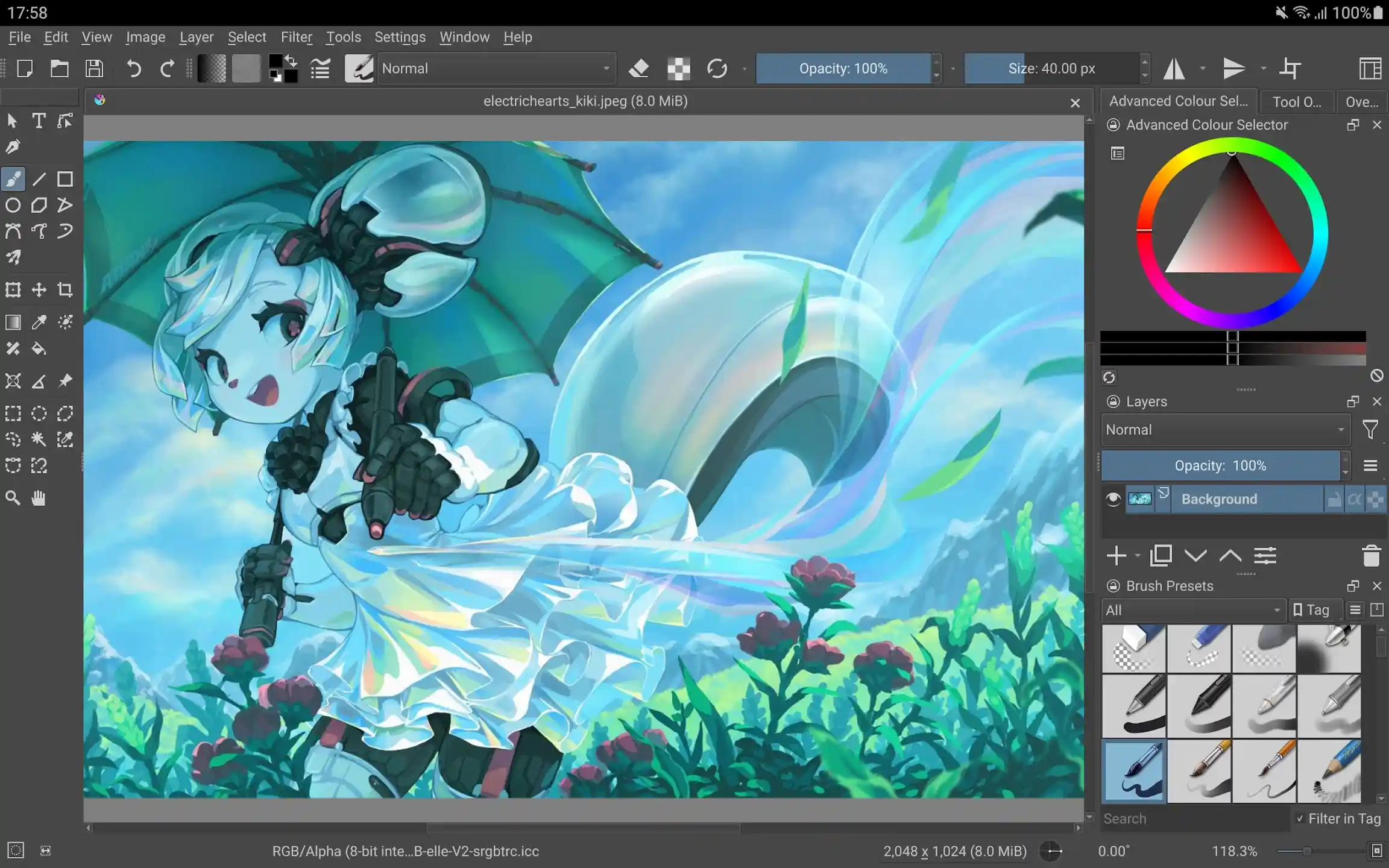
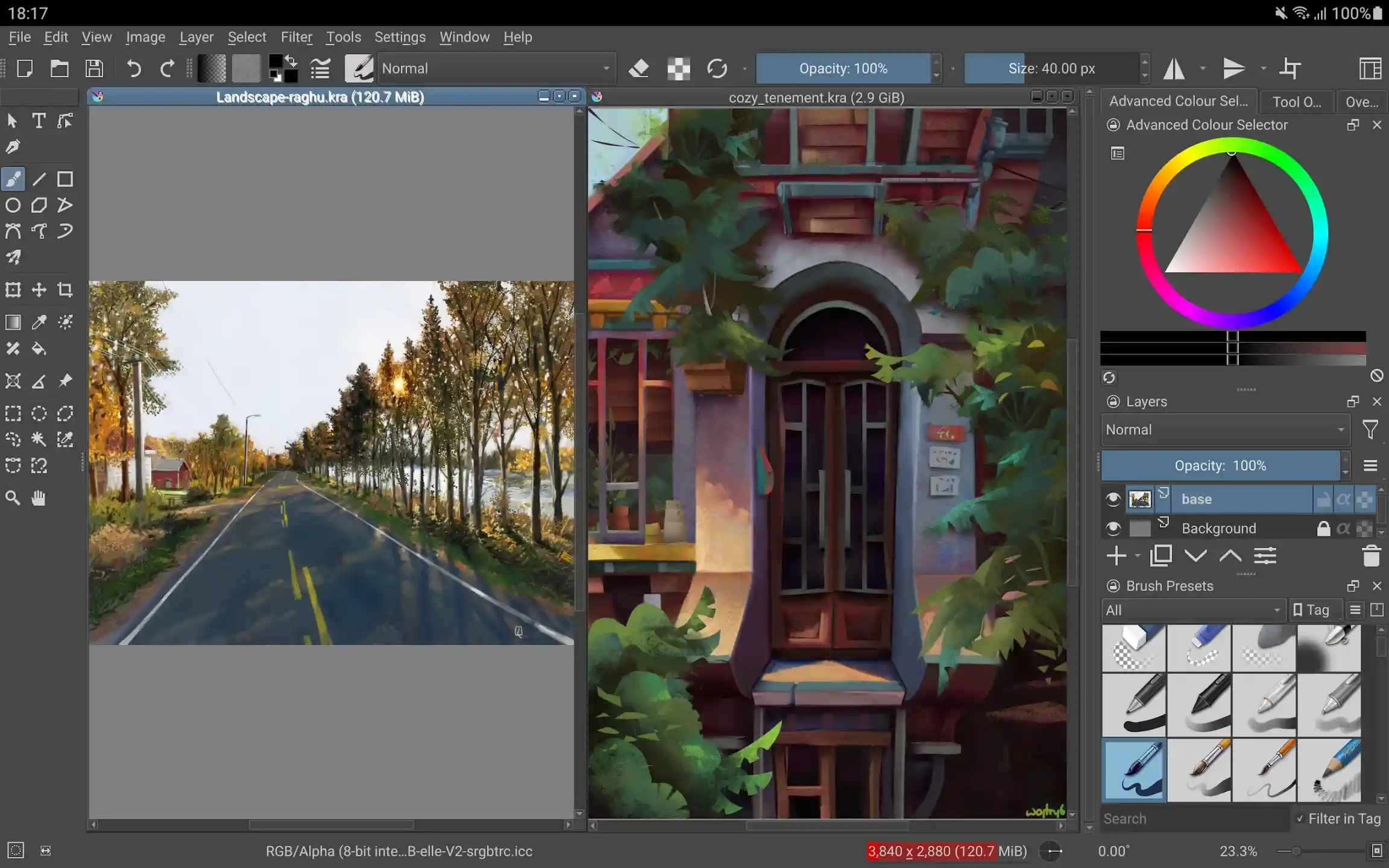
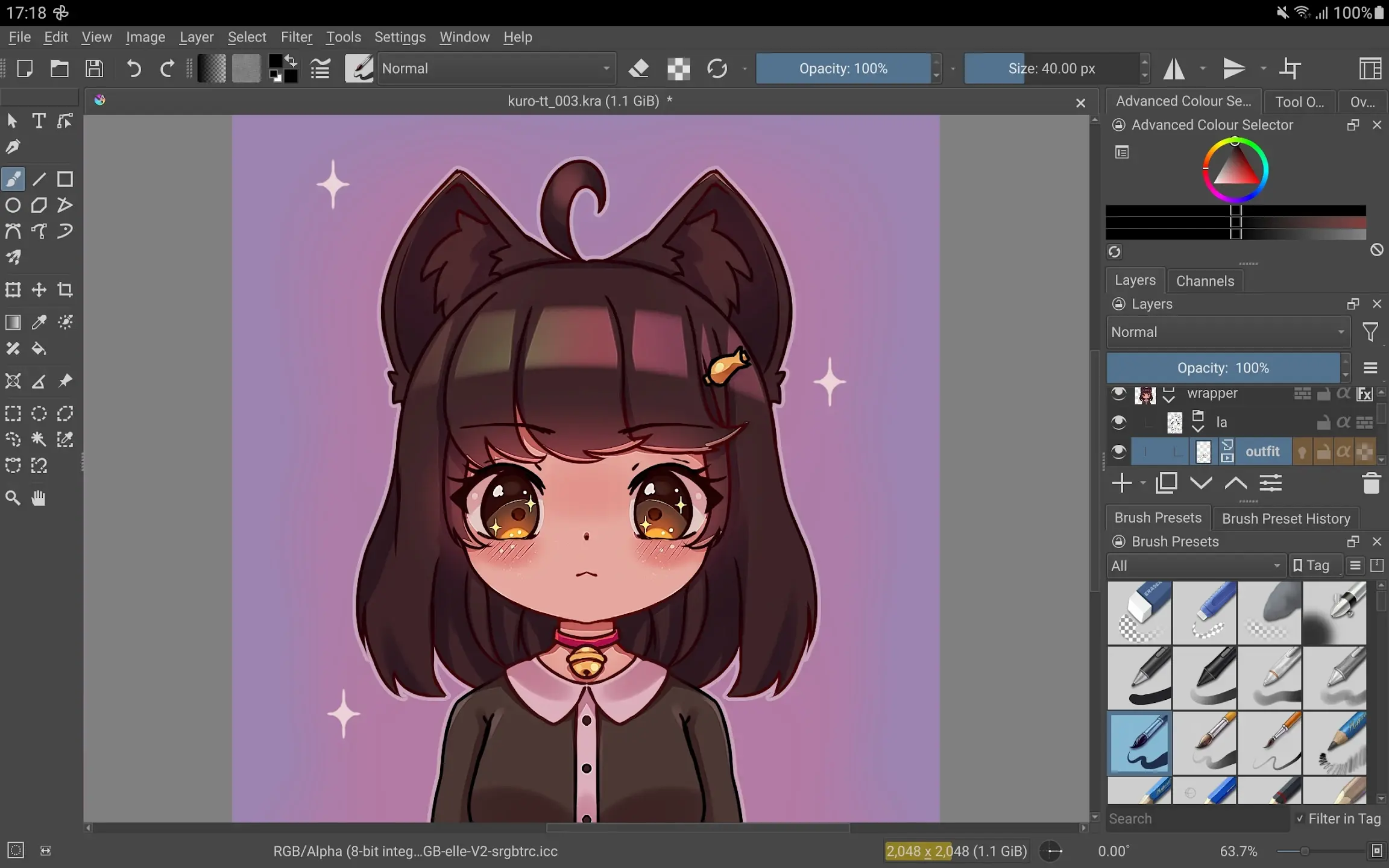
Digital design and painting on computers has a relatively long history, and since the beginning of the 21st century, we have witnessed the emergence of specialized software for this purpose. For years, these programs lacked the power and functionality needed for professional work. However, with technological advancements and the introduction of precise digital pens, software capable of professional use emerged. Krita is one such software that gained great popularity due to its extensive features. The initial version of this software was released in 2005 and has since been available on Linux, Windows, and Mac platforms. Recently, the developer company has decided to enter the mobile operating system market, and today we present the Android version of this program. Krita is an application for professional design and painting on tablets, specifically for the Android operating system, developed by Stichting Krita Foundation and released for free on Google Play. If you have used the desktop version of this program, you will find nothing unfamiliar in the Android version. Everything is located exactly where it was in the desktop version. You can use any type of color scheme, screen size, brush, and more to create professional and creative designs. The user interface is designed to closely resemble Photoshop and Illustrator, so users familiar with those programs will have no trouble transitioning to Krita. Traditional features such as working with layers, grouping layers, editing and copying layers, drag-and-drop menus, customizable layouts, an excellent color picker, a highly efficient settings menu, and extensive configurability are all present in Krita. Please note that Krita is designed for use on tablets, with the optimal experience on 10-inch tablets. A stylus pen is also required to work effectively with the program.
Some features and capabilities of the Krita Android app:
- One of the best and most comprehensive design apps for Android
- Includes all necessary design tools such as various brushes, erasers, color pickers, and more
- Layer-based workflow with support for various layer operations
- User interface closely matches the desktop version of the program
- Supports keyboard connection and shortcut customization for keyboards
- Highly configurable and customizable application
Krita Android app is the mobile version of one of the most popular design and painting software of the past two decades, recently released in its initial version on Google Play. You can now download the official version of this program with all features and capabilities for free from DroidCove. This app has been introduced upon your request.
Note: This app runs properly on tablets with screen sizes of 7 inches and above [most options are not available on mobile phones].



![KineMaster 8.1.13 – Powerful Video Editor for Android [Update]](https://droidcove.com/wp-content/uploads/2026/06/KineMaster-Logo-1-100x100.webp "KineMaster 8.1.13 - Powerful Video Editor for Android [Update] 6")

