

![BlueStacks – Android Emulator for PC [Update]](https://droidcove.com/wp-content/uploads/2026/02/BlueStacks-Logo-3-110x110.png "BlueStacks – Android Emulator for PC [Update] 1")
BlueStacks v5.22.166.1003 – Software for Running Android Games and Apps on PC!
Download the latest update of BlueStacks software for Windows
Get BlueStacks update for laptop
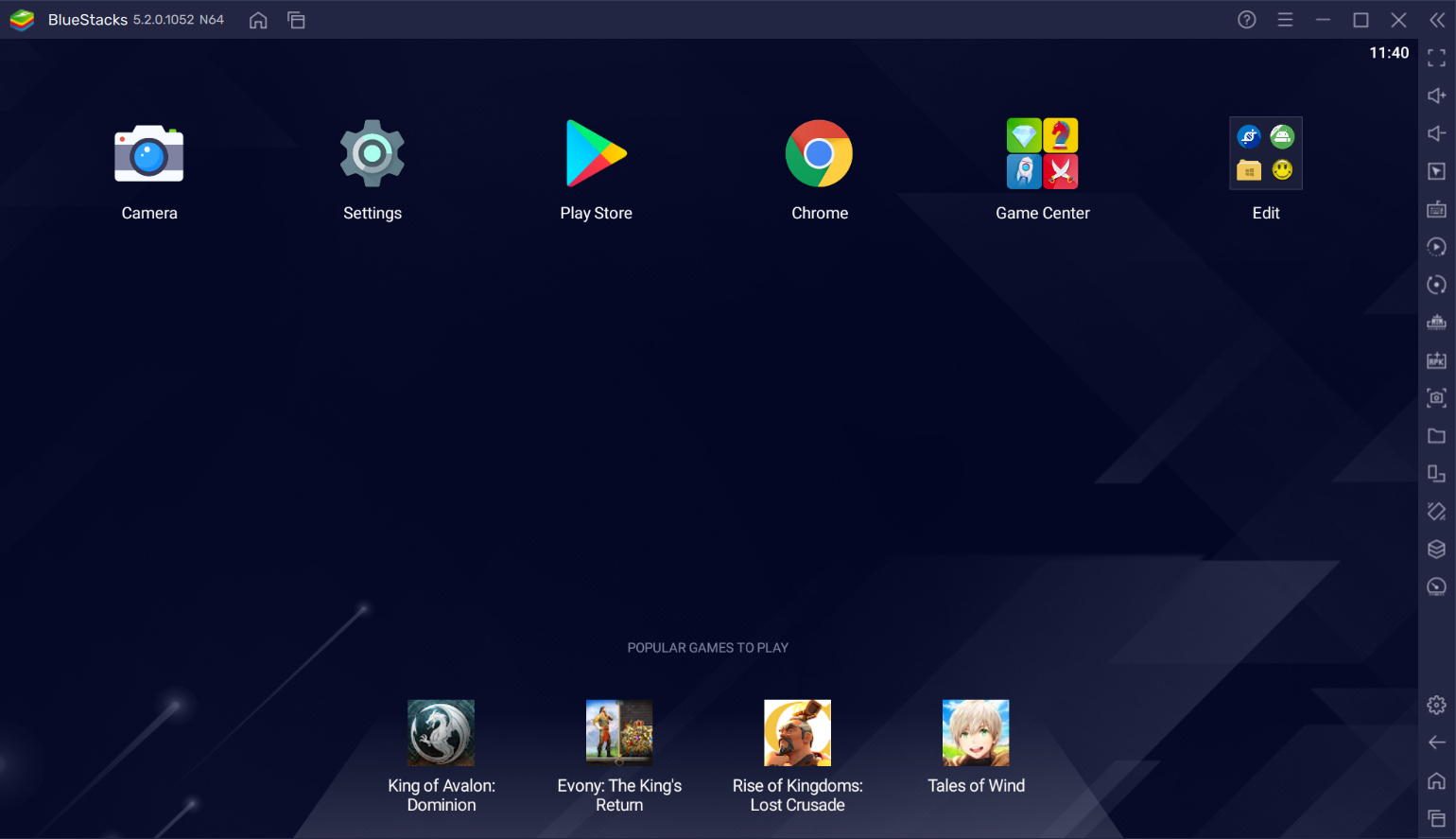
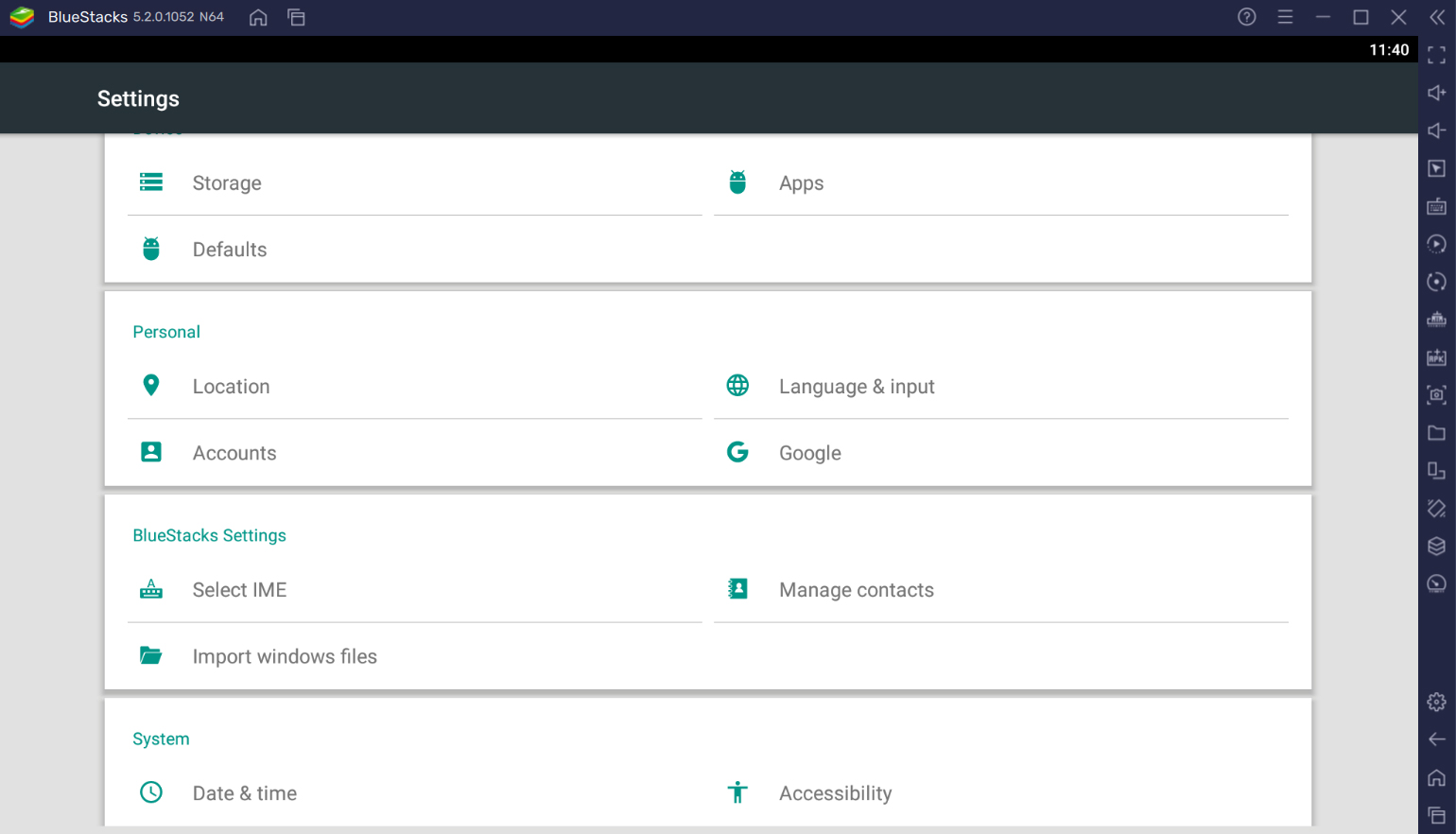
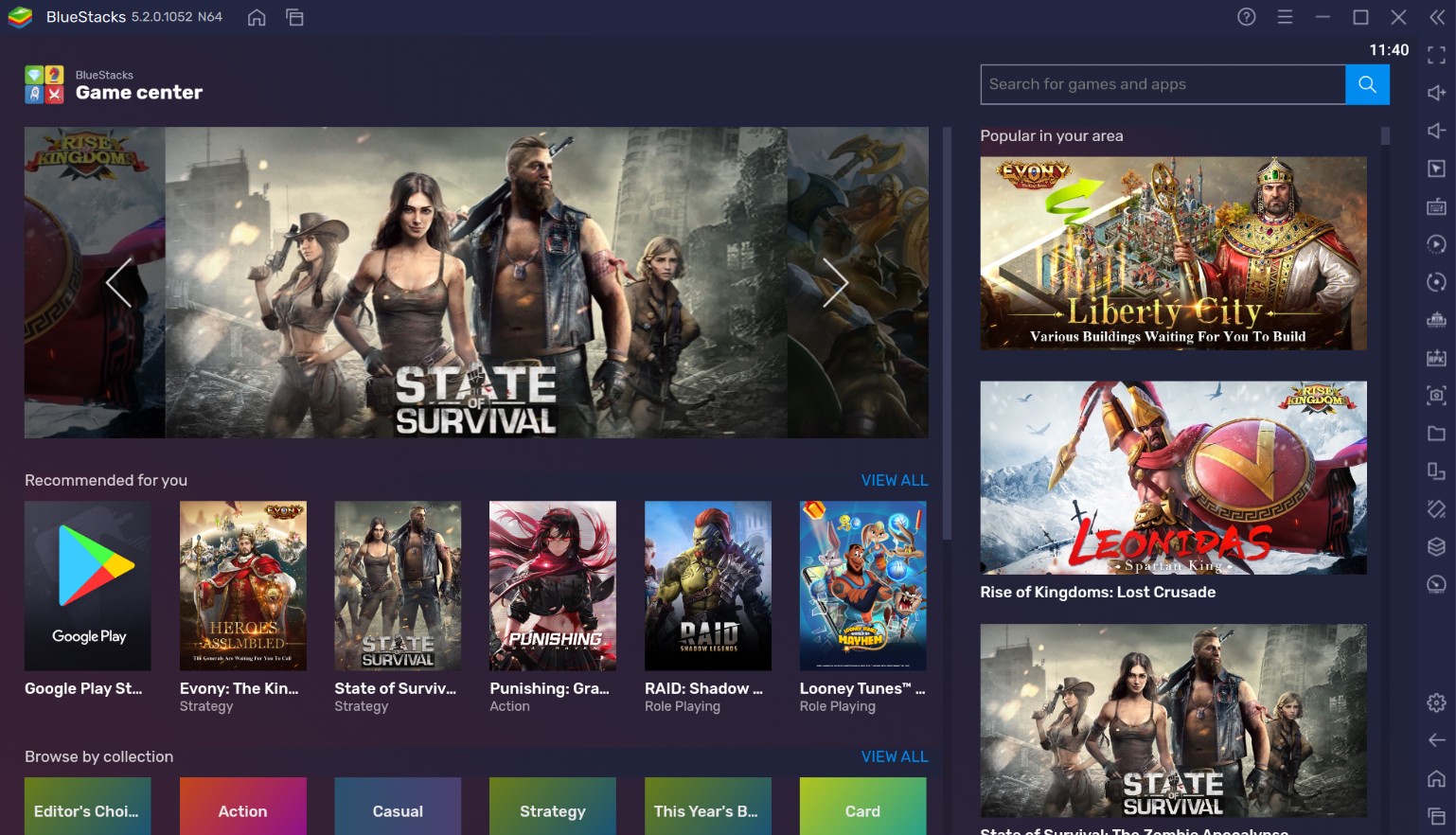
BlueStacks is a powerful Android emulator for Windows that runs games and apps smoothly, offers professional controls, easy installation, and developer features with a fast, stable, and unlimited experience. This program is the best, most powerful, and most popular software for running Android apps and games on Windows. By installing it on your personal computer, you can emulate the Android operating system and run all Android games and apps through your computer! If you want to test apps and games downloaded from the internet before installing them on your mobile device to ensure they work without issues, we recommend the excellent BlueStacks software! This program, available in both X86 and X64 versions, allows you to emulate Android on your Windows system easily and without any problems! The available features enable you to install and run apps and games with a single click! BlueStacks supports installing 99% of Android games and apps! Just install and run your desired app from within the emulator! You can also import apps and games stored on your system and install them with one click through BlueStacks!
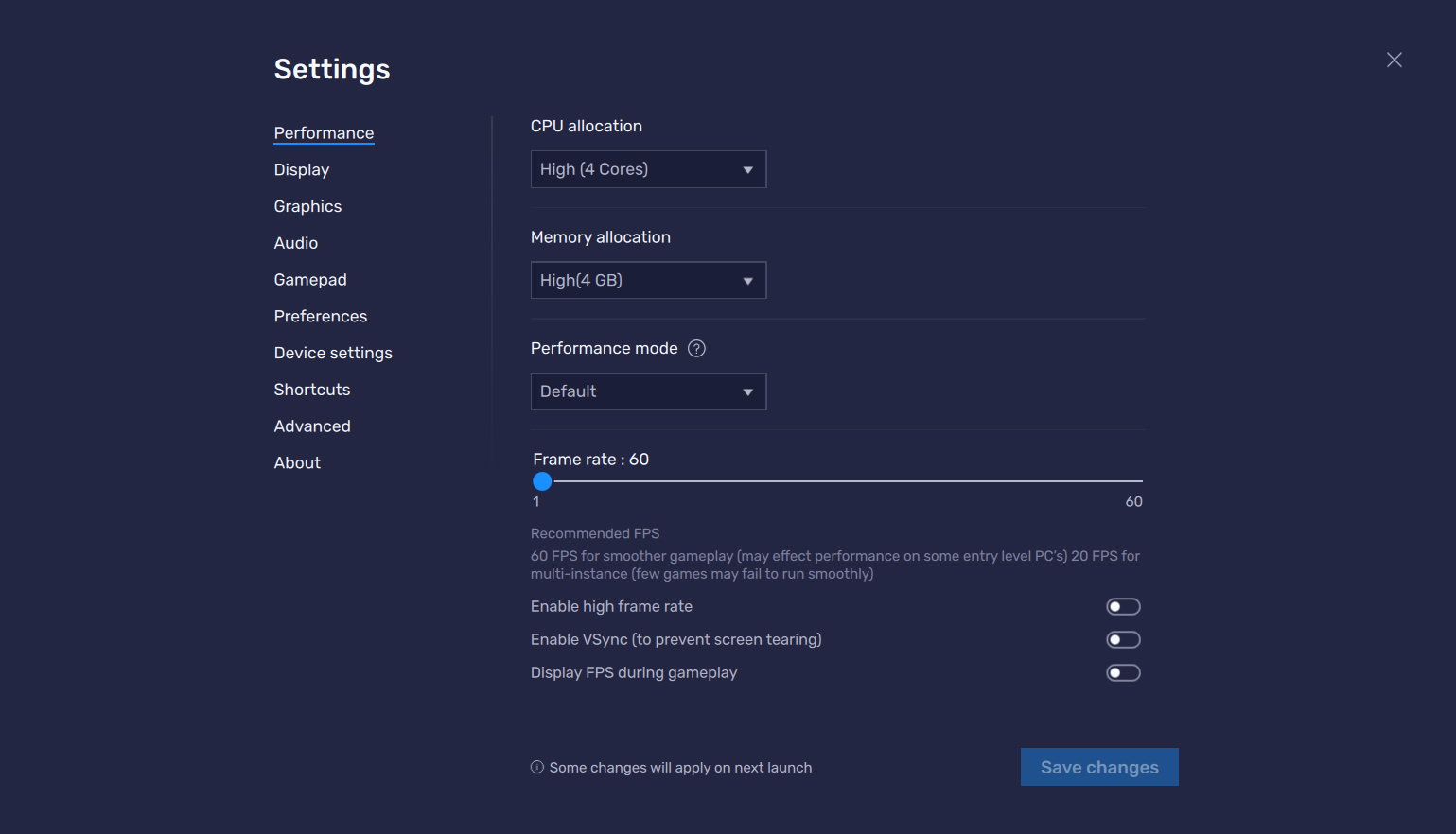
Some features and capabilities of BlueStacks Android software:
- 🎮 Run all Android games (with or without data)
- 📱 Run all apps and Android applications without issues
- 🖥️ Emulate the Android environment in a full-screen window
- ⚡ Easy installation without any downloads or user difficulties
- 🎮 Eco mode to reduce resource consumption
- 🧩 ADB support for debugging
- 📍 Location simulation (GPS)
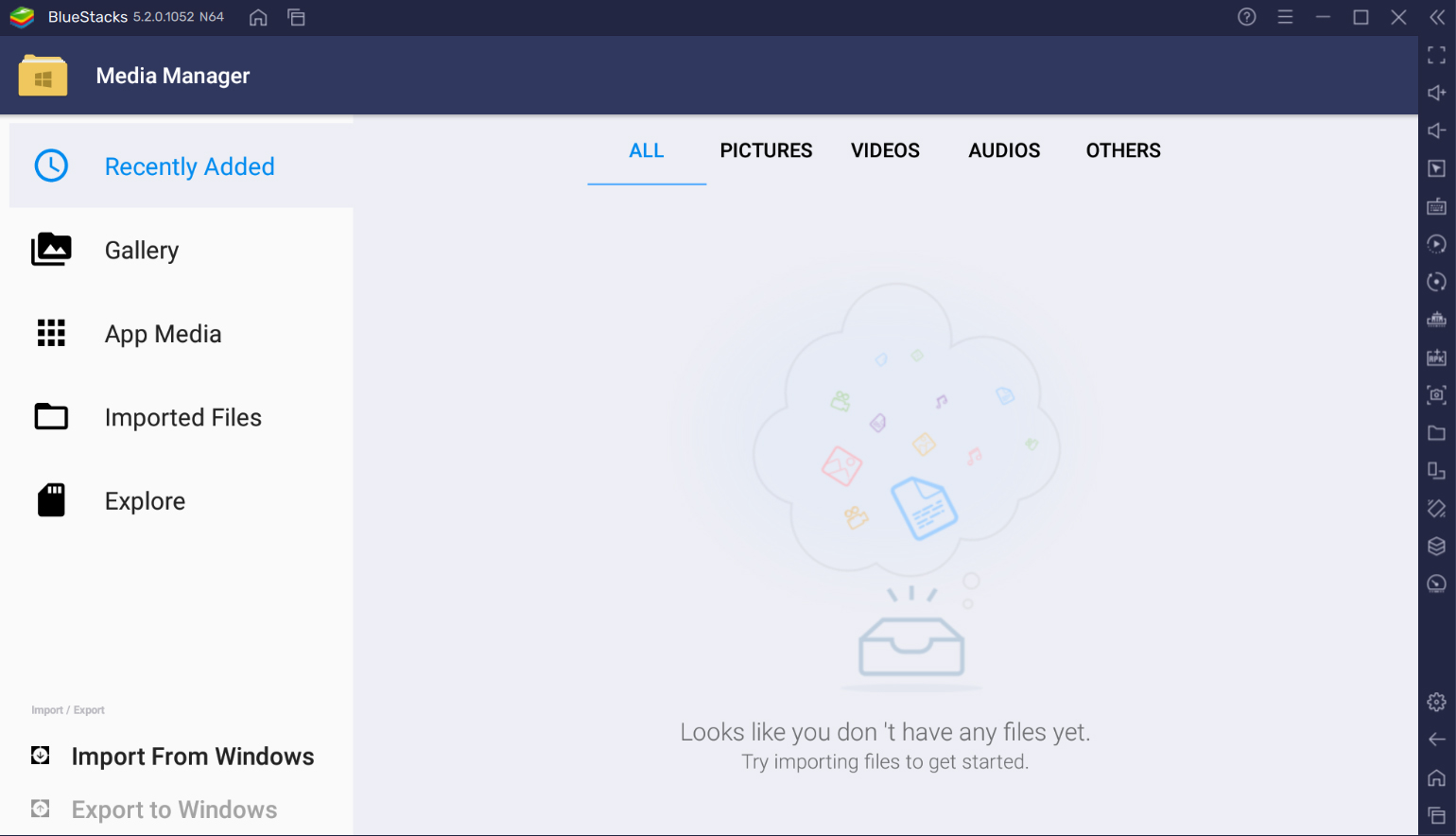
- 🖱️ Drag and drop files from Windows
- 📂 Folder sharing between Windows and Android
- 🎮 Customize game controls with keyboard and mouse
- 🎮 Support for game controllers
- 🧑💻 Run multiple instances simultaneously with different accounts
- 📸 Record video and take screenshots of the Android environment
- 🌐 Built-in VPN support
- 🌐 Proxy settings for network testing
The version of the BlueStacks application we provide is the official and original version with a size of over 500 MB, recommended for all users interested in Android emulation. DroidCove offers it for you. The software has been tested by us and installs and runs without any issues. You can download it with one click from the site’s high-speed servers.



![KineMaster 8.1.13 – Powerful Video Editor for Android [Update]](https://droidcove.com/wp-content/uploads/2026/06/KineMaster-Logo-1-100x100.webp "KineMaster 8.1.13 - Powerful Video Editor for Android [Update] 5")

